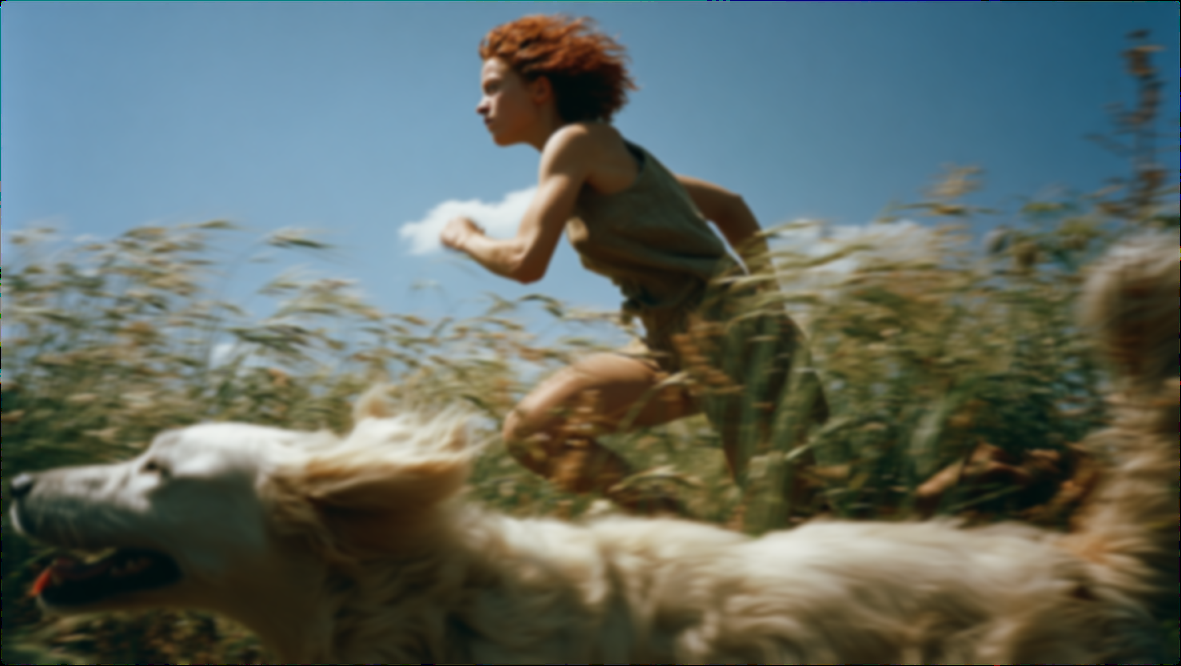
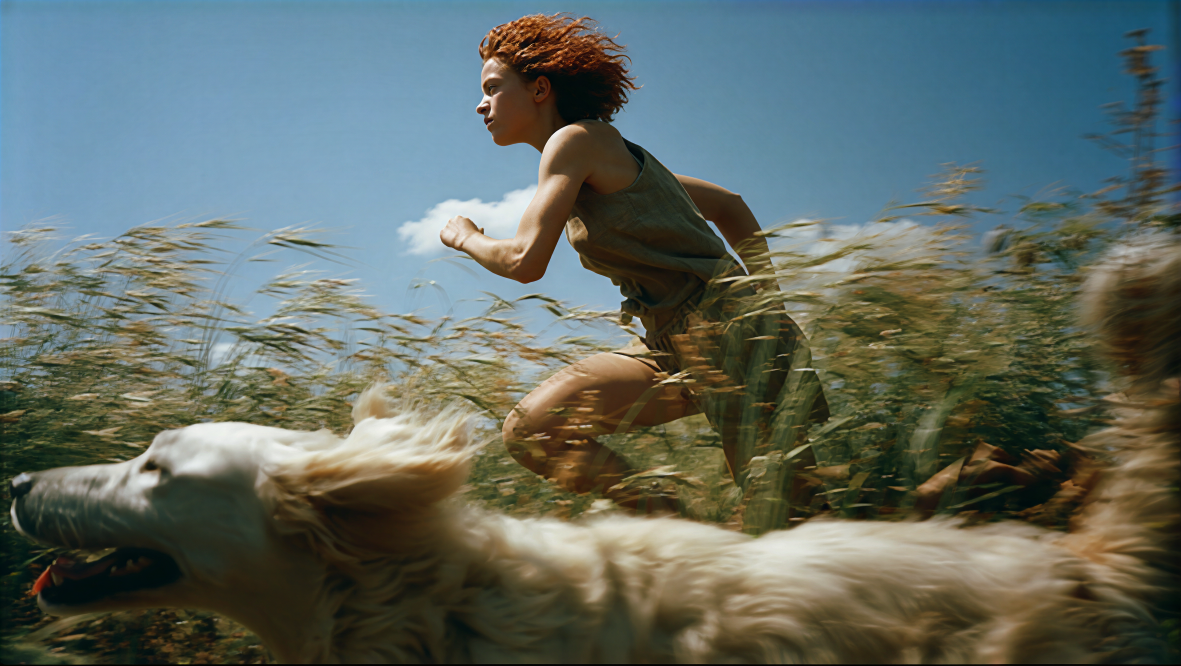
This workflow compares the original image against a Topaz Wonder 3.5–enhanced result to help you pick the right enhancement strength for your needs. Using LoadImage to ingest your source, TopazImageEnhanceV2 applies generative upscaling with three selectable strengths—Low, Medium, and High—targeting fine detail recovery, noise reduction, and crisper text/graphics. ImageCompare then outputs a side-by-side composite so you can visually assess changes at a glance, while SaveImageAdvanced saves both the enhanced image and the comparison view.
The key trade-offs lie in how aggressively Wonder 3.5 invents or amplifies detail. Low is conservative and best when you want to preserve natural textures (e.g., skin) with minimal risk of halos. Medium balances clarity and fidelity for most photos. High is most assertive and can dramatically sharpen small text, logos, and structured graphics or rescue heavily compressed images—but it’s also where over-sharpening and hallucinated detail are most likely. By rerunning the same image with different strength settings and reviewing each A/B comparison, you can quickly converge on the best setting for your subject matter.
API
استخدم سير العمل هذا من الكود
كل سير عمل في Comfy هو رسم بياني بصيغة JSON. الحمولة أدناه هي هذا سير العمل بالضبط كما يشغله ComfyUI — يمكنك جلبه من الرابط، حفظه في نظام التحكم بالإصدارات، أو تحميله في ComfyUI وتشغيله عقدة تلو الأخرى.
شغّله من TypeScript أو Python باستخدام Comfy SDK. نفس الكود يعمل على Comfy Cloud أو ComfyUI الذي تستضيفه بنفسك — فقط عنوان URL الأساسي يتغير.
// Install (beta)
npm i @comfyorg/sdk

// Run this workflow (TypeScript)
import { Comfy } from "@comfyorg/sdk";

const client = new Comfy({ apiKey: "comfyui-..." });
const wf = await client.workflows.fromFile("workflow_api.json");
const job = await client.run(wf);
await job.getOutputs("<output-node-id>")[0].toFile("output.png");
يأخذ SDK سير العمل بصيغة API: افتح هذا سير العمل في ComfyUI واستخدم ملف → تصدير سير العمل (API).
يتطلب الوصول إلى Comfy Cloud API خطة تتضمن مفتاح API.



















