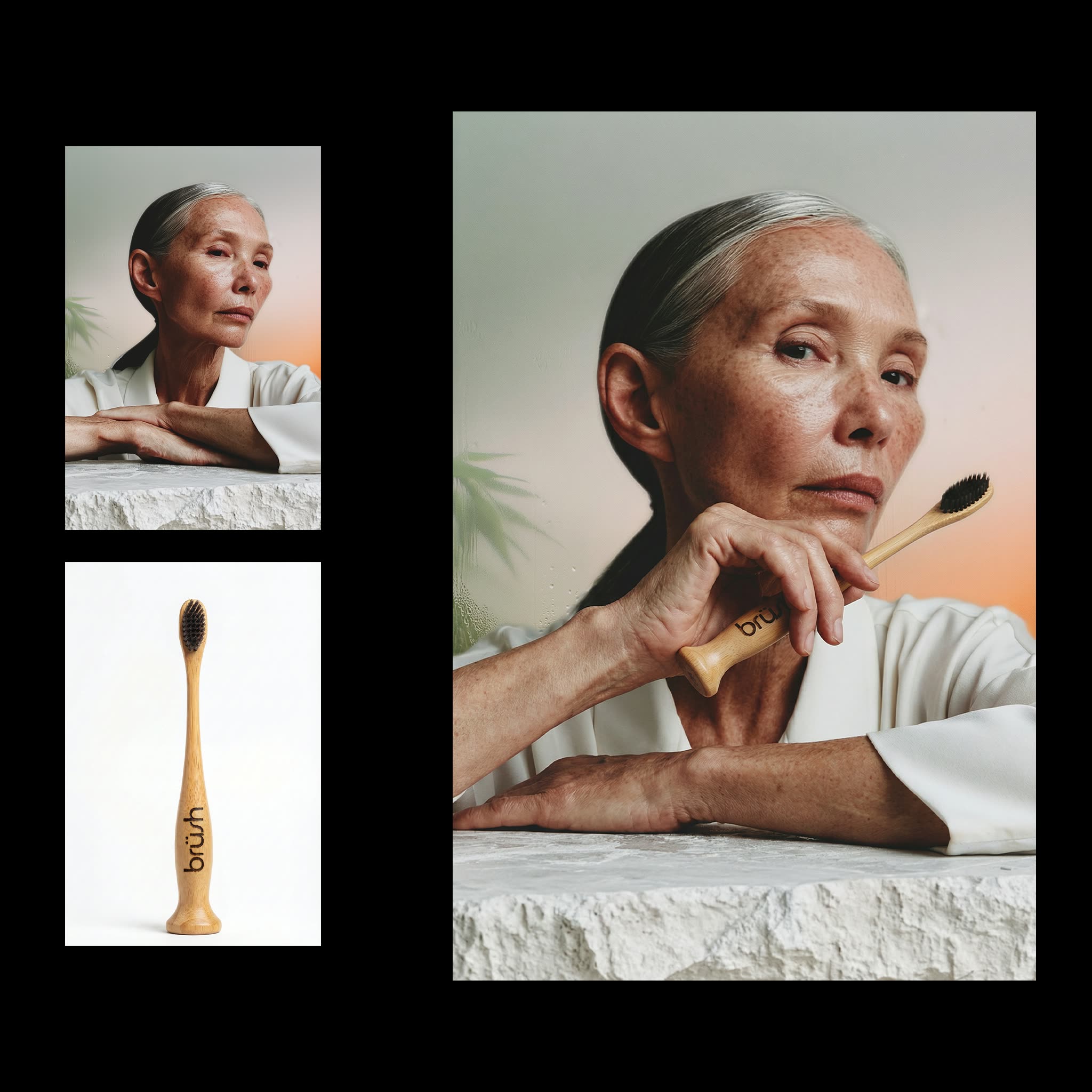
تم تصميم سير العمل هذا في ComfyUI لدمج منتج داخل يد شخصية في الصورة، ما يجعله مناسبًا لإنشاء محتوى من إنشاء المستخدم (UGC) يعرض المنتجات في سياق شخصي. يعتمد سير العمل على عدة عُقَد ونماذج أساسية لتحقيق هذا التأثير. يبدأ بعقدة 'LoadImage' التي تتيح رفع صور كلٍ من الشخصية والمنتج. ثم تقوم عقدة 'GeminiImage2Node' المدعومة بنموذج Gemini3 Pro Image Preview بمعالجة الصور لضمان التوافق وأفضل دمج ممكن. تُعد هذه العقدة مهمة للحفاظ على سلامة المظهر والواقعية في الصورة النهائية. كما يتضمن سير العمل عقدة 'e20a7fb5-3d72-41c9-a78c-fdf287ec46ec' التي تستخدم تقنيات ذكاء اصطناعي متقدمة لوضع المنتج بدقة في يد الشخصية. وأخيرًا، تتيح عقدة 'SaveImage' تصدير الصورة النهائية الجاهزة للاستخدام في مواد التسويق أو وسائل التواصل الاجتماعي. هذا السير مفيد بشكل خاص للشركات والمسوقين الذين يرغبون في إنشاء محتوى بصري جذاب يعرض منتجاتهم بطريقة قريبة من الجمهور وتلفت الانتباه.
API
استخدم سير العمل هذا من الكود
كل سير عمل في Comfy هو رسم بياني بصيغة JSON. الحمولة أدناه هي هذا سير العمل بالضبط كما يشغله ComfyUI — يمكنك جلبه من الرابط، حفظه في نظام التحكم بالإصدارات، أو تحميله في ComfyUI وتشغيله عقدة تلو الأخرى.
شغّله من TypeScript أو Python باستخدام Comfy SDK. نفس الكود يعمل على Comfy Cloud أو ComfyUI الذي تستضيفه بنفسك — فقط عنوان URL الأساسي يتغير.
// Install (beta)
npm i @comfyorg/sdk

// Run "عارض يحمل المنتج" (TypeScript)
import { Comfy } from "@comfyorg/sdk";

const client = new Comfy({ apiKey: "comfyui-..." });

// This workflow, exported in API format (see note below)
const wf = await client.workflows.fromFile("templates-subject_holding_product.app_api.json");

const asset = client.assets.fromFile("input.png");
wf.setInput("10", "image", asset);  // LoadImage

const job = await client.run(wf);
await job.getOutputs("15")[0].toFile("output.png");  // SaveImage
يأخذ SDK سير العمل بصيغة API: افتح هذا سير العمل في ComfyUI واستخدم ملف → تصدير سير العمل (API).
يتطلب الوصول إلى Comfy Cloud API خطة تتضمن مفتاح API.
الأسئلة الشائعة


















