# Comfy: full site text
> Every English page on comfy.org as markdown, in one file, except the supported-models directory, which has its own catalog at https://comfy.org/p/supported-models/llms.txt. The curated index is https://comfy.org/llms.txt; each page below starts with its canonical URL.
# Comfy - Professional Control of Visual AI
> Comfy is the AI creation engine for visual professionals who demand control over every model, every parameter, and every output.
[Get started for free](https://cloud.comfy.org/?utm_source=comfy_org&utm_medium=website&utm_campaign=free_tier&utm_content=hero_get_started_free)
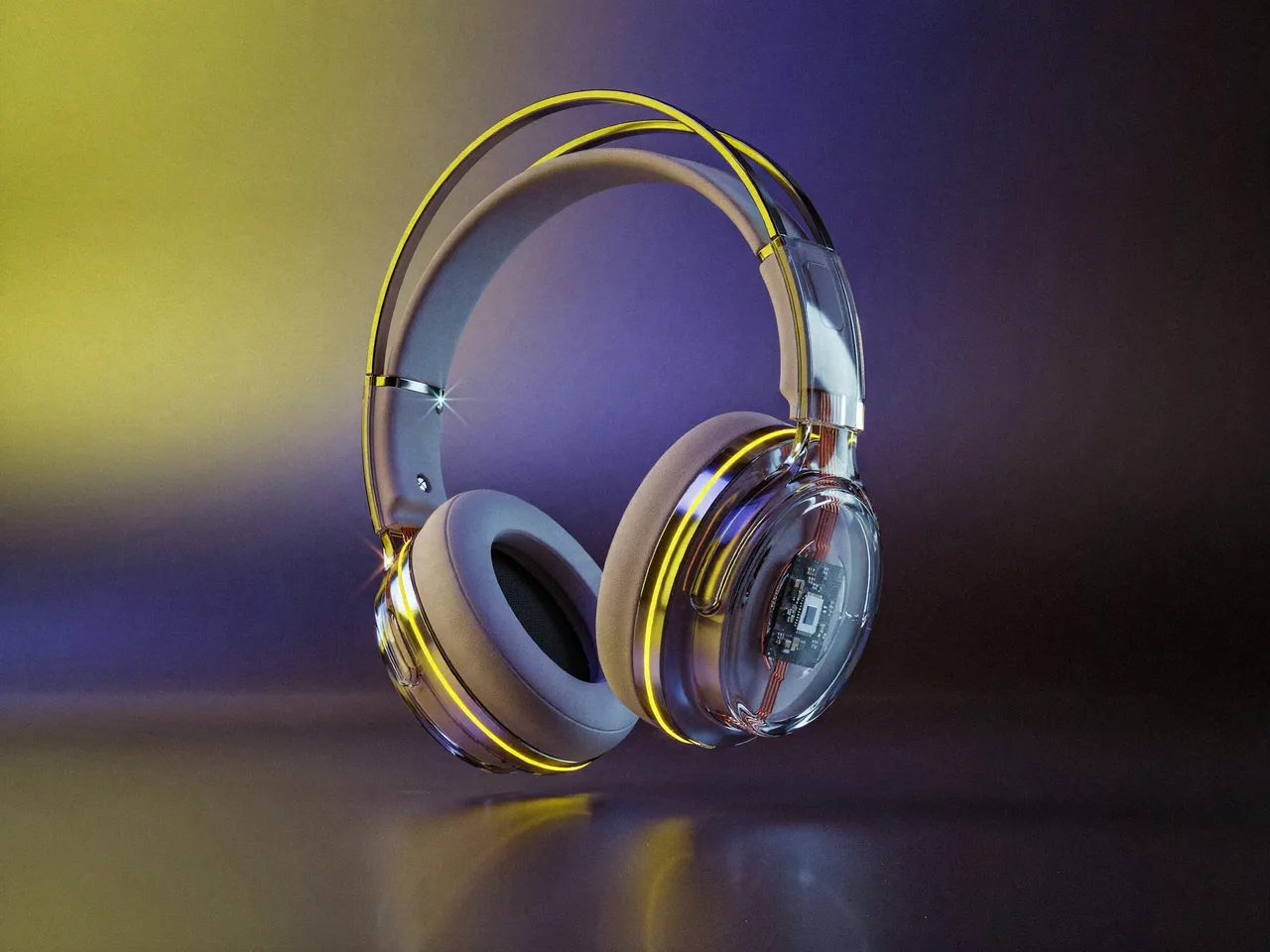
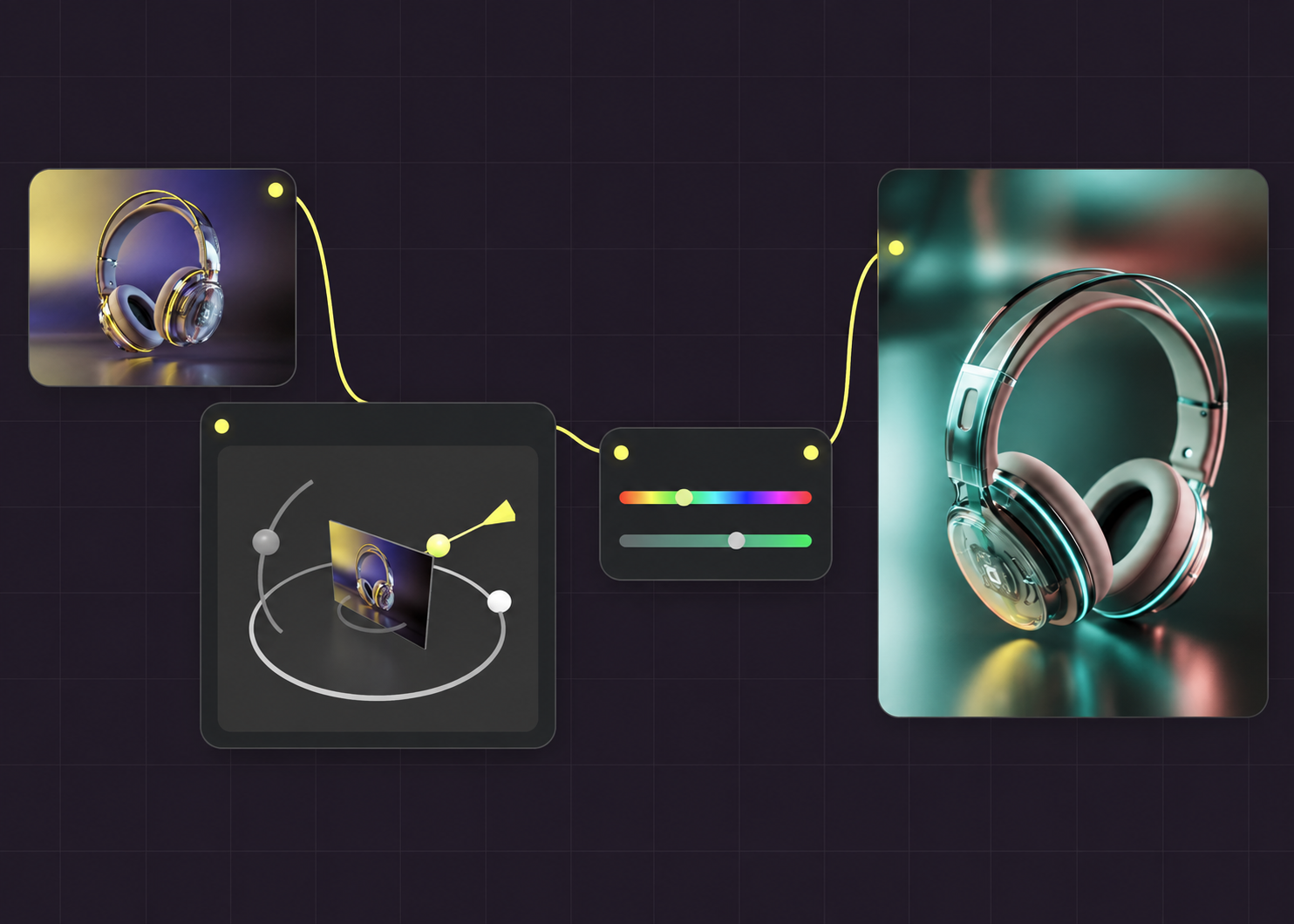
3D ANGLE
Horizontal angle Vertical angle Zoom
COLOR
HUE
SATURATION
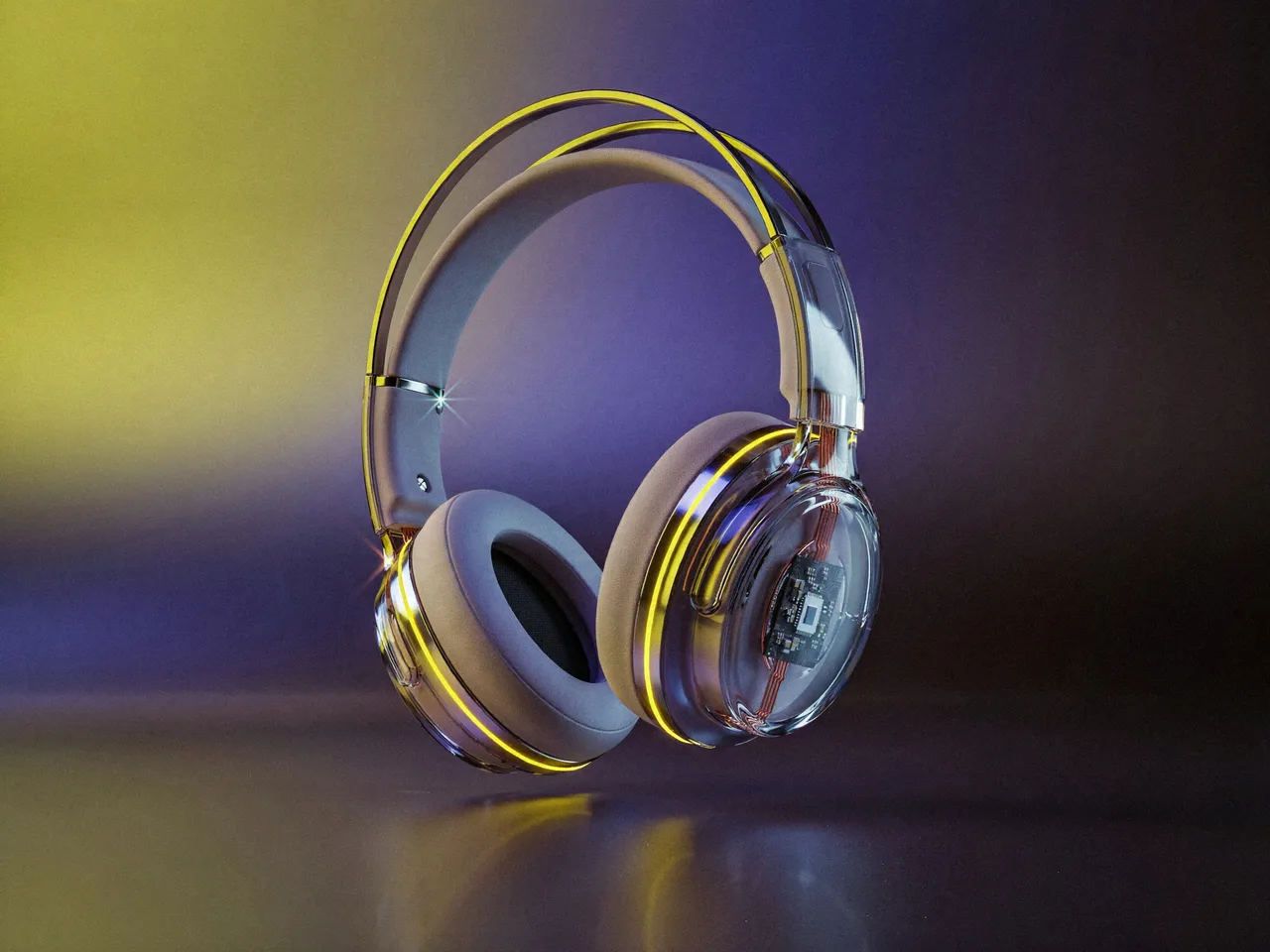 OUTPUT
# Professional Control of Visual AI
3D ANGLE
Horizontal angle Vertical angle Zoom
COLOR
HUE
SATURATION
OUTPUT
[Get started for free](https://cloud.comfy.org/?utm_source=comfy_org&utm_medium=website&utm_campaign=free_tier&utm_content=hero_get_started_free)
## DEVELOPER PLATFORM
Deploy your ComfyUI workflow as a production API. Thousands of models on one platform.
[Get Started](https://comfy.org/platform/) [Read the docs](https://docs.comfy.org/development/overview)
## MiniMax Commercial License
Comfy is the only official reseller of MiniMax commercial-use licenses, for running MiniMax models locally on your own hardware. Full commercial rights to your outputs, fine-tuning and LoRA training, and client and downstream work included.
[REQUEST LICENSE](https://comfy.org/contact/) [TRY H3 ON COMFY CLOUD](https://cloud.comfy.org/?share=a781503cf508)
Only official reseller Audio and music included Available globally
FEATURED · STAFF PICK
## Product Advertisement Video
 Rob Product Video
FEATURED · STAFF PICK
## MiniMax H3: Image to Video
 ComfyUI Video Image to Video
FEATURED · STAFF PICK
## MiniMax H3: Reference to Video
ComfyUI Video Reference to Video
FEATURED · STAFF PICK
## MiniMax H3: Text to Video
ComfyUI Text to Video Video
FEATURED · STAFF PICK
## Topaz: Image Enhance Bloom 2
ComfyUI API Image Upscale
FEATURED · STAFF PICK
## FLUX 3 Video: Text to Video
ComfyUI Partner Nodes Text to Video
HOW WORKS
Connect models, processing steps, and outputs on a canvas where every decision is visible and every step is inspectable.
Start from a community template or build from scratch.
Industries
Powered by 60,000+ nodes, thousands of workflows, and a community that builds faster than any one company could.
[EXPLORE WORKFLOWS](https://comfy.org/workflows/)
## Get started in minutes
Go as deep as you want to.
1
### Download or Sign up
[Download Desktop](https://comfy.org/download/) or [Try Cloud for free](https://cloud.comfy.org/?utm_source=comfy_org&utm_medium=website&utm_campaign=free_tier&utm_content=getstarted_try_cloud) .
2
### Load a workflow
Start from [a community template](https://comfy.org/workflows/) or build your own.
3
### Generate & Iterate
Run, adjust, scale when you're ready.
## The AI creation engine for complete control
Over every model, every node, every step, every output.
[Comfy Desktop
Run ComfyUI on your own hardware.
SEE DESKTOP FEATURES](https://comfy.org/download/) [Comfy Cloud
The full power of ComfyUI from anywhere.
SEE CLOUD FEATURES](https://comfy.org/cloud/) [Developer Platform
Deploy and scale ComfyUI workflows.
SEE PLATFORM FEATURES](https://comfy.org/platform/) [Comfy Enterprise
Enterprise-grade infrastructure for the creative engine inside your organization.
SEE ENTERPRISE FEATURES](https://comfy.org/enterprise/)
Customer Stories
## See ComfyUI in the real world
Videos & case studies from teams building with ComfyUI
[WATCH STORY](https://comfy.org/customers/videos/black-math/) [SEE ALL CASE STUDIES](https://comfy.org/customers/)
New Model Release
## Seedance 2.5
ByteDance's cinematic video model — multi-shot sequences with native audio, text or image in. You direct on the canvas; Seedance renders the cut.
[Explore Seedance 2.5](https://comfy.org/seedance-2.5/) [Try Workflow](https://cloud.comfy.org/?template=api_seedance2_5_r2v)
Partner Nodes
---
# About Us - Comfy
> Comfy builds ComfyUI, the open-source engine for visual AI, and the desktop, cloud, API, and enterprise products around it. Meet the team and the mission.

ABOUT
# Build the tools that reward creative skill
The team behind Comfy is small, intense, and building what we intend to be our life’s work.
[SEE OPEN ROLES](https://comfy.org/careers/)
00:00
OUR STORY
## An open-source project that became the professional standard for visual AI.
In January, 2023, no tool on the market could chain two AI models together into a repeatable workflow. One developer in Quebec City built his own in two weeks and open-sourced it.
OUR
INVESTORS
If it can be open, it should be open. That’s how we build an ecosystem that moves faster than any company could think for, and it’s how we think about code, content, and skins. We make money by building things worth paying for, not by controlling what we believe should be free.
‘Comfy has innovated a new and powerful ecosystem for creativity without compromising creative control. It has been amazing to watch technical artists and curious creative minds leverage Comfy to explore the full surface area of their ideas.’
Scott Belsky, Founder of Behance
OUR VALUES
## We believe everyone deserves to design exactly what they dream, own their process, and never compromise because of their software.
SHIP IT
Work hard for what makes it into the world. Ideas don’t substitute for output.
SHARE IT
Every decision and its reasoning gets shared with the team.
OPEN-SOURCE IT
If it can be open, it should be open. That’s how we build an ecosystem that moves faster than any company could imagine.
RESPECT THE CRAFT
We build for people who prefer precision over shortcuts. The learning curve is high but the payoff is worth it.
SHIP IT
Work hard for what makes it into the world. Ideas don’t substitute for output.
SHARE IT
Every decision and its reasoning gets shared with the team.
OPEN-SOURCE IT
If it can be open, it should be open. That’s how we build an ecosystem that moves faster than any company could imagine.
RESPECT THE CRAFT
We build for people who prefer precision over shortcuts. The learning curve is high but the payoff is worth it.
Why join
?
IF YOU...
Want to build tools that empower others to create.
Want your output to matter more than your title.
Want high agency in a flat organization.
Would rather ship and learn than plan and wait.
Why join
?
IF YOU...
Want to build tools that empower others to create.
Want your output to matter more than your title.
Want high agency in a flat organization.
Would rather ship and learn than plan and wait.

CAREERS
## Join the team
[SEE OPEN ROLES](https://comfy.org/careers/)
Don’t see your dream role here? hiring@comfy.org
---
# Comfy.org Affiliate Program - Become a Partner
> Earn 30% recurring commission for 3 months on every Comfy Cloud subscription you refer. Apply to become a Comfy Partner.
AFFILIATE
# Earn 30% recurring commission for 3 months.
- 30% recurring commission for 3 months
- 60-day cookie window
- $100 minimum payout
- Monthly payouts
[APPLY NOW](https://forms.gle/RS8L2ttcuGap4Q1v6)
## How it works
1. Apply
Submit a quick form. Most applicants approved same day.
2. Share
Get your unique tracking link. Share via content, social, email, however you reach your audience.
3. Earn
30% recurring commission for 3 months on every Comfy Cloud subscriber you refer. Tracked in real-time. Paid monthly.
## Who we're looking for
### If you are...
- A ComfyUI tutorial creator or workflow builder
- An AI tool reviewer on YouTube, TikTok, blogs
- A tech blogger covering AI creative tools
- A newsletter operator in the AI/creative space
- Anyone with an audience interested in AI image, video, or 3D
## Why ComfyUI for affiliate creators
01
ComfyUI is the most powerful open-source AI creative platform
02
Comfy Cloud lets you run ComfyUI in the browser, no GPU needed, all models pre-loaded
03
Node-based workflows give users full creative control unlike prompt-only tools
04
1,000+ community custom node packages
[APPLY NOW](https://forms.gle/RS8L2ttcuGap4Q1v6)
## Brand logos for your content
Banners, screenshots, and talking points are in your affiliate dashboard after approval. Get the [full brand assets here](https://comfy.org/brand/).
- ### Core Logo
- ### Logomark
- ### Icon
- 
### Amplified Logomark
[Go to brand portal](https://comfy.org/brand/)
## Frequently asked questions
Real-time dashboard via our partner portal.
All Comfy Cloud paid subscription plans (Standard, Creator, Pro, Teams).
Most applications approved within 24 hours.
Monthly, within the first 10 business days. Minimum balance $100. Paid via Stripe Express or PayPal.
If they upgrade, your commission increases. If they downgrade, it adjusts accordingly. Commission is based on actual amounts received by Comfy.org, net of refunds.
Yes. We support both tracking links and unique coupon codes.
We use server-side tracking, so conversions are tracked regardless.
Logos and banners on this page, plus screenshots and talking points in your affiliate dashboard after approval.
## Ready to start earning?
[APPLY NOW](https://forms.gle/RS8L2ttcuGap4Q1v6)
[Read the affiliate program terms](https://comfy.org/affiliates/terms/)
---
# Affiliate Terms - Comfy
> Comfy.org Affiliate Program Terms and Conditions.
Effective Date: May 16, 2026
On this page
- 1. Program Overview
- 2. Eligible Products
- 3. Commission Structure
- 4. Attribution Rules
- 5. Prohibited Activities
- 6. Content Guidelines and Intellectual Property Rights
- 7. Termination
- 8. Program Modifications
- 9. Indemnification and Limitation of Liability
- 10. Governing Law
- 11. Miscellaneous
## 1. Program Overview
The [Comfy.org](https://comfy.org/) Affiliate Program (" **Program**") allows approved participants (" **Affiliates**") to earn commissions by referring new paying customers to Comfy Cloud. By participating in this program, you agree to these terms.
## 2. Eligible Products
Commissions are earned on Comfy Cloud paid subscription plans only. The following are excluded from commission eligibility: free tier signups (unless they later convert to paid), one-time credit purchases, enterprise contracts negotiated directly with Comfy sales, and API-only usage billed outside of standard subscription plans.
## 3. Commission Structure
- Commission rate: 30% recurring on the net subscription amount received by Comfy.org
- Commission duration: 3 months from the referred customer’s first paid subscription
- Cookie/attribution window: 60 days from the referral click
- Minimum payout threshold: $100
- Payout schedule: Monthly, within the first 10 business days of each month after the receipt of applicable payment by Comfy from its referred customer
- Payout method: Via the affiliate tracking platform (Stripe Express or PayPal)
- Commission cessation: To the extent a referred customer’s subscription is canceled, in whole or in part, the affiliate shall correspondingly cease to receive commission payments, even within the 3-month commission window. Refunded or charged-back transactions are not eligible for commission, and any commission previously paid for such transactions will be deducted from future payouts (see Section 4).
## 4. Attribution Rules
- Commissions are attributed on a last-click basis within the 60-day cookie window
- If a referred customer cancels and re-subscribes within 60 days, the original affiliate retains attribution
- If a referred customer upgrades their plan, commission is calculated on the upgraded amount
- If a referred customer downgrades their plan, commission adjusts to the new plan amount
- Refunded transactions are not eligible for commission
- Any commission paid on refunded transactions will be deducted from future payouts to you
## 5. Prohibited Activities
Affiliates must NOT:
- **Self-refer**: Use your own affiliate link to purchase or receive discounts on your own account
- **Bid on branded keywords**: Run paid search campaigns (Google Ads, Bing Ads, etc.) targeting "ComfyUI," "Comfy.org," "Comfy Cloud," or any misspellings or variations thereof
- **Misrepresent**: Impersonate Comfy.org, claim to be an employee, or create assets that could be confused with official Comfy.org materials
- **Spam**: Send unsolicited bulk emails, messages, or engage in any form of spam promotion
- **Cookie stuff**: Use hidden iframes, pop-unders, or any technical means to set cookies without genuine user intent
- **Incentivize clicks**: Offer monetary rewards, points, or other incentives solely for clicking your affiliate link (content recommendations are fine)
- **Use misleading claims**: Make false or exaggerated claims about Comfy.org products, pricing, or features
- **Promote on prohibited content**: Place affiliate links on sites containing illegal content, hate speech, or adult content
- **Contrary to laws**: Place affiliate links in any market that is prohibited as a region under the laws of the United States of America.
## 6. Content Guidelines and Intellectual Property Rights
- Affiliates must clearly disclose the affiliate relationship in accordance with FTC guidelines (US) and equivalent regulations in their jurisdiction
- Recommended disclosure: "This page contains affiliate links. I may earn a commission if you sign up through my link."
- Affiliates may use Comfy.org logos and brand assets only as provided in the official affiliate asset kit, and may not modify them
- Comfy.org retains all rights, including in any of its intellectual property apart from the limited use rights granted herein
## 7. Termination
- Either party may terminate the affiliate relationship at any time with 14 days’ prior written notice
- Comfy.org reserves the right to immediately terminate and withhold commissions if an affiliate violates any of the prohibited activities listed above
- Upon termination, any unpaid commissions above the minimum threshold will be paid in the next regular payout cycle
- Commissions on referred customers will cease at the time of termination, even if within the 3-month commission window
## 8. Program Modifications
- Comfy.org reserves the right to modify these terms, commission rates, or program structure with 30 days notice to active affiliates
- Continued participation after notice constitutes acceptance of modified terms
## 9. Indemnification and Limitation of Liability
- You will indemnify Comfy.org from any third party claim arising out of your breach of these terms.
- Comfy.org’s liability to any affiliate shall not (i) exceed the total commissions paid to that affiliate in the preceding 12 months, and (ii) include any indirect, consequential, punitive or any other type of special damages.
- Comfy.org is not responsible for tracking failures caused by user browser settings, ad blockers, or VPNs, though we employ server-side tracking to minimize these issues
## 10. Governing Law
These terms shall be governed by and construed in accordance with the laws of the State of Delaware, without regard to conflict of law principles. All disputes arising under this Agreement shall be resolved exclusively in the state or federal courts in the State of Delaware.
## 11. Miscellaneous
**(a) Entire Agreement.** These terms constitutes the sole and entire agreement (including the attached schedules and exhibits) of the Parties with respect to the subject matter of these terms, and supersedes all prior and contemporaneous understandings, agreements, representations, and warranties, both written and oral, with respect to the subject matter. **(b) Relationship of Parties.** Each party is an independent contractor with regard to these terms. Nothing contained in These terms shall be construed as creating any agency, partnership, joint venture, or other form of joint enterprise, employment, or fiduciary relationship between the Parties. Neither party, by virtue of these terms, will have any right, power, or authority to act or create an obligation, express or implied, on behalf of the other party. **(c) Assignment.** Neither party shall assign any of its rights or delegate any of its obligations hereunder without the prior written consent of the other party, which consent shall not be unreasonably withheld, conditioned or delayed. **(d) Severability.** If any term or provision of these terms is invalid, illegal, or unenforceable in any jurisdiction, such invalidity, illegality, or unenforceability shall not affect any other term or provision of these terms or invalidate or render unenforceable such term or provision in any other jurisdiction. Upon a determination that any term or provision is invalid, illegal or unenforceable, the Parties hereto shall negotiate in good faith to modify these terms to effect the original intent of the Parties as closely as possible in order that the transactions contemplated hereby be consummated as originally contemplated to the greatest extent possible. **(e) Waiver.** No waiver by either party of any of the provisions hereof shall be effective unless explicitly set forth in writing and signed by the party so waiving. **(f) Notice.** Each party shall deliver all notices, requests, consents, claims, demands, waivers, and other communications under these terms in writing to the email utilized for the primary contact for the other party. **(g) Cumulative Remedies.** All rights and remedies provided in these terms are cumulative and not exclusive, and the exercise by a party of any right or remedy does not preclude the exercise of any other rights or remedies that may now or subsequently be available at Law, in equity, by statute, in any other agreement between the Parties or otherwise. **(h) No Third-Party Beneficiaries.** These terms benefits solely the Parties to these terms and their respective permitted successors and assigns and nothing in these terms, express or implied, confers on any other person or entity any legal or equitable right, benefit, or remedy of any nature whatsoever under or by reason of these terms.
---
# Comfy Agent — The first agent for craft
> Comfy Agent is available now in Comfy Cloud, with local support coming soon. It builds, runs, and reviews workflows while you edit the canvas.
Describe what you want right inside ComfyUI. It plans, builds and runs workflows. Editing the canvas while you work, it crafts side by side with you.
[Try Comfy Agent](https://cloud.comfy.org/)
Base scene
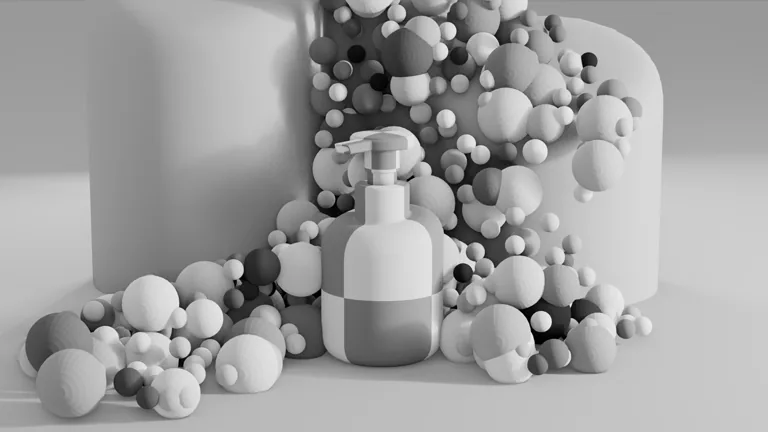
Product references
  
Generate images
Create 3 product scenes from the base composition and bottle references.
White keyframe

Gold keyframe

Purple keyframe

Motion reference
Generate video
Use the motion reference and keyframe to render a video ad.
Final output
User
The agent
## Your teammate inside ComfyUI
### Workflow Master
- Curated knowledge for model recommendations and node selection.
- Builds, edits, explains, and debugs workflows
- Runs generations with your permission
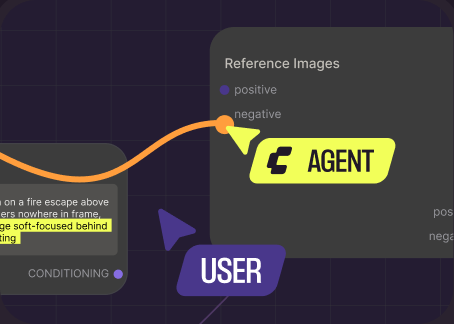
### Real-time Collaboration
- Edits the canvas together with you, in real time
- References assets or nodes directly from the graph or library
- Understands assets visually. It sees what you see
### Vibe Crafting
- Local custom-node support is coming soon
- Creates your own skills, or uses public preset skills
- Runs up to 5 agent chats in parallel, with full history
[Try Comfy Agent](https://cloud.comfy.org/)
Use cases
## One canvas, every industry
Studios run these workflows in production today, on Comfy.
00:00
By 852話 | Andidea
### Animation, from story to screen
Bring characters and imagined worlds into the same creative workflow. The agent helps shape the look, explore a scene, and compare generation results. Made by one artist in 100 hours with Comfy Agent.
Animation
[See how it's made](https://blog.comfy.org/p/creating-the-story-of-yui-with-852)
00:00
By Doug Hogan
### VFX: isolate, mask, and refine
Take a shot from image to compositing passes. Isolate the subject, generate masks, and work with depth and normals in one workflow.
VFX
00:00
By shanef3d
### Product imagery, from brief to campaign
Build a product scene with precision in Blender. Explore rendering, lighting, materials, and composition, then refine the details on the canvas.
Marketing
## Every result is a workflow, not just an asset.
Everywhere else, you get the output file. With ComfyUI, Comfy Agent hands you the pipeline that made it: every node, seed, sampler, and model. Reuse it at any time.
## Where to start from
Available on Comfy Cloud now, with local support coming soon.
### Comfy Cloud
Try on Comfy Cloud to get free tokens. No setup needed. The agent is there when you log in. You can start with all your saved workflows and assets.
No account yet? [Sign up for free](https://cloud.comfy.org/)
### Running ComfyUI locally
Agent on local ComfyUI is coming soon. Your GPU, your models, your custom nodes. The agent walks you through setup, picks models that fit your hardware, customizes your environment, and vibe codes all the tools you need.
[Let me know when available](https://form.typeform.com/to/UqL3PpAM)
## Which one should I use?
| Feature | Comfy Agent | Comfy MCP |
| --- | --- | --- |
| What is it | The agent built into the Comfy app. Chat and build on the canvas together. Curated knowledge and native tools to operate ComfyUI. | Your own agent, connected to ComfyUI. |
| Best for | Both beginners to advanced builders. See the agent build and edit workflows real time Ask about existing workflows | People who already work in another agent. |
| Requires | Ready-to-go agent integration. Try for free. Uses your existing Comfy Credits. | Your own agent. Comfy Cloud or a local ComfyUI setup. |
| Runs on | Comfy Cloud GPUs now; local GPUs coming soon | Comfy Cloud GPUs, or your local GPU |
| Custom nodes | Cloud-supported nodes on Cloud. Any local node when local support launches. | Cloud-supported on Cloud. Any node on local. |
## Q&A
How do people usually use it?
Key capabilities: - Builds, edits, reads, runs, and debugs workflows, running a task end to end - Builds in real time while you keep editing the graph - Curated knowledge for model recommendations and parameter tips - References assets and nodes, dragged straight from the asset library - Visual understanding of assets anywhere in Comfy - Creates, saves, and deletes skills - Up to 5 agent chats in parallel, with full chat history Coming soon: - Local support, including creating custom nodes and model/node downloads - GPU detection and workflow recommendations - LLM model selection
What model powers it?
Frontier models by Anthropic. We always provide the strongest we can offer for the job. Choices for switching LLMs is on the way. What they lack alone, the agent adds: full context of your workflow, your errors, and Comfy itself.
Do you plan to support local LLMs?
Yes. We have local LLM support in the roadmap. ComfyUI can do the memory management for both the image / video models and the LLMs at the same time.
Does it work with my existing workflows?
Yes. Open any workflow and the agent reads the whole graph. Describe what you want to change, or point at an error, and keep editing together. You can also reference another workflow in the chat.
Will it run generations without asking?
You decide. By default the agent will ask your confirmation to run any generations. In auto mode it runs and iterates on its own until the result is ready.
What does it cost?
Today, we provide some free tokens for new users to try the chat. Normally, Comfy Agent consumes the Comfy Credits for LLM tokens. Your existing credits can apply to it already. See the pricing page for plans and usage details. [See pricing](https://comfy.org/pricing/)
Can it run locally?
Local support is coming soon. The same agent will run in your local ComfyUI, working on workflows based on your GPU, your models, and your custom nodes. It will walk you through setup, pick models that fit your hardware, and build the tools you need.
Does the agent replace the canvas?
No. The canvas stays at the center. The agent builds with you on it, every control stays where it is, and you keep the editable workflow behind every result.
How is this different from asking ChatGPT?
ChatGPT only gives you instructions to follow. Comfy Agent works directly on your canvas. It sees your workflow and your errors, answers your questions, and also builds and runs the graph, and reviews the output. It doesn’t just see the entire setup, but also execute tasks for you.
Products
## The AI creation engine for complete control
Over every model, every node, every step, every output.
[Comfy Desktop
Run ComfyUI on your own hardware.
SEE FEATURES](https://comfy.org/download/) [Comfy Cloud
The full power of ComfyUI from anywhere.
SEE FEATURES](https://comfy.org/cloud/) [Developer Platform
Deploy and scale ComfyUI workflows.
SEE FEATURES](https://comfy.org/platform/) [Comfy Enterprise
Enterprise-grade infrastructure for the creative engine inside your organization.
SEE FEATURES](https://comfy.org/enterprise/)
---
# Brand — Comfy
> The Comfy brand portal: logos, color, typography, and voice. Everything you need to build something that looks and sounds like Comfy.
Brand Portal
# Create with ComfyUI
Logo, color, type, and voice. Everything you need to build something that looks and sounds like us.
[View brand guidelines](https://drive.google.com/file/d/1EDt03JTfF_nbbY_H2n67aaUj6k11v3bS/view) [Download logos](https://media.comfy.org/website/comfy-org-brand-assets.zip)
## One mark, many dimensions.
Logos come in light and dark options. Use as provided. Do not distort, recolor, or outline. Make sure the logo is legible against its background.
- Core Logo
- Logomark
- Icon
- 
Amplified Logomark
## Every color earns its place.
Our color palette helps build brand recognition. When people think of Comfy, we want them to associate it with the following colors.
- Comfy Yellow
**hex**
**rgb**
**hsl**
**cmyk**
- Comfy Ink
**hex**
**rgb**
**hsl**
**cmyk**
- Comfy Canvas
**hex**
**rgb**
**hsl**
**cmyk**
- Comfy Plum
**hex**
**rgb**
**hsl**
**cmyk**
- Warm White
**hex**
**rgb**
**hsl**
**cmyk**
- Warm Gray
**hex**
**rgb**
**hsl**
**cmyk**
- Cool Gray
**hex**
**rgb**
**hsl**
**cmyk**
- Mauve
**hex**
**rgb**
**hsl**
**cmyk**
## Precise, never cute.
**Direct**
We state things. We don’t hedge, qualify, or suggest. Short sentences. Active voice. One idea at a time.
**Precise**
We use the real names for things. Nodes, samplers, seeds, checkpoints. We don’t talk around the product or reach for metaphor when the technical term is already good.
**Human-first**
The human creates. Comfy makes every step visible. We never write as though the AI is doing the work.
**Anti-hype**
We don’t write “stunning,” “revolutionary,” or “effortless.” We don’t promise magic. Our tagline says exactly what we mean: Method, not magic.
Do
Route your prompt through a ControlNet. Wire the output to the VAE decode.
Comfy runs on your hardware. Nothing leaves your machine.
Don’t
Simply connect your AI blocks and watch the magic happen!
Oops! Something went wrong. Please try again later.
## Trademark guidelines.
Comfy and ComfyUI are trademarks of Comfy Org. You’re welcome to reference them in content that accurately describes your work with our platform. Tutorials, reviews, integrations, and affiliate content all qualify.
A few rules: don’t modify the logo, don’t use the Comfy name in your own product or company name, and don’t present your content in a way that implies official endorsement or partnership beyond what’s been agreed.
For permissions outside these guidelines, [Contact Us](https://support.comfy.org/hc/en-us)
## Questions?
For press, partnerships, or anything outside these guidelines, [Contact Us](https://support.comfy.org/hc/en-us)
---
# Careers - Comfy
> Join the team building the operating system for generative AI. Open roles in engineering, design, marketing, and more.
CAREERS
# Building an operating system for Gen AI
00:00
We're building the world's leading visual AI platform — open, modular, and designed for those who want control, quality and scale in their creative process.
From solo creators to enterprise teams, millions of people rely on ComfyUI to push the boundaries of what creative AI can do.
We're a team of builders. We raise the bar for each other, move fast, and care deeply about the open-source community that's grown alongside us.
If you want to shape the future of creativity, come build with us.
## Roles
DESIGN [Staff Product Designer, Developer Platform
Design San Francisco
San Francisco](https://jobs.ashbyhq.com/comfy-org/2bb20277-7e2a-43df-82f2-48bf77881c50)
ENGINEERING [Member of Technical Staff, Backend
Engineering San Francisco
San Francisco](https://jobs.ashbyhq.com/comfy-org/732f8b39-076d-4847-afe3-f54d4451607e) [Product Manager, ComfyUI
Engineering San Francisco
San Francisco](https://jobs.ashbyhq.com/comfy-org/9e4b9029-c3e9-436b-82c4-a1a9f1b8c16e) [Developer Relations
Engineering San Francisco
San Francisco](https://jobs.ashbyhq.com/comfy-org/3e0ec22c-758d-4a47-aebe-ac4583ae3d8a) [Member of Technical Staff, Release Engineering
Engineering San Francisco
San Francisco](https://jobs.ashbyhq.com/comfy-org/bbcd32a3-27fb-40f7-94ff-8ec1166b5694) [Member of Technical Staff, Billing
Engineering San Francisco
San Francisco](https://jobs.ashbyhq.com/comfy-org/5fe87378-ee26-4e28-b1a0-154e39875a38)
SALES [Forward Deployed Creative
Sales San Francisco
San Francisco](https://jobs.ashbyhq.com/comfy-org/b8faf3c0-a21c-4bed-8651-93daa6bfe81c)
Why join
?
IF YOU...
Want to build tools that empower others to create.
Like working on foundational tech that's already powering real-world videos, images, music, and apps.
Care about open, free alternatives to closed AI platforms.
Believe artists, hackers, and solo builders should have real control over their tools.
Want to work in a small, sharp, no-BS team that moves fast and ships often.

Why join
?
IF YOU...
Want to build tools that empower others to create.
Like working on foundational tech that's already powering real-world videos, images, music, and apps.
Care about open, free alternatives to closed AI platforms.
Believe artists, hackers, and solo builders should have real control over their tools.
Want to work in a small, sharp, no-BS team that moves fast and ships often.






## Q&A
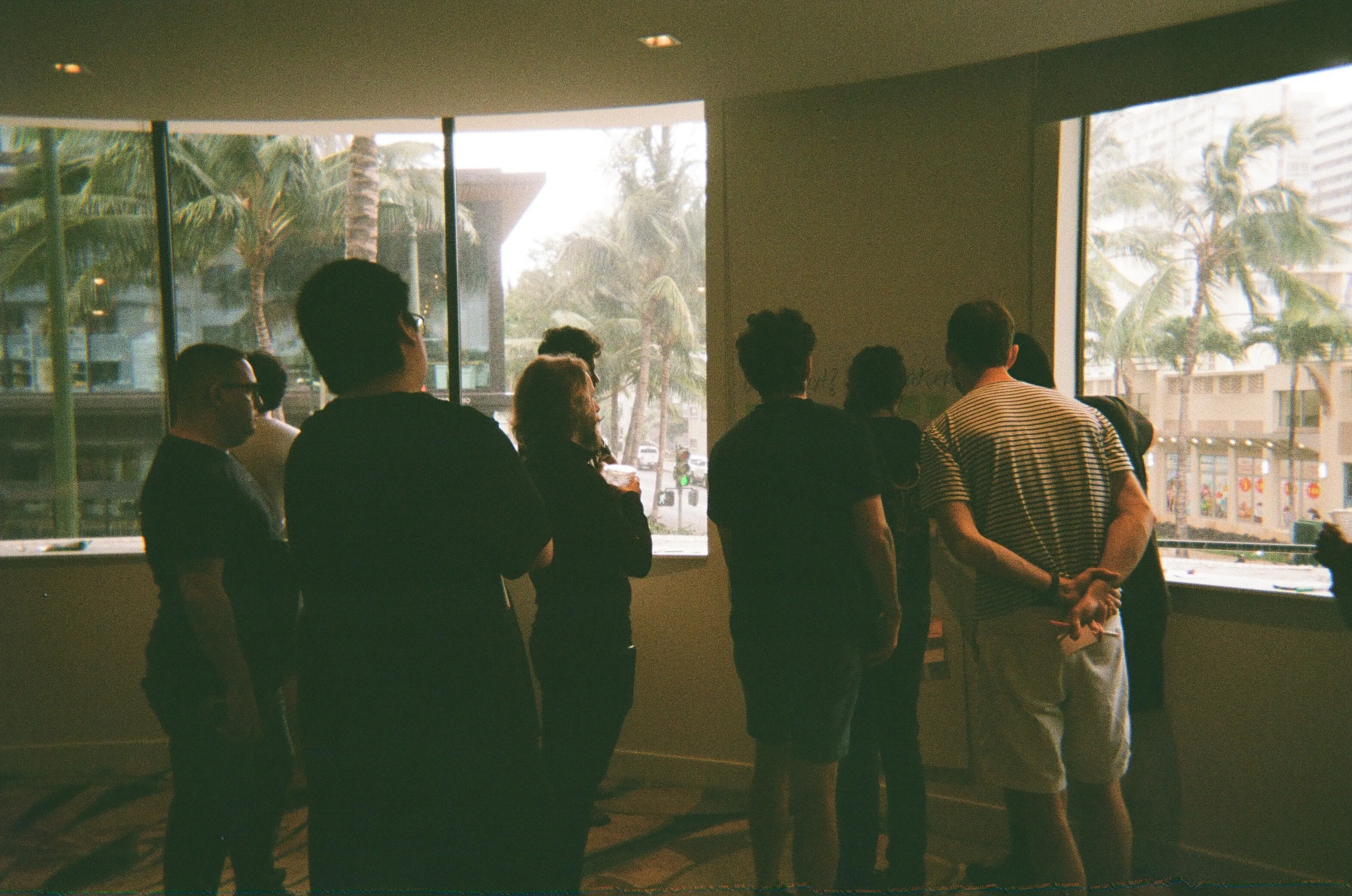
We're a small, intense team that values ownership, speed, and craft. Everyone ships real work, helps each other raise the bar, and cares deeply about the open-source community we serve. We move fast, communicate directly, and trust each other to do great work.
We care about what you can do, not where you went to school. Show us your work — side projects, open-source contributions, or anything that demonstrates your skills and taste. We value builders who ship.
Click on any open role above to apply through our job board. Include your resume and any relevant links to your work (GitHub, portfolio, etc.).
Typically: application review → intro call → technical assessment or work sample → team interviews → offer. We try to move quickly and respect your time throughout the process.
Most roles are based in San Francisco, but we have team members in other locations too. Each role listing specifies the location. We do regular team offsites to stay connected.
Use ComfyUI. Build something with it. Contribute to the open-source project. The best candidates are the ones who already understand the product and community because they're part of it.
We can sponsor visas for exceptional candidates. Let us know your situation in your application and we'll work through the details together.
We do our best to provide meaningful feedback to candidates who go through our interview process. Due to volume, we may not be able to provide detailed feedback at the application stage.
---
# ChatGPT Images 2.5 on Comfy: Generate and Edit Images
> Run ChatGPT Images 2.5 in ComfyUI. Generate detailed images from text, edit existing visuals, and direct results with reference images in a repeatable workflow.
Turn a plain language brief into a finished image, or revise an existing visual without rebuilding it from scratch. ChatGPT Images 2.5 brings generation, reference guided creation, and precise editing into ComfyUI workflows through Partner Nodes.
[RUN CHATGPT IMAGES 2.5](https://cloud.comfy.org/?template=api_openai_gpt_image_25_flare_t2i&utm_source=comfy.org&utm_medium=referral&utm_campaign=gpt-image-2-5) [READ THE GUIDE](https://docs.comfy.org/tutorials/partner-nodes/openai/gpt-image-2-5)
Text to Image Image Editing Reference Images
## Made with ChatGPT Images 2.5

Premium Pay-as-you-go
A polished vaporwave world with crisp typography, reflective marble, and neon light.

Premium Pay-as-you-go
A deadpan security-camera frame of four sharply dressed visitors from another world.

Premium Pay-as-you-go
A curious goldfish meets an extreme fisheye lens in a sunlit field.

Premium Pay-as-you-go
A roaring V8 rendered as an expressive watercolor study in heat and motion.

Premium Pay-as-you-go
A cinematic canyon pursuit freezes at the instant a muscle car clears the gap.

Premium Pay-as-you-go
A solitary hero watches a red sun rise over a restrained anime landscape.
## Choose a plan
Access cloud-powered ComfyUI workflows with straightforward, usage-based pricing.
Start Comfy Cloud for free. Upgrade when you're ready.
5 free runs on real GPUs — no credit card required.
[TRY FREE](https://cloud.comfy.org/?template=api_openai_gpt_image_25_flare_t2i&utm_source=comfy.org&utm_medium=referral&utm_campaign=gpt-image-2-5)
STANDARD
$20
/month
Billed monthly
- Included: 30 minute max workflow runtime
- Included: Add more credits anytime
- Not included: Import your own models
- Not included: Longer workflow runtime (up to 1 hr)
4,200 monthly credits
Generates ~380 5s videos*
[SUBSCRIBE TO STANDARD](https://cloud.comfy.org/?pricing=standard&cycle=monthly)
CREATOR MOST POPULAR
$35
/month
Billed monthly
- Included: 30 minute max workflow runtime
- Included: Add more credits anytime
- Included: Import your own models
- Not included: Longer workflow runtime (up to 1 hr)
7,400 monthly credits
Generates ~670 5s videos*
[SUBSCRIBE TO CREATOR](https://cloud.comfy.org/?pricing=creator&cycle=monthly)
PRO
$100
/month
Billed monthly
- Included: 30 minute max workflow runtime
- Included: Add more credits anytime
- Included: Import your own models
- Included: Longer workflow runtime (up to 1 hr)
21,100 monthly credits
Generates ~1,915 5s videos*
[SUBSCRIBE TO PRO](https://cloud.comfy.org/?pricing=pro&cycle=monthly)
TEAM
Built for teams collaborating on workflows together.
$665
$700 /month
Save 5% ($35)
Billed monthly
42.2K
84.4K
147.7K
295.4K
527.5K
147,700 monthly credits
Generates ~13,405 5s videos*
Everything in Pro, plus:
- Included: Invite members
- Included: Members can run workflows concurrently
- Included: Shared credit pool for all members
- Included: Role-based permissions
Coming soon...
- Coming soon: Shared workflows & assets
- Coming soon: Projects
[SUBSCRIBE TO TEAM](https://cloud.comfy.org/?pricing=team&stop=team_700&cycle=monthly)
ENTERPRISE
Need more members? Looking for more flexibility or custom features?
[Contact Us](https://comfy.org/contact/)
*Based on 5s videos created with the Wan 2.2 Image-to-Video template using default settings (81 frames, 18fps, 640x640, 4-step sampler)
## Q&A
ChatGPT Images 2.5 is an OpenAI image model for generating new visuals and editing existing images from natural-language instructions. In ComfyUI, it runs through Partner Nodes and can be combined with the rest of your workflow.
Open [Comfy Cloud](https://cloud.comfy.org/?template=api_openai_gpt_image_25_flare_t2i&utm_source=comfy.org&utm_medium=referral&utm_campaign=gpt-image-2-5), add the OpenAI image Partner Node to a workflow, enter a prompt, and connect any reference images you want to use.
Yes. Supply an image and describe the change you want, from replacing objects and restyling a scene to focused masked edits. You can keep the result in the same graph for further processing.
Yes. Reference images can guide the subject, composition, materials, or visual language of a generation. Describe which qualities should carry into the result.
Write a clear creative brief: name the subject, setting, composition, lighting, medium, and any text that must appear. For edits, state what should change and what must stay untouched.
The generated image becomes one step in a larger, repeatable pipeline. Route it into masking, compositing, upscaling, animation, or another model while keeping every step visible and adjustable.
## One engine, every way to run it
Build workflows in the browser today. Batch campaigns with the API, or connect image generation to the rest of your creative pipeline.
[Comfy Desktop
Run ComfyUI on your own hardware.
LEARN MORE](https://comfy.org/download/) [Comfy Cloud
The full power of ComfyUI from anywhere.
LEARN MORE](https://comfy.org/cloud/) [Developer Platform
Deploy and scale ComfyUI workflows.
LEARN MORE](https://comfy.org/platform/) [Comfy Enterprise
Enterprise-grade infrastructure for the creative engine inside your organization.
LEARN MORE](https://comfy.org/enterprise/)
### Comfy MCP: now turn your agent into a creative technologist.
Your AI assistant can access the ecosystem, build workflows, and generate images, video, audio, or 3D.
[GET STARTED](https://comfy.org/mcp/)
## 4+ million Comfy creators say
"Comfy has innovated a new and powerful ecosystem for creativity without compromising creative control. It has been amazing to watch technical artists and curious creative minds leverage Comfy to explore the full surface area of their ideas."
Scott Belsky,
Founder of Behance
"The best part for me is the node-based workflow: it offers a lot of possibilities and enables many different combinations. I also appreciate the optimization options and the automatic memory handling, even when working with tight models."
Richard N.,
Owner
"I appreciate being able to use models that my computer can no longer keep up with. I prefer the node-based approach because it is adjustable, rather than being behind a closed door."
MaryAnn E.,
Broker at Pop RV's
"The UI and UX of ComfyUI are intuitive and user-friendly, making navigation straightforward and efficient. Its integrations with other tools streamline workflows and enhance overall productivity."
Alan M.,
Co-Founder
"I use ComfyUI to help me create VFX for my animated show. It's easy to use, especially with importing a Comfy pipeline on the cloud, and I really like the clean UI and how straightforward it is."
Kirk H.
"I love that ComfyUI is extremely fast and very reliable. It gives me so much freedom to create the characters I want."
Fred C.
"The one-click workflows are something I do love, as they simplify many processes for me. The setup was very easy, even for someone who isn't familiar with it all."
Matthew P.
"I like how in-depth ComfyUI can be. It makes me feel like the software itself isn't limited, which encourages me to keep experimenting and learning."
Verified User
"A holistic approach and visualisation through an endless whiteboard."
Nikolai K.,
3D Artist
"Having full control of the GenAI process, and being able to use it unlimited times, integrating it into your workflow whenever you need to create."
Leonardo S.,
Social Media Marketing Expert
"Helps me run AI models locally and generate images, video, and audio, all free of cost."
Verified User,
Computer Software
---
# Comfy CLI - Drive ComfyUI from your terminal and any coding agent
> The command line for the full ComfyUI engine. Generate images, video, audio, and 3D from Claude Code, Codex, Cursor, or any shell, on Comfy Cloud or your own GPU.
CLI
# Drive ComfyUI from your terminal. Or your agent's.
One CLI for the whole engine: generate images, video, audio, and 3D, run real workflow graphs, and pipe every output where you need it. Built for coding agents, CI jobs, and anyone with a terminal.
INSTALL CLI [VIEW DOCS](https://docs.comfy.org/agent-tools/cli)
comfy — zsh
$
WORKS WITH
Claude Code
Codex
Cursor
Gemini CLI
OpenClaw
Hermes
Any shell
GET STARTED
## Set up Comfy CLI
One install, two places to run: Comfy Cloud GPUs, or the ComfyUI on your own machine. Paste one prompt into your coding agent, or run the commands yourself.
Cloud runs spend Comfy credits. Add credits, or use an existing [Comfy Cloud subscription](https://comfy.org/pricing/). Browsing templates, models, and nodes is free with a Comfy account.
### Install the CLI
Install from PyPI (Homebrew works too), then set up the cloud connection. It opens a browser sign-in.
pip install comfy-cli
Prefer the manual path? After the install above:
comfy setup --where cloud comfy skills install
### Ask Claude Code to set it up
Paste this into Claude Code. It installs the CLI, runs setup, signs you in, and adds the bundled skills.
Set up the Comfy CLI for me: pip install comfy-cli, then comfy setup --where cloud, then comfy skills install. Follow the guide at https://docs.comfy.org/agent-tools/cli.md and tell me when it's ready.
comfy generate is in beta: flag names, model aliases, and output formats may change. The underlying partner endpoints are stable.
Every command and flag lives in the [command reference](https://docs.comfy.org/comfy-cli/reference).
## A real session, start to finish.
Recorded in one take against Comfy Cloud: a generation with a partner model, a workflow run on cloud GPUs, and the bundled skills. Idle seconds trimmed, output untouched.
Video transcript: comfy setup connects the CLI to Comfy Cloud. comfy generate renders a prompt with a partner model and saves cat.png. comfy run submits a workflow to cloud GPUs, comfy jobs wait tracks it, and comfy download saves the result as f5308bc5_000.png. comfy skills list prints the bundled skills. The session ends with two files saved: cat.png and f5308bc5_000.png.
AGENT SKILLS
## Skills your agent already knows.
One command installs five bundled skills that teach Claude Code, Cursor, and any AGENTS.md-aware tool the whole CLI. Below are six production briefs. Every prompt is ready to paste.
comfy skills install
BUNDLED SKILLS
- comfy workflows, models, and generation from the shell
- comfy-fragments typed fragments and YAML recipes for big workflows
- comfy-debug from failed run to fixed, fast
- comfy-relay surfaces every workflow artifact in chat
- comfy-director narrative, multi-shot video direction
### BATCH PACK SHOTS
comfy-fragments
Run our pack-shot workflow for every SKU in ./skus.csv, 4 angles each, route it to cloud, and download everything to ./shots.
Run our pack-shot workflow for every SKU in ./skus.csv, 4 angles each, route it to cloud, and download everything to ./shots.
### KEYFRAME BOARDS
comfy-director
Board a 30-second spot from BRIEF.md: 8 keyframes, consistent hero character, 16:9, contact sheet at the end.
Board a 30-second spot from BRIEF.md: 8 keyframes, consistent hero character, 16:9, contact sheet at the end.
### CHARACTER SHEETS
comfy
Load our saved character workflow and generate a 4-view turnaround for each hero in ./characters.
Load our saved character workflow and generate a 4-view turnaround for each hero in ./characters.
### SET EXTENSION
comfy
Extend this plate to a 21:9 crop, matte-painting style. Keep the horizon line and the light direction.
Extend this plate to a 21:9 crop, matte-painting style. Keep the horizon line and the light direction.
### 3D HERO PROPS
comfy
Build a 3D hero prop from sketch.png, game-ready, and hand me the .glb.
Build a 3D hero prop from sketch.png, game-ready, and hand me the .glb.
### CAMPAIGN KEY ART
comfy
Match frame_04.png's palette and produce campaign key art in 1:1, 4:5, and 16:9.
Match frame_04.png's palette and produce campaign key art in 1:1, 4:5, and 16:9.
More agent skills live in the [Comfy Skills repository](https://github.com/Comfy-Org/comfy-skills).
AI MODELS
## Run the world’s leading AI models
New models are added as they launch.
[Seedance 2.5](https://comfy.org/workflows/) [MiniMax H3](https://comfy.org/workflows/) [Gemini Omni 1.1 Flash](https://comfy.org/workflows/) [Wan 3.0](https://comfy.org/workflows/) [Wan 2.2](https://comfy.org/workflows/) [GPT Image 2](https://comfy.org/workflows/)
[EXPLORE WORKFLOWS](https://comfy.org/workflows/)
THE AGENT CONTRACT
## Built for agents, not adapted for them.
The contract lives in the CLI itself. No wrapper, no guesswork.
--json
### Structured output
Every command accepts --json and returns one envelope shape: ok, data, error, and a hint your agent can act on. Pipe it into anything that reads JSON.
comfy --json discover
### Self-describing
One call dumps the entire command tree, output schemas, and error codes. Your agent reads the contract instead of guessing flags.
comfy run --workflow
### Real workflow graphs
Not one-shot endpoints. A run is a workflow JSON your agent can edit, validate, rerun, and hand to a teammate. It's the same graph that opens on the ComfyUI canvas.
## Why build on Comfy CLI?
The terminal counterpart to Comfy MCP: the same engine and the same account, scripted.
### Open source, end to end.
comfy-cli is open source, and so is the engine it drives. Install from PyPI, read the source when you need to, and never build on a black box.
### The full engine, not a sandbox.
Multi-step workflow graphs, thousands of community nodes, and partner models through the same commands. A creation engine, not a menu of hosted endpoints.
### Reproducible by design.
A run is a workflow file plus a seed. Check it into git, diff it in review, replay it in CI, and get the same output every time.
### Your GPUs, or ours.
Every command auto-detects where to run: signed in, jobs route to Comfy Cloud GPUs; otherwise they hit the ComfyUI on your machine. Override per call with --where.
### Works alongside MCP.
[Set up Comfy MCP](https://comfy.org/mcp/)
One account, two surfaces. Chat through Comfy MCP, script through the CLI, and let your agent pick the right one per task. Cloud outputs land in the same asset library either way.
## How it works
01
### INSTALL
pip install comfy-cli, then comfy setup. Sign in with OAuth for cloud GPUs, and comfy skills install teaches your agent the rest.
02
### DISCOVER
comfy --json discover hands your agent the full command tree; templates, models, and nodes are one search away.
03
### CREATE
Queue a run, wait on the job, download the outputs. Or pipe all three into a single line.
INSTALL CLI [VIEW DOCS](https://docs.comfy.org/agent-tools/cli)
Products
## The AI creation engine for complete control
Over every model, every node, every step, every output.
[Comfy Desktop
Run ComfyUI on your own hardware.
SEE DESKTOP FEATURES](https://comfy.org/download/) [Comfy Cloud
The full power of ComfyUI from anywhere.
SEE CLOUD FEATURES](https://comfy.org/cloud/) [Developer Platform
Deploy and scale ComfyUI workflows.
SEE PLATFORM FEATURES](https://comfy.org/platform/) [Comfy Enterprise
Enterprise-grade infrastructure for the creative engine inside your organization.
SEE ENTERPRISE FEATURES](https://comfy.org/enterprise/)
## Q&As
Any coding agent that can run shell commands. comfy skills install adds bundled skills for Claude Code, Cursor, and any AGENTS.md-aware tool, and the paste-prompt setup works in Codex, Gemini CLI, OpenClaw, Hermes, and the rest. For humans: any terminal, with tab completion via comfy --install-completion.
Both drive the same engine with the same account. Comfy MCP is for interactive agent work in chat: results come back in the session. The CLI is for automation: batch runs, CI, shell pipelines, and outputs saved to disk with --download or emitted as --json. Many teams run both and let the agent pick per task. Comfy MCP lives at [https://comfy.org/mcp/](https://comfy.org/mcp/).
The CLI is free and open source. With a Comfy account you can browse templates, models, and nodes at no cost, and runs on your own hardware are free. Partner models are the exception: they run on partner infrastructure and spend Comfy credits. Cloud runs spend credits too, either added directly or through an existing [Comfy Cloud subscription](https://comfy.org/pricing/).
Every command auto-detects where to run: signed in to Comfy Cloud, commands route to cloud; otherwise they run against your local server. Override per call with --where local or --where cloud, set the COMFY_WHERE environment variable, or persist a default with comfy set-default --where cloud.
Browser OAuth is the recommended path: comfy cloud login opens a sign-in, and the CLI refreshes tokens for you. API keys are the fallback for headless and CI use where no browser exists: create one at [https://platform.comfy.org/profile/api-keys](https://platform.comfy.org/profile/api-keys), then set COMFY_API_KEY or pass --api-key per call.
--download saves generate results to the path you name. comfy download pulls a run's outputs into ./outputs/, and it reads prompt IDs straight from piped stdin, so comfy run --workflow flux.json --wait | comfy download is the whole loop. On cloud, outputs also land in your Comfy Cloud asset library.
Yes. comfy-cli lives at [https://github.com/Comfy-Org/comfy-cli](https://github.com/Comfy-Org/comfy-cli) and installs from PyPI with pip install comfy-cli, or from Homebrew. The ComfyUI engine it drives is open source too.
comfy generate is in beta: flag names, model aliases, and output formats may change while we iterate. The underlying partner endpoints are stable. File feedback on the comfy-cli GitHub repo.
Yes, that's what it's for. comfy setup --where cloud --api-key comfyui-... --non-interactive configures a runner without a browser, every command takes --json, and comfy validate --workflow catches unknown nodes and missing models before you spend compute.
• Generate images, video, audio, and 3D through partner models like Flux, Seedance, Kling, and Ideogram • Build, edit, validate, and run workflow graphs; save and rerun them • Queue batches, wait on jobs, and download every output • Search templates, models, and nodes with full schemas • Compose multi-stage workflows from typed fragments Run comfy skills install once, and the bundled skills teach your agent all of it.
---
# Comfy Cloud Nodes: Run Open Models on Our GPUs, From Your ComfyUI
> Drop a Comfy Cloud node into a local graph and run open models on Comfy Cloud GPUs. No subscription, no downloads, billed per GPU-second in credits.
CLOUD NODES
BETA
# Your graph. Our GPUs.
Comfy Cloud nodes run the newest open models on our GPUs from inside your own ComfyUI. Drop one into the graph you already have and wire it like any other node.
- No subscription
- Nothing to download, no VRAM floor
- Billed per GPU-second in credits
[Get Started](https://comfy.org/download/) [Read the Docs](https://docs.comfy.org/cloud-nodes/overview)
## Four steps to your first run
01
### Update ComfyUI
Update to v0.34.5 or later. The nodes are part of ComfyUI core, so there is nothing to install separately.
02
### Restart ComfyUI
The nodes only register at startup, so they will not appear until you restart.
03
### Find a node
Search the node library for “Comfy Cloud”.
04
### Wire it in and run
Wire it like any other node. The model runs on our GPUs and the result comes back into the same canvas.
[How to Update ComfyUI](https://docs.comfy.org/installation/update_comfyui)
## Eight nodes, six models
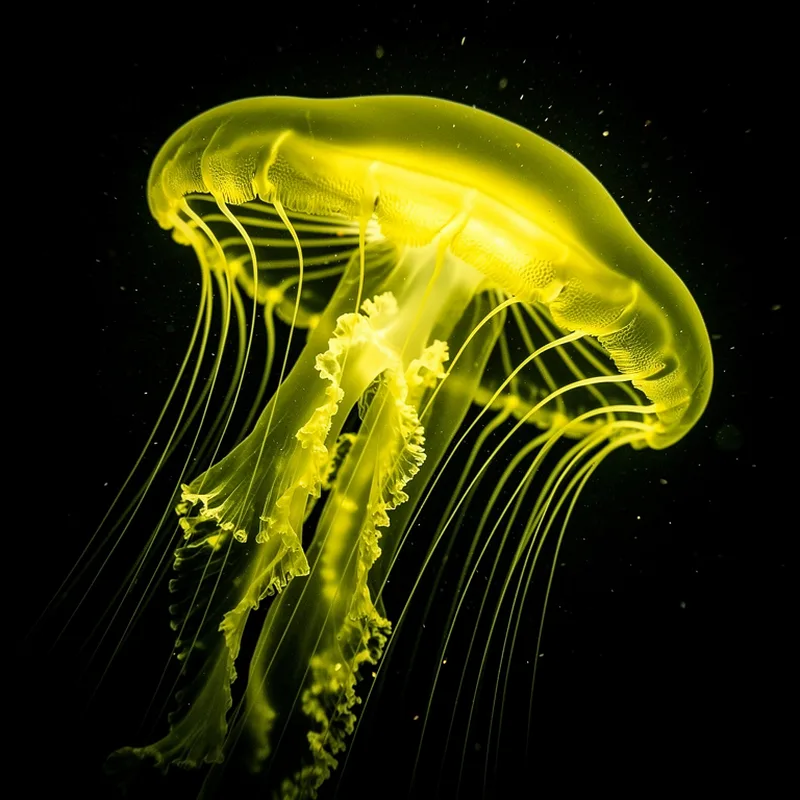
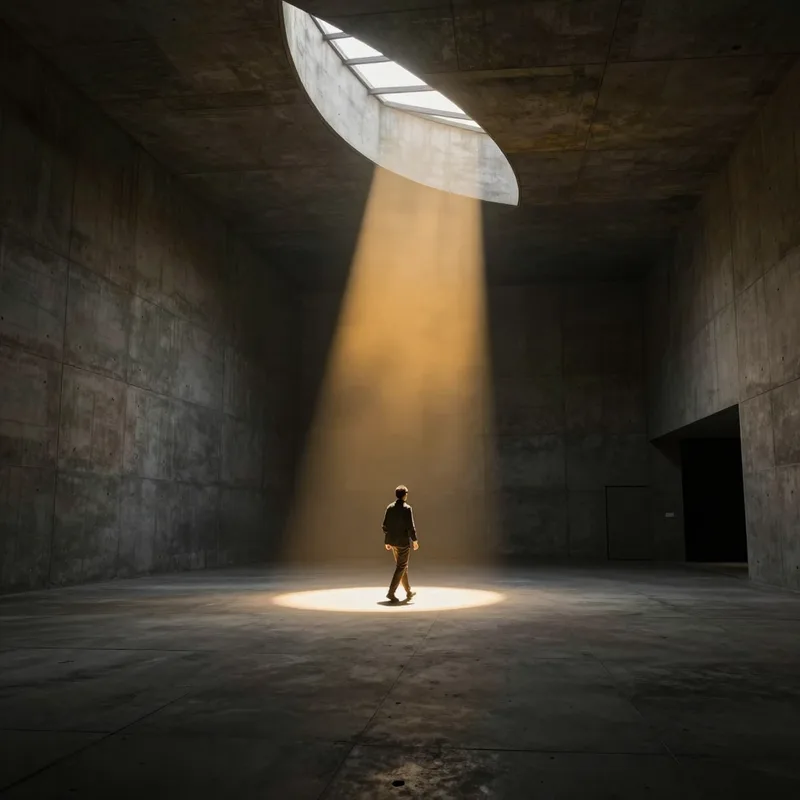
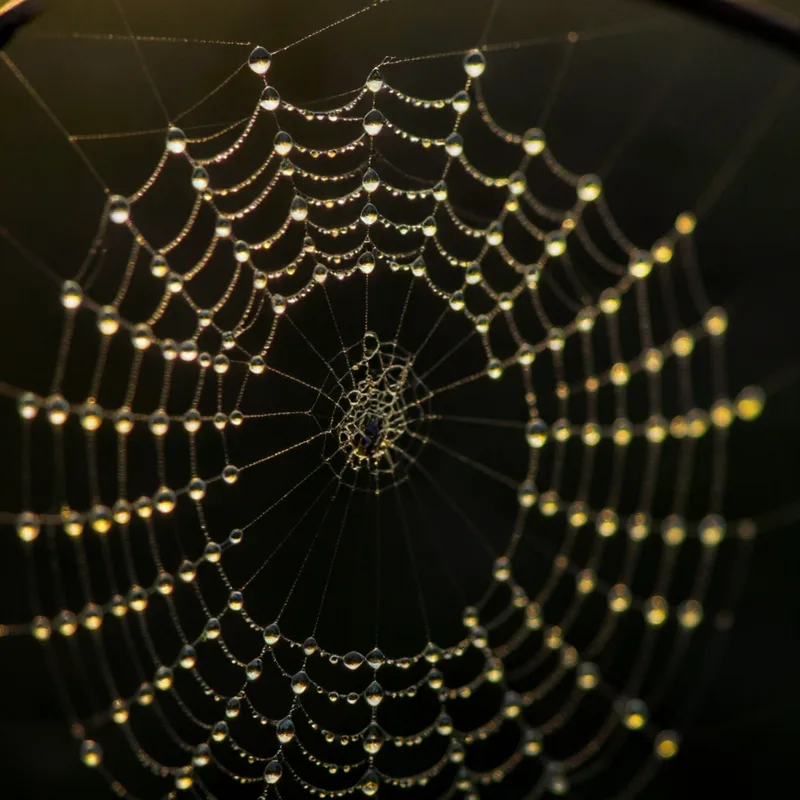
Image, video and audio at launch. Every image and clip below is a real output from the model on the card, generated on Comfy Cloud.
- 
### Flux 2
1 node
- ### MiniMax H3
3 nodes
- 
### Z-Image Turbo
1 node
- 
### Mage Flow
1 node
- 
### Mage Flow Turbo
1 node
- 
### MiniMax Music 3
1 node
The full node list and their inputs live in the docs. [See the node reference](https://docs.comfy.org/cloud-nodes/overview)
## What actually runs on our side
### One curated workflow per node, pinned to a fixed model version.
- Pinned versions, so a saved graph keeps its result.
- Only the node’s inputs leave your machine.
- Results return as a normal IMAGE, VIDEO or AUDIO output.
- Charged by execution time, not per generation.
## Maximum control. Offload only the compute.
Your graph, your nodes, your outputs. A Comfy Cloud node hands off a single model run and hands the result straight back.
### Your workflow stays yours
The graph you built, the nodes around it and the outputs you route onward all stay on your machine, exactly as they are.
### Only the compute moves
A Cloud node sends the inputs for one model and returns the result. Everything else in the workflow keeps running locally.
### Reach for any model
The newest open models run on our GPUs at full size, so what your hardware can do stops deciding what you can make.
### One node, not a migration
You add a node to the graph you already have. Nothing else about your setup changes.
Products
## The AI creation engine for complete control
Over every model, every node, every step, every output.
[Comfy Desktop
Run ComfyUI on your own hardware.
SEE DESKTOP FEATURES](https://comfy.org/download/) [Comfy Cloud
The full power of ComfyUI from anywhere.
SEE CLOUD FEATURES](https://comfy.org/cloud/) [Developer Platform
Deploy and scale ComfyUI workflows.
SEE PLATFORM FEATURES](https://comfy.org/platform/) [Comfy Enterprise
Enterprise-grade infrastructure for the creative engine inside your organization.
SEE ENTERPRISE FEATURES](https://comfy.org/enterprise/)
## Frequently asked questions
Because the curated set is still changing: nodes may gain or lose options, and a workflow may be retired. It is not a statement about reliability, runs are real and are billed the same as any other partner node.
No. These behave like every other partner node: an account and credits are enough. There is no plan floor.
Eight nodes at launch. Four text-to-image (Flux 2, Mage Flow, Mage Flow Turbo, Z-Image Turbo), three MiniMax H3 video nodes (text, image, and first-last frame to video), and MiniMax Music 3 for audio.
A curated workflow per node, pinned to an exact model version so a saved graph keeps producing the same thing. Your graph, prompts and inputs stay on your machine apart from what the node sends.
Per GPU-second in credits, shown on the node before you run. A short image generation is a few seconds; video is longer.
Not yet. Each node exposes a fixed set of weights we host. Bringing your own is the obvious next step and is not in this first release.
No, and it should not. Keep running what your machine handles well. These nodes exist for the models it cannot, without asking you to leave your workflow.
## Run the model, not the hardware
Update to v0.34.5 or later, search the node library for Comfy Cloud, and wire one in.
[Get Started](https://comfy.org/download/) [Read the Docs](https://docs.comfy.org/cloud-nodes/overview)
---
# Comfy Cloud - AI in the Cloud
> The easiest way to start with ComfyUI. Pre-loaded models. Pre-installed custom nodes. Concurrent jobs. The full power of ComfyUI on Blackwell RTX 6000 Pros. Open a tab and start creating.
CLOUD
# The full power of ComfyUI — from anywhere.
The easiest way to start with ComfyUI. Pre-loaded models. Pre-installed custom nodes. Concurrent jobs. The full power of ComfyUI on Blackwell RTX 6000 Pros. Open a tab and start creating.
[TRY COMFY CLOUD FOR FREE](https://cloud.comfy.org/)
## Why professionals choose Cloud
### Powerful GPUs with end-to-end security built-in
Comfy Cloud works on any device. Pay only for running workflows, not idle time. With Comfy Cloud, you get security and infrastructure built-in with access to the most popular custom nodes.
### All models. Commercial license guaranteed.
ONLY ON CLOUD
Run open-source models like Wan 2.2, Flux, LTX and Qwen alongside partner models like Nano Banana, Seedance, Seedream, Grok, Kling, Hunyuan 3D, GPT Image 2 and more. Every model on Comfy Cloud is cleared for commercial use. No license ambiguity. All through one credit balance.
### More control than any other visual AI tool
Every node exposed. Every setting adjustable. ComfyUI gives you the full inference pipeline. Choose your sampler, your scheduler, your model chain. The cloud simplifies the setup and supercharges the hardware underneath it.
### Community workflows, unlimited customization through pre-installed custom nodes
Browse, run, and remix workflows built by thousands of creators. Start from proven templates instead of blank canvases. Upload custom LoRAs or finetuned foundational models from CivitAI and Hugging Face. The nodes powering ~90% of local ComfyUI workflows are now in the cloud.
AI MODELS
## Run the world’s leading AI models
New models are added as they launch.
[Seedance 2.0](https://comfy.org/workflows/) [
Nano Banana Pro](https://comfy.org/workflows/) [Grok Video](https://comfy.org/workflows/) [
Qwen Image Edit](https://comfy.org/workflows/) [Wan 2.2](https://comfy.org/workflows/) [GPT Image 2](https://comfy.org/workflows/)
[EXPLORE WORKFLOWS](https://comfy.org/workflows/)
## Built for creators who need quality, control, and simplicity.
[
CREATORS
### From idea to output in minutes.
For those who want to generate images, video, and 3D with more control than prompt-based tools offer — without spending a weekend configuring your machine.](https://cloud.comfy.org/) [
TEAMS & STUDIOS
### Onboard your team today.
No IT setup, no GPU procurement, no environment headaches. Everyone works from the same up-to-date platform. Share workflows via App Mode links — your team runs them instantly, no training required.](https://cloud.comfy.org/)
## Simple, credit-based pricing
One balance for Cloud GPU time and Partner Node API models. Build and edit workflows for free — credits are consumed only when the GPU runs.
[SEE PRICING PLANS](https://comfy.org/pricing/)
## The AI creation engine for complete control
Over every model, every node, every step, every output.
[Comfy Desktop
Run ComfyUI on your own hardware.
SEE DESKTOP FEATURES](https://comfy.org/download/) [Developer Platform
Deploy and scale ComfyUI workflows.
SEE PLATFORM FEATURES](https://comfy.org/platform/) [Comfy Enterprise
Enterprise-grade infrastructure for the creative engine inside your organization.
SEE ENTERPRISE FEATURES](https://comfy.org/enterprise/)
## FAQs
Comfy Cloud is a version of ComfyUI that we officially host — no setup, no GPU required. Run your workflows instantly on high-performance cloud GPUs.
Cloud runs on powerful remote GPUs and is accessible from any device. Comfy Desktop runs entirely on your computer, giving you full control and offline use.
Comfy Cloud has zero setup, is easy to share with your team, and is faster than most GPUs you can run on a desktop workstation. You can immediately run the best models and workflows from the community on Comfy Cloud. Comfy Desktop is infinitely customizable, works offline, and you don't need to worry about queue times. However, depending on what you want to create, you might need to have a good GPU and some amount of technical knowledge to install community-created custom nodes.
No, you can start creating instantly from your browser, no matter what computer you use.
Comfy Cloud runs on Blackwell RTX 6000 Pros — 96GB VRAM, with a library of 900+ pre-installed models and support for many of the most-used custom nodes from the ComfyUI community. We expand node support regularly based on demand and compatibility.
Yes, your workflows work across Desktop and Cloud. Just note that only the most popular custom nodes are supported for now, but more will be added soon.
You can always check Cloud to see the list of extensions and models that we support, for free. Most popular ones are available, and new ones are added over time.
You can always check Cloud to see the list of extensions and models that we support, for free. Currently, we support a wide variety of preinstalled models. For those on the Creator, Pro, or Team plans, you can bring in your own fine-tuned LoRAs from CivitAI or HuggingFace to perfect your own style. Direct file upload for larger models is on our roadmap.
Each workflow has a max runtime of 30 minutes on Standard and Creator, raised to 1 hour on Pro. Jobs over the limit are cancelled automatically to keep the system fair and stable. You can queue up to 100 workflows at once, and run 1 / 3 / 5 concurrently via API on Standard / Creator / Pro. Need higher API rate limits? Contact enterprise@comfy.org.
By default, all your inputs, outputs, and workflows are private to your account. For enhanced security features or enterprise-level options, please contact our team via support@comfy.org for more details.
Yes, absolutely. ComfyUI will always be free and open source. You can deploy it however you want, such as downloading it from GitHub, using Docker, custom setups, etc. Comfy Cloud is an optional hosted service for those who prefer convenience, accessibility, or don't have powerful GPUs.
Plans start at $20/mo with a credit-based model. For full pricing details — credits, plans, Team plan, billing, and refunds — see the [Pricing FAQs](https://comfy.org/pricing/#faq).
For pricing, plans, credits, and billing details, see the [Pricing FAQs](https://comfy.org/pricing/#faq).
---
# Custom-node packs on Comfy Cloud - supported by default
> Browse hundreds of ComfyUI custom-node packs preinstalled on Comfy Cloud. Detailers, ControlNet preprocessors, animation tools, samplers, and more — search by pack or by node name.
CLOUD NODES
# Run your favorite ComfyUI custom nodes on the cloud
Spin up workflows with hundreds of community-built nodes — detailers, ControlNet preprocessors, animation tools, and quality-of-life utilities — preinstalled on Comfy Cloud and ready to run on managed GPUs.
CLOUD NODES
## Find a custom-node pack
Search custom-node packs Sort packs
### [ComfyUI-VideoHelperSuite](https://comfy.org/cloud/supported-nodes/comfyui-videohelpersuite/)
Nodes related to video workflows
[View repository](https://github.com/Kosinkadink/ComfyUI-VideoHelperSuite) • 40 nodes
Included nodes
#### Video Helper Suite 🎥🅥🅗🅢
- VHS_BatchManager
- VHS_LoadImagePath
- VHS_LoadImages
- VHS_LoadImagesPath
- VHS_LoadVideo
- VHS_LoadVideoFFmpeg
- VHS_LoadVideoFFmpegPath
- VHS_LoadVideoPath
- VHS_PruneOutputs
- VHS_SelectFilename
- VHS_SelectLatest
- VHS_Unbatch
- VHS_VideoCombine
- VHS_VideoInfo
- VHS_VideoInfoLoaded
- VHS_VideoInfoSource
#### Video Helper Suite 🎥🅥🅗🅢/audio
- VHS_AudioToVHSAudio
- VHS_LoadAudio
- VHS_LoadAudioUpload
- VHS_VHSAudioToAudio
#### Video Helper Suite 🎥🅥🅗🅢/batched nodes
- VHS_VAEDecodeBatched
- VHS_VAEEncodeBatched
#### Video Helper Suite 🎥🅥🅗🅢/image
- VHS_DuplicateImages
- VHS_GetImageCount
- VHS_MergeImages
- VHS_SelectEveryNthImage
- VHS_SelectImages
- VHS_SplitImages
#### Video Helper Suite 🎥🅥🅗🅢/latent
- VHS_DuplicateLatents
- VHS_GetLatentCount
- VHS_MergeLatents
- VHS_SelectEveryNthLatent
- VHS_SelectLatents
- VHS_SplitLatents
#### Video Helper Suite 🎥🅥🅗🅢/mask
- VHS_DuplicateMasks
- VHS_GetMaskCount
- VHS_MergeMasks
- VHS_SelectEveryNthMask
- VHS_SelectMasks
- VHS_SplitMasks
### [ComfyUI Impact Pack](https://comfy.org/cloud/supported-nodes/comfyui-impact-pack/)
This node pack offers various detector nodes and detailer nodes that allow you to configure a workflow that automatically enhances facial details. And provide iterative upscaler.
[View repository](https://github.com/ltdrdata/ComfyUI-Impact-Pack) • 197 nodes
Included nodes
#### —
- AddMask
- AnyPipeToBasic
- BasicPipeToDetailerPipe
- BasicPipeToDetailerPipeSDXL
- BboxDetectorCombined_v2
- BboxDetectorSEGS
- BitwiseAndMask
- BitwiseAndMaskForEach
- BlackPatchRetryHookProvider
- CfgScheduleHookProvider
- CLIPSegDetectorProvider
- CombineRegionalPrompts
- CoreMLDetailerHookProvider
- CustomSamplerDetailerHookProvider
- DenoiseScheduleHookProvider
- DenoiseSchedulerDetailerHookProvider
- DetailerForEach
- DetailerForEachAutoRetry
- DetailerForEachDebug
- DetailerForEachDebugPipe
- DetailerForEachPipe
- DetailerForEachPipeForAnimateDiff
- DetailerHookCombine
- DetailerPipeToBasicPipe
- EditBasicPipe
- EditDetailerPipe
- EditDetailerPipeSDXL
- EmptySegs
- FaceDetailer
- FaceDetailerPipe
- FromBasicPipe
- FromBasicPipe_v2
- FromDetailerPipe
- FromDetailerPipe_v2
- FromDetailerPipeSDXL
- GITSSchedulerFuncProvider
- ImageListToImageBatch
- ImageMaskSwitch
- ImageReceiver
- ImageSender
- ImpactAssembleSEGS
- ImpactBoolean
- ImpactCombineConditionings
- ImpactCompare
- ImpactConcatConditionings
- ImpactConditionalBranch
- ImpactConditionalBranchSelMode
- ImpactConditionalStopIteration
- ImpactControlBridge
- ImpactControlNetApplyAdvancedSEGS
- ImpactControlNetApplySEGS
- ImpactControlNetClearSEGS
- ImpactConvertDataType
- ImpactCount_Elts_in_SEGS
- ImpactDecomposeSEGS
- ImpactDilate_Mask_SEG_ELT
- ImpactDilateMask
- ImpactDilateMaskInSEGS
- ImpactDummyInput
- ImpactEdit_SEG_ELT
- ImpactExecutionOrderController
- ImpactFlattenMask
- ImpactFloat
- ImpactFrom_SEG_ELT
- ImpactFrom_SEG_ELT_bbox
- ImpactFrom_SEG_ELT_crop_region
- ImpactGaussianBlurMask
- ImpactGaussianBlurMaskInSEGS
- ImpactHFTransformersClassifierProvider
- ImpactIfNone
- ImpactImageBatchToImageList
- ImpactImageInfo
- ImpactInt
- ImpactInversedSwitch
- ImpactIPAdapterApplySEGS
- ImpactIsNotEmptySEGS
- ImpactKSamplerAdvancedBasicPipe
- ImpactKSamplerBasicPipe
- ImpactLatentInfo
- ImpactListBridge
- ImpactLogger
- ImpactLogicalOperators
- ImpactMakeAnyList
- ImpactMakeImageBatch
- ImpactMakeImageList
- ImpactMakeMaskBatch
- ImpactMakeMaskList
- ImpactMakeTileSEGS
- ImpactMinMax
- ImpactNeg
- ImpactNegativeConditioningPlaceholder
- ImpactNodeSetMuteState
- ImpactQueueTrigger
- ImpactQueueTriggerCountdown
- ImpactRemoteBoolean
- ImpactRemoteInt
- ImpactSAM2VideoDetectorSEGS
- ImpactScaleBy_BBOX_SEG_ELT
- ImpactSchedulerAdapter
- ImpactSegsAndMask
- ImpactSegsAndMaskForEach
- ImpactSEGSClassify
- ImpactSEGSConcat
- ImpactSEGSIntersectionFilter
- ImpactSEGSLabelAssign
- ImpactSEGSLabelFilter
- ImpactSEGSMerge
- ImpactSEGSNMSFilter
- ImpactSEGSOrderedFilter
- ImpactSEGSPicker
- ImpactSEGSRangeFilter
- ImpactSEGSToMaskBatch
- ImpactSEGSToMaskList
- ImpactSelectNthItemOfAnyList
- ImpactSetWidgetValue
- ImpactSimpleDetectorSEGS
- ImpactSimpleDetectorSEGS_for_AD
- ImpactSimpleDetectorSEGSPipe
- ImpactSleep
- ImpactStringSelector
- ImpactSwitch
- ImpactValueReceiver
- ImpactValueSender
- ImpactWildcardEncode
- ImpactWildcardProcessor
- IterativeImageUpscale
- IterativeLatentUpscale
- KSamplerAdvancedProvider
- KSamplerProvider
- LamaRemoverDetailerHookProvider
- LatentPixelScale
- LatentReceiver
- LatentSender
- LatentSwitch
- MaskDetailerPipe
- MaskListToMaskBatch
- MaskRectArea
- MaskRectAreaAdvanced
- MasksToMaskList
- MaskToSEGS
- MaskToSEGS_for_AnimateDiff
- MediaPipeFaceMeshToSEGS
- NoiseInjectionDetailerHookProvider
- NoiseInjectionHookProvider
- ONNXDetectorProvider
- ONNXDetectorSEGS
- PixelKSampleHookCombine
- PixelKSampleUpscalerProvider
- PixelKSampleUpscalerProviderPipe
- PixelTiledKSampleUpscalerProvider
- PixelTiledKSampleUpscalerProviderPipe
- PreviewBridge
- PreviewBridgeLatent
- PreviewDetailerHookProvider
- ReencodeLatent
- ReencodeLatentPipe
- RegionalPrompt
- RegionalSampler
- RegionalSamplerAdvanced
- RemoveImageFromSEGS
- RemoveNoiseMask
- SAMDetectorCombined
- SAMDetectorSegmented
- SAMLoader
- SegmDetectorCombined_v2
- SegmDetectorSEGS
- SEGSDetailer
- SEGSDetailerForAnimateDiff
- SEGSLabelFilterDetailerHookProvider
- SEGSOrderedFilterDetailerHookProvider
- SEGSPaste
- SEGSPreview
- SEGSPreviewCNet
- SEGSRangeFilterDetailerHookProvider
- SEGSSwitch
- SegsToCombinedMask
- SEGSToImageList
- SEGSUpscaler
- SEGSUpscalerPipe
- SetDefaultImageForSEGS
- StepsScheduleHookProvider
- StringListToString
- SubtractMask
- SubtractMaskForEach
- TiledKSamplerProvider
- ToBasicPipe
- ToBinaryMask
- ToDetailerPipe
- ToDetailerPipeSDXL
- TwoAdvancedSamplersForMask
- TwoSamplersForMask
- TwoSamplersForMaskUpscalerProvider
- TwoSamplersForMaskUpscalerProviderPipe
- UnsamplerDetailerHookProvider
- UnsamplerHookProvider
- VariationNoiseDetailerHookProvider
- WildcardPromptFromString
### [ComfyUI_essentials](https://comfy.org/cloud/supported-nodes/comfyui_essentials/)
Essential nodes that are weirdly missing from ComfyUI core. With few exceptions they are new features and not commodities.
[View repository](https://github.com/cubiq/ComfyUI_essentials) • 62 nodes
Included nodes
#### essentials/conditioning
- CLIPTextEncodeSDXL+
- ConditioningCombineMultiple+
- SD3NegativeConditioning+
#### essentials/image analysis
- ImageEnhanceDifference+
#### essentials/image batch
- ImageBatchMultiple+
- ImageExpandBatch+
- ImageFromBatch+
- ImageListToBatch+
#### essentials/image manipulation
- ImageComposite+
- ImageCompositeFromMaskBatch+
- ImageCrop+
- ImageFlip+
- ImageRandomTransform+
- ImageRemoveBackground+
- ImageResize+
- ImageSeamCarving+
- ImageTile+
- ImageUntile+
- RemBGSession+
- TransparentBGSession+
#### essentials/image processing
- ImageApplyLUT+
- ImageCASharpening+
- ImageColorMatch+
- ImageColorMatchAdobe+
- ImageDesaturate+
- ImageHistogramMatch+
- ImagePosterize+
- PixelOEPixelize+
#### essentials/image utils
- GetImageSize+
- ImagePreviewFromLatent+
- ImageRemoveAlpha+
- ImageToDevice+
- NoiseFromImage+
#### essentials/mask
- MaskBlur+
- MaskBoundingBox+
- MaskFix+
- MaskFlip+
- MaskFromColor+
- MaskFromList+
- MaskFromRGBCMYBW+
- MaskFromSegmentation+
- MaskPreview+
- MaskSmooth+
- TransitionMask+
#### essentials/mask batch
- MaskBatch+
- MaskExpandBatch+
- MaskFromBatch+
#### essentials/sampling
- FluxSamplerParams+
- InjectLatentNoise+
- KSamplerVariationsStochastic+
- KSamplerVariationsWithNoise+
- PlotParameters+
#### essentials/segmentation
- ApplyCLIPSeg+
- LoadCLIPSegModels+
#### essentials/text
- DrawText+
#### essentials/utilities
- BatchCount+
- ConsoleDebug+
- DebugTensorShape+
- ModelCompile+
- RemoveLatentMask+
- SDXLEmptyLatentSizePicker+
- SimpleMath+
### [comfyui_controlnet_aux](https://comfy.org/cloud/supported-nodes/comfyui_controlnet_aux/)
Plug-and-play ComfyUI node sets for making ControlNet hint images
[View repository](https://github.com/Fannovel16/comfyui_controlnet_aux) • 64 nodes
Included nodes
#### ControlNet Preprocessors
- AIO_Preprocessor
- ControlNetAuxSimpleAddText
- ControlNetPreprocessorSelector
- ExecuteAllControlNetPreprocessors
- HintImageEnchance
- ImageGenResolutionFromImage
- ImageGenResolutionFromLatent
- PixelPerfectResolution
#### ControlNet Preprocessors/Faces and Poses Estimators
- AnimalPosePreprocessor
- DensePosePreprocessor
- DWPreprocessor
- MediaPipe-FaceMeshPreprocessor
- OpenposePreprocessor
#### ControlNet Preprocessors/Line Extractors
- AnimeLineArtPreprocessor
- AnyLineArtPreprocessor_aux
- BinaryPreprocessor
- CannyEdgePreprocessor
- DiffusionEdge_Preprocessor
- FakeScribblePreprocessor
- HEDPreprocessor
- LineArtPreprocessor
- LineartStandardPreprocessor
- M-LSDPreprocessor
- Manga2Anime_LineArt_Preprocessor
- PiDiNetPreprocessor
- PyraCannyPreprocessor
- Scribble_PiDiNet_Preprocessor
- Scribble_XDoG_Preprocessor
- ScribblePreprocessor
- TEEDPreprocessor
#### ControlNet Preprocessors/Normal and Depth Estimators
- BAE-NormalMapPreprocessor
- DepthAnythingPreprocessor
- DepthAnythingV2Preprocessor
- DSINE-NormalMapPreprocessor
- LeReS-DepthMapPreprocessor
- MeshGraphormer-DepthMapPreprocessor
- MeshGraphormer+ImpactDetector-DepthMapPreprocessor
- Metric3D-DepthMapPreprocessor
- Metric3D-NormalMapPreprocessor
- MiDaS-DepthMapPreprocessor
- MiDaS-NormalMapPreprocessor
- Zoe_DepthAnythingPreprocessor
- Zoe-DepthMapPreprocessor
#### ControlNet Preprocessors/Optical Flow
- MaskOptFlow
- Unimatch_OptFlowPreprocessor
#### ControlNet Preprocessors/others
- InpaintPreprocessor
- SAMPreprocessor
#### ControlNet Preprocessors/Pose Keypoint Postprocess
- FacialPartColoringFromPoseKps
- RenderAnimalKps
- RenderPeopleKps
- SavePoseKpsAsJsonFile
- UpperBodyTrackingFromPoseKps
#### ControlNet Preprocessors/Recolor
- ImageIntensityDetector
- ImageLuminanceDetector
#### ControlNet Preprocessors/Semantic Segmentation
- AnimeFace_SemSegPreprocessor
- OneFormer-ADE20K-SemSegPreprocessor
- OneFormer-COCO-SemSegPreprocessor
- SemSegPreprocessor
- UniFormer-SemSegPreprocessor
#### ControlNet Preprocessors/T2IAdapter-only
- ColorPreprocessor
- ShufflePreprocessor
#### ControlNet Preprocessors/tile
- TilePreprocessor
- TTPlanet_TileGF_Preprocessor
- TTPlanet_TileSimple_Preprocessor
### [ComfyUI Impact Subpack](https://comfy.org/cloud/supported-nodes/comfyui-impact-subpack/)
This node pack provides nodes that complement the Impact Pack, such as the UltralyticsDetectorProvider.
[View repository](https://github.com/ltdrdata/ComfyUI-Impact-Subpack) • 1 node
Included nodes
#### ImpactPack
- UltralyticsDetectorProvider

### [ComfyUI_LayerStyle](https://comfy.org/cloud/supported-nodes/comfyui_layerstyle/)
A set of nodes for ComfyUI it generate image like Adobe Photoshop's Layer Style. the Drop Shadow is first completed node, and follow-up work is in progress.
[View repository](https://github.com/chflame163/ComfyUI_LayerStyle) • 161 nodes
Included nodes
#### 😺dzNodes/LayerColor
- LayerColor: AutoAdjust
- LayerColor: AutoAdjust V2
- LayerColor: AutoBrightness
- LayerColor: Brightness & Contrast
- LayerColor: Brightness Contrast V2
- LayerColor: Color of Shadow & Highlight
- LayerColor: ColorAdapter
- LayerColor: ColorBalance
- LayerColor: Colorof Shadow Highlight V2
- LayerColor: ColorTemperature
- LayerColor: Exposure
- LayerColor: Gamma
- LayerColor: HSV
- LayerColor: LAB
- LayerColor: Levels
- LayerColor: LUT Apply
- LayerColor: Negative
- LayerColor: RGB
- LayerColor: YUV
- LayerUtility: Color Name
- LayerUtility: Name To Color
#### 😺dzNodes/LayerFilter
- LayerFilter: Add Grain
- LayerFilter: ChannelShake
- LayerFilter: ColorMap
- LayerFilter: Distort Displace
- LayerFilter: Film
- LayerFilter: Film V2
- LayerFilter: Gaussian Blur V2
- LayerFilter: GaussianBlur
- LayerFilter: HalfTone
- LayerFilter: HDR Effects
- LayerFilter: MotionBlur
- LayerFilter: Sharp & Soft
- LayerFilter: SkinBeauty
- LayerFilter: SoftLight
- LayerFilter: WaterColor
#### 😺dzNodes/LayerMask
- LayerMask: BlendIf Mask
- LayerMask: CreateGradientMask
- LayerMask: DrawRoundedRectangle
- LayerMask: Image To Mask
- LayerMask: Load Segformer Model
- LayerMask: Mask Box Detect
- LayerMask: Mask Box Extend
- LayerMask: Mask by Color
- LayerMask: Mask Grain
- LayerMask: MaskEdgeShrink
- LayerMask: MaskEdgeUltraDetail
- LayerMask: MaskEdgeUltraDetail V2
- LayerMask: MaskEdgeUltraDetail V3
- LayerMask: MaskGradient
- LayerMask: MaskGrow
- LayerMask: MaskInvert
- LayerMask: MaskMotionBlur
- LayerMask: MaskStroke
- LayerMask: PixelSpread
- LayerMask: Segformer B2 Clothes Ultra
- LayerMask: Segformer Clothes Pipeline
- LayerMask: Segformer Clothes Setting
- LayerMask: Segformer Fashion Pipeline
- LayerMask: Segformer Fashion Setting
- LayerMask: Segformer Ultra V2
- LayerMask: Segformer Ultra V3
- LayerMask: Shadow & Highlight Mask
- LayerMask: Shadow Highlight Mask V2
#### 😺dzNodes/LayerStyle
- LayerStyle: ColorOverlay
- LayerStyle: ColorOverlay V2
- LayerStyle: DropShadow
- LayerStyle: DropShadow V2
- LayerStyle: DropShadow V3
- LayerStyle: Gradient Map
- LayerStyle: GradientOverlay
- LayerStyle: GradientOverlay V2
- LayerStyle: InnerGlow
- LayerStyle: InnerGlow V2
- LayerStyle: InnerShadow
- LayerStyle: InnerShadow V2
- LayerStyle: OuterGlow
- LayerStyle: OuterGlow V2
- LayerStyle: Stroke
- LayerStyle: Stroke V2
#### 😺dzNodes/LayerUtility
- LayerUtility: Check Mask
- LayerUtility: Check Mask V2
- LayerUtility: ColorImage
- LayerUtility: ColorImage V2
- LayerUtility: ColorPicker
- LayerUtility: CropBoxResolve
- LayerUtility: CropByMask
- LayerUtility: CropByMask V2
- LayerUtility: CropByMask V3
- LayerUtility: ExtendCanvas
- LayerUtility: ExtendCanvas V2
- LayerUtility: Flux Kontext Image Scale
- LayerUtility: Get Main Colors
- LayerUtility: Get Main Colors V2
- LayerUtility: GetImageSize
- LayerUtility: GradientImage
- LayerUtility: GradientImage V2
- LayerUtility: H/L Frequency Detail Restore
- LayerUtility: IC Mask
- LayerUtility: IC Mask Crop Back
- LayerUtility: Image Composite Handle Mask
- LayerUtility: Image Mask Scale As
- LayerUtility: Image Mask Scale As V2
- LayerUtility: Image Reel
- LayerUtility: Image Reel Composit
- LayerUtility: ImageBlend
- LayerUtility: ImageBlend V2
- LayerUtility: ImageBlendAdvance
- LayerUtility: ImageBlendAdvance V2
- LayerUtility: ImageBlendAdvance V3
- LayerUtility: ImageChannelMerge
- LayerUtility: ImageChannelSplit
- LayerUtility: ImageCombineAlpha
- LayerUtility: ImageHub
- LayerUtility: ImageOpacity
- LayerUtility: ImageRemoveAlpha
- LayerUtility: ImageScaleByAspectRatio
- LayerUtility: ImageScaleByAspectRatio V2
- LayerUtility: ImageScaleRestore
- LayerUtility: ImageScaleRestore V2
- LayerUtility: ImageShift
- LayerUtility: LayerImageTransform
- LayerUtility: LayerMaskTransform
- LayerUtility: Load VQA Model
- LayerUtility: Nano Banana Image Scale
- LayerUtility: Pad Image Batch to 8n+1
- LayerUtility: Restore Pad Image Batch
- LayerUtility: RestoreCropBox
- LayerUtility: RoundedRectangle
- LayerUtility: SimpleTextImage
- LayerUtility: TextImage
- LayerUtility: TextImage V2
- LayerUtility: VQA Prompt
#### 😺dzNodes/LayerUtility/Data
- LayerUtility: Any Rerouter
- LayerUtility: Boolean
- LayerUtility: Boolean Operator
- LayerUtility: Boolean Operator V2
- LayerUtility: Choice Text Preset
- LayerUtility: Float
- LayerUtility: Gray Value
- LayerUtility: HSV Value
- LayerUtility: If
- LayerUtility: Image Batch To List(Multi)
- LayerUtility: Image List To Batch(Multi)
- LayerUtility: Integer
- LayerUtility: Number Calculator
- LayerUtility: Number Calculator V2
- LayerUtility: PrintInfo
- LayerUtility: Random Generator
- LayerUtility: Random Generator V2
- LayerUtility: RGB Value
- LayerUtility: Seed
- LayerUtility: String
- LayerUtility: String Condition
- LayerUtility: Switch Case
- LayerUtility: Text Preseter
- LayerUtility: TextBox
- LayerUtility: TextJoin
- LayerUtility: TextJoinV2
- LayerUtility: XY to Percent
#### 😺dzNodes/LayerUtility/SystemIO
- LayerUtility: Batch Selector
### [ComfyUI-WanVideoWrapper](https://comfy.org/cloud/supported-nodes/ComfyUI-WanVideoWrapper/)
ComfyUI wrapper nodes for WanVideo
[View repository](https://github.com/kijai/ComfyUI-WanVideoWrapper) • 140 nodes
Included nodes
#### ControlNet Preprocessors/Pose Keypoint Postprocess
- Face Mask From Pose Keypoints
#### KJNodes/masking
- Draw Gaussian Noise On Image
#### LivePortrait
- Landmarks to Image
#### WanVideoWrapper
- (Down)load Wav2Vec Model
- Create CFG Schedule Float List
- Create Schedule Float List
- Draw ArcFace Landmarks
- Draw NLF Poses
- Dummy Comfy Wan Model Object
- Extract Start Frames For Continuations
- FantasyPortrait Face Detector
- FantasyPortrait Model Loader
- FantasyTalking Model Loader
- FantasyTalking Wav2Vec Embeds
- HuMo Embeds
- Load Lynx Resampler
- Load NLF Model
- Load VQVAE
- Lynx Encode Face IP
- Lynx InsightFace Crop
- Mocha Embeds
- MTV Crafter Encode Poses
- Multi/InfiniteTalk Model Loader
- Multi/InfiniteTalk Wav2vec2 Embeds
- MultiTalk Silent Embeds
- NLF Predict
- Normalize Audio Loudness
- Qwen Loader
- ReCamMaster Pose Visualizer
- TextImageEncodeQwenVL
- Wan Video Prompt Extender
- Wan Video Prompt Extender Select
- WanMove Native
- WanVideo Add Bindweave Embeds
- WanVideo Add Control Embeds
- WanVideo Add Dual Control Embeds
- WanVideo Add Extra Latent
- WanVideo Add Fantasy Portrait
- WanVideo Add FlashVSR Input
- WanVideo Add LucyEdit Latents
- WanVideo Add Lynx Embeds
- WanVideo Add OneToAll Extend Embeds
- WanVideo Add OneToAll Pose Embeds
- WanVideo Add OneToAll Reference Embeds
- WanVideo Add Pusa Noise
- WanVideo Add S2V Embeds
- WanVideo Add SCAIL Pose Embeds
- WanVideo Add SCAIL Reference Embeds
- WanVideo Add StandIn Latent
- WanVideo Add SteadyDancer Embeds
- WanVideo Add StoryMem Latents
- WanVideo Add TTMLatents
- WanVideo Add WanMove Tracks
- WanVideo Animate Embeds
- WanVideo Apply NAG
- WanVideo ATI Comfy
- WanVideo ATI Tracks
- WanVideo ATI Tracks Visualize
- WanVideo Block List
- WanVideo CLIP Text Encoder Loader
- WanVideo ClipVision Encode
- WanVideo Combine Embeds
- WanVideo Context Options
- WanVideo Control Embeds
- WanVideo Controlnet Apply
- WanVideo Controlnet Loader
- WanVideo Decode
- WanVideo Diffusion Forcing Sampler
- WanVideo Draw WanMove Tracks
- WanVideo EasyCache
- WanVideo Empty Embeds
- WanVideo Encode
- WanVideo Encode Latent Batch
- WanVideo Enhance-A-Video
- WanVideo Experimental Args
- WanVideo Extra Model Select
- WanVideo FlashVSR Decoder Loader
- WanVideo Free Init Args
- WanVideo FunCamera Embeds
- WanVideo Image Resize To Closest
- WanVideo ImageClip Encode (Deprecated)
- WanVideo ImageToVideo Encode
- WanVideo Latent ReScale
- WanVideo Long I2V Multi/InfiniteTalk
- WanVideo Long SkyReelsV3 A2V
- WanVideo Loop Args
- WanVideo Lora Block Edit
- WanVideo Lora Select
- WanVideo Lora Select Multi
- WanVideo MagCache
- WanVideo MiniMax Remover Embeds
- WanVideo Model Loader
- WanVideo MTV Crafter Motion
- WanVideo Pass Images From Samples
- WanVideo Phantom Embeds
- WanVideo Preview Embeds
- WanVideo RealisDance Latents
- WanVideo ReCamMaster Camera Embed
- WanVideo ReCamMaster Default Camera
- WanVideo ReCamMaster Generate Orbit Camera
- WanVideo RoPE Function
- WanVideo Sampler
- WanVideo Sampler From Settings
- WanVideo Sampler Settings
- WanVideo Sampler v2
- WanVideo Scheduler
- WanVideo Scheduler v2
- WanVideo Set Attention Mode Override
- WanVideo Set LoRAs
- WanVideo Set Radial Attention
- WanVideo Sigma To Step
- WanVideo SLG
- WanVideo SVIPro Embeds
- WanVideo T5 Text Encoder Loader
- WanVideo TeaCache
- WanVideo TextEmbed Bridge
- WanVideo TextEncode
- WanVideo TextEncode Cached
- WanVideo TextEncodeSingle
- WanVideo Tiny VAE Loader
- WanVideo Torch Compile Settings
- WanVideo UltraVico Settings
- WanVideo Uni3C Controlnet Loader
- WanVideo Uni3C Embeds
- WanVideo UniAnimate DWPose Detector
- WanVideo UniAnimate Pose Input
- WanVideo UniLumos Embeds
- WanVideo VACE Encode
- WanVideo VACE Module Select
- WanVideo VACE Start To End Frame
- WanVideo VAE Loader
- WanVideoSampler v2 Extra Args
- Wav2vec2 Model Loader
- Whisper Model Loader
#### WanVideoWrapper/Ovi
- Ovi MMAudio VAE Loader
- WanVideo Add MMAudio To Latents
- WanVideo Decode Ovi Audio
- WanVideo Empty MMAudio Latents
- WanVideo Encode Ovi Audio
- WanVideo Ovi CFG
### [ComfyUI-Frame-Interpolation](https://comfy.org/cloud/supported-nodes/comfyui-frame-interpolation/)
A custom node suite for Video Frame Interpolation in ComfyUI
[View repository](https://github.com/Fannovel16/ComfyUI-Frame-Interpolation) • 16 nodes
Included nodes
#### ComfyUI-Frame-Interpolation
- VFI FloatToInt
#### ComfyUI-Frame-Interpolation/others
- KSampler Gradually Adding More Denoise (efficient)
#### ComfyUI-Frame-Interpolation/VFI
- AMT VFI
- ATM VFI
- CAIN VFI
- FILM VFI
- FLAVR VFI
- GMFSS Fortuna VFI
- IFRNet VFI
- IFUnet VFI
- M2M VFI
- Make Interpolation State List
- MOMO VFI
- RIFE VFI
- Sepconv VFI
- STMFNet VFI
### [ComfyUI_UltimateSDUpscale](https://comfy.org/cloud/supported-nodes/comfyui_ultimatesdupscale/)
ComfyUI nodes for the Ultimate Stable Diffusion Upscale script by Coyote-A.
[View repository](https://github.com/ssitu/ComfyUI_UltimateSDUpscale) • 3 nodes
Included nodes
#### image/upscaling
- UltimateSDUpscale
- UltimateSDUpscaleCustomSample
- UltimateSDUpscaleNoUpscale
### [ComfyUI-Florence2](https://comfy.org/cloud/supported-nodes/comfyui-florence2/)
Nodes to use Florence2 VLM for image vision tasks: object detection, captioning, segmentation and ocr
[View repository](https://github.com/kijai/ComfyUI-Florence2) • 3 nodes
Included nodes
#### Florence2
- DownloadAndLoadFlorence2Lora
- DownloadAndLoadFlorence2Model
- Florence2Run
### [ComfyUI_IPAdapter_plus](https://comfy.org/cloud/supported-nodes/comfyui_ipadapter_plus/)
ComfyUI reference implementation for the IPAdapter models. The IPAdapter are very powerful models for image conditioning. The style and composition of a reference can be easily transferred to the generation. Think of it as a 1-image lora.
[View repository](https://github.com/cubiq/ComfyUI_IPAdapter_plus) • 30 nodes
Included nodes
#### ipadapter
- IPAdapter
- IPAdapterAdvanced
- IPAdapterBatch
- IPAdapterUnifiedLoader
#### ipadapter/dev
- IPAdapterMS
#### ipadapter/embeds
- IPAdapterCombineEmbeds
- IPAdapterEmbeds
- IPAdapterEmbedsBatch
- IPAdapterEncoder
- IPAdapterLoadEmbeds
- IPAdapterSaveEmbeds
#### ipadapter/faceid
- IPAAdapterFaceIDBatch
- IPAdapterFaceID
- IPAdapterUnifiedLoaderFaceID
#### ipadapter/loaders
- IPAdapterInsightFaceLoader
- IPAdapterModelLoader
- IPAdapterUnifiedLoaderCommunity
#### ipadapter/params
- IPAdapterCombineParams
- IPAdapterFromParams
- IPAdapterRegionalConditioning
#### ipadapter/style_composition
- IPAdapterStyleComposition
- IPAdapterStyleCompositionBatch
#### ipadapter/tiled
- IPAdapterTiled
- IPAdapterTiledBatch
#### ipadapter/utils
- IPAdapterCombineWeights
- IPAdapterNoise
- PrepImageForClipVision
#### ipadapter/weights
- IPAdapterPromptScheduleFromWeightsStrategy
- IPAdapterWeights
- IPAdapterWeightsFromStrategy

### [WAS Node Suite v3](https://comfy.org/cloud/supported-nodes/was-node-suite-comfyui/)
WAS-NS reborn; Tools for image processing, filters, masking, text, logic, numbers, latents, files, 3D scenes, and animation.
[View repository](https://github.com/WASasquatch/was-node-suite-comfyui) • 217 nodes
Included nodes
#### WAS Suite/Animation
- Create Morph Image
- Create Morph Image from Path
- Create Video from Path
- Video Dump Frames
#### WAS Suite/Animation/Writer
- Write to GIF
- Write to Video
#### WAS Suite/Conditioning
- CLIPTextEncode (NSP)
#### WAS Suite/Debug
- Debug Number to Console
- Dictionary to Console
- Export API
- Image Bounds to Console
- Samples Passthrough (Stat System)
- Text to Console
#### WAS Suite/History
- Image History Loader
- Text File History Loader
#### WAS Suite/Image
- Image Batch
- Image Blank
- Image Blend
- Image Blend by Mask
- Image Blending Mode
- Images to Linear
- Images to RGB
#### WAS Suite/Image/Adjustment
- Image Levels Adjustment
- Image Rotate Hue
- Image Shadows and Highlights
#### WAS Suite/Image/AI
- Image Rembg (Remove Background)
- MiDaS Depth Approximation
- MiDaS Mask Image
#### WAS Suite/Image/Analyze
- Image Analyze
- Image Color Palette
- Image to Seed
#### WAS Suite/Image/Bound
- Bounded Image Blend
- Bounded Image Blend with Mask
- Bounded Image Crop
- Bounded Image Crop with Mask
- Image Bounds
- Inset Image Bounds
#### WAS Suite/Image/Filter
- Image Bloom Filter
- Image Canny Filter
- Image Chromatic Aberration
- Image Dragan Photography Filter
- Image Edge Detection Filter
- Image fDOF Filter
- Image Film Grain
- Image Filter Adjustments
- Image Gradient Map
- Image High Pass Filter
- Image Lucy Sharpen
- Image Median Filter
- Image Monitor Effects Filter
- Image Nova Filter
- Image SSAO (Ambient Occlusion)
- Image SSDO (Direct Occlusion)
- Image Style Filter
#### WAS Suite/Image/Generate
- Image Generate Gradient
#### WAS Suite/Image/Generate/Noise
- Image Perlin Noise
- Image Perlin Power Fractal
- Image Power Noise
- Image to Noise
- Image Voronoi Noise Filter
#### WAS Suite/Image/Masking
- CLIPSeg Batch Masking
- CLIPSeg Masking
- Convert Masks to Images
- Image to Latent Mask
- Mask Arbitrary Region
- Mask Batch
- Mask Batch to Mask
- Mask Ceiling Region
- Mask Crop Dominant Region
- Mask Crop Minority Region
- Mask Crop Region
- Mask Dilate Region
- Mask Dominant Region
- Mask Erode Region
- Mask Fill Holes
- Mask Floor Region
- Mask Gaussian Region
- Mask Invert
- Mask Minority Region
- Mask Paste Region
- Mask Smooth Region
- Mask Threshold Region
- Masks Add
- Masks Combine Batch
- Masks Combine Regions
- Masks Subtract
- SAM Image Mask
- SAM Model Loader
- SAM Parameters
- SAM Parameters Combine
#### WAS Suite/Image/Process
- Create Grid Image
- Create Grid Image from Batch
- Image Crop Face
- Image Crop Location
- Image Crop Square Location
- Image Mix RGB Channels
- Image Paste Crop
- Image Paste Crop by Location
- Image Paste Face
- Image Pixelate
- Image Remove Background (Alpha)
- Image Remove Color
- Image Seamless Texture
- Image Select Channel
- Image Select Color
- Image Threshold
- Image Tiled
#### WAS Suite/Image/Transform
- Image Displacement Warp
- Image Flip
- Image Padding
- Image Resize
- Image Rotate
- Image Stitch
- Image Transpose
#### WAS Suite/Integer
- Integer place counter
#### WAS Suite/IO
- Cache Node
- Image Load
- Image Save
- Image Send HTTP
- Load Cache
- Load Image Batch
- Load Text File
- Save Text File
#### WAS Suite/Latent
- Blend Latents
- Latent Batch
#### WAS Suite/Latent/Generate
- Latent Noise Injection
#### WAS Suite/Latent/Transform
- Latent Upscale by Factor (WAS)
- Tensor Batch to Image
#### WAS Suite/Loaders
- BLIP Model Loader
- Checkpoint Loader (Simple)
- CLIPSeg Model Loader
- Load Lora
- Lora Loader
- MiDaS Model Loader
- unCLIP Checkpoint Loader
- Upscale Model Loader
#### WAS Suite/Loaders/Advanced
- Checkpoint Loader
- Diffusers Hub Model Down-Loader
- Diffusers Model Loader
#### WAS Suite/Logic
- Boolean To Text
- CLIP Input Switch
- CLIP Vision Input Switch
- Conditioning Input Switch
- Control Net Model Input Switch
- Image Aspect Ratio
- Image Input Switch
- Latent Input Switch
- Logic Boolean
- Logic Boolean Primitive
- Logic Comparison AND
- Logic Comparison OR
- Logic Comparison XOR
- Logic NOT
- Lora Input Switch
- Model Input Switch
- Number Input Condition
- Number Input Switch
- Text Contains
- Text Input Switch
- Upscale Model Switch
- VAE Input Switch
#### WAS Suite/Number
- Constant Number
- Number Counter
- Number PI
- Random Number
- Seed
- True Random.org Number Generator
#### WAS Suite/Number/Functions
- Number Multiple Of
#### WAS Suite/Number/Operations
- Image Size to Number
- Latent Size to Number
- Number Operation
- Number to Float
- Number to Int
- Number to Seed
- Number to String
- Number to Text
#### WAS Suite/Sampling
- KSampler (WAS)
- KSampler Cycle
#### WAS Suite/Text
- Prompt Multiple Styles Selector
- Prompt Styles Selector
- Text Concatenate
- Text Dictionary Convert
- Text Dictionary Get
- Text Dictionary Keys
- Text Dictionary New
- Text Dictionary To Text
- Text Dictionary Update
- Text List
- Text List Concatenate
- Text List to Text
- Text Load Line From File
- Text Multiline
- Text Multiline (Code Compatible)
- Text Random Line
- Text Random Prompt
- Text String
#### WAS Suite/Text/AI
- BLIP Analyze Image
#### WAS Suite/Text/Operations
- String to Text
- Text Shuffle
- Text Sort
- Text String Truncate
- Text to Conditioning
- Text to Number
- Text to String
#### WAS Suite/Text/Parse
- Text Parse A1111 Embeddings
- Text Parse Noodle Soup Prompts
#### WAS Suite/Text/Search
- Text Compare
- Text Find
- Text Find and Replace
- Text Find and Replace by Dictionary
- Text Find and Replace Input
#### WAS Suite/Text/Tokens
- Text Add Token by Input
- Text Add Tokens
- Text Parse Tokens
#### WAS Suite/Utilities
- Bus Node
- Hex to HSL
- HSL to Hex
### [ComfyUI-RMBG](https://comfy.org/cloud/supported-nodes/comfyui-rmbg/)
A sophisticated ComfyUI custom node engineered for advanced image background removal and precise segmentation of objects, faces, clothing, and fashion elements. This tool leverages a diverse array of models, including RMBG-2.0, INSPYRENET, BEN, BEN2, BiRefNet, SDMatte models, SAM, SAM2, SAM3 and GroundingDINO, while also incorporating a new feature for real-time background replacement and enhanced edge detection for improved accuracy.
[View repository](https://github.com/1038lab/ComfyUI-RMBG) • 35 nodes
Included nodes
#### 🧪AILab/🎭Inpaint
- Reference Latent Mask (RMBG) 🖼️🎭
#### 🧪AILab/🖼️IMAGE
- Crop To Object (RMBG) 🖼️🎭
- IC LoRA Concat (RMBG) 🖼️🎭
- Image and Mask to List (RMBG)
- Image Combiner (RMBG) 🖼️
- Image Crop (RMBG) 🖼️
- Image Preview (RMBG) 🖼️
- Image Resize (RMBG) 🖼️🎭
- Image Stitch (RMBG) 🖼️
- Image to List (RMBG)
- Image/Mask Converter (RMBG) 🖼️🎭
- Image/Mask Preview (RMBG) 🖼️🎭
- Mask Combiner (RMBG) 🎭
- Mask Enhancer (RMBG) 🎭
- Mask Extractor (RMBG) 🎭
- Mask Overlay (RMBG) 🖼️🎭
- Mask Preview (RMBG) 🎭
- Side By Side Compare (RMBG) 🖼️🖼️
- Unbatch Images (RMBG) 🖼️
#### 🧪AILab/🦠MASK
- Mask to List (RMBG)
#### 🧪AILab/🧽RMBG
- Accessories Segment (RMBG)
- BiRefNet (RMBG)
- Body Segment (RMBG)
- Clothes Segment (RMBG)
- Color to Mask (RMBG) 🎭
- Face Segment (RMBG)
- Fashion Segment (RMBG)
- Florence2 (RMBG)
- Florence2 Box Coordinates (RMBG)
- Lama Remover (RMBG)
- Remove Background (RMBG)
- SAM2 Segmentation (RMBG)
- SAM3 Segmentation (RMBG)
- SDMatte Matting (RMBG)
#### 🧪AILab/🛠️UTIL/🔄IO
- Color Input (RMBG) 🎨
### [ComfyUI-Inpaint-CropAndStitch](https://comfy.org/cloud/supported-nodes/comfyui-inpaint-cropandstitch/)
The '✂️ Inpaint Crop' and '✂️ Inpaint Stitch' nodes enable inpainting only on masked area very easily: crop the image around the masked area with the Crop node, then use any standard workflow for sampling, then connect the sampled image to the Stitch node, which will put it back in place in the original image. These nodes enable faster sampling of smaller areas and take care of downsampling and upsampling to fit specific model and resource needs.
[View repository](https://github.com/lquesada/ComfyUI-Inpaint-CropAndStitch) • 6 nodes
Included nodes
#### inpaint
- (OLD 💀 use Crop instead) Extend Image for Outpainting
- (OLD 💀 use Crop instead) Resize Image Before Inpainting
- (OLD 💀, use the new ✂️ Inpaint Crop node)
- (OLD 💀, use the new ✂️ Inpaint Stitch node)
- ✂️ Inpaint Crop (Improved)
- ✂️ Inpaint Stitch (Improved)
### [ComfyUI-Advanced-ControlNet](https://comfy.org/cloud/supported-nodes/comfyui-advanced-controlnet/)
Nodes for scheduling ControlNet strength across timesteps and batched latents, as well as applying custom weights and attention masks.
[View repository](https://github.com/Kosinkadink/ComfyUI-Advanced-ControlNet) • 42 nodes
Included nodes
#### —
- Apply Advanced ControlNet 🛂🅐🅒🅝
- Apply Advanced ControlNet(1) 🛂🅐🅒🅝
- ControlNet Custom Weights 🛂🅐🅒🅝
- ControlNet Soft Weights 🛂🅐🅒🅝
- Load Advanced ControlNet Model (diff) 🛂🅐🅒🅝
- Load Advanced ControlNet Model 🛂🅐🅒🅝
- Scaled Soft Weights 🛂🅐🅒🅝
- T2IAdapter Custom Weights 🛂🅐🅒🅝
- T2IAdapter Soft Weights 🛂🅐🅒🅝
#### Adv-ControlNet 🛂🅐🅒🅝
- Apply Advanced ControlNet 🛂🅐🅒🅝
- Apply Advanced ControlNet(1) 🛂🅐🅒🅝
- Load Advanced ControlNet Model (diff) 🛂🅐🅒🅝
- Load Advanced ControlNet Model 🛂🅐🅒🅝
#### Adv-ControlNet 🛂🅐🅒🅝/ControlNet++
- ControlNet++ Input 🛂🅐🅒🅝
- Load ControlNet++ Model (Multi) 🛂🅐🅒🅝
- Load ControlNet++ Model (Single) 🛂🅐🅒🅝
#### Adv-ControlNet 🛂🅐🅒🅝/CtrLoRA
- Load CtrLoRA Model 🛂🅐🅒🅝
#### Adv-ControlNet 🛂🅐🅒🅝/keyframes
- Latent Keyframe 🛂🅐🅒🅝
- Latent Keyframe From List 🛂🅐🅒🅝
- Latent Keyframe Group 🛂🅐🅒🅝
- Latent Keyframe Interp. 🛂🅐🅒🅝
- Timestep Keyframe 🛂🅐🅒🅝
- Timestep Keyframe From List 🛂🅐🅒🅝
- Timestep Keyframe Interp. 🛂🅐🅒🅝
#### Adv-ControlNet 🛂🅐🅒🅝/Reference
- Reference ControlNet (Finetune) 🛂🅐🅒🅝
- Reference ControlNet 🛂🅐🅒🅝
#### Adv-ControlNet 🛂🅐🅒🅝/Reference/preprocess
- Reference Preproccessor 🛂🅐🅒🅝
#### Adv-ControlNet 🛂🅐🅒🅝/SparseCtrl
- Load SparseCtrl Model 🛂🅐🅒🅝
- SparseCtrl Index Method 🛂🅐🅒🅝
- SparseCtrl Spread Method 🛂🅐🅒🅝
#### Adv-ControlNet 🛂🅐🅒🅝/SparseCtrl/experimental
- 🧪Load Merged SparseCtrl Model 🛂🅐🅒🅝
#### Adv-ControlNet 🛂🅐🅒🅝/SparseCtrl/extras
- SparseCtrl Weight Extras 🛂🅐🅒🅝
#### Adv-ControlNet 🛂🅐🅒🅝/SparseCtrl/preprocess
- RGB SparseCtrl 🛂🅐🅒🅝
#### Adv-ControlNet 🛂🅐🅒🅝/weights
- Default Weights 🛂🅐🅒🅝
- Scaled Soft Masked Weights 🛂🅐🅒🅝
- Scaled Soft Weights 🛂🅐🅒🅝
#### Adv-ControlNet 🛂🅐🅒🅝/weights/ControlNet
- ControlNet Custom Weights [Flux] 🛂🅐🅒🅝
- ControlNet Custom Weights [SD1.5] 🛂🅐🅒🅝
- ControlNet Soft Weights [SD1.5] 🛂🅐🅒🅝
#### Adv-ControlNet 🛂🅐🅒🅝/weights/extras
- Middle Weight Extras 🛂🅐🅒🅝
#### Adv-ControlNet 🛂🅐🅒🅝/weights/T2IAdapter
- T2IAdapter Custom Weights 🛂🅐🅒🅝
- T2IAdapter Soft Weights 🛂🅐🅒🅝
### [ComfyUI-AnimateDiff-Evolved](https://comfy.org/cloud/supported-nodes/comfyui-animatediff-evolved/)
Improved AnimateDiff integration for ComfyUI.
[View repository](https://github.com/Kosinkadink/ComfyUI-AnimateDiff-Evolved) • 144 nodes
Included nodes
#### —
- 🚫[DEPR] Motion Model Settings (Adv. Attn) 🎭🅐🅓①
- 🚫[DEPR] Motion Model Settings (Advanced) 🎭🅐🅓①
- 🚫[DEPR] Motion Model Settings (Simple) 🎭🅐🅓①
- 🚫[DEPR] Motion Model Settings 🎭🅐🅓①
- 🚫AnimateDiff Combine [DEPRECATED, Use Video Combine (VHS) Instead!] 🎭🅐🅓
- 🚫AnimateDiff Loader (Advanced) [DEPRECATED] 🎭🅐🅓
- 🚫AnimateDiff Loader [DEPRECATED] 🎭🅐🅓
- Context Options◆Looped Uniform 🎭🅐🅓
#### Animate Diff 🎭🅐🅓
- AnimateDiff Keyframe 🎭🅐🅓
- Load AnimateDiff LoRA 🎭🅐🅓
- Sample Settings 🎭🅐🅓
#### Animate Diff 🎭🅐🅓/① Gen1 nodes ①
- AnimateDiff Loader [Legacy] 🎭🅐🅓①
- AnimateDiff Loader 🎭🅐🅓①
#### Animate Diff 🎭🅐🅓/② Gen2 nodes ②
- Apply AnimateDiff Model (Adv.) 🎭🅐🅓②
- Apply AnimateDiff Model 🎭🅐🅓②
- Load AnimateDiff Model 🎭🅐🅓②
- Use Evolved Sampling 🎭🅐🅓②
#### Animate Diff 🎭🅐🅓/② Gen2 nodes ②/AnimateLCM-I2V
- Apply AnimateLCM-I2V Model 🎭🅐🅓②
- Load AnimateLCM-I2V Model 🎭🅐🅓②
- Scale Ref Image and VAE Encode 🎭🅐🅓②
#### Animate Diff 🎭🅐🅓/② Gen2 nodes ②/AnimateLCM-I2V/🧪experimental
- 🧪Inject I2V into AnimateDiff Model 🎭🅐🅓②
#### Animate Diff 🎭🅐🅓/② Gen2 nodes ②/CameraCtrl
- AnimateDiff+CameraCtrl Keyframe 🎭🅐🅓
- Apply AnimateDiff+CameraCtrl Model 🎭🅐🅓②
- Load AnimateDiff+CameraCtrl Model 🎭🅐🅓②
#### Animate Diff 🎭🅐🅓/② Gen2 nodes ②/CameraCtrl/poses
- Create CameraCtrl Poses (Adv.) 🎭🅐🅓②
- Create CameraCtrl Poses (Combo) 🎭🅐🅓②
- Create CameraCtrl Poses 🎭🅐🅓②
- Load CameraCtrl Poses (File) 🎭🅐🅓②
- Manual Append CameraCtrl Poses 🎭🅐🅓②
- Replace Camera Parameters 🎭🅐🅓②
- Replace Orig. Pose Aspect Ratio 🎭🅐🅓②
#### Animate Diff 🎭🅐🅓/② Gen2 nodes ②/PIA
- AnimateDiff-PIA Keyframe 🎭🅐🅓
- Apply AnimateDiff-PIA Model 🎭🅐🅓②
- PIA Input [Multival] 🎭🅐🅓②
- PIA Input [Paper Presets] 🎭🅐🅓②
#### Animate Diff 🎭🅐🅓/② Gen2 nodes ②/PIA/🧪experimental
- 🧪Inject PIA into AnimateDiff Model 🎭🅐🅓②
#### Animate Diff 🎭🅐🅓/ad settings
- AnimateDiff Settings 🎭🅐🅓
#### Animate Diff 🎭🅐🅓/ad settings/pe adjust
- Adjust PE [Full Stretch] 🎭🅐🅓
- Adjust PE [Manual] 🎭🅐🅓
- Adjust PE [Sweetspot] 🎭🅐🅓
#### Animate Diff 🎭🅐🅓/ad settings/weight adjust
- Adjust Weight [All◆Add] 🎭🅐🅓
- Adjust Weight [All◆Mult] 🎭🅐🅓
- Adjust Weight [Indiv-Attn◆Add] 🎭🅐🅓
- Adjust Weight [Indiv-Attn◆Mult] 🎭🅐🅓
- Adjust Weight [Indiv◆Add] 🎭🅐🅓
- Adjust Weight [Indiv◆Mult] 🎭🅐🅓
#### Animate Diff 🎭🅐🅓/conditioning
- Manual Combine Conds 🎭🅐🅓
- Set CLIP LoRA Hook 🎭🅐🅓
- Set LoRA Hook Keyframes 🎭🅐🅓
- Set Props and Combine Conds 🎭🅐🅓
- Set Props on Conds 🎭🅐🅓
- Set Unmasked Conds 🎭🅐🅓
- Timesteps Conditioning 🎭🅐🅓
#### Animate Diff 🎭🅐🅓/conditioning/combine lora hooks
- Combine LoRA Hooks [2] 🎭🅐🅓
- Combine LoRA Hooks [4] 🎭🅐🅓
- Combine LoRA Hooks [8] 🎭🅐🅓
#### Animate Diff 🎭🅐🅓/conditioning/register lora hooks
- Register LoRA Hook (Model Only) 🎭🅐🅓
- Register LoRA Hook 🎭🅐🅓
- Register Model as LoRA Hook (MO) 🎭🅐🅓
- Register Model as LoRA Hook 🎭🅐🅓
#### Animate Diff 🎭🅐🅓/conditioning/schedule lora hooks
- LoRA Hook Keyframe 🎭🅐🅓
- LoRA Hook Keyframes From List 🎭🅐🅓
- LoRA Hook Keyframes Interp. 🎭🅐🅓
#### Animate Diff 🎭🅐🅓/conditioning/single cond ops
- Manual Combine Cond 🎭🅐🅓
- Set Model LoRA Hook 🎭🅐🅓
- Set Props and Combine Cond 🎭🅐🅓
- Set Props on Cond 🎭🅐🅓
- Set Unmasked Cond 🎭🅐🅓
#### Animate Diff 🎭🅐🅓/context opts
- Context Options◆Batched [Non-AD] 🎭🅐🅓
- Context Options◆Looped Uniform 🎭🅐🅓
- Context Options◆Standard Static 🎭🅐🅓
- Context Options◆Standard Uniform 🎭🅐🅓
- Context Options◆Views Only [VRAM⇈] 🎭🅐🅓
#### Animate Diff 🎭🅐🅓/context opts/context extras
- Context Extras◆ContextRef 🎭🅐🅓
- Context Extras◆NaiveReuse 🎭🅐🅓
- Set Context Extras 🎭🅐🅓
#### Animate Diff 🎭🅐🅓/context opts/context extras/contextref
- ContextRef Keyframe 🎭🅐🅓
- ContextRef Keyframes From List 🎭🅐🅓
- ContextRef Keyframes Interp. 🎭🅐🅓
- ContextRef Mode◆First 🎭🅐🅓
- ContextRef Mode◆Indexes 🎭🅐🅓
- ContextRef Mode◆Sliding 🎭🅐🅓
- ContextRef Tune◆Attn 🎭🅐🅓
- ContextRef Tune◆Attn+Adain 🎭🅐🅓
#### Animate Diff 🎭🅐🅓/context opts/context extras/naivereuse
- NaiveReuse Keyframe 🎭🅐🅓
- NaiveReuse Keyframes From List 🎭🅐🅓
- NaiveReuse Keyframes Interp. 🎭🅐🅓
#### Animate Diff 🎭🅐🅓/context opts/view opts
- View Options◆Looped Uniform 🎭🅐🅓
- View Options◆Standard Static 🎭🅐🅓
- View Options◆Standard Uniform 🎭🅐🅓
#### Animate Diff 🎭🅐🅓/context opts/visualize
- Visualize Context Options (K.) 🎭🅐🅓
- Visualize Context Options (K.Adv.) 🎭🅐🅓
- Visualize Context Options (S.Cus.) 🎭🅐🅓
#### Animate Diff 🎭🅐🅓/extras
- AnimateDiff Unload 🎭🅐🅓
- Empty Latent Image (Big Batch) 🎭🅐🅓
- Load Checkpoint w/ Noise Select 🎭🅐🅓
- PerturbedAttnGuide [Multival] 🎭🅐🅓
- RescaleCFG [Multival] 🎭🅐🅓
#### Animate Diff 🎭🅐🅓/iteration opts
- Default Iteration Options 🎭🅐🅓
- FreeInit Iteration Options 🎭🅐🅓
#### Animate Diff 🎭🅐🅓/multival
- Multival [Float List] 🎭🅐🅓
- Multival [Floats] 🎭🅐🅓
- Multival 🎭🅐🅓
- Multival Scaled Mask 🎭🅐🅓
- Multival to Mask 🎭🅐🅓
#### Animate Diff 🎭🅐🅓/noise layers
- Noise Layer [Add Weighted] 🎭🅐🅓
- Noise Layer [Add] 🎭🅐🅓
- Noise Layer [Normalized Sum] 🎭🅐🅓
- Noise Layer [Replace] 🎭🅐🅓
#### Animate Diff 🎭🅐🅓/per block
- AD Block 🎭🅐🅓
- AD Block+ 🎭🅐🅓
- AD Per Block 🎭🅐🅓
- AD Per Block Floats (SD1.5) 🎭🅐🅓
- AD Per Block Floats (SDXL) 🎭🅐🅓
- AD Per Block+ (SD1.5) 🎭🅐🅓
- AD Per Block+ (SDXL) 🎭🅐🅓
- AD Per Block++ (SD1.5) 🎭🅐🅓
- AD Per Block++ (SDXL) 🎭🅐🅓
#### Animate Diff 🎭🅐🅓/sample settings
- Ancestral Options 🎭🅐🅓
#### Animate Diff 🎭🅐🅓/sample settings/cfg extras
- CFG Extras◆PAG [Multival] 🎭🅐🅓
- CFG Extras◆PAG 🎭🅐🅓
- CFG Extras◆RescaleCFG [Multival] 🎭🅐🅓
- CFG Extras◆RescaleCFG 🎭🅐🅓
#### Animate Diff 🎭🅐🅓/sample settings/custom cfg
- Custom CFG [Multival] 🎭🅐🅓
- Custom CFG 🎭🅐🅓
- Custom CFG Keyframe [Multival] 🎭🅐🅓
- Custom CFG Keyframe 🎭🅐🅓
- Custom CFG Keyframes From List 🎭🅐🅓
- Custom CFG Keyframes Interp. 🎭🅐🅓
#### Animate Diff 🎭🅐🅓/sample settings/image inject
- Image Injection 🎭🅐🅓
- Image Injection Options 🎭🅐🅓
#### Animate Diff 🎭🅐🅓/sample settings/sigma schedule
- Create Raw Sigma Schedule 🎭🅐🅓
- Create Sigma Schedule 🎭🅐🅓
- Sigma Schedule Interp. Mean 🎭🅐🅓
- Sigma Schedule Split Combine 🎭🅐🅓
- Sigma Schedule To Sigmas 🎭🅐🅓
- Sigma Schedule Weighted Mean 🎭🅐🅓
#### Animate Diff 🎭🅐🅓/scheduling
- Add Values Replace 🎭🅐🅓
- Condition Step Extraction 🎭🅐🅓
- Float to Floats 🎭🅐🅓
- Prompt Scheduling [Latents] 🎭🅐🅓
- Prompt Scheduling 🎭🅐🅓
- Value Scheduling [Latents] 🎭🅐🅓
- Value Scheduling 🎭🅐🅓
### [ComfyUI-QwenVL](https://comfy.org/cloud/supported-nodes/ComfyUI-QwenVL/)
ComfyUI-QwenVL custom node: Integrates the Qwen-VL series, including Qwen2.5-VL, Qwen3-VL, Qwen3.5-VL, Qwen3.6-VL (MoE), and Qwen3.8-VL, with GGUF support for advanced multimodal AI in text generation, image understanding, and video analysis.
[View repository](https://github.com/1038lab/ComfyUI-QwenVL) • 3 nodes
Included nodes
#### 🧪AILab/QwenVL
- QwenVL
- QwenVL (Advanced)
- QwenVL Prompt Enhancer
### [ComfyUI-segment-anything-2](https://comfy.org/cloud/supported-nodes/comfyui-segment-anything-2/)
Nodes to use [a/segment-anything-2](https://github.com/facebookresearch/segment-anything-2) for image or video segmentation.
[View repository](https://github.com/kijai/ComfyUI-segment-anything-2) • 6 nodes
Included nodes
#### SAM2
- DownloadAndLoadSAM2Model
- Florence2toCoordinates
- Sam2AutoSegmentation
- Sam2Segmentation
- Sam2VideoSegmentation
- Sam2VideoSegmentationAddPoints
### [ComfyUI-MelBandRoFormer](https://comfy.org/cloud/supported-nodes/ComfyUI-MelBandRoFormer/)
ComfyUI wrapper nodes for WanVideo
[View repository](https://github.com/kijai/ComfyUI-MelBandRoFormer) • 2 nodes
Included nodes
#### Mel-Band RoFormer
- MelBandRoFormerModelLoader
- MelBandRoFormerSampler
### [ComfyUI-SUPIR](https://comfy.org/cloud/supported-nodes/comfyui-supir/)
Wrapper nodes to use SUPIR upscaling process in ComfyUI
[View repository](https://github.com/kijai/ComfyUI-SUPIR) • 10 nodes
Included nodes
#### SUPIR
- SUPIR_conditioner
- SUPIR_decode
- SUPIR_encode
- SUPIR_first_stage
- SUPIR_model_loader
- SUPIR_model_loader_v2
- SUPIR_model_loader_v2_clip
- SUPIR_sample
- SUPIR_tiles
- SUPIR_Upscale

### [audio-separation-nodes-comfyui](https://comfy.org/cloud/supported-nodes/audio-separation-nodes-comfyui/)
Separate audio track into stems (vocals, bass, drums, other). Along with tools to recombine, tempo match, slice/crop audio
[View repository](https://github.com/christian-byrne/audio-separation-nodes-comfyui) • 6 nodes
Included nodes
#### audio
- AudioCombine
- AudioCrop
- AudioGetTempo
- AudioSeparation
- AudioSpeedShift
- AudioTempoMatch
### [ComfyUI-Logic](https://comfy.org/cloud/supported-nodes/comfyui-logic/)
An extension to ComfyUI that introduces logic nodes and conditional rendering capabilities.
[View repository](https://github.com/theUpsider/ComfyUI-Logic) • 7 nodes
Included nodes
#### Logic
- Bool
- Compare
- DebugPrint
- Float
- If ANY execute A else B
- Int
- String
### [ComfyUI-WanAnimatePreprocess](https://comfy.org/cloud/supported-nodes/ComfyUI-WanAnimatePreprocess/)
ComfyUI nodes for WanAnimate input processing
[View repository](https://github.com/kijai/ComfyUI-WanAnimatePreprocess) • 4 nodes
Included nodes
#### WanAnimatePreprocess
- ONNX Detection Model Loader
- Pose and Face Detection
- Pose Detection OneToAll Animation
- Pose Retarget Prompt Helper

### [Basic data handling](https://comfy.org/cloud/supported-nodes/basic_data_handling/)
Basic Python functions for manipulating data that every programmer is used to, lightweight with no additional dependencies. Supported data types: - ComfyUI native: BOOLEAN, FLOAT, INT, STRING, and data lists - Python types as custom data types: DICT, LIST, SET, DATETIME, TIMEDELTA - PyTorch: TENSOR Feature categories: - Boolean logic operations - Type casting/conversion between all supported data types - Comparison operations - Data container manipulation - Flow control (conditionals, branching, execution order) - Mathematical operations - Mathematical formula node in a safe implementation - String manipulation - File system path handling, including STRING, IMAGE and MASK load and save - SET operations - time and date handling - PyTorch Tensor manipulation (arithmetic, slicing, reshaping)
[View repository](https://github.com/StableLlama/ComfyUI-basic_data_handling) • 277 nodes
Included nodes
#### Basic/BOOLEAN
- and
- and (generic)
- nand
- nor
- not
- or
- or (generic)
- xor
#### Basic/cast
- to BOOLEAN
- to DICT
- to FLOAT
- to INT
- to LIST
- to SET
- to STRING
#### Basic/comparison
- !=
- <
- <=
- ==
- >
- >=
- compare length
- is null
- string compare
#### Basic/Data List
- all
- any
- append
- contains
- convert to LIST
- convert to SET
- count
- create Data List
- create Data List from BOOLEANs
- create Data List from FLOATs
- create Data List from INTs
- create Data List from STRINGs
- create Data List of Lists
- enumerate
- extend
- filter
- filter select
- first
- get item
- index
- insert
- last
- length
- max
- min
- pop
- pop random
- range
- remove
- reverse
- set item
- shuffle
- slice
- sort
- sum
- zip
#### Basic/DICT
- compare
- contains key
- create DICT
- create DICT from BOOLEANs
- create DICT from FLOATs
- create DICT from INTs
- create DICT from STRINGs
- create from items (data list)
- create from items (LIST)
- create from LISTs
- exclude keys
- filter by keys
- from keys
- get
- get keys values
- get multiple
- invert
- items
- keys
- length
- merge
- pop
- pop item
- pop random
- remove
- set
- setdefault
- update
- values
#### Basic/FLOAT
- add
- create FLOAT
- divide
- divide (zero safe)
- from hex
- integer ratio
- is integer
- multiply
- power
- round
- subtract
- to hex
#### Basic/flow control
- continue flow
- flow select
- force calculation
- force execution order
- if/elif/.../else
- if/else
- is connected
- switch/case
#### Basic/INT
- add
- bit count
- bit length
- create INT
- divide
- divide (zero safe)
- from bytes
- modulus
- multiply
- power
- subtract
- to bytes
#### Basic/LIST
- all
- any
- append
- contains
- convert to Data List
- convert to SET
- count
- create LIST
- create LIST from BOOLEANs
- create LIST from FLOATs
- create LIST from INTs
- create LIST from STRINGs
- enumerate
- extend
- first
- get item
- index
- insert
- last
- length
- max
- min
- pop
- pop random
- range
- remove
- reverse
- set item
- shuffle
- slice
- sort
- sum
#### Basic/maths
- abs
- acos
- asin
- atan
- atan2
- ceil
- cos
- degrees
- e (2.71828)
- exp
- floor
- formula
- log
- log10
- max
- min
- pi (3.14159)
- radians
- sin
- sqrt
- tan
#### Basic/SET
- add
- all
- any
- contains
- convert to Data List
- convert to LIST
- create SET
- create SET from BOOLEANs
- create SET from FLOATs
- create SET from INTs
- create SET from STRINGs
- difference
- discard
- enumerate
- intersection
- is disjoint
- is subset
- is superset
- length
- pop
- pop random
- remove
- sum
- symmetric difference
- union
#### Basic/STRING
- capitalize
- casefold
- center
- concat
- count
- decode
- encode
- endswith
- escape
- expandtabs
- find
- format_map
- in (contains)
- join (from data list)
- join (from LIST)
- length
- ljust
- lower
- lstrip
- removeprefix
- removesuffix
- replace
- rfind
- rjust
- rsplit (from data list)
- rsplit (from LIST)
- rstrip
- split (to data list)
- split (to LIST)
- splitlines (from data list)
- splitlines (to LIST)
- startswith
- strip
- swapcase
- title
- unescape
- upper
- zfill
#### Basic/STRING/is
- isalnum
- isalpha
- isascii
- isdecimal
- isdigit
- isidentifier
- islower
- isnumeric
- isprintable
- isspace
- istitle
- isupper
#### Basic/STRING/regex
- find all (data list)
- find all (LIST)
- search groups (data list)
- search groups (LIST)
- search named groups
- split (data list)
- split (LIST)
- substitute
- test
#### Basic/tensor
- Tensor Binary Op
- Tensor Create
- Tensor Info
- Tensor Join
- Tensor Permute
- Tensor Reshape
- Tensor Slice
- Tensor Unary Op
#### Basic/time
- Add Time Delta
- Create Time Delta
- Extract Time Components
- Format Time String
- Parse Time String
- Subtract Time Delta
- Time Difference
- Time Now
- Time Now (UTC)
- Time to Unix Timestamp
- Unix Timestamp to Time
### [ComfyUI_LayerStyle_Advance](https://comfy.org/cloud/supported-nodes/ComfyUI_LayerStyle_Advance/)
The nodes detached from ComfyUI Layer Style are mainly those with complex requirements for dependency packages.
[View repository](https://github.com/chflame163/ComfyUI_LayerStyle_Advance) • 77 nodes
Included nodes
#### 😺dzNodes/LayerMask
- LayerMask: BBoxJoin
- LayerMask: BenUltra
- LayerMask: BiRefNetUltra
- LayerMask: BiRefNetUltraV2
- LayerMask: DrawBBoxMask
- LayerMask: DrawBBoxMaskV2
- LayerMask: EVFSAMUltra
- LayerMask: Florence2Ultra
- LayerMask: HumanPartsUltra
- LayerMask: LoadBenModel
- LayerMask: LoadBiRefNetModel
- LayerMask: LoadBiRefNetModelV2
- LayerMask: LoadFlorence2Model
- LayerMask: LoadSAM2Model
- LayerMask: LoadSegmentAnythingModels
- LayerMask: MaskByDifferent
- LayerMask: MediapipeFacialSegment
- LayerMask: ObjectDetectorFL2
- LayerMask: ObjectDetectorGemini
- LayerMask: ObjectDetectorGeminiV2
- LayerMask: ObjectDetectorMask
- LayerMask: ObjectDetectorYOLO8
- LayerMask: ObjectDetectorYOLOWorld
- LayerMask: PersonMaskUltra
- LayerMask: PersonMaskUltra V2
- LayerMask: SAM2Ultra
- LayerMask: SAM2UltraV2
- LayerMask: SAM2VideoUltra
- LayerMask: SegmentAnythingUltra
- LayerMask: SegmentAnythingUltra V2
- LayerMask: SegmentAnythingUltra V3
- LayerMask: TransparentBackgroundUltra
- LayerMask: YoloV8Detect
#### 😺dzNodes/LayerUtility
- LayerUtility: Collage
- LayerUtility: DeepSeekAPI
- LayerUtility: DeepSeekAPIV2
- LayerUtility: Gemini
- LayerUtility: GeminiImageEdit
- LayerUtility: GeminiV2
- LayerUtility: GetColorTone
- LayerUtility: GetColorToneV2
- LayerUtility: ImageAutoCrop
- LayerUtility: ImageAutoCrop V2
- LayerUtility: ImageAutoCrop V3
- LayerUtility: ImageRewardFilter
- LayerUtility: JimengI2IAPI
- LayerUtility: JoyCaption2
- LayerUtility: JoyCaption2ExtraOptions
- LayerUtility: JoyCaption2Split
- LayerUtility: JoyCaptionBeta1
- LayerUtility: JoyCaptionBeta1ExtraOptions
- LayerUtility: LaMa
- LayerUtility: LlamaVision
- LayerUtility: LoadJoyCaption2Model
- LayerUtility: LoadJoyCaptionBeta1Model
- LayerUtility: LoadSmolLM2Model
- LayerUtility: LoadSmolVLMModel
- LayerUtility: PhiPrompt
- LayerUtility: SmolLM2
- LayerUtility: SmolVLM
- LayerUtility: ZhipuGLM4
- LayerUtility: ZhipuGLM4V
#### 😺dzNodes/LayerUtility/Prompt
- LayerUtility: Florence2Image2Prompt
- LayerUtility: PromptEmbellish
- LayerUtility: PromptTagger
- LayerUtility: QWenImage2Prompt
- LayerUtility: UserPromptGeneratorReplaceWord
- LayerUtility: UserPromptGeneratorTxt2ImgPrompt
- LayerUtility: UserPromptGeneratorTxt2ImgPromptWithReference
#### 😺dzNodes/LayerUtility/SystemIO
- LayerUtility: AddBlindWaterMark
- LayerUtility: CreateQRCode
- LayerUtility: DecodeQRCode
- LayerUtility: LoadPSD
- LayerUtility: SaveImagePlus
- LayerUtility: SaveImagePlusV2
- LayerUtility: SD3NegativeConditioning
- LayerUtility: ShowBlindWaterMark
### [ComfyUI-enricos-nodes](https://comfy.org/cloud/supported-nodes/comfyui-enricos-nodes/)
pass up to 8 images and visually place, rotate and scale them to build the perfect composition. group move and group rescale. remember their position and scaling value across generations to easy swap images. use the buffer zone to to park an asset you don't want to use or easily reach transformations controls
[View repository](https://github.com/erosDiffusion/ComfyUI-enricos-nodes) • 7 nodes
Included nodes
#### image
- 💜 Compositor (V3)
- 💜 Compositor Config (V3)
- 💜 Compositor Masks Output (V3)
- 💜 Compositor Tools (V3) Experimental
- 💜 Compositor Transforms Output (V3)
#### image/color
- 💜 Compositor Color Picker
- 💜 Image Color Sampler
### [Dynamic Thresholding](https://comfy.org/cloud/supported-nodes/sd-dynamic-thresholding/)
Adds nodes for Dynamic Thresholding, CFG scheduling, and related techniques
[View repository](https://github.com/mcmonkeyprojects/sd-dynamic-thresholding) • 2 nodes
Included nodes
#### advanced/mcmonkey
- DynamicThresholdingFull
- DynamicThresholdingSimple
### [ComfyUI-CogVideoXWrapper](https://comfy.org/cloud/supported-nodes/comfyui-cogvideoxwrapper/)
Diffusers wrapper for CogVideoX -models: https://github.com/THUDM/CogVideo
[View repository](https://github.com/kijai/ComfyUI-CogVideoXWrapper) • 24 nodes
Included nodes
#### CogVideoWrapper
- CogVideoContextOptions
- CogVideoControlNet
- CogVideoDecode
- CogVideoEnhanceAVideo
- CogVideoImageEncode
- CogVideoImageEncodeFunInP
- CogVideoLoraSelect
- CogVideoLoraSelectComfy
- CogVideoSampler
- CogVideoTextEncode
- CogVideoTextEncodeCombine
- CogVideoTransformerEdit
- CogVideoXFasterCache
- CogVideoXFunResizeToClosestBucket
- CogVideoXModelLoader
- CogVideoXVAELoader
- DownloadAndLoadCogVideoControlNet
- DownloadAndLoadCogVideoGGUFModel
- DownloadAndLoadCogVideoModel
- DownloadAndLoadToraModel
- ToraEncodeOpticalFlow
- ToraEncodeTrajectory
#### MochiWrapper
- CogVideoXTorchCompileSettings
#### PyramidFlowWrapper
- CogVideoLatentPreview
### [ComfyUI-iTools](https://comfy.org/cloud/supported-nodes/comfyui-itools/)
Whether you're a casual user or a power user, iTools provides the quality-of-life improvements you need to make your ComfyUI experience more efficient and enjoyable.
[View repository](https://github.com/MohammadAboulEla/ComfyUI-iTools) • 12 nodes
Included nodes
#### iTools
- iTools Add Text Overlay
- iTools Checkerboard 🏁
- iTools Grid Filler 📲
- iTools Instructor 👨🏻🏫
- iTools KSampler
- iTools Line Loader
- iTools Load Image 🏕️
- iTools Preview Bridge ⛳
- iTools Prompt Record 🪶
- iTools Regex Editor
- iTools Text Preview
- iTools Text Replacer

### [WhatDreamsCost-ComfyUI](https://comfy.org/cloud/supported-nodes/WhatDreamsCost-ComfyUI/)
LTX Director and a variety of other custom ComfyUI nodes and workflows
[View repository](https://github.com/WhatDreamsCost/WhatDreamsCost-ComfyUI) • 2 nodes
Included nodes
#### WhatDreamsCost
- Load Audio UI
- Speech Length Calculator
### [ComfyUI-SCAIL-Pose](https://comfy.org/cloud/supported-nodes/ComfyUI-SCAIL-Pose/)
ComfyUI nodes for SCAIL pose input processing
[View repository](https://github.com/kijai/ComfyUI-SCAIL-Pose) • 4 nodes
Included nodes
#### WanAnimatePreprocess
- ConvertOpenPoseKeypointsToDWPose
- PoseDetectionVitPoseToDWPose
#### WanVideoWrapper
- RenderNLFPoses
- SaveNLFPosesAs3D
### [ComfyUI-layerdiffuse](https://comfy.org/cloud/supported-nodes/comfyui-layerdiffuse/)
Transparent Image Layer Diffusion using Latent Transparency
[View repository](https://github.com/huchenlei/ComfyUI-layerdiffuse) • 8 nodes
Included nodes
#### layer_diffuse
- LayeredDiffusionApply
- LayeredDiffusionCondApply
- LayeredDiffusionCondJointApply
- LayeredDiffusionDecode
- LayeredDiffusionDecodeRGBA
- LayeredDiffusionDecodeSplit
- LayeredDiffusionDiffApply
- LayeredDiffusionJointApply
### [comfyui_face_parsing](https://comfy.org/cloud/supported-nodes/comfyui_face_parsing/)
This is a set of custom nodes for ComfyUI. The nodes utilize the [a/face parsing model](https://huggingface.co/jonathandinu/face-parsing) to parse face and provide detailed segmantation. To improve face segmantation accuracy, [a/yolov8 face model](https://huggingface.co/Bingsu/adetailer/) is used to first extract face from an image. There are also auxiliary nodes for image and mask processing. A guided filter is also provided for skin smoothing.
[View repository](https://github.com/Ryuukeisyou/comfyui_face_parsing) • 27 nodes
Included nodes
#### face_parsing
- BBoxDecompose(FaceParsing)
- BBoxDetect(FaceParsing)
- BBoxDetectorLoader(FaceParsing)
- BBoxListItemSelect(FaceParsing)
- BBoxResize(FaceParsing)
- ColorAdjust(FaceParsing)
- FaceParse(FaceParsing)
- FaceParsingModelLoader(FaceParsing)
- FaceParsingProcessorLoader(FaceParsing)
- FaceParsingResultsParser(FaceParsing)
- GuidedFilter(FaceParsing)
- ImageCropWithBBox(FaceParsing)
- ImageCropWithBBoxList(FaceParsing)
- ImageInsertWithBBox(FaceParsing)
- ImageListSelect(FaceParsing)
- ImagePadWithBBox(FaceParsing)
- ImageResizeCalculator(FaceParsing)
- ImageResizeWithBBox(FaceParsing)
- ImageSize(FaceParsing)
- MaskBatchComposite(FaceParsing)
- MaskBlackOut(FaceParsing)
- MaskBorderDissolve(FaceParsing)
- MaskComposite(FaceParsing)
- MaskCropWithBBox(FaceParsing)
- MaskInsertWithBBox(FaceParsing)
- MaskListSelect(FaceParsing)
- MaskToBBoxList(FaceParsing)

### [ComfyUI_Steudio](https://comfy.org/cloud/supported-nodes/comfyui_steudio/)
Divide and Conquer Node Suite: It calculates the optimal upscale resolution and seamlessly divides the image into tiles, ready for individual processing using your preferred workflow. After processing, the tiles are seamlessly merged into a larger image, offering sharper and more detailed visuals.
[View repository](https://github.com/Steudio/ComfyUI_Steudio) • 10 nodes
Included nodes
#### Steudio/Divide and Conquer
- Combine Tiles
- Divide and Conquer Algorithm
- Divide Image and Select Tile
#### Steudio/Utils
- Display UI
- Load Images into List
- Ratio Calculator
- Ratio to Size
- Seed Shifter
- Sequence Generator
- Simple Config
### [SAM3](https://comfy.org/cloud/supported-nodes/comfyui-sam3/)
Warning, uses experimental package `comfy-env` to attempt a one click isolated install. Will download and use pixi package manager. SAM 3 (Segment Anything Model 3) integration for ComfyUI. Image and video segmentation with text prompts, boxes, and points
[View repository](https://github.com/PozzettiAndrea/ComfyUI-SAM3) • 14 nodes
Included nodes
#### SAM3
- (down)Load SAM3 Model
- SAM3 BBox Collector 📦
- SAM3 Multi-Region Collector 🎯
- SAM3 Multiprompt Segmentation
- SAM3 Point Collector
- SAM3 Point Segmentation
#### SAM3/Grounding
- SAM3 Text Segmentation
#### SAM3/prompts
- SAM3 Combine Boxes
- SAM3 Combine Points
- SAM3 Create Box
- SAM3 Create Point
#### SAM3/video
- SAM3 Propagate
- SAM3 Video Output
- SAM3 Video Segmentation
### [ComfyUI-IC-Light-Native](https://comfy.org/cloud/supported-nodes/comfyui-ic-light-native/)
ComfyUI native implementation of [a/IC-Light](https://github.com/lllyasviel/IC-Light).
[View repository](https://github.com/huchenlei/ComfyUI-IC-Light-Native) • 3 nodes
Included nodes
#### _for_testing
- ICLightAppply
#### latent
- VAEEncodeArgMax
#### mask/compositing
- ICLightApplyMaskGrey
### [ComfyUI-BFSNodes](https://comfy.org/cloud/supported-nodes/bfsnodes/)
Custom ComfyUI nodes for reference-guided video: the BFS Sampler (guide-driven IC-LoRAs with auto-configured crop, mask inpainting and temporal chunking in one node), LTX Multiple Controls and Identity Transfer (IPT2V reference + source-phase RoPE), LTXV Edit Anything, Head-Swap/Anime2Real Bernini conditioning, the AMV Guide Builder, MiniMax-H3 aligned downscaled latent guides with training-matched posterior encoding and spatial coordinates, experimental overlap/sidecar source-phase RoPE and caption-only identity references, true single-frame/video targets, single-frame VAE loaders with tile control, and LoRA Surgery (read any LoRA's layers and blocks, then scale or drop them live to find which modules carry a defect, and save the result as a new LoRA).
[View repository](https://github.com/alisson-anjos/ComfyUI-BFSNodes) • 1 node
Included nodes
#### video/composition
- Reserved Region Frame Composer
### [ComfyUI-WanVaceAdvanced](https://comfy.org/cloud/supported-nodes/wanvaceadvanced/)
Precise control over Vace frame strengths for reference images, control videos. Also allows Phantom embeddings to be combined with VACE accurately.
[View repository](https://github.com/drozbay/ComfyUI-WanVaceAdvanced) • 12 nodes
Included nodes
#### WanVaceAdvanced
- HuMo I2V Patch
- StringToFloatListRanged
- VaceAdvancedModelPatch
- VaceStrengthTester
- WanVacePhantomDualV2
- WanVacePhantomExperimentalV2
- WanVacePhantomSimple
- WanVacePhantomSimpleV2
- WanVaceToVideoLatent
- WVAOptions
- WVAPipeSimple
#### WanVaceAdvanced/Hooks
- VACEAdvancedDetailerHook

### [Radiance](https://comfy.org/cloud/supported-nodes/radiance/)
HDR, ACES and 32-bit float VFX nodes for ComfyUI: learned SDR to HDR, HDR VAE encode and decode, OCIO colour management, EXR I/O, a pro Viewer, and Nuke / Resolve handoff.
[View repository](https://github.com/fxtd-studios/radiance) • 74 nodes
Included nodes
#### FXTD Studios/Radiance/Analyze
- ◎ RadianceFalseColor
- ◎ RadianceQC
- ◎ RadianceQCExport
- ◎ RadianceVectorscope
- ◎ RadianceWaveform
- HDRHistogram
#### FXTD Studios/Radiance/Color
- ACES2OutputTransform
- ARRIWideGamut4
- ColorSpaceConvert
- DaVinciWideGamut
- Float32ColorCorrect
- FXTD_RadianceGradeApply
- GPUTensorOps
- HDRExpandDynamicRange
- HDRExposureBlend
- HDRShadowHighlightRecovery
- HDRToneMap
- ImageToFloat32
- RadianceApplyGradeInfo
- RadianceGPUColorMatrix
- RadianceGrade
- RadianceGradeMatch
- RadianceHighlightSynthesis
- RadianceLogCurveDecode
- RadianceLogCurveEncode
- RadianceLUTApply
- RadianceLUTBlend
- RadianceOCIOCDL
- RadianceOCIOColorTransform
- RadianceOCIODisplayView
- RadianceSceneLinearWorkflow
- RadianceWhiteBalance
#### FXTD Studios/Radiance/Data
- ◎ RadianceDepthMapGenerator
- RadianceDNAReader
- RadianceDNAValidator
- RadianceDNAWriter
#### FXTD Studios/Radiance/Draw
- ◎ RadianceBlendComposite
- ◎ RadianceMetadataOverlay
#### FXTD Studios/Radiance/Filter
- ◎ RadianceDenoise
- RadianceCompressionArtifacts
- RadianceDepthOfField
- RadianceFilmGrain
- RadianceMotionBlur
- RadianceRollingShutter
#### FXTD Studios/Radiance/Generate
- ◎ RadianceCinemaStudio
- RadianceCinematicPromptEncoder
- RadianceControlApply
- RadianceLoraStack
- RadianceSamplerPro
- RadianceUnifiedLoader
- RadianceVAEDecode
- RadianceVAEEncode
#### FXTD Studios/Radiance/Image
- HDR360Generate
- RadianceAIUpscale
- RadianceBitDepthConvert
- RadianceDownscale32bit
- RadianceProUpscale
- RadianceResolution
- RadianceUpscaleBySize
#### FXTD Studios/Radiance/IO
- ◎ RadianceDigitalCinemaRead
- ◎ RadianceDigitalCinemaWrite
#### FXTD Studios/Radiance/Layout
- RadianceAdvancedReroute
- RadianceDebugProbe
- RadianceGate
- RadianceMux
- RadianceNote
- RadianceReroute
- RadianceWorkspace
#### FXTD Studios/Radiance/Masking
- RadianceLoadImageMask
#### FXTD Studios/Radiance/Pipeline
- ◎ RadianceNukeBridge
#### FXTD Studios/Radiance/Utilities
- ◎ RadianceShowText
#### FXTD Studios/Radiance/Video
- ◎ RadianceFlickerAnalyze
- ◎ RadianceTemporalSmooth
#### FXTD Studios/Radiance/Views
- FXTD_RadianceViewer
### [ComfyUI-Qwen-TTS](https://comfy.org/cloud/supported-nodes/ComfyUI-Qwen-TTS/)
Qwen-TTS nodes for ComfyUI
[View repository](https://github.com/mailzwj/ComfyUI-Qwen-TTS.git) • 3 nodes
Included nodes
#### Qwen
- AudioInfo
- Qwen3TTS
- QwenTTS
### [comfyui-PlyPreview](https://comfy.org/cloud/supported-nodes/comfyui-PlyPreview/)
Gaussian Splat PLY loader + preview nodes for ComfyUI. Forked from GeometryPack and repackaged to avoid upstream overwrites. Includes front-end viewer (gsplat.js) bundled locally.
[View repository](https://github.com/XuanYu-github/comfyui-PlyPreview) • 4 nodes
Included nodes
#### PlyPreview
- PlyPreviewLoadGaussianPLYEnhance
- PlyPreviewLoadGaussianPLYPathEnhance
- PlyPreviewProcessGaussianPLYEnhance
#### PlyPreview/visualization
- PlyPreviewPreviewGaussianEnhance
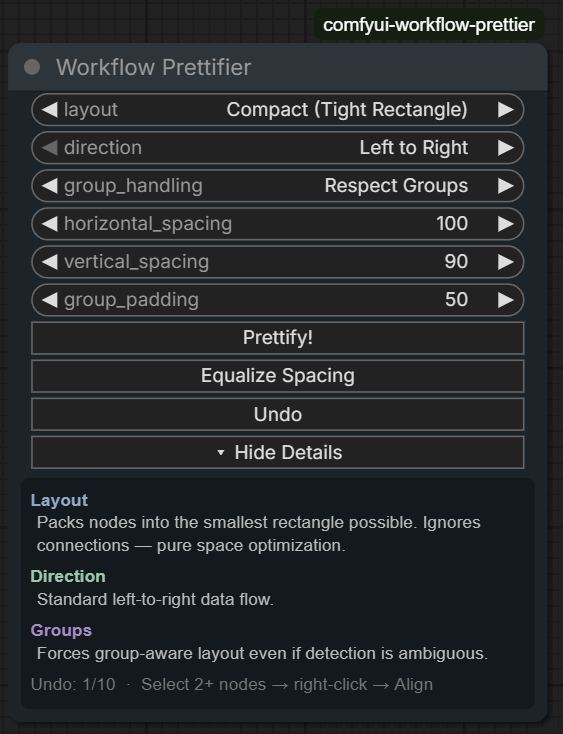
### [Workflow Prettier](https://comfy.org/cloud/supported-nodes/comfyui-workflow-prettier/)
Auto-arrange workflow nodes with 4 layout algorithms, group-aware positioning, alignment tools, and undo
[View repository](https://github.com/deepme987/comfyui-workflow-prettier) • 1 node
Included nodes
#### utils
- WorkflowPrettifier
### [Feedback Sampler](https://comfy.org/cloud/supported-nodes/feedback-sampler/)
Create Deforum-style zoom animations through iterative feedback loop with pan, rotate, LAB color coherence, anti-blur sharpening, and ControlNet sequence support
[View repository](https://github.com/pizurny/Comfyui-FeedbackSampler) • 1 node
Included nodes
#### sampling/custom
- FeedbackSampler
### [hellorob](https://comfy.org/cloud/supported-nodes/nodesweet/)
Makes ComfyUI more sweet
[View repository](https://github.com/rslosh/comfyui-nodesweet) • 6 nodes
Included nodes
#### nodesweet-hellorob
- AudioReactiveTransform
- AudioWeightsRemap
- BboxDetectorBatch
- BboxDetectorBatchChunked
- BboxDetectorBatchForEach
- MultilineStringRepeater
### [Vewd](https://comfy.org/cloud/supported-nodes/vewd/)
A media viewer node for ComfyUI. Auto-captures all generated media into a grid for easy viewing, sorting, and comparing.
[View repository](https://github.com/spiritform/vewd) • 1 node
Included nodes
#### image
- Vewd
### [Systms Face Composite](https://comfy.org/cloud/supported-nodes/comfyui-systms-facecomposite/)
Composites refined face images back onto original video frames using bounding box coordinates with support for replace, alpha blend, and feather blending modes.
[View repository](https://github.com/systms-ai/Nodes-) • 1 node
Included nodes
#### WanAnimatePreprocess
- FaceComposite
### [TimeSlice Nodes](https://comfy.org/cloud/supported-nodes/timeslice-nodes/)
Temporal slit-scan / time-displacement effects for ComfyUI — angled, animated and dual-source slicing on a shared engine.
[View repository](https://github.com/systms-ai/TimeSlice-Nodes) • 3 nodes
Included nodes
#### Systms/effects
- TimeSlice Dual
- TimeSlice Effect
- TimeSlice Wave
### [comfy-workflow-io-nodes](https://comfy.org/cloud/supported-nodes/comfy-workflow-io-nodes/)
Description unavailable.
View repository • 10 nodes
Included nodes
#### Workflow IO/Inputs
- Workflow IO Bool Input
- Workflow IO Enum Input
- Workflow IO Float Input
- Workflow IO Image Input
- Workflow IO Int Input
- Workflow IO Seed Input
- Workflow IO Text Input
- Workflow IO Video Input
#### Workflow IO/Outputs
- Workflow IO Image Output
- Workflow IO Video Output
### [ComfyQR](https://comfy.org/cloud/supported-nodes/ComfyQR/)
Description unavailable.
View repository • 4 nodes
Included nodes
#### ComfyQR
- Mask QR Errors
- QR Code
- QR Code (Conformed to Image Size)
- QR Code (Split)
### [AudioTools](https://comfy.org/cloud/supported-nodes/ComfyUI_AudioTools/)
Description unavailable.
View repository • 29 nodes
Included nodes
#### ⚪Lum3on/AudioTools/AI
- Speech Denoise (AI)
- Speech-to-Text + SRT (Whisper)
- Stem Separator (AI)
#### ⚪Lum3on/AudioTools/Analysis
- Audio-Reactive Envelope
- BPM Detector / Reactive
- Loudness Meter (LUFS)
#### ⚪Lum3on/AudioTools/Effects
- Delay / Echo
- Fade In
- Fade Out
- Pitch Shift / Time Stretch
- Reverb
#### ⚪Lum3on/AudioTools/Processing
- Amplify / Gain
- De-Esser
- De-Hum (50/60Hz)
- De-Plosive (Low Cut)
- Mix Audio Tracks
- Noise Gate
- Normalize Audio
- Parametric EQ for Voice
- Remove Silence
- Standardize Audio (Format/Channels)
- Trim Audio
- Vocal Compressor
#### ⚪Lum3on/AudioTools/Utility
- Concatenate Audio
- Pad With Silence
- Stereo Panner
#### ⚪Lum3on/AudioTools/Visualization
- Compare Waveforms
- Display Waveform
- Show Audio Info
### [Fill-ChatterBox](https://comfy.org/cloud/supported-nodes/ComfyUI_Fill-ChatterBox/)
Description unavailable.
View repository • 5 nodes
Included nodes
#### ChatterBox
- FL Chatterbox Dialog TTS
- FL Chatterbox Multilingual TTS
- FL Chatterbox TTS
- FL Chatterbox Turbo TTS
- FL Chatterbox VC
### [Fill-Nodes](https://comfy.org/cloud/supported-nodes/ComfyUI_Fill-Nodes/)
Description unavailable.
View repository • 108 nodes
Included nodes
#### 🎨 FL Path Animator
- FL Path Animator
#### 🏵️Fill Nodes/Audio
- FL Audio Beat Visualizer
- FL Audio BPM Analyzer
- FL Audio Crop
- FL Audio Drum Detector
- FL Audio Envelope Visualizer
- FL Audio Music Video Sequencer
- FL Audio Reactive Brightness
- FL Audio Reactive Edge Glow
- FL Audio Reactive Envelope
- FL Audio Reactive Saturation
- FL Audio Reactive Scale
- FL Audio Reactive Speed
- FL Audio Segment Extractor
- FL Audio Separation
- FL Audio Shot Iterator
#### 🏵️Fill Nodes/Captioning
- FL CSV Extractor
#### 🏵️Fill Nodes/experiments
- FL Batch Align
- FL Color Picker
- FL Grad Generator
- FL Video Recompose
#### 🏵️Fill Nodes/games
- FL BulletHell Game
- FL Tetris Game
#### 🏵️Fill Nodes/Image
- FL Anime Line Extractor
- FL Apply Mask
- FL Black Frame Reject
- FL Image Add Noise
- FL Image Add To Batch
- FL Image Adjuster
- FL Image Aspect Cropper
- FL Image Batch
- FL Image Batch To Grid
- FL Image Batch To Image List
- FL Image Blank
- FL Image Crop
- FL Image List To Image Batch
- FL Image Notes
- FL Image Overlay
- FL Image Selector
- FL Image Size
- FL Image Slicer
- FL Padding Remover
- FL Replace Color
#### 🏵️Fill Nodes/Ksamplers
- FL KSampler Basic
- FL KSampler Plus
- FL KSampler Plus V2
- FL KSampler Settings
- FL KSampler XYZ Plot
- FL Sampler String XYZ
- FL Scheduler String XYZ
#### 🏵️Fill Nodes/Loaders
- FL Upscale Model
#### 🏵️Fill Nodes/PDF
- FL Images To PDF
- FL PDF Encryptor
- FL PDF Image Extractor
- FL PDF Merger
- FL PDF Text Extractor
- FL PDF To Images
- FL Text To PDF
#### 🏵️Fill Nodes/Prompting
- FL MadLib Generator
- FL Prompt Basic
- FL Prompt Multi
- FL Prompt Selector
- FL Prompt Selector Basic
#### 🏵️Fill Nodes/utility
- FL Random Shape Generator
#### 🏵️Fill Nodes/Utility
- FL Float
- FL Float to Int
- FL Inpaint Crop
- FL Inpaint Stitch
- FL Int to Float
- FL Math
- FL Padding
- FL Paste By Mask
- FL Paste On Canvas
- FL Path Type Checker
- FL Random Number
- FL SDUltimate Slices
- FL Separate Mask Components
- FL Switch
- FL Switch Big
- FL Unload All Models
- FL Unload Model
- FL Video CropMask
#### 🏵️Fill Nodes/VFX
- FL Ascii
- FL Dither
- FL Glitch
- FL Halftone
- FL Hexagonal Pattern
- FL Image Collage
- FL Image Pixelator
- FL Pixel Art
- FL PixelSort
- FL Retro Effect
- FL Ripple
- FL Text Overlay
#### 🏵️Fill Nodes/Video
- FL Video Batch Splitter
- FL Video Cadence
- FL Video Cadence Compile
- FL Video Crossfade
- FL Video Trim
#### 🏵️Fill Nodes/WIP
- FL Animated Shape Patterns
- FL Fractal KSampler
- FL Qwen Image Edit with Strength
- FL Wan First Frame Last Frame
- FL Wan Vace To Video Multi Reference
- FL Wan Video Blender
- FL Wan Video Blender 3-Way
- FL Wan Video Continuation Blender
- FL Wan Video Continue
### [SchemaNodes](https://comfy.org/cloud/supported-nodes/ComfyUI_SchemaNodes/)
Description unavailable.
View repository • 8 nodes
Included nodes
#### inout/schema
- Schema Audio Parameter
- Schema Boolean Parameter
- Schema Enum Parameter
- Schema Float Parameter
- Schema Image Parameter
- Schema Integer Parameter
- Schema String Parameter
- Schema Video Parameter
### [AdvancedLivePortrait](https://comfy.org/cloud/supported-nodes/ComfyUI-AdvancedLivePortrait/)
Description unavailable.
View repository • 4 nodes
Included nodes
#### AdvancedLivePortrait
- Advanced Live Portrait (PHM)
- ExpData
- Expression Editor (PHM)
- PrintExpData:
### [DepthAnythingV2](https://comfy.org/cloud/supported-nodes/ComfyUI-DepthAnythingV2/)
Description unavailable.
View repository • 2 nodes
Included nodes
#### DepthAnythingV2
- Depth Anything V2
- DownloadAndLoadDepthAnythingV2Model
### [DynamiCrafterWrapper](https://comfy.org/cloud/supported-nodes/ComfyUI-DynamiCrafterWrapper/)
Description unavailable.
View repository • 11 nodes
Included nodes
#### DynamiCrafterWrapper
- (Down)Load CLIPVisionModel
- (Down)Load DynamiCrafter CNModel
- (Down)Load DynamiCrafterModel
- DynamiCrafter BatchInterpolation
- DynamiCrafter CNLoader
- DynamiCrafter ControlnetApply
- DynamiCrafter LoadInitNoise
- DynamiCrafter ModelLoader
- DynamiCrafterI2V
- ToonCrafter Decode
- ToonCrafter Interpolation
### [EditUtils](https://comfy.org/cloud/supported-nodes/ComfyUI-EditUtils/)
Description unavailable.
View repository • 17 nodes
Included nodes
#### advanced/conditioning
- EditUtils: Adaptive Longest Edge lrzjason
- EditUtils: Any2Image lrzjason
- EditUtils: Any2Latent lrzjason
- EditUtils: Config Json Parser lrzjason
- EditUtils: EditTextEncode lrzjason
- EditUtils: Flux2Klein Config Preparer lrzjason
- EditUtils: Flux2Klein Edit Text Encode lrzjason
- EditUtils: Flux2Klein Model Config lrzjason
- EditUtils: Flux2Klein Output Extractor lrzjason
- EditUtils: List Extractor lrzjason
- EditUtils: Model Config lrzjason
- EditUtils: Qwen Config Preparer lrzjason
- EditUtils: Qwen Edit Output Extractor lrzjason
- EditUtils: Qwen Edit Text Encode lrzjason
- EditUtils: Qwen Model Config lrzjason
#### image
- EditUtils: Crop With Pad Info lrzjason
- EditUtils: Load Image With Filename lrzjason
### [FlashVSR_Ultra_Fast](https://comfy.org/cloud/supported-nodes/ComfyUI-FlashVSR_Ultra_Fast/)
Description unavailable.
View repository • 3 nodes
Included nodes
#### FlashVSR
- FlashVSR Init Pipeline
- FlashVSR Ultra-Fast
- FlashVSR Ultra-Fast (Advanced)
### [Fluxtapoz](https://comfy.org/cloud/supported-nodes/ComfyUI-Fluxtapoz/)
Description unavailable.
View repository • 22 nodes
Included nodes
#### fluxtapoz
- Apply Flux Regional Conds
- Configure Modified Flux
- Create Flux Regional Cond
- Flip Flux Sigmas
- Flow Edit Guider
- Flow Edit Sampler
- Flux DeGuidance
- Flux Forward ODE Sampler
- Flux Inverse Sampler
- Flux Mix Noise
- Flux Reverse ODE Sampler
- Inverse Flux Model Pred
- Outverse Flux Model Pred
- Regional Style Model Apply
- RF-Edit Double Layers Override
- RF-Edit Forward Sampler
- RF-Edit Prep Attn Inj
- RF-Edit Reverse Sampler
- RF-Edit Single Layers Override
#### fluxtapoz/attn
- Apply Flux PAG Attention
- Apply Flux SEG Attention
- Flux Attention Override
### [GIMM-VFI](https://comfy.org/cloud/supported-nodes/ComfyUI-GIMM-VFI/)
Description unavailable.
View repository • 2 nodes
Included nodes
#### GIMM-VFI
- (Down)Load GIMMVFI Model
#### PyramidFlowWrapper
- GIMM-VFI Interpolate
### [Image-Filters](https://comfy.org/cloud/supported-nodes/ComfyUI-Image-Filters/)
Description unavailable.
View repository • 60 nodes
Included nodes
#### Image-Filters/conditioning
- ConditioningSubtract
- Inpaint Condition Apply
- Inpaint Condition Encode
- IP2P Conditioning Advanced
#### Image-Filters/image
- AdaIN (Image)
- Alpha Clean (DEPRECATED, use MaskClean)
- Alpha Matte (DEPRECATED, use ImageMatting)
- Batch Align (RAFT)
- Batch Average Image
- Batch Normalize (Image)
- Better Film Grain
- Bilateral Filter Image
- Blur Image (Fast)
- Clamp Image
- Color Match Image
- Convert Normals
- Depth To Normals
- Difference Checker
- Enhance Detail
- Exposure Adjust
- Frequency Combine
- Frequency Separate
- Game Of Life
- Guided Filter Image
- Image Constant Color (HSV)
- Image Constant Color (RGB)
- Image Matting
- Keyer
- Median Filter Image
- Normal Map (Simple)
- Poisson Noise Image
- Relight (Simple)
- Remap Range
- Restore Detail
- Shuffle Channels
- Tonemap
- UnTonemap
#### Image-Filters/image/frames
- Extract N Frames
- Merge Frames By Index
#### Image-Filters/image/jitter
- Batch Average Un-Jittered
- Jitter Image
- Un-Jitter Image
#### Image-Filters/latent
- AdaIN (Latent)
- AdaIN Filter (Latent)
- Batch Normalize (Latent)
- Clamp Outliers
- LatentNormalizeShuffle
- Offset Latent Image
- RandnLikeLatent
- Sharpen Filter (Latent)
- Upscale Hunyuan3Dv2 Latent By
#### Image-Filters/mask
- Blur Mask (Fast)
- Dilate/Erode Mask
- Mask (Alpha) Clean
- Pack Video Mask
#### Image-Filters/sampling
- CustomNoise
#### Image-Filters/utils
- Latent Stats
- Print Sigmas
- Show Sigmas
- Visualize Latents
### [KJNodes](https://comfy.org/cloud/supported-nodes/ComfyUI-KJNodes/)
Description unavailable.
View repository • 187 nodes
Included nodes
#### _for_testing
- Differential Diffusion Advanced
#### advanced/guidance
- Skip Layer Guidance WanVideo
#### conditioning/controlnet
- Set Shakker Labs Union ControlNet Type
#### image
- Image Pad For Outpaint Masked
- Image Pad For Outpaint Target Size
- Image Prep For ICLora
#### KJNodes/audio
- ImageTransformByNormalizedAmplitude
- NormalizedAmplitudeToFloatList
- NormalizedAmplitudeToMask
- OffsetMaskByNormalizedAmplitude
- Sound Reactive
#### KJNodes/constants
- BOOL Constant
- Float Constant
- INT Constant
- String Constant
- String Constant Multiline
#### KJNodes/controlnet
- Custom ControlNet Weights Flux From List
#### KJNodes/deprecated
- Create Audio Mask
- Create Fade Mask
- Patch Model Patcher Order
- TorchCompileCosmosModel
- TorchCompileLTXModel
- TorchCompileModelFluxAdvanced
- TorchCompileModelHyVideo
- TorchCompileModelQwenImage
- TorchCompileModelWanVideo
- WanVideo Tea Cache (native)
#### KJNodes/experimental
- CFG Zero Star/Init
- CheckpointPerturbWeights
- Fast Preview
- Flux Block Lora Select
- GLIGENTextBoxApplyBatchCoords
- Interpolate Coords
- Latent Inpaint TTM
- Model Patch Torch Settings
- NABLA Attention KJ
- Patch Flash Attention KJ
- Patch Sage Attention KJ
- PiD Color Bias Correction
- Plot Coordinates
- Points Editor
- Scheduled CFG Guidance
- Stable Zero123 Batch Schedule
- Style Model Apply Advanced
- SV3D Batch Schedule
#### KJNodes/hunyuanvideo
- Apply RifleXRoPE HunuyanVideo
- Hunyuan Video Block Lora Select
- HunyuanVideo Encode Keyframes To Cond
- Leapfusion Hunyuan I2V Patcher
#### KJNodes/image
- Color Match
- Create Gradient From Coords
- Create Shape Image On Path
- Cross Fade Images
- Cross Fade Images Multi
- Cut And Drag On Path
- Get Image or Mask Range From Batch
- Get Image Size & Count
- Get Images From Batch Indexed
- Get Latent Size & Count
- Gradient To Float
- Image Add Multi
- Image Batch Extend With Overlap
- Image Batch Filter
- Image Batch Join With Transition
- Image Batch Multi
- Image Concatenate From Batch
- Image Crop By Mask
- Image Crop By Mask And Resize
- Image Crop By Mask Batch
- Image Grab PIL
- Image Grid Composite 2x2
- Image Grid Composite 3x3
- Image Grid To Batch
- Image Normalize -1 to 1
- Image Tensor List
- Image Uncrop By Mask
- Image Upscale With Model Batched
- ImageBatchRepeatInterleaving
- ImagePad KJ
- ImagePass
- Insert Image Batch By Indexes
- Insert Images To Batch Indexed
- Load & Resize Image
- Merge Image Channels
- Pad Image Batch Interleaved
- Preview Animation
- Remap Image Range
- Replace Images In Batch
- Resize Image (deprecated)
- Resize Image v2
- Reverse Image Batch
- Save Image With Alpha
- Screencap mss
- Shuffle Image Batch
- Split Image Channels
- Transition Images In Batch
- Transition Images Multi
#### KJNodes/InstanceDiffusion
- AppendInstanceDiffusionTracking
- CreateInstanceDiffusionTracking
- DrawInstanceDiffusionTracking
#### KJNodes/latents
- Empty Latent Image Custom Presets
- Empty Latent Image Presets
- Get Latent Range From Batch
- Get Latents From Batch Indexed
- Insert Latent To Index
#### KJNodes/lora
- DiT Block Lora Loader
#### KJNodes/ltxv
- LTX2 Block Lora Select
- LTXV Enhance A Video KJ
#### KJNodes/masking
- (Down)load CLIPSeg
- Batch CLIPSeg
- Batch Crop From Mask
- Batch Crop From Mask Advanced
- Batch Uncrop
- Batch Uncrop Advanced
- Bbox To Int
- Bbox Visualize
- Blockify Mask
- Color To Mask
- Consolidate Masks
- Draw Mask On Image
- FilterZeroMasksAndCorrespondingImages
- Get Mask Size & Count
- Grow Mask With Blur
- Mask Batch Multi
- Offset Mask
- Remap Mask Range
- Resize Mask
- Round Mask
- Separate Masks
- Split Bboxes
#### KJNodes/masking/conditioning
- Conditioning Multi Combine
- ConditioningSetMaskAndCombine
- ConditioningSetMaskAndCombine3
- ConditioningSetMaskAndCombine4
- ConditioningSetMaskAndCombine5
#### KJNodes/masking/generate
- Create Fade Mask Advanced
- Create Fluid Mask
- Create Gradient Mask
- Create Magic Mask
- Create Shape Mask
- Create Shape Mask On Path
- Create Text On Path
- Create Voronoi Mask
- Float To Mask
#### KJNodes/memory
- Model Memory Usage Factor Override
- Model Memory Use Report Patch
- VRAM Debug
#### KJNodes/misc
- CondPassThrough
- Dummy Out
- Lazy Switch KJ
- ModelPass
- Scale Batch Prompt Schedule
- Sleep
- String to Float List
- Timer Node KJ
#### KJNodes/model_loaders
- CheckpointLoaderKJ
- Diffusion Model Loader KJ
- Diffusion Model Selector
#### KJNodes/noise
- Custom Sigmas
- Flip Sigmas Adjusted
- Float To Sigmas
- Generate Noise
- Inject Noise To Latent
- Sigmas To Float
#### KJNodes/text
- Add Label
- Append Strings To List
- Create Text Mask
- Join String Multi
- Join Strings
- Something To String
- Superprompt
- Widget To String
#### KJNodes/torchcompile
- TorchCompileControlNet
- TorchCompileModelAdvanced
- TorchCompileModelFluxAdvancedV2
- TorchCompileModelWanVideoV2
- TorchCompileVAE
#### KJNodes/vae
- VAE Decode Loop KJ
- VAELoader KJ
#### KJNodes/wan
- Apply RifleXRoPE WanVideo
- Wan21 Block Lora Select
- WanVideo Enhance A Video (native)
- WanVideoNAG
#### KJNodes/weights
- Mask Or Image To Weight
- Spline Editor
- Weight Schedule Convert
- Weight Schedule Extend
### [KwaiKolorsWrapper](https://comfy.org/cloud/supported-nodes/ComfyUI-KwaiKolorsWrapper/)
Description unavailable.
View repository • 5 nodes
Included nodes
#### KwaiKolorsWrapper
- (Down)load ChatGLM3 Model
- (Down)load Kolors Model
- Kolors Sampler
- Kolors Text Encode
- Load ChatGLM3 Model
### [Licon-MSR](https://comfy.org/cloud/supported-nodes/ComfyUI-Licon-MSR/)
Description unavailable.
View repository • 1 node
Included nodes
#### Licon/MSR
- Licon MSR
### [LivePortraitKJ](https://comfy.org/cloud/supported-nodes/ComfyUI-LivePortraitKJ/)
Description unavailable.
View repository • 9 nodes
Included nodes
#### LivePortrait
- (Down)Load LivePortraitModels
- LivePortrait Composite
- LivePortrait Cropper
- LivePortrait KeypointsToImage
- LivePortrait Load FaceAlignmentCropper
- LivePortrait Load InsightFaceCropper
- LivePortrait Load MediaPipeCropper
- LivePortrait Process
- LivePortrait Retargeting
### [Lotus](https://comfy.org/cloud/supported-nodes/ComfyUI-Lotus/)
Description unavailable.
View repository • 2 nodes
Included nodes
#### ComfyUI-Lotus
- Load Lotus Model
- Lotus Sampler
### [LTXVideo](https://comfy.org/cloud/supported-nodes/ComfyUI-LTXVideo/)
Description unavailable.
View repository • 60 nodes
Included nodes
#### conditioning/video_models
- 🅛🅣🅧 LTXV Add Guide Advanced
- 🅛🅣🅧 LTXV Add Guide Advanced Attention
- 🅛🅣🅧 LTXV Img To Video Advanced
- 🅛🅣🅧 LTXV Img To Video Condition Only
#### fluxtapoz
- LTX Prepare Attn Injection
#### latent
- 🅛🅣🅧 LTXV Spatio Temporal Tiled VAE Decode
- 🅛🅣🅧 LTXV Tiled VAE Decode
#### latent/video
- 🅛🅣🅧 LTXV Add Latents
- 🅛🅣🅧 LTXV Dilate Latent
- 🅛🅣🅧 LTXV Select Latents
- 🅛🅣🅧 LTXV Set Video Latent Noise Masks
#### Lightricks/audio
- 🅛🅣🅧 LTXV Audio Only Empty Video Latent
- 🅛🅣🅧 LTXV Audio Only Model
#### Lightricks/latent
- 🅛🅣🅧 Linear transition with overlap
- 🅛🅣🅧 LTXV Linear Overlap Latent Transition
#### Lightricks/latents
- 🅛🅣🅧 LTXV Adain Latent
- 🅛🅣🅧 LTXV Per Step Adain Patcher
- 🅛🅣🅧 LTXV Per Step Stat Norm Patcher
- 🅛🅣🅧 LTXV Stat Norm Latent
#### lightricks/LTXV
- 🅛🅣🅧 APG Guider
- 🅛🅣🅧 Dynamic Conditioning
- 🅛🅣🅧 Gemma 3 Model Loader
- 🅛🅣🅧 Gemma 3 Prompt Enhancer
- 🅛🅣🅧 Guider Parameters
- 🅛🅣🅧 LTXQ8Patch
- 🅛🅣🅧 LTXV Apply STG
- 🅛🅣🅧 LTXV Patcher VAE
- 🅛🅣🅧 LTXV Prompt Enhancer
- 🅛🅣🅧 LTXVQ8Lora Model Loader
- 🅛🅣🅧 Multimodal Guider
- 🅛🅣🅧 Set VAE Decoder Noise
- 🅛🅣🅧 STG Advanced Presets
- 🅛🅣🅧 STG Guider
- 🅛🅣🅧 STG Guider Advanced
- 🅛🅣🅧 STG Guider Node
#### Lightricks/mask_operations
- 🅛🅣🅧 LTXV Preprocess Masks
#### ltxtricks
- LTX Attention Bank
- LTX Attn Block Override
- LTX Feta Enhance
- LTX Flow Edit CFG Guider
- LTX Flow Edit Sampler
- LTX Forward Model Pred
- LTX Reverse Model Pred
- LTX Rf-Inv Forward Sampler
- LTX Rf-Inv Reverse Sampler
- Modify LTX Model
#### ltxtricks/attn
- LTX Apply Perturbed Attention
- LTX Attention Override
#### LTXV/loaders
- 🅛🅣🅧 Low VRAM Audio VAE Loader
- 🅛🅣🅧 Low VRAM Checkpoint Loader
#### math/conversion
- 🅛🅣🅧 Float To Int
#### prompt
- 🅛🅣🅧 LTXV Multi Prompt Provider
- 🅛🅣🅧 Multi Prompt Provider
#### sampling
- 🅛🅣🅧 LTXV Base Sampler
- 🅛🅣🅧 LTXV Extend Sampler
- 🅛🅣🅧 LTXV In Context Sampler
- 🅛🅣🅧 LTXV Looping Sampler
- 🅛🅣🅧 LTXV Tiled Sampler
#### utility
- 🅛🅣🅧 Image to CPU
- 🅛🅣🅧 LTXV Set Audio Video Mask By Time
### [MimicMotionWrapper](https://comfy.org/cloud/supported-nodes/ComfyUI-MimicMotionWrapper/)
Description unavailable.
View repository • 5 nodes
Included nodes
#### MimicMotionWrapper
- (Down)Load MimicMotionModel
- Diffusers Scheduler
- MimicMotion Decode
- MimicMotion GetPoses
- MimicMotion Sampler
### [NormalCrafterWrapper](https://comfy.org/cloud/supported-nodes/ComfyUI-NormalCrafterWrapper/)
Description unavailable.
View repository • 2 nodes
Included nodes
#### NormalCrafter
- Detail Transfer
- NormalCrafter (Process Video)
### [Prompt-Combinator](https://comfy.org/cloud/supported-nodes/ComfyUI-Prompt-Combinator/)
Description unavailable.
View repository • 3 nodes
Included nodes
#### prompt_combinator
- 🔢 Pick Random Prompt from Prompt Combinator
- 🔢 Prompt Combinator
- 🔢 Prompt Combinator Merger
### [Comfyui-SecNodes](https://comfy.org/cloud/supported-nodes/Comfyui-SecNodes/)
Description unavailable.
View repository • 3 nodes
Included nodes
#### SeC
- Coordinate Plotter
- SeC Model Loader
- SeC Video Segmentation
### [comfyui-sharp](https://comfy.org/cloud/supported-nodes/comfyui-sharp/)
Description unavailable.
View repository • 3 nodes
Included nodes
#### SHARP
- Load Image with EXIF (Focal Length)
- Load SHARP Model
- SHARP Predict (Image to PLY)
### [comfyui-string-converter](https://comfy.org/cloud/supported-nodes/comfyui-string-converter/)
Description unavailable.
View repository • 2 nodes
Included nodes
#### utils
- Convert String To Float
- Convert String To Int
### [TiledDiffusion](https://comfy.org/cloud/supported-nodes/ComfyUI-TiledDiffusion/)
Description unavailable.
View repository • 4 nodes
Included nodes
#### _for_testing
- SpotDiffusion Parameters
- Tiled Diffusion
- Tiled VAE Decode
- Tiled VAE Encode
### [UltraShape1](https://comfy.org/cloud/supported-nodes/ComfyUI-UltraShape1/)
Description unavailable.
View repository • 6 nodes
Included nodes
#### UltraShape
- UltraShape Convert To GLB/OBJ
- UltraShape Output To Trimesh
- UltraShape Refine
#### UltraShape/Loaders
- UltraShape Load Coarse Mesh
- UltraShape Load Coarse Mesh From Trimesh
- UltraShape Load Model
### [Upscaler-Tensorrt](https://comfy.org/cloud/supported-nodes/ComfyUI-Upscaler-Tensorrt/)
Description unavailable.
View repository • 2 nodes
Included nodes
#### tensorrt
- Load Upscale Tensorrt Model
- Upscaler Tensorrt ⚡
### [comfyui-various](https://comfy.org/cloud/supported-nodes/comfyui-various/)
Description unavailable.
View repository • 55 nodes
Included nodes
#### jamesWalker55
- Apply Mask Sequence to Latent
- Audio Blend
- Datetime String
- Extract Image Sequence From Batch
- Float
- Float Absolute Value
- Float Add
- Float Divide
- Float Maximum
- Float Minimum
- Float Multiply
- Float Subtract
- Float to Integer
- Float to String
- Get Image Batch Count
- Image Contrast
- Image Crop to Closest SDXL Resolution
- Image Extract From Batch
- Image Flip
- Image Levels
- Image Mix
- Image Resize
- Image Resize by Factor
- Image Resize by Longer Side
- Image Resize by Shorter Side
- Image Resize to Closest SDXL Resolution
- Image Resize to Square
- Image Saturation
- Image Stack Channels
- Integer
- Integer Absolute Value
- Integer Add
- Integer Divide
- Integer Maximum
- Integer Minimum
- Integer Multiply
- Integer Subtract
- Integer to Float
- Integer to String
- Join Mask Sequence
- Loop Image Sequence
- Mask Like Image Size
- Mask Resize
- Mask Sequence From Mask
- RAFT Estimate
- RAFT Flow to Image
- String
- String (Multiline)
- String Concatenate
- String Get Line
- String Replace
- String Split
- String to Float
- String to Integer
- String Unescape
### [ControlAltAI-Nodes](https://comfy.org/cloud/supported-nodes/ControlAltAI-Nodes/)
Description unavailable.
View repository • 17 nodes
Included nodes
#### ControlAltAI Nodes/Flux
- Flux Resolution Calc
- Flux Sampler
- Flux Union ControlNet Apply
#### ControlAltAI Nodes/Flux Region
- Flux Attention Cleanup
- Region Mask Generator
#### ControlAltAI Nodes/HiDream
- HiDream Resolution
#### ControlAltAI Nodes/Image
- Get Image Size Ratio
- Noise Plus Blend
- Perturbation Texture
#### ControlAltAI Nodes/Logic
- Boolean Basic
- Boolean Reverse
- Choose Upscale Model
- Integer Settings
- Integer Settings Advanced
- Switch (Three Way)
- Switch (Two Way)
#### ControlAltAI Nodes/Utility
- Text Bridge
### [CustomNodeComfyMath](https://comfy.org/cloud/supported-nodes/CustomNodeComfyMath/)
Description unavailable.
View repository • 53 nodes
Included nodes
#### math/bool
- BoolBinaryOperation
- BoolUnaryOperation
#### math/conversion
- BoolToInt
- BreakoutVec2
- BreakoutVec3
- BreakoutVec4
- ComposeVec2
- ComposeVec3
- ComposeVec4
- FloatToInt
- FloatToNumber
- IntToBool
- IntToFloat
- IntToNumber
- NumberToFloat
- NumberToInt
#### math/float
- FloatBinaryCondition
- FloatBinaryOperation
- FloatUnaryCondition
- FloatUnaryOperation
- NumberBinaryCondition
#### math/graphics
- NearestSDXLExtendedResolution
- NearestSDXLResolution
- SDXLExtendedResolution
- SDXLResolution
#### math/int
- IntBinaryCondition
- IntBinaryOperation
- IntUnaryCondition
- IntUnaryOperation
#### math/number
- NumberBinaryOperation
- NumberUnaryOperation
#### math/Number
- NumberUnaryCondition
#### math/vec2
- Vec2BinaryCondition
- Vec2BinaryOperation
- Vec2ScalarOperation
- Vec2ToScalarBinaryOperation
- Vec2ToScalarUnaryOperation
- Vec2UnaryCondition
- Vec2UnaryOperation
#### math/vec3
- Vec3BinaryCondition
- Vec3BinaryOperation
- Vec3ScalarOperation
- Vec3ToScalarBinaryOperation
- Vec3ToScalarUnaryOperation
- Vec3UnaryCondition
- Vec3UnaryOperation
#### math/vec4
- Vec4BinaryCondition
- Vec4BinaryOperation
- Vec4ScalarOperation
- Vec4ToScalarBinaryOperation
- Vec4ToScalarUnaryOperation
- Vec4UnaryCondition
- Vec4UnaryOperation
### [masquerade-nodes-comfyui](https://comfy.org/cloud/supported-nodes/masquerade-nodes-comfyui/)
Description unavailable.
View repository • 20 nodes
Included nodes
#### Masquerade Nodes
- Blur
- Change Channel Count
- Combine Masks
- Constant Mask
- Convert Color Space
- Create Rect Mask
- Cut By Mask
- Get Image Size
- Image To Mask
- Incrementer
- Make Image Batch
- Mask Morphology
- Mask To Region
- Mix Color By Mask
- Mix Images By Mask
- Paste By Mask
- Prune By Mask
- Separate Mask Components
- Unary Image Op
- Unary Mask Op
### [OneButtonPrompt](https://comfy.org/cloud/supported-nodes/OneButtonPrompt/)
Description unavailable.
View repository • 5 nodes
Included nodes
#### OneButtonPrompt
- Auto Negative Prompt
- Create Prompt Variant
- One Button Artify
- One Button Preset
- One Button SuperPrompt
### [RES4LYF](https://comfy.org/cloud/supported-nodes/RES4LYF/)
Description unavailable.
View repository • 285 nodes
Included nodes
#### advanced/conditioning
- CrossAttn_EraseReplace_HiDream
#### essentials/mask
- Mask Bounding Box Aspect Ratio
#### image
- Mask Sketch
#### RES4LYF/conditioning
- CLIPTextEncodeFluxUnguided
- ClownRegionalConditioning
- ClownRegionalConditioning_AB
- ClownRegionalConditioning_ABC
- ClownRegionalConditioning2
- ClownRegionalConditioning3
- ClownRegionalConditionings
- ConditioningAdd
- ConditioningAverageScheduler
- ConditioningBatch4
- ConditioningBatch8
- ConditioningDownsample (T5)
- ConditioningOrthoCollin
- ConditioningTruncate
- ConditioningZeroAndTruncate
- StableCascade_StageB_Conditioning64
- StyleModelApplyStyle
#### RES4LYF/images
- Film Grain
- Frame Select
- Frames Concat
- Frames Slice
- Frequency Separation Hard Light
- Frequency Separation Hard Light LAB
- Frequency Separation Linear Light
- Image Channels LAB
- Image Crop Location Exact
- Image Gaussian Blur
- Image Get Color Swatches
- Image Grain Add
- Image Median Blur
- Image Pair Split
- Image Repeat Tile To Size
- Image Sharpen FS
- Masks From Color Swatches
- Masks From Colors
- SetImageSize
- SetImageSizeWithScale
#### RES4LYF/latents
- EmptyLatentImage64
- EmptyLatentImageCustom
- Frame Select Latent
- Frame Select Latent Raw
- Frames Concat Latent
- Frames Concat Latent Raw
- Frames Slice Latent
- Frames Slice Latent Raw
- Latent Batcher
- Latent Channels From To
- Latent Clear State Info
- Latent Display State Info
- Latent Get Channel Means
- Latent Match Channelwise
- Latent Normalize Channels
- Latent Replace State Info
- Latent to Cuda
- Latent to RawX
- Latent Transfer State Info
- Latent TrimVideo State Info
- LatentBatch_channels
- LatentBatch_channels_16
- LatentPhaseMagnitude
- LatentPhaseMagnitudeMultiply
- LatentPhaseMagnitudeOffset
- LatentPhaseMagnitudePower
- LatentUpscaleWithVAE
#### RES4LYF/legacy/sampler_extensions
- Legacy2_ClownInpaint
- Legacy2_ClownInpaintSimple
- Legacy2_ClownsharKSamplerAutomation
- Legacy2_ClownsharKSamplerAutomation_Advanced
- Legacy2_ClownsharKSamplerGuide
- Legacy2_ClownsharKSamplerGuides
- Legacy2_SamplerOptions_GarbageCollection
#### RES4LYF/legacy/sampler_options
- Legacy2_ClownOptions_FrameWeights
- Legacy2_ClownOptions_SDE_Noise
#### RES4LYF/legacy/samplers
- Legacy_ClownSampler
- Legacy_ClownsharKSampler
- Legacy_ClownsharKSamplerGuides
- Legacy_SharkSampler
- Legacy2_ClownSampler
- Legacy2_ClownSamplerAdvanced
- Legacy2_ClownsharKSampler
#### RES4LYF/legacy/samplers/ultracascade
- UltraSharkSampler Tiled
#### RES4LYF/legacy/samplers/UltraCascade
- Legacy2_UltraSharkSampler
#### RES4LYF/loaders
- ClownModelLoader
- FluxLoader
- SD35Loader
#### RES4LYF/masks
- Frames Concat Masks
- Frames Latent ReverseOrder
- Frames Masks Uninterpolate
- Frames Masks ZeroOut
- MaskEdge
- MaskFloatToBoolean
- Masks Unpack 16
- Masks Unpack 4
- Masks Unpack 8
- MaskToggle
- TemporalCrossAttnMask
- TemporalMaskGenerator
- TemporalSplitAttnMask
- TemporalSplitAttnMask (Midframe)
#### RES4LYF/model
- ClownpileModelWanVideo
#### RES4LYF/model_patches
- FluxGuidanceDisable
- FluxOrthoCFGPatcher
- ReAuraPatcher
- ReAuraPatcherAdvanced
- ReChromaPatcher
- ReChromaPatcherAdvanced
- ReFluxPatcher
- ReFluxPatcherAdvanced
- ReHiDreamPatcher
- ReHiDreamPatcherAdvanced
- ReLTXVPatcher
- ReLTXVPatcherAdvanced
- ReReduxPatcher
- ReSD35Patcher
- ReSD35PatcherAdvanced
- ReSDPatcher
- ReWanPatcher
- ReWanPatcherAdvanced
- TorchCompileModelAura
- TorchCompileModelFluxAdv
- TorchCompileModels
- TorchCompileModelSD35
#### RES4LYF/model_shift
- ModelSamplingAdvanced
- ModelSamplingAdvancedResolution
- ModelTimestepPatcher
#### RES4LYF/noise
- AdvancedNoise
- LatentNoiseBatch_fractal
- LatentNoiseBatch_gaussian
- LatentNoiseBatch_gaussian_channels
- LatentNoiseBatch_perlin
- LatentNoised
- LatentNoiseList
#### RES4LYF/patchers
- LayerPatcher
#### RES4LYF/precision
- Conditioning Recast FP64
- Set Precision
- Set Precision Advanced
- Set Precision Universal
- Sigmas Recast
#### RES4LYF/sampler_extensions
- ClownGuide
- ClownGuide AdaIN (HiDream)
- ClownGuide AttnInj (HiDream)
- ClownGuide Mean
- ClownGuide Style
- ClownGuide_FrequencySeparation
- ClownGuide_Style_EdgeWidth
- ClownGuide_Style_TileSize
- ClownGuide_StyleNorm_Advanced_HiDream
- ClownGuides
- ClownGuides Sync
- ClownGuides Sync_Advanced
- ClownGuidesAB
- ClownStyle_Attn_MMDiT
- ClownStyle_Attn_UNet
- ClownStyle_Block_MMDiT
- ClownStyle_Block_UNet
- ClownStyle_Boost
- ClownStyle_MMDiT
- ClownStyle_ResBlock_UNet
- ClownStyle_SpatialBlock_UNet
- ClownStyle_TransformerBlock_UNet
- ClownStyle_UNet
#### RES4LYF/sampler_options
- ClownOptions Automation
- ClownOptions Combine
- ClownOptions Cycles
- ClownOptions Detail Boost
- ClownOptions Extra Options
- ClownOptions Frameweights
- ClownOptions Implicit Steps
- ClownOptions Momentum
- ClownOptions SDE
- ClownOptions SDE Mask
- ClownOptions Sigma Scaling
- ClownOptions Step Size
- ClownOptions Swap Sampler
- ClownOptions Tile
- ClownOptions Tile Advanced
- ClownOptions_FlowGuide
- ClownSamplerSelector
- SharkOptions
- SharkOptions Guide Cond
- SharkOptions Guide Conds
- SharkOptions Guider Input
- SharkOptions Start Step
- SharkOptions UltraCascade Latent
#### RES4LYF/samplers
- BongSampler
- ClownSampler
- ClownSamplerAdvanced
- ClownsharkChainsampler
- ClownsharKSampler
- SharkChainsampler
- SharkSampler
#### RES4LYF/schedulers
- ClownScheduler
- Constant Scheduler
- Linear Quadratic Advanced
- Sigmas Iteration Karras
- Sigmas Iteration Polyexp
- Tan Scheduler
- Tan Scheduler 2
- Tan Scheduler 2 Simple
#### RES4LYF/sigmas
- Sigmas Abs
- Sigmas AdaptiveNoiseFloor
- Sigmas AdaptiveStep
- Sigmas Add
- Sigmas Append
- Sigmas ArcCosine
- Sigmas ArcSine
- Sigmas ArcTangent
- Sigmas Attractor
- Sigmas CatmullRom
- Sigmas Chaos
- Sigmas Cleanup
- Sigmas CNFInverse
- Sigmas CollatzIteration
- Sigmas Concat
- Sigmas ConwaySequence
- Sigmas Count
- Sigmas CrossProduct
- Sigmas DeleteBelowFloor
- Sigmas DeleteDuplicates
- Sigmas DotProduct
- Sigmas Easing
- Sigmas Fmod
- Sigmas Frac
- Sigmas From Text
- Sigmas GammaBeta
- Sigmas Gaussian
- Sigmas GaussianCDF
- Sigmas GilbreathSequence
- Sigmas HarmonicDecay
- Sigmas Hyperbolic
- Sigmas If
- Sigmas InvLerp
- Sigmas KernelSmooth
- Sigmas LambertW
- Sigmas LangevinDynamics
- Sigmas Lerp
- Sigmas LinearSine
- Sigmas Logarithm2
- Sigmas Modulus
- Sigmas Mult
- Sigmas Noise Inversion
- Sigmas NormalizingFlows
- Sigmas Pad
- Sigmas Percentile
- Sigmas PersistentHomology
- Sigmas Power
- Sigmas QuantileNorm
- Sigmas Quotient
- Sigmas ReactionDiffusion
- Sigmas Resample
- Sigmas Rescale
- Sigmas RiemannianFlow
- Sigmas SetFloor
- Sigmas Sigmoid
- Sigmas SmoothStep
- Sigmas Split
- Sigmas Split Value
- Sigmas SquareRoot
- Sigmas Start
- Sigmas StepwiseMultirate
- Sigmas TimeStep
- Sigmas Truncate
- Sigmas Unpad
- Sigmas Variance Floor
- Sigmas ZetaEta
- Sigmas2 Add
- Sigmas2 Mult
- SigmasPreview
- SigmasSchedulePreview
#### RES4LYF/text
- TextBox1
- TextBox2
- TextBox3
- TextBoxConcatenate
- TextConcatenate
- TextShuffle
- TextShuffleAndTruncate
- TextTruncateTokens
#### RES4LYF/utilities
- SeedGenerator
#### RES4LYF/vae
- PrepForUnsampling
- StableCascade_StageC_VAEEncode_Exact
- VAEEncodeAdvanced
- VAEStyleTransferLatent
### [websocket_image_save](https://comfy.org/cloud/supported-nodes/websocket_image_save/)
Description unavailable.
View repository • 1 node
Included nodes
#### image
- Save Image (Websocket)
---
# audio-separation-nodes-comfyui on Comfy Cloud
> audio-separation-nodes-comfyui is preinstalled on Comfy Cloud — 6 nodes ready to run on managed GPUs. Separate audio track into stems (vocals, bass, drums, other). Along with tools to recombine, tempo match, slice/crop audio
[Back to all packs](https://comfy.org/cloud/supported-nodes/)

# audio-separation-nodes-comfyui
Separate audio track into stems (vocals, bass, drums, other). Along with tools to recombine, tempo match, slice/crop audio
**View repository**
[https://github.com/christian-byrne/audio-separation-nodes-comfyui](https://github.com/christian-byrne/audio-separation-nodes-comfyui)
**Publisher**
christian-byrne
**Downloads**
365,730
**GitHub stars**
624
**Latest version**
2.0.0
**License**
{"file": "LICENSE"}
**Last updated**
Apr 11, 2026
## Nodes in this pack
### audio
- AudioCombine
Combine two audio tracks by overlaying their waveforms.
- AudioCrop
Crop (trim) audio to a specific start and end time.
- AudioGetTempo
Get the tempo (BPM) of audio using onset detection.
- AudioSeparation
Separate audio into four sources: bass, drums, other, and vocals.
- AudioSpeedShift
Time-stretch or time-compress audio by a given rate. A rate of 2.0 will double the speed of the audio, while a rate of 0.5 will halve the speed.
- AudioTempoMatch
Match the tempo of two audio tracks by time-stretching them both to match the average tempo between them. E.g., if one audio track is 120 BPM and the other is 100 BPM, both will be time-stretched to 110 BPM.
---
# Basic data handling on Comfy Cloud
> Basic data handling is preinstalled on Comfy Cloud — 277 nodes ready to run on managed GPUs. Basic Python functions for manipulating data that every programmer is used to, lightweight with no additional dependencies. Supported data types: - ComfyUI native: BOOLEAN, FLOAT, INT, STRING, and data lists - Python types as custom data types: DICT, LIST, SET, DATETIME, TIMEDELTA - PyTorch: TENSOR Feature categories: - Boolean logic operations - Type casting/conversion between all supported data types - Comparison operations - Data container manipulation - Flow control (conditionals, branching, execution order) - Mathematical operations - Mathematical formula node in a safe implementation - String manipulation - File system path handling, including STRING, IMAGE and MASK load and save - SET operations - time and date handling - PyTorch Tensor manipulation (arithmetic, slicing, reshaping)
[Back to all packs](https://comfy.org/cloud/supported-nodes/)

# Basic data handling
Basic Python functions for manipulating data that every programmer is used to, lightweight with no additional dependencies. Supported data types: - ComfyUI native: BOOLEAN, FLOAT, INT, STRING, and data lists - Python types as custom data types: DICT, LIST, SET, DATETIME, TIMEDELTA - PyTorch: TENSOR Feature categories: - Boolean logic operations - Type casting/conversion between all supported data types - Comparison operations - Data container manipulation - Flow control (conditionals, branching, execution order) - Mathematical operations - Mathematical formula node in a safe implementation - String manipulation - File system path handling, including STRING, IMAGE and MASK load and save - SET operations - time and date handling - PyTorch Tensor manipulation (arithmetic, slicing, reshaping)
**View repository**
[https://github.com/StableLlama/ComfyUI-basic_data_handling](https://github.com/StableLlama/ComfyUI-basic_data_handling)
**Publisher**
StableLlama
**Downloads**
246,872
**GitHub stars**
50
**Latest version**
2.1.0
**License**
{"file": "LICENSE"}
**Last updated**
Sep 18, 2026
## Nodes in this pack
### Basic/BOOLEAN
- and
Returns the logical AND result of two boolean values. This node takes two boolean inputs and returns their logical AND result.
- and (generic)
Returns the logical N/AND result of one or more values. This node takes a dynamic number of inputs and returns their logical N/AND result. Note that values are evaluated according Python's rules. I.e. an empty string is `false`, an integer 0 is also `false`, etc.
- nand
Returns the logical NAND result of two boolean values. This node takes two boolean inputs and returns their logical NAND result.
- nor
Returns the logical NOR result of two boolean values. This node takes two boolean inputs and returns their logical NOR result.
- not
Returns the logical NOT result of a boolean value. This node takes one boolean input and returns its logical NOT result.
- or
Returns the logical OR result of two boolean values. This node takes two boolean inputs and returns their logical OR result.
- or (generic)
Returns the logical N/OR result of one or more values. This node takes a dynamic number of inputs and returns their logical N/OR result. Note that values are evaluated according Python's rules. I.e. an empty string is `false`, an integer 0 is also `false`, etc.
- xor
Returns the logical XOR result of two boolean values. This node takes two boolean inputs and returns their logical XOR result.
### Basic/cast
- to BOOLEAN
Converts any input to a BOOLEAN. Follows standard Python truthy/falsy rules.
- to DICT
Converts compatible inputs to a DICT. Input must be a mapping or a list of key-value pairs.
- to FLOAT
Converts any numeric input to a FLOAT. Non-numeric or invalid inputs raise a ValueError.
- to INT
Converts any numeric input to an INT. Non-numeric or invalid inputs raise a ValueError.
- to LIST
Converts any input to a LIST. Non-list inputs are wrapped in a list. If input is a ComfyUI data list, it converts the individual items into a Python LIST.
- to SET
Converts any input to a SET. Non-set inputs are converted into a set. If input is a ComfyUI data list, it casts the individual items into a SET.
- to STRING
Converts any input to a STRING. Non-string values are converted using str().
### Basic/comparison
- !=
Checks if two values are not equal. This node takes two inputs of any type and returns True if they are not equal, and False otherwise. For complex objects, structural inequality is tested.
- <
Checks if the first value is less than the second. This node takes two numerical inputs and returns True if the first value is less than the second value, and False otherwise.
- <=
Checks if the first value is less than or equal to the second. This node takes two numerical inputs and returns True if the first value is less than or equal to the second value, and False otherwise.
- ==
Checks if two values are equal. This node takes two inputs of any type and returns True if they are equal, and False otherwise. For complex objects, structural equality is tested.
- >
Checks if the first value is greater than the second. This node takes two numerical inputs and returns True if the first value is greater than the second value, and False otherwise.
- >=
Checks if the first value is greater than or equal to the second. This node takes two numerical inputs and returns True if the first value is greater than or equal to the second value, and False otherwise.
- compare length
Compares the length of a container (string, list, etc) with a value. This node takes a container and a comparison value, and returns a boolean result based on the comparison of the container's length with the value.
- is null
Checks if a value is None/null. This node takes any input value and returns True if the value is None, and False otherwise.
- string compare
Compares two strings using a selected comparison operator. This node takes two string inputs and a comparison operator, and returns a boolean result based on the selected comparison.
### Basic/Data List
- all
Check if all elements in the data list are true. Returns true if all elements are true (or if the list is empty).
- any
Check if any element in the data list is true. Returns true if at least one element is true. Returns false if the list is empty.
- append
Adds an item to the end of a list. This node takes a list and any item as inputs, then returns the modified list with the new item appended.
- contains
Checks if a list contains a specified value. This node takes a list and a value as inputs, then returns True if the value is present in the list, and False otherwise.
- convert to LIST
Converts a ComfyUI Data List into a LIST object. This node takes a Data List input (which is typically a list of items with the same type) and converts it to a LIST object (a Python list as a single variable).
- convert to SET
Converts a ComfyUI Data List into a LIST object. This node takes a Data List input (which is typically a list of items with the same type) and converts it to a LIST object (a Python list as a single variable).
- count
Counts the number of occurrences of a value in a list. This node takes a list and a value as inputs, then returns the number of times the value appears in the list.
- create Data List
Creates a new Data List from items. This node creates and returns a Data List. The list of items is dynamically extended based on the number of inputs provided.
- create Data List from BOOLEANs
Creates a new Data List from BOOLEAN items. This node creates and returns a Data List. The list of items is dynamically extended based on the number of inputs provided.
- create Data List from FLOATs
Creates a new Data List from FLOAT items. This node creates and returns a Data List. The list of items is dynamically extended based on the number of inputs provided.
- create Data List from INTs
Creates a new Data List from INT items. This node creates and returns a Data List. The list of items is dynamically extended based on the number of inputs provided.
- create Data List from STRINGs
Creates a new Data List from STRING items. This node creates and returns a Data List. The list of items is dynamically extended based on the number of inputs provided.
- create Data List of Lists
Creates a new Data List from items. This node creates and returns a Data List. The list of items is dynamically extended based on the number of inputs provided. Each input can be a list, so you'll get a list of lists.
- enumerate
Enumerate a data list, returning a list of [index, value] pairs. Optionally, specify a starting value for the index.
- extend
Extends a list by appending elements from another list. This node takes two lists as input and returns a new list that contains all elements from both lists.
- filter
Filters a Data List using boolean values. This node takes a value Data List and a filter Data List (containing only boolean values). It returns a new Data List containing only the elements from the value list where the corresponding element in the filter list is False. If the lists have different lengths, the last element of the shorter list is repeated till the lengths are matching.
- filter select
Filters a Data List using boolean values. This node takes a value Data List and a filter Data List (containing only boolean values). It returns two new Data Lists containing only the elements from the value list where the corresponding element in the filter list is true or false. If the lists have different lengths, the last element of the shorter list is repeated till the lengths are matching.
- first
Returns the first element in a list. This node takes a list as input and returns the first element of the list. If the list is empty, it returns None.
- get item
Retrieves an item at a specified position in a list. This node takes a list and an index as inputs, then returns the item at the specified index. Negative indices count from the end of the list. Out of range indices return None.
- index
Returns the index of the first occurrence of a value in a list. This node takes a list and a value as inputs, then returns the index of the first occurrence of the value. Optional start and end parameters limit the search to a slice of the list. Returns -1 if the value is not present.
- insert
Inserts an item at a specified position in a list. This node takes a list, an index, and any item as inputs, then returns a new list with the item inserted at the specified index.
- last
Returns the last element in a list. This node takes a list as input and returns the last element of the list. If the list is empty, it returns None.
- length
Counts the number of items in a list. This node takes a list as input and returns its length as an integer.
- max
Finds the maximum value in a list of numbers. This node takes a list of numbers (either FLOAT or INT) and returns the maximum value. Returns None if the list is empty or if it contains non-numeric values.
- min
Finds the minimum value in a list of numbers. This node takes a list of numbers (either FLOAT or INT) and returns the minimum value. Returns None if the list is empty or if it contains non-numeric values.
- pop
Removes and returns an item at a specified position in a list. This node takes a list and an index as inputs, then returns both the new list with the item removed and the removed item. If no index is specified, removes and returns the last item. When the list is empty, the item is None.
- pop random
Removes and returns a random element from a list. This node takes a list as input and returns the list with the random element removed and the removed element itself. If the list is empty, it returns None for the element. An optional seed can be provided for reproducible selection.
- range
Creates a data list containing a sequence of numbers. This node generates a sequence of numbers similar to Python's range() function. It takes start, stop, and step parameters to define the sequence.
- remove
Removes the first occurrence of a specified value from a list. This node takes a list and a value as inputs, then returns a new list with the first occurrence of the value removed. Raises a ValueError if the value is not present.
- reverse
Reverses the order of items in a list. This node takes a list as input and returns a new list with the items in reversed order.
- set item
Sets an item at a specified position in a list. This node takes a list, an index, and a value, then returns a new list with the item at the specified index replaced by the value.
- shuffle
Shuffles the items in a list using a seed for reproducibility. This node takes a list and a seed as input and returns a new shuffled list.
- slice
Creates a slice of a list. This node takes a list and start/stop/step parameters, and returns a new list containing the specified slice of the original list.
- sort
Sorts the items in a list. This node takes a list as input and returns a new sorted list. Options include sorting in reverse order and using a key function.
- sum
Sum all elements of the data list. Returns 0 for an empty list.
- zip
Combines multiple lists element-wise. This node takes multiple Data Lists as input and returns a new Data List where each item is a list containing the corresponding elements from the input lists. The length of the output list will be equal to the length of the shortest input list.
### Basic/DICT
- compare
Compares two dictionaries and reports differences. This node takes two dictionaries and compares them, returning information about their equality, any keys that exist in only one dictionary, and any keys with different values.
- contains key
Checks if a key exists in a dictionary. This node takes a dictionary and a key as inputs, then returns True if the key exists in the dictionary, and False otherwise.
- create DICT
Creates a new empty dictionary. This node creates and returns a new empty dictionary object.
- create DICT from BOOLEANs
Creates a new empty dictionary. This node creates and returns a new empty dictionary object.
- create DICT from FLOATs
Creates a new empty dictionary. This node creates and returns a new empty dictionary object.
- create DICT from INTs
Creates a new empty dictionary. This node creates and returns a new empty dictionary object.
- create DICT from STRINGs
Creates a new empty dictionary. This node creates and returns a new empty dictionary object.
- create from items (data list)
Creates a dictionary from a list of key-value pairs. This node takes a list of key-value pairs (tuples) and builds a dictionary from them.
- create from items (LIST)
Creates a dictionary from a list of key-value pairs. This node takes a list of key-value pairs (tuples) and builds a dictionary from them.
- create from LISTs
Creates a dictionary from separate lists of keys and values. This node takes a list of keys and a list of values, then creates a dictionary by pairing corresponding elements from each list. If the lists are of different lengths, only pairs up to the length of the shorter list are used.
- exclude keys
Creates a new dictionary excluding the specified keys. This node takes a dictionary and a list of keys, then returns a new dictionary containing all key-value pairs except those with keys in the provided list.
- filter by keys
Creates a new dictionary with only the specified keys. This node takes a dictionary and a list of keys, then returns a new dictionary containing only the key-value pairs for the keys that exist in the original dictionary.
- from keys
Creates a dictionary from a list of keys and a default value. This node takes a list of keys and an optional value, then creates a new dictionary where each key is associated with the value. If no value is provided, None is used.
- get
Retrieves a value from a dictionary using the specified key. This node gets the value for the specified key from a dictionary. If the key is not found and a default value is provided, that default is returned. Otherwise, it returns None.
- get keys values
Returns keys and values as separate lists. This node takes a dictionary and returns two lists: one containing all keys and another containing all corresponding values.
- get multiple
Retrieves multiple values from a dictionary using a list of keys. This node takes a dictionary and a list of keys, then returns a list containing the corresponding values. If a key is not found, the default value is used for that position.
- invert
Creates a new dictionary with keys and values swapped. This node takes a dictionary as input and returns a new dictionary where the keys become values and values become keys. Note that values must be hashable to be used as keys in the new dictionary.
- items
Returns all key-value pairs in a dictionary. This node takes a dictionary and returns a list of tuples, where each tuple contains a key-value pair from the dictionary.
- keys
Returns all keys in a dictionary. This node takes a dictionary and returns a list containing all of its keys.
- length
Returns the number of key-value pairs in a dictionary. This node takes a dictionary as input and returns its length (number of items).
- merge
Merges multiple dictionaries into a single dictionary. This node takes multiple dictionaries as input and combines them into a single dictionary. If there are duplicate keys, values from later dictionaries take precedence.
- pop
Removes and returns a key-value pair from a dictionary. This node takes a dictionary and a key as inputs, removes the specified key from the dictionary, and returns both the modified dictionary and the value associated with the key. If the key is not found and a default value is provided, that default is returned. Otherwise, an error is raised.
- pop item
Removes and returns an arbitrary key-value pair from a dictionary. This node takes a dictionary as input, removes an arbitrary key-value pair, and returns the modified dictionary along with the removed key and value. If operation fails, no error is thrown, but the last argument is `False`, and the dictionary is returned intact.
- pop random
Removes and returns a random key-value pair from a dictionary. This node takes a dictionary as input, removes a random key-value pair, and returns the modified dictionary along with the removed key and value. If the dictionary is empty, it returns empty values. An optional seed can be provided for reproducible selection.
- remove
Removes a key-value pair from a dictionary. This node takes a dictionary and a key as inputs, then returns a new dictionary with the specified key removed. If the key doesn't exist, the dictionary remains unchanged.
- set
Adds or updates a key-value pair in a dictionary. This node takes a dictionary, key, and value as inputs, then returns a modified dictionary with the new key-value pair.
- setdefault
Returns the value for a key, setting a default if the key doesn't exist. This node takes a dictionary, a key, and a default value. If the key exists in the dictionary, the corresponding value is returned. If the key doesn't exist, the default value is inserted for the key and returned.
- update
Updates a dictionary with key-value pairs from another dictionary. This node takes two dictionaries as inputs and returns a new dictionary that contains all key-value pairs from both dictionaries. If there are duplicate keys, the values from the second dictionary take precedence.
- values
Returns all values in a dictionary. This node takes a dictionary and returns a list containing all of its values.
### Basic/FLOAT
- add
Adds two floating-point numbers. This node takes two floats as input and returns their sum.
- create FLOAT
Create a FLOAT from a STRING widget. The input string must be a valid floating-point number and will be directly converted to a FLOAT without any further processing.
- divide
Divides one floating-point number by another. This node takes two floats as input and returns the result of division. It raises a ValueError if the divisor is 0.
- divide (zero safe)
Divides one floating-point number by another. This node takes two floats as input and returns the result of the division. It returns positive or negative infinity if the divisor is 0 (assumed to be +0.0).
- from hex
Converts a hexadecimal string to its corresponding floating-point number. This node takes a hexadecimal float string as input and returns the float.
- integer ratio
Returns the integer ratio of a floating-point number. This node takes a floating-point number and returns two integers, which represent the ratio as numerator and denominator.
- is integer
Checks if a floating-point number is an integer. This node takes a floating-point number as input and returns True if the number is an integer, otherwise False.
- multiply
Multiplies two floating-point numbers. This node takes two floats as input and returns their product.
- power
Raises one floating-point number to the power of another. This node takes two floats as input and returns the result of raising the first float to the power of the second.
- round
Rounds a floating-point number to the specified number of decimal places. This node takes a float and an integer for decimal places as inputs, and returns the rounded result.
- subtract
Subtracts one floating-point number from another. This node takes two floats as input and returns the result of subtracting the second float from the first.
- to hex
Converts a floating-point number to its hexadecimal representation. This node takes a float as input and returns its hexadecimal string representation.
### Basic/flow control
- continue flow
Conditionally enable or disable a flow. This node takes a value and either passes it through or blocks execution based on the 'select' parameter. When 'select' is True, the value passes through; when False, execution is blocked. When a `message` is provided ComfyUI will display it in a dialog. Leave it empty for silent operation.
- flow select
Select the direction of the flow. This node takes a value and directs it to either the "true" or "false" output. Note: for dynamic switching in a Data Flow you might want to use "filter select" instead.
- force calculation
Forces recalculation of the connected nodes. This node passes the input directly to the output but prevents caching by marking itself as an output node and also indicates the out has changed. Use this when you need to ensure nodes are always recalculated.
- force execution order
Force execution order in the workflow. This node is lightweight and does not affect the workflow. It is used to force the execution order of nodes in the workflow. You only need to chain this node with the other execution order nodes in the desired order and add any output of the nodes you want to force execution order on. This node also passes through any input connected to "any node output" as its second output.
- if/elif/.../else
Implements a conditional branch (if/elif/else) in the workflow. This node takes a condition input and two value inputs. If the condition evaluates to True, the first value is returned; otherwise, the elif (else if) is evaluated and returned when true. This continues for all additional elifs. When none is true, the value of the else is returned. This allows conditional data flow in ComfyUI workflows.
- if/else
Implements a conditional branch (if/else) in the workflow. This node takes a condition input and two value inputs. If the condition evaluates to True, the first value is returned; otherwise, the second value is returned. This allows conditional data flow in ComfyUI workflows.
- is connected
Checks if the input is connected. This node returns True if the 'input' is connected to another node's output, and False otherwise.
- switch/case
Implements a switch/case selection in the workflow. This node takes a selector input (an integer) and multiple case value inputs. It returns the value corresponding to the provided index. If the index is out of range, the default value is returned. This allows for selection from multiple options based on a computed index. NOTE: This version of the node will most likely be deprecated in the future.
### Basic/INT
- add
Adds two integers. This node takes two integers as input and returns their sum.
- bit count
Returns the number of 1 bits in the binary representation of an integer. This node takes an integer as input and returns the count of set bits.
- bit length
Returns the number of bits required to represent an integer in binary. This node takes an integer as input and returns the number of bits needed to represent it, excluding the sign and leading zeros.
- create INT
Create an INT from a STRING widget. The input string must be a valid integer number and will be directly converted to an INT without any further processing. Strings starting with "0b" are interpreted as binary numbers, "0o" as octal numbers, and "0x" as hexadecimal numbers. Note: This doesn't handle ones' complement as the data size is unknown.
- divide
Divides one integer by another. This node takes two integers as input and returns the result of integer division. It raises a ValueError if the divisor is 0.
- divide (zero safe)
Divides one integer by another. This node takes two integers as input and returns the result of the integer division. It returns the positive or negative infinity value if the divisor is 0.
- from bytes
Converts a bytes object to an integer. This class method takes bytes, byte order, and signed flag as inputs and returns an integer.
- modulus
Returns the modulus of two integers. This node takes two integers as input and returns the remainder when the first integer is divided by the second.
- multiply
Multiplies two integers. This node takes two integers as input and returns their product.
- power
Raises one integer to the power of another. This node takes two integers as input and returns the result of raising the first integer to the power of the second.
- subtract
Subtracts one integer from another. This node takes two integers as input and returns the result of subtracting the second integer from the first.
- to bytes
Converts an integer to its byte representation. This node takes an integer, byte length, and byte order as inputs and returns the bytes object representation of the integer.
### Basic/LIST
- all
Check if all elements in the list are true. Returns true if all elements are true (or if the list is empty).
- any
Check if any element in the list is true. Returns true if at least one element is true. Returns false if the list is empty.
- append
Adds an item to the end of a LIST. This node takes a LIST and any item as inputs, then returns a new LIST with the item appended to the end.
- contains
Checks if a LIST contains a specified value. This node takes a LIST and a value as inputs, then returns True if the value is present in the LIST, and False otherwise.
- convert to Data List
Converts a LIST object into a ComfyUI data list. This node takes a LIST object (Python list as a single variable) and converts it to a ComfyUI data list, allowing its items to be processed individually by nodes that accept data lists.
- convert to SET
Converts a LIST into a SET. This node takes a LIST input and creates a new SET containing all unique elements from the LIST, removing any duplicates.
- count
Counts the number of occurrences of a value in a LIST. This node takes a LIST and a value as inputs, then returns the number of times the value appears in the LIST.
- create LIST
Creates a new LIST from items. This node creates and returns a LIST. The list of items is dynamically extended based on the number of inputs provided.
- create LIST from BOOLEANs
Creates a new LIST from BOOLEAN items. This node creates and returns a LIST. The list of items is dynamically extended based on the number of inputs provided.
- create LIST from FLOATs
Creates a new LIST from FLOAT items. This node creates and returns a LIST. The list of items is dynamically extended based on the number of inputs provided.
- create LIST from INTs
Creates a new LIST from INT items. This node creates and returns a LIST. The list of items is dynamically extended based on the number of inputs provided.
- create LIST from STRINGs
Creates a new LIST from STRING items. This node creates and returns a LIST. The list of items is dynamically extended based on the number of inputs provided.
- enumerate
Enumerate a list, returning a list of [index, value] pairs. Optionally, specify a starting value for the index.
- extend
Extends a LIST by appending elements from another LIST. This node takes two LIST objects as input and returns a new LIST that contains all elements from both lists.
- first
Returns the first element in a LIST. This node takes a LIST as input and returns the first element of the list. If the LIST is empty, it returns None.
- get item
Retrieves an item at a specified position in a LIST. This node takes a LIST and an index as inputs, then returns the item at the specified index. Negative indices count from the end of the LIST. Out of range indices return None.
- index
Returns the index of the first occurrence of a value in a LIST. This node takes a LIST and a value as inputs, then returns the index of the first occurrence of the value. Optional start and end parameters limit the search to a slice of the LIST. Returns -1 if the value is not present.
- insert
Inserts an item at a specified position in a LIST. This node takes a LIST, an index, and any item as inputs, then returns a new LIST with the item inserted at the specified index.
- last
Returns the last element in a LIST. This node takes a LIST as input and returns the last element of the list. If the LIST is empty, it returns None.
- length
Returns the number of items in a LIST. This node takes a LIST as input and returns its length as an integer.
- max
Returns the maximum value in a LIST. This node takes a LIST of comparable items and returns the maximum value. Returns None if the LIST is empty or if items are not comparable.
- min
Returns the minimum value in a LIST. This node takes a LIST of comparable items and returns the minimum value. Returns None if the LIST is empty or if items are not comparable.
- pop
Removes and returns an item at a specified position in a LIST. This node takes a LIST and an index as inputs, then returns both the new LIST with the item removed and the removed item. If no index is specified, removes and returns the last item. When the LIST is empty, the item is None.
- pop random
Removes and returns a random element from a LIST. This node takes a LIST as input and returns the LIST with the random element removed and the removed element itself. If the LIST is empty, it returns None for the element. An optional seed can be provided for reproducible selection.
- range
Creates a LIST containing a sequence of numbers. This node generates a LIST of numbers similar to Python's range() function. It takes start, stop, and step parameters to define the sequence.
- remove
Removes the first occurrence of a specified value from a LIST. This node takes a LIST and a value as inputs, then returns a new LIST with the first occurrence of the value removed and a success indicator. If the value is not present, the original LIST is returned with success set to False.
- reverse
Reverses the order of items in a LIST. This node takes a LIST as input and returns a new LIST with the items in reversed order.
- set item
Sets an item at a specified position in a LIST. This node takes a LIST, an index, and a value, then returns a new LIST with the item at the specified index replaced by the value.
- shuffle
Shuffles the items in a list using a seed for reproducibility. This node takes a LIST and a seed as input and returns a new shuffled LIST.
- slice
Creates a slice of a LIST. This node takes a LIST and start/stop/step parameters, and returns a new LIST containing the specified slice of the original LIST.
- sort
Sorts the items in a LIST. This node takes a LIST as input and returns a new sorted LIST. Option includes sorting in reverse order.
- sum
Sum all elements of the list. Returns 0 for an empty list.
### Basic/maths
- abs
Returns the absolute value of a number. This node takes a number and returns its absolute value (magnitude without sign).
- acos
Calculates the arc cosine (inverse cosine) of a value. This node takes a value between -1 and 1, and returns the arc cosine in radians or degrees. The arc cosine is the inverse operation of cosine, returning the angle whose cosine is the input value.
- asin
Calculates the arc sine (inverse sine) of a value. This node takes a value between -1 and 1, and returns the arc sine in radians or degrees. The arc sine is the inverse operation of sine, returning the angle whose sine is the input value.
- atan
Calculates the arc tangent (inverse tangent) of a value. This node takes a value and returns the arc tangent in radians or degrees. The arc tangent is the inverse operation of tangent, returning the angle whose tangent is the input value.
- atan2
Calculates the arc tangent of y/x, considering the quadrant. This node takes y and x coordinates and returns the arc tangent in radians or degrees. Unlike atan(y/x), this function handles the case where x is zero and correctly determines the quadrant of the resulting angle.
- ceil
Returns the ceiling of a number. This node takes a number and returns the smallest integer greater than or equal to the input value.
- cos
Calculates the cosine of an angle in radians or degrees. This node takes an angle value and unit type, and returns the cosine of that angle. The cosine of an angle is the ratio of the length of the adjacent side to the length of the hypotenuse in a right-angled triangle.
- degrees
Converts an angle from radians to degrees. This node takes an angle in radians and returns the equivalent angle in degrees.
- e (2.71828)
Returns the mathematical constant e. This node returns the value of e (Euler's number), which is approximately 2.71828.
- exp
Calculates the exponential of a number (e^x). This node takes a number and returns e (Euler's number) raised to the power of that number.
- floor
Returns the floor of a number. This node takes a number and returns the largest integer less than or equal to the input value.
- formula
A node that evaluates a mathematical formula provided as a string without using eval. This node takes an arbitrary number of numerical inputs (single letters like `a`, `b`, `c`, etc.) and safely evaluates the formula with supported operations: +, -, *, /, //, %, **, parentheses, and mathematical functions. NOTE on Operator Precedence: This parser uses standard precedence rules. Unary minus binds tightly, so expressions like `-a ** 2` are interpreted as `(-a) ** 2`. To calculate `-(a ** 2)`, use parentheses: `-(a ** 2)`. The identifiers `e` and `pi` are special. When used as a function call (`e()`, `pi()`), they return their respective mathematical constants. When used as a variable (`e`), they expect a corresponding input. Supported functions: - Basic: abs, floor, ceil, round, min(a,b), max(a,b) - Trigonometric: sin, cos, tan, asin, acos, atan, atan2(y,x), degrees, radians - Hyperbolic: sinh, cosh, tanh, asinh, acosh, atanh - Exponential & Logarithmic: exp, log, log10, log2, sqrt, pow(base,exp) - Constants (must be called with empty parentheses): pi(), e()
- log
Calculates the natural logarithm (base e) of a number. This node takes a positive number and returns its natural logarithm. If the specified base is not 'e', calculates the logarithm with the specified base.
- log10
Calculates the base-10 logarithm of a number. This node takes a positive number and returns its base-10 logarithm.
- max
Returns the maximum value among the inputs. This node takes two or more values and returns the maximum value among them. The function works with both FLOAT and INT types.
- min
Returns the minimum value among the inputs. This node takes two or more values and returns the minimum value among them. The function works with both FLOAT and INT types.
- pi (3.14159)
Returns the mathematical constant π (pi). This node returns the value of π, which is approximately 3.14159.
- radians
Converts an angle from degrees to radians. This node takes an angle in degrees and returns the equivalent angle in radians.
- sin
Calculates the sine of an angle in radians or degrees. This node takes an angle value and unit type, and returns the sine of that angle. The sine of an angle is the ratio of the length of the opposite side to the length of the hypotenuse in a right-angled triangle.
- sqrt
Calculates the square root of a non-negative number. This node takes a non-negative number and returns its square root.
- tan
Calculates the tangent of an angle in radians or degrees. This node takes an angle value and unit type, and returns the tangent of that angle. The tangent of an angle is the ratio of the length of the opposite side to the length of the adjacent side in a right-angled triangle.
### Basic/SET
- add
Adds an item to a SET. This node takes a SET and any item as inputs, then returns a new SET with the item added. If the item is already present, the SET remains unchanged.
- all
Checks if all elements in the SET are true. This node takes a SET as input and returns True if all elements in the SET evaluate to True (or if the SET is empty), and False otherwise.
- any
Checks if any element in the SET is true. This node takes a SET as input and returns True if at least one element in the SET evaluates to True, and False otherwise (including if the SET is empty).
- contains
Checks if a SET contains a specified value. This node takes a SET and a value as inputs, then returns True if the value is present in the SET, and False otherwise.
- convert to Data List
Converts a SET object into a ComfyUI data list. This node takes a SET object (Python set as a single variable) and converts it to a ComfyUI data list, allowing its items to be processed individually by nodes that accept data lists.
- convert to LIST
Converts a SET into a LIST. This node takes a SET input and creates a new LIST containing all elements from the SET. Note that the order of elements in the resulting LIST is arbitrary since SETs are unordered collections.
- create SET
Creates a new SET from items. This node creates and returns a SET. The list of items is dynamically extended based on the number of inputs provided.
- create SET from BOOLEANs
Creates a new SET from items. This node creates and returns a SET. The list of items is dynamically extended based on the number of inputs provided.
- create SET from FLOATs
Creates a new SET from items. This node creates and returns a SET. The list of items is dynamically extended based on the number of inputs provided.
- create SET from INTs
Creates a new SET from items. This node creates and returns a SET. The list of items is dynamically extended based on the number of inputs provided.
- create SET from STRINGs
Creates a new SET from items. This node creates and returns a SET. The list of items is dynamically extended based on the number of inputs provided.
- difference
Returns the difference between two SETs. This node takes two SETs as input and returns a new SET containing elements in the first SET but not in the second SET.
- discard
Removes an item from a SET if it is present. This node takes a SET and any item as inputs, then returns a new SET with the item removed. Unlike remove, no error is raised if the item is not present.
- enumerate
Enumerates elements in a SET. This node takes a SET as input and returns a LIST of tuples where each tuple contains an index and a value from the SET. The start parameter specifies the initial index value (default is 0). Note: Since SETs are unordered, the enumeration order is arbitrary but consistent within a single operation.
- intersection
Returns the intersection of two or more SETs. This node takes multiple SETs as input and returns a new SET containing only elements present in all input SETs.
- is disjoint
Checks if two SETs have no elements in common. This node takes two SETs as input and returns True if they have no elements in common.
- is subset
Checks if set1 is a subset of set2. This node takes two SETs as input and returns True if set1 is a subset of set2 (all elements in set1 are also in set2).
- is superset
Checks if set1 is a superset of set2. This node takes two SETs as input and returns True if set1 is a superset of set2 (set1 contains all elements in set2).
- length
Returns the number of items in a SET. This node takes a SET as input and returns its length (number of elements) as an integer.
- pop
Removes and returns an arbitrary item from a SET. This node takes a SET as input and returns both the new SET with an arbitrary item removed and the removed item. When the SET is empty, the item is None.
- pop random
Removes and returns a random element from a SET. This node takes a SET as input and returns the SET with a random element removed and the removed element itself. If the SET is empty, it returns None for the element. An optional seed can be provided for reproducible selection.
- remove
Removes an item from a SET. This node takes a SET and any item as inputs, then returns a new SET with the item removed and a success indicator. If the item is not present, the original SET is returned with success set to False.
- sum
Calculates the sum of all elements in a SET. This node takes a SET as input and returns the sum of all its elements. The optional start parameter specifies the initial value (default is 0). Note: This operation requires all elements to be numeric or otherwise compatible with addition. If the SET contains mixed or incompatible types, it may raise an error.
- symmetric difference
Returns the symmetric difference between two SETs. This node takes two SETs as input and returns a new SET containing elements in either SET but not in both.
- union
Returns the union of two or more SETs. This node takes multiple SETs as input and returns a new SET containing all elements from all the input SETs.
### Basic/STRING
- capitalize
Converts the first character of the input string to uppercase and all other characters to lowercase.
- casefold
Converts text to lowercase in a way optimized for case-insensitive comparisons. This node is especially useful when comparing text that might contain special characters. Unlike standard lowercase, this handles special cases like converting the German 'ß' to "ss". Use this node when you need the most accurate case-insensitive text matching.
- center
Centers text within a specified width. This node takes a string and centers it within a field of the specified width. By default, it uses spaces as padding characters, but you can specify any single character to use as padding.
- concat
Combines two text strings together, joining them end-to-end.
- count
Counts occurrences of a substring within a string. This node returns the number of times the specified substring appears in the input string. You can optionally specify start and end positions to limit the search range.
- decode
Converts a bytes-like string representation back to a text string. This node takes a string representation of bytes (like those produced by the StringEncode node) and converts it back to a regular text string using the specified encoding. Useful for processing encoded data received from files or network sources.
- encode
Converts a string to bytes using the specified encoding. This node encodes text using different character encodings like UTF-8 (default), ASCII, or others. It's useful for preparing text for file saving or network transmission in specific formats.
- endswith
Checks if a string ends with the specified suffix. This node tests whether the input string ends with a particular substring. Returns True if the string ends with the specified suffix, otherwise False. Optional start and end parameters allow you to check only a specific portion of the string.
- escape
Escapes a string by converting special characters to escape sequences. This node converts characters like newlines, tabs, quotes, and backslashes to their escaped representation (like ' ', ' ', '"', '\'). Useful when you need to prepare strings for formats that require escaped sequences instead of literal special characters.
- expandtabs
Replaces tab characters with spaces. This node replaces all tab characters (' ') in a string with spaces. The tab size (number of spaces per tab) can be adjusted, with a default value of 8 characters.
- find
Finds the first occurrence of a substring in a string. This node searches for the first occurrence of the specified substring within the input string. Returns the lowest index where the substring is found. If the substring is not found, it returns -1. Optional start and end parameters allow you to limit the search to a specific portion of the string.
- format_map
Formats a string using values from a dictionary. This node replaces placeholders in the input string with values from a dictionary. It uses the same placeholder syntax as the format() method, but takes the values from a dictionary mapping keys to values. For example, the string "Hello, {name}" with a dictionary {"name": "World"} would produce "Hello, World".
- in (contains)
Checks if a string contains a specified substring. This node implements the 'in' operator for strings. It checks whether the given substring exists within the input string. Returns True if the substring is found, otherwise False.
- join (from data list)
Joins strings from a data list with a specified separator. This node takes a data list of strings and concatenates them, with the specified separator string between each element. The separator is inserted between the strings, not at the beginning or end of the result.
- join (from LIST)
Joins strings from a LIST with a specified separator. This node takes a data list of strings and concatenates them, with the specified separator string between each element. The separator is inserted between the strings, not at the beginning or end of the result.
- length
Returns the length of a string. This node calculates and returns the number of characters in the input string. It works the same way as Python's built-in len() function for strings.
- ljust
Left-aligns the string within a field of a given width. This node returns a string left-aligned in a field of the specified width. If fillchar is provided, it is used as the padding character instead of a space.
- lower
Converts the string to lowercase. This node returns a copy of the string with all uppercase characters converted to lowercase.
- lstrip
Removes leading characters from the string. This node returns a copy of the string with leading characters removed. If chars is provided, it specifies the set of characters to be removed. If chars is not provided, whitespace characters are removed.
- removeprefix
Removes prefix from the string if present. This node returns a copy of the string with the specified prefix removed if the string starts with that prefix, otherwise returns the original string.
- removesuffix
Removes suffix from the string if present. This node returns a copy of the string with the specified suffix removed if the string ends with that suffix, otherwise returns the original string.
- replace
Replaces occurrences of a substring with another substring. This node returns a copy of the string with all occurrences of substring old replaced by new. If the optional argument count is given, only the first count occurrences are replaced.
- rfind
Finds the highest index of the substring in the string. This node searches for the last occurrence of the specified substring within the input string. Returns the highest index where the substring is found. If the substring is not found, it returns -1. Optional start and end parameters allow you to limit the search to a specific portion of the string.
- rjust
Right-aligns the string within a field of a given width. This node returns a string right-aligned in a field of the specified width. If fillchar is provided, it is used as the padding character instead of a space.
- rsplit (from data list)
Splits the string at the specified separator from the right. This node returns a list of strings by splitting the input string at the specified separator, starting from the right. If maxsplit is provided, at most maxsplit splits are done. If the separator is not specified or is None, any whitespace string is a separator. Creates a data list of strings.
- rsplit (from LIST)
Splits the string at the specified separator from the right. This node returns a list of strings by splitting the input string at the specified separator, starting from the right. If maxsplit is provided, at most maxsplit splits are done. If the separator is not specified or is None, any whitespace string is a separator. Creates a LIST of strings.
- rstrip
Removes trailing characters from the string. This node returns a copy of the string with trailing characters removed. If chars is provided, it specifies the set of characters to be removed. If chars is not provided, whitespace characters are removed.
- split (to data list)
Splits the string at the specified separator. This node splits the input string at the specified separator and returns a data list containing all parts. If maxsplit is provided, at most maxsplit splits are done. If the separator is not specified or is None, any whitespace string is a separator. Creates a data list of strings.
- split (to LIST)
Splits the string at the specified separator. This node splits the input string at the specified separator and returns a data list containing all parts. If maxsplit is provided, at most maxsplit splits are done. If the separator is not specified or is None, any whitespace string is a separator. Creates a LIST of strings.
- splitlines (from data list)
Splits the string at line boundaries. This node returns a list of the lines in the string, breaking at line boundaries. If keepends is True, line breaks are included in the resulting list. Creates a data list of strings.
- splitlines (to LIST)
Splits the string at line boundaries. This node returns a list of the lines in the string, breaking at line boundaries. If keepends is True, line breaks are included in the resulting list. Creates a LIST of strings.
- startswith
Checks if a string starts with the specified prefix. This node tests whether the input string starts with a particular substring. Returns True if the string starts with the specified prefix, otherwise False. Optional start and end parameters allow you to check only a specific portion of the string.
- strip
Removes leading and trailing characters from the string. This node returns a copy of the string with both leading and trailing characters removed. If chars is provided, it specifies the set of characters to be removed. If chars is not provided, whitespace characters are removed.
- swapcase
Swaps case of all characters in the string. This node returns a copy of the string with uppercase characters converted to lowercase and lowercase characters converted to uppercase.
- title
Converts the string to titlecase. This node returns a titlecased version of the string where words start with an uppercase character and the remaining characters are lowercase.
- unescape
Unescapes a string by converting escape sequences to their actual characters. This node converts escape sequences like ' ' (two characters) to actual newlines (one character), ' ' to tabs, '\' to backslashes, etc. Useful for processing strings where escape sequences are represented literally rather than interpreted.
- upper
Converts the string to uppercase. This node returns a copy of the string with all lowercase characters converted to uppercase.
- zfill
Pads the string with zeros on the left. This node returns a copy of the string left filled with ASCII '0' digits to make a string of length width. A leading sign prefix ('+'/'-') is handled by inserting the padding after the sign character rather than before.
### Basic/STRING/is
- isalnum
Checks if all characters in the string are alphanumeric. This node returns True if all characters in the string are alphanumeric (letters or numbers) and there is at least one character, otherwise False.
- isalpha
Checks if all characters in the string are alphabetic. This node returns True if all characters in the string are alphabetic (letters) and there is at least one character, otherwise False.
- isascii
Checks if all characters in the string are ASCII characters. This node returns True if all characters in the string are in the ASCII character set and there is at least one character, otherwise False.
- isdecimal
Checks if all characters in the string are decimal characters. This node returns True if all characters in the string are decimal characters and there is at least one character, otherwise False. Decimal characters include digit characters and characters that can be used to form decimal numbers in various locales.
- isdigit
Checks if all characters in the string are digits. This node returns True if all characters in the string are digits and there is at least one character, otherwise False.
- isidentifier
Checks if the string is a valid identifier in Python. This node returns True if the string is a valid Python identifier, otherwise False. A valid identifier must start with a letter or underscore and can only contain letters, digits, or underscores.
- islower
Checks if all characters in the string are lowercase. This node returns True if all cased characters in the string are lowercase and there is at least one cased character, otherwise False.
- isnumeric
Checks if all characters in the string are numeric. This node returns True if all characters in the string are numeric and there is at least one character, otherwise False. Numeric characters include digit characters and characters that have the Unicode numeric value property.
- isprintable
Checks if all characters in the string are printable. This node returns True if all characters in the string are printable or the string is empty, otherwise False. Printable characters are those which are not control characters.
- isspace
Checks if all characters in the string are whitespace. This node returns True if all characters in the string are whitespace and there is at least one character, otherwise False.
- istitle
Checks if the string is titlecased. This node returns True if the string is titlecased and there is at least one character, otherwise False. A titlecased string has all words start with an uppercase character and continue with lowercase.
- isupper
Checks if all characters in the string are uppercase. This node returns True if all cased characters in the string are uppercase and there is at least one cased character, otherwise False.
### Basic/STRING/regex
- find all (data list)
Returns all non-overlapping matches of a pattern in the string as a list of strings.
- find all (LIST)
Returns all non-overlapping matches of a pattern in the string as a list of strings.
- search groups (data list)
Searches the string for a match to the pattern and returns a LIST of match groups. If no match is found, it returns an empty LIST.
- search groups (LIST)
Searches the string for a match to the pattern and returns a data list of match groups. If no match is found, it returns an empty data list.
- search named groups
Searches the string with the given pattern and returns a DICT of named groups. If no match is found, it returns an empty DICT.
- split (data list)
Splits the string at each match of the pattern and returns a list of substrings.
- split (LIST)
Splits the string at each match of the pattern and returns a list of substrings.
- substitute
Substitutes matches of the pattern in the string with a replacement string.
- test
Tests whether a given regex pattern matches any part of the input string. Returns True if a match is found, otherwise False.
### Basic/tensor
- Tensor Binary Op
Performs binary operations between two tensors or a tensor and a scalar.
- Tensor Create
Creates a PyTorch tensor from various input types. Can accept numbers, lists, or existing tensors.
- Tensor Info
Returns information about a tensor.
- Tensor Join
Joins multiple tensors (concatenate or stack).
- Tensor Permute
Permutes tensor dimensions.
- Tensor Reshape
Reshapes a tensor.
- Tensor Slice
Slices a tensor using a slice string (e.g., ':, 0:10, 5').
- Tensor Unary Op
Performs unary operations on a tensor.
### Basic/time
- Add Time Delta
Adds a TIMEDELTA (duration) to a DATETIME object, resulting in a new DATETIME.
- Create Time Delta
Creates a TIMEDELTA object, which represents a duration and can be used for date calculations.
- Extract Time Components
Extracts individual components (year, month, day, hour, etc.) from a DATETIME object. Weekday is returned as an integer, where Monday is 0 and Sunday is 6.
- Format Time String
Formats a DATETIME object into a string using a specified format code. Common format codes: %Y (year), %m (month), %d (day), %H (hour), %M (minute), %S (second).
- Parse Time String
Parses a string containing a date and time into a DATETIME object, using a specified format code.
- Subtract Time Delta
Subtracts a TIMEDELTA (duration) from a DATETIME object, resulting in a new DATETIME.
- Time Difference
Calculates the difference between two DATETIME objects, returning a TIMEDELTA object.
- Time Now
Returns the current time and date as a DATETIME object. Note: Output changes for every run, providing a fresh timestamp each time.
- Time Now (UTC)
Returns the current time and date as a DATETIME object, in the UTC timezone. Note: Output changes for every run, providing a fresh timestamp each time.
- Time to Unix Timestamp
Converts a DATETIME object to a Unix timestamp (a float representing seconds since the epoch).
- Unix Timestamp to Time
Converts a Unix timestamp (float or int) to a DATETIME object.
---
# ComfyUI-BFSNodes on Comfy Cloud
> ComfyUI-BFSNodes is preinstalled on Comfy Cloud — 1 nodes ready to run on managed GPUs. Custom ComfyUI nodes for reference-guided video: the BFS Sampler (guide-driven IC-LoRAs with auto-configured crop, mask inpainting and temporal chunking in one node), LTX Multiple Controls and Identity Transfer (IPT2V reference + source-phase RoPE), LTXV Edit Anything, Head-Swap/Anime2Real Bernini conditioning, the AMV Guide Builder, MiniMax-H3 aligned downscaled latent guides with training-matched posterior encoding and spatial coordinates, experimental overlap/sidecar source-phase RoPE and caption-only identity references, true single-frame/video targets, single-frame VAE loaders with tile control, and LoRA Surgery (read any LoRA's layers and blocks, then scale or drop them live to find which modules carry a defect, and save the result as a new LoRA).
[Back to all packs](https://comfy.org/cloud/supported-nodes/)
# ComfyUI-BFSNodes
Custom ComfyUI nodes for reference-guided video: the BFS Sampler (guide-driven IC-LoRAs with auto-configured crop, mask inpainting and temporal chunking in one node), LTX Multiple Controls and Identity Transfer (IPT2V reference + source-phase RoPE), LTXV Edit Anything, Head-Swap/Anime2Real Bernini conditioning, the AMV Guide Builder, MiniMax-H3 aligned downscaled latent guides with training-matched posterior encoding and spatial coordinates, experimental overlap/sidecar source-phase RoPE and caption-only identity references, true single-frame/video targets, single-frame VAE loaders with tile control, and LoRA Surgery (read any LoRA's layers and blocks, then scale or drop them live to find which modules carry a defect, and save the result as a new LoRA).
**View repository**
[https://github.com/alisson-anjos/ComfyUI-BFSNodes](https://github.com/alisson-anjos/ComfyUI-BFSNodes)
**Publisher**
AlissonAnjos
**Downloads**
53,924
**GitHub stars**
112
**Latest version**
1.34.2
**License**
{"file": "LICENSE"}
**Last updated**
Aug 31, 2026
## Nodes in this pack
### video/composition
- Reserved Region Frame Composer
---
# comfy-workflow-io-nodes on Comfy Cloud
> comfy-workflow-io-nodes is preinstalled on Comfy Cloud — 10 nodes ready to run on managed GPUs. Description unavailable.
[Back to all packs](https://comfy.org/cloud/supported-nodes/)
# comfy-workflow-io-nodes
Description unavailable.
**View repository**
—
**Publisher**
—
**Downloads**
—
**GitHub stars**
—
**Latest version**
—
**License**
—
**Last updated**
—
## Nodes in this pack
### Workflow IO/Inputs
- Workflow IO Bool Input
- Workflow IO Enum Input
- Workflow IO Float Input
- Workflow IO Image Input
- Workflow IO Int Input
- Workflow IO Seed Input
- Workflow IO Text Input
- Workflow IO Video Input
### Workflow IO/Outputs
- Workflow IO Image Output
- Workflow IO Video Output
---
# ComfyQR on Comfy Cloud
> ComfyQR is preinstalled on Comfy Cloud — 4 nodes ready to run on managed GPUs. Description unavailable.
[Back to all packs](https://comfy.org/cloud/supported-nodes/)
# ComfyQR
Description unavailable.
**View repository**
—
**Publisher**
—
**Downloads**
—
**GitHub stars**
—
**Latest version**
—
**License**
—
**Last updated**
—
## Nodes in this pack
### ComfyQR
- Mask QR Errors
- QR Code
- QR Code (Conformed to Image Size)
- QR Code (Split)
---
# AudioTools on Comfy Cloud
> AudioTools is preinstalled on Comfy Cloud — 29 nodes ready to run on managed GPUs. Description unavailable.
[Back to all packs](https://comfy.org/cloud/supported-nodes/)
# AudioTools
Description unavailable.
**View repository**
—
**Publisher**
—
**Downloads**
—
**GitHub stars**
—
**Latest version**
—
**License**
—
**Last updated**
—
## Nodes in this pack
### ⚪Lum3on/AudioTools/AI
- Speech Denoise (AI)
- Speech-to-Text + SRT (Whisper)
- Stem Separator (AI)
### ⚪Lum3on/AudioTools/Analysis
- Audio-Reactive Envelope
- BPM Detector / Reactive
- Loudness Meter (LUFS)
### ⚪Lum3on/AudioTools/Effects
- Delay / Echo
- Fade In
- Fade Out
- Pitch Shift / Time Stretch
- Reverb
### ⚪Lum3on/AudioTools/Processing
- Amplify / Gain
- De-Esser
- De-Hum (50/60Hz)
- De-Plosive (Low Cut)
- Mix Audio Tracks
- Noise Gate
- Normalize Audio
- Parametric EQ for Voice
- Remove Silence
- Standardize Audio (Format/Channels)
- Trim Audio
- Vocal Compressor
### ⚪Lum3on/AudioTools/Utility
- Concatenate Audio
- Pad With Silence
- Stereo Panner
### ⚪Lum3on/AudioTools/Visualization
- Compare Waveforms
- Display Waveform
- Show Audio Info
---
# comfyui_controlnet_aux on Comfy Cloud
> comfyui_controlnet_aux is preinstalled on Comfy Cloud — 64 nodes ready to run on managed GPUs. Plug-and-play ComfyUI node sets for making ControlNet hint images
[Back to all packs](https://comfy.org/cloud/supported-nodes/)
# comfyui_controlnet_aux
Plug-and-play ComfyUI node sets for making ControlNet hint images
**View repository**
[https://github.com/Fannovel16/comfyui_controlnet_aux](https://github.com/Fannovel16/comfyui_controlnet_aux)
**Publisher**
Fannovel16
**Downloads**
2,700,132
**GitHub stars**
4,205
**Latest version**
1.1.5
**License**
{}
**Last updated**
Apr 13, 2026
## Nodes in this pack
### ControlNet Preprocessors
- AIO_Preprocessor
- ControlNetAuxSimpleAddText
- ControlNetPreprocessorSelector
- ExecuteAllControlNetPreprocessors
- HintImageEnchance
- ImageGenResolutionFromImage
- ImageGenResolutionFromLatent
- PixelPerfectResolution
### ControlNet Preprocessors/Faces and Poses Estimators
- AnimalPosePreprocessor
- DensePosePreprocessor
- DWPreprocessor
- MediaPipe-FaceMeshPreprocessor
- OpenposePreprocessor
### ControlNet Preprocessors/Line Extractors
- AnimeLineArtPreprocessor
- AnyLineArtPreprocessor_aux
- BinaryPreprocessor
- CannyEdgePreprocessor
- DiffusionEdge_Preprocessor
- FakeScribblePreprocessor
- HEDPreprocessor
- LineArtPreprocessor
- LineartStandardPreprocessor
- M-LSDPreprocessor
- Manga2Anime_LineArt_Preprocessor
- PiDiNetPreprocessor
- PyraCannyPreprocessor
- Scribble_PiDiNet_Preprocessor
- Scribble_XDoG_Preprocessor
- ScribblePreprocessor
- TEEDPreprocessor
### ControlNet Preprocessors/Normal and Depth Estimators
- BAE-NormalMapPreprocessor
- DepthAnythingPreprocessor
- DepthAnythingV2Preprocessor
- DSINE-NormalMapPreprocessor
- LeReS-DepthMapPreprocessor
- MeshGraphormer-DepthMapPreprocessor
- MeshGraphormer+ImpactDetector-DepthMapPreprocessor
- Metric3D-DepthMapPreprocessor
- Metric3D-NormalMapPreprocessor
- MiDaS-DepthMapPreprocessor
- MiDaS-NormalMapPreprocessor
- Zoe_DepthAnythingPreprocessor
- Zoe-DepthMapPreprocessor
### ControlNet Preprocessors/Optical Flow
- MaskOptFlow
- Unimatch_OptFlowPreprocessor
### ControlNet Preprocessors/others
- InpaintPreprocessor
- SAMPreprocessor
### ControlNet Preprocessors/Pose Keypoint Postprocess
- FacialPartColoringFromPoseKps
- RenderAnimalKps
- RenderPeopleKps
- SavePoseKpsAsJsonFile
- UpperBodyTrackingFromPoseKps
### ControlNet Preprocessors/Recolor
- ImageIntensityDetector
- ImageLuminanceDetector
### ControlNet Preprocessors/Semantic Segmentation
- AnimeFace_SemSegPreprocessor
- OneFormer-ADE20K-SemSegPreprocessor
- OneFormer-COCO-SemSegPreprocessor
- SemSegPreprocessor
- UniFormer-SemSegPreprocessor
### ControlNet Preprocessors/T2IAdapter-only
- ColorPreprocessor
- ShufflePreprocessor
### ControlNet Preprocessors/tile
- TilePreprocessor
- TTPlanet_TileGF_Preprocessor
- TTPlanet_TileSimple_Preprocessor
---
# ComfyUI_essentials on Comfy Cloud
> ComfyUI_essentials is preinstalled on Comfy Cloud — 62 nodes ready to run on managed GPUs. Essential nodes that are weirdly missing from ComfyUI core. With few exceptions they are new features and not commodities.
[Back to all packs](https://comfy.org/cloud/supported-nodes/)
# ComfyUI_essentials
Essential nodes that are weirdly missing from ComfyUI core. With few exceptions they are new features and not commodities.
**View repository**
[https://github.com/cubiq/ComfyUI_essentials](https://github.com/cubiq/ComfyUI_essentials)
**Publisher**
Matteo
**Downloads**
3,021,069
**GitHub stars**
1,192
**Latest version**
1.1.0
**License**
{"file": "LICENSE"}
**Last updated**
Aug 7, 2024
## Nodes in this pack
### essentials/conditioning
- CLIPTextEncodeSDXL+
- ConditioningCombineMultiple+
- SD3NegativeConditioning+
### essentials/image analysis
- ImageEnhanceDifference+
### essentials/image batch
- ImageBatchMultiple+
- ImageExpandBatch+
- ImageFromBatch+
- ImageListToBatch+
### essentials/image manipulation
- ImageComposite+
- ImageCompositeFromMaskBatch+
- ImageCrop+
- ImageFlip+
- ImageRandomTransform+
- ImageRemoveBackground+
- ImageResize+
- ImageSeamCarving+
- ImageTile+
- ImageUntile+
- RemBGSession+
- TransparentBGSession+
### essentials/image processing
- ImageApplyLUT+
- ImageCASharpening+
- ImageColorMatch+
- ImageColorMatchAdobe+
- ImageDesaturate+
- ImageHistogramMatch+
- ImagePosterize+
- PixelOEPixelize+
### essentials/image utils
- GetImageSize+
- ImagePreviewFromLatent+
Saves the input images to your ComfyUI output directory.
- ImageRemoveAlpha+
- ImageToDevice+
- NoiseFromImage+
### essentials/mask
- MaskBlur+
- MaskBoundingBox+
- MaskFix+
- MaskFlip+
- MaskFromColor+
- MaskFromList+
- MaskFromRGBCMYBW+
- MaskFromSegmentation+
- MaskPreview+
Saves the input images to your ComfyUI output directory.
- MaskSmooth+
- TransitionMask+
### essentials/mask batch
- MaskBatch+
- MaskExpandBatch+
- MaskFromBatch+
### essentials/sampling
- FluxSamplerParams+
- InjectLatentNoise+
- KSamplerVariationsStochastic+
- KSamplerVariationsWithNoise+
- PlotParameters+
### essentials/segmentation
- ApplyCLIPSeg+
- LoadCLIPSegModels+
### essentials/text
- DrawText+
### essentials/utilities
- BatchCount+
- ConsoleDebug+
- DebugTensorShape+
- ModelCompile+
- RemoveLatentMask+
- SDXLEmptyLatentSizePicker+
- SimpleMath+
---
# comfyui_face_parsing on Comfy Cloud
> comfyui_face_parsing is preinstalled on Comfy Cloud — 27 nodes ready to run on managed GPUs. This is a set of custom nodes for ComfyUI. The nodes utilize the [a/face parsing model](https://huggingface.co/jonathandinu/face-parsing) to parse face and provide detailed segmantation. To improve face segmantation accuracy, [a/yolov8 face model](https://huggingface.co/Bingsu/adetailer/) is used to first extract face from an image. There are also auxiliary nodes for image and mask processing. A guided filter is also provided for skin smoothing.
[Back to all packs](https://comfy.org/cloud/supported-nodes/)
# comfyui_face_parsing
This is a set of custom nodes for ComfyUI. The nodes utilize the [a/face parsing model](https://huggingface.co/jonathandinu/face-parsing) to parse face and provide detailed segmantation. To improve face segmantation accuracy, [a/yolov8 face model](https://huggingface.co/Bingsu/adetailer/) is used to first extract face from an image. There are also auxiliary nodes for image and mask processing. A guided filter is also provided for skin smoothing.
**View repository**
[https://github.com/Ryuukeisyou/comfyui_face_parsing](https://github.com/Ryuukeisyou/comfyui_face_parsing)
**Publisher**
Ryuukeisyou
**Downloads**
87,119
**GitHub stars**
195
**Latest version**
1.0.5
**License**
{"file": "LICENSE"}
**Last updated**
Feb 4, 2025
## Nodes in this pack
### face_parsing
- BBoxDecompose(FaceParsing)
- BBoxDetect(FaceParsing)
- BBoxDetectorLoader(FaceParsing)
- BBoxListItemSelect(FaceParsing)
- BBoxResize(FaceParsing)
- ColorAdjust(FaceParsing)
- FaceParse(FaceParsing)
- FaceParsingModelLoader(FaceParsing)
- FaceParsingProcessorLoader(FaceParsing)
- FaceParsingResultsParser(FaceParsing)
- GuidedFilter(FaceParsing)
- ImageCropWithBBox(FaceParsing)
- ImageCropWithBBoxList(FaceParsing)
- ImageInsertWithBBox(FaceParsing)
- ImageListSelect(FaceParsing)
- ImagePadWithBBox(FaceParsing)
- ImageResizeCalculator(FaceParsing)
- ImageResizeWithBBox(FaceParsing)
- ImageSize(FaceParsing)
- MaskBatchComposite(FaceParsing)
- MaskBlackOut(FaceParsing)
- MaskBorderDissolve(FaceParsing)
- MaskComposite(FaceParsing)
- MaskCropWithBBox(FaceParsing)
- MaskInsertWithBBox(FaceParsing)
- MaskListSelect(FaceParsing)
- MaskToBBoxList(FaceParsing)
---
# Fill-ChatterBox on Comfy Cloud
> Fill-ChatterBox is preinstalled on Comfy Cloud — 5 nodes ready to run on managed GPUs. Description unavailable.
[Back to all packs](https://comfy.org/cloud/supported-nodes/)
# Fill-ChatterBox
Description unavailable.
**View repository**
—
**Publisher**
—
**Downloads**
—
**GitHub stars**
—
**Latest version**
—
**License**
—
**Last updated**
—
## Nodes in this pack
### ChatterBox
- FL Chatterbox Dialog TTS
- FL Chatterbox Multilingual TTS
- FL Chatterbox TTS
- FL Chatterbox Turbo TTS
- FL Chatterbox VC
---
# Fill-Nodes on Comfy Cloud
> Fill-Nodes is preinstalled on Comfy Cloud — 108 nodes ready to run on managed GPUs. Description unavailable.
[Back to all packs](https://comfy.org/cloud/supported-nodes/)
# Fill-Nodes
Description unavailable.
**View repository**
—
**Publisher**
—
**Downloads**
—
**GitHub stars**
—
**Latest version**
—
**License**
—
**Last updated**
—
## Nodes in this pack
### 🎨 FL Path Animator
- FL Path Animator
Creates animated shapes that follow user-drawn paths. Open the path editor to draw trajectories on a reference image, then shapes will follow these paths over time. Outputs WAN ATI-compatible coordinate strings with proper 121-point resampling for stable video generation.
### 🏵️Fill Nodes/Audio
- FL Audio Beat Visualizer
- FL Audio BPM Analyzer
- FL Audio Crop
- FL Audio Drum Detector
- FL Audio Envelope Visualizer
- FL Audio Music Video Sequencer
- FL Audio Reactive Brightness
- FL Audio Reactive Edge Glow
- FL Audio Reactive Envelope
- FL Audio Reactive Saturation
- FL Audio Reactive Scale
- FL Audio Reactive Speed
- FL Audio Segment Extractor
- FL Audio Separation
- FL Audio Shot Iterator
### 🏵️Fill Nodes/Captioning
- FL CSV Extractor
### 🏵️Fill Nodes/experiments
- FL Batch Align
- FL Color Picker
- FL Grad Generator
- FL Video Recompose
### 🏵️Fill Nodes/games
- FL BulletHell Game
- FL Tetris Game
### 🏵️Fill Nodes/Image
- FL Anime Line Extractor
- FL Apply Mask
- FL Black Frame Reject
FL_BlackFrameReject analyzes each image in a batch to detect the percentage of black pixels. Images with black pixel percentage exceeding the specified threshold are removed from the batch. Returns the filtered batch of images and counts of kept and rejected images. Useful for removing black frames, fades to black, or images with excessive dark regions.
- FL Image Add Noise
- FL Image Add To Batch
- FL Image Adjuster
- FL Image Aspect Cropper
- FL Image Batch
FL Image Batch allows combining multiple images into a batch. The number of image inputs can be dynamically adjusted.
- FL Image Batch To Grid
- FL Image Batch To Image List
- FL Image Blank
- FL Image Crop
- FL Image List To Image Batch
- FL Image Notes
- FL Image Overlay
- FL Image Selector
- FL Image Size
- FL Image Slicer
- FL Padding Remover
- FL Replace Color
FL_ReplaceColor allows you to replace a specific color in an image with another color. You can use the interactive color pickers to select the source color to replace and the target color to replace it with. The tolerance parameter controls how closely colors need to match the source color to be replaced.
### 🏵️Fill Nodes/Ksamplers
- FL KSampler Basic
- FL KSampler Plus
- FL KSampler Plus V2
- FL KSampler Settings
- FL KSampler XYZ Plot
- FL Sampler String XYZ
- FL Scheduler String XYZ
### 🏵️Fill Nodes/Loaders
- FL Upscale Model
### 🏵️Fill Nodes/PDF
- FL Images To PDF
- FL PDF Encryptor
- FL PDF Image Extractor
- FL PDF Merger
- FL PDF Text Extractor
- FL PDF To Images
- FL Text To PDF
### 🏵️Fill Nodes/Prompting
- FL MadLib Generator
- FL Prompt Basic
- FL Prompt Multi
- FL Prompt Selector
- FL Prompt Selector Basic
### 🏵️Fill Nodes/utility
- FL Random Shape Generator
### 🏵️Fill Nodes/Utility
- FL Float
- FL Float to Int
- FL Inpaint Crop
- FL Inpaint Stitch
- FL Int to Float
- FL Math
- FL Padding
- FL Paste By Mask
- FL Paste On Canvas
- FL Path Type Checker
- FL Random Number
- FL SDUltimate Slices
- FL Separate Mask Components
- FL Switch
FL_Switch allows you to choose between two processing paths based on a switch value. The node only evaluates the path that is selected by the switch value. - If switch = False: on_false is evaluated and returned as output, on_true is not evaluated - If switch = True: on_true is evaluated and returned as output, on_false is not evaluated This node is useful for creating conditional workflows where you want to process data differently based on certain conditions, and you only want the selected path to execute.
- FL Switch Big
FL_Switch_Big allows you to choose between multiple processing paths based on a switch condition. The node only evaluates the path that is selected by the switch condition. - The switch_condition is compared against each case value - If a match is found, the corresponding input is evaluated and returned - If no match is found, input_default is evaluated and returned - Inputs that don't match the condition are not evaluated This node is useful for creating conditional workflows with multiple branches.
- FL Unload All Models
- FL Unload Model
- FL Video CropMask
### 🏵️Fill Nodes/VFX
- FL Ascii
FL_Ascii is a class that converts an image into ASCII art using specified characters, font, spacing, and font size. You can select either local or system fonts based on an environment variable. The class provides customization options such as using a sequence of characters or mapping characters based on pixel intensity. The spacing and font size can be specified as single values or lists to vary across the image. This tool is useful for creating stylized visual representations of images with ASCII characters.
- FL Dither
- FL Glitch
- FL Halftone
- FL Hexagonal Pattern
- FL Image Collage
- FL Image Pixelator
- FL Pixel Art
- FL PixelSort
- FL Retro Effect
- FL Ripple
- FL Text Overlay
FL_TextOverlayNode applies a text overlay to an image. You can specify the text, its position (as a percentage of image dimensions), font size, font color, and choose from available system or local fonts.
### 🏵️Fill Nodes/Video
- FL Video Batch Splitter
- FL Video Cadence
Analyzes a batch of images (video frames) to detect scene changes and outputs a comma-separated string of frame counts for each detected scene. FPS input is for user context when setting frame-based parameters like min_scene_length.
- FL Video Cadence Compile
Takes a cadence list (frame counts) and a directory of video files. Crops each video from the middle to match its cadence frame count. Concatenates all processed frames into a single image batch. Handles errors like count mismatches or dimension inconsistencies.
- FL Video Crossfade
- FL Video Trim
### 🏵️Fill Nodes/WIP
- FL Animated Shape Patterns
Creates animated geometric shape patterns with various algorithms. Generates a batch of images with shapes arranged in interesting patterns.
- FL Fractal KSampler
- FL Qwen Image Edit with Strength
- FL Wan First Frame Last Frame
- FL Wan Vace To Video Multi Reference
- FL Wan Video Blender
Blends two input videos with a cross-fade. The resolution of the second clip is resized to match the first.
- FL Wan Video Blender 3-Way
Blends three videos with cross-fade transitions. Perfect for input → continuation → end workflows. All videos resized to match first video.
- FL Wan Video Continuation Blender
Blends videos with a continuation video that has embedded overlaps. Automatically strips overlap frames to prevent duplication. Use this after FL_WanVideoContinue.
- FL Wan Video Continue
Creates a continuation video with symmetrical overlap - uses last N frames from input video at start and first N frames from end video at end.
---
# ComfyUI_IPAdapter_plus on Comfy Cloud
> ComfyUI_IPAdapter_plus is preinstalled on Comfy Cloud — 30 nodes ready to run on managed GPUs. ComfyUI reference implementation for the IPAdapter models. The IPAdapter are very powerful models for image conditioning. The style and composition of a reference can be easily transferred to the generation. Think of it as a 1-image lora.
[Back to all packs](https://comfy.org/cloud/supported-nodes/)
# ComfyUI_IPAdapter_plus
ComfyUI reference implementation for the IPAdapter models. The IPAdapter are very powerful models for image conditioning. The style and composition of a reference can be easily transferred to the generation. Think of it as a 1-image lora.
**View repository**
[https://github.com/cubiq/ComfyUI_IPAdapter_plus](https://github.com/cubiq/ComfyUI_IPAdapter_plus)
**Publisher**
Matteo
**Downloads**
1,552,272
**GitHub stars**
6,136
**Latest version**
2.0.0
**License**
GPL-3.0 license
**Last updated**
Jun 5, 2024
## Nodes in this pack
### ipadapter
- IPAdapter
- IPAdapterAdvanced
- IPAdapterBatch
- IPAdapterUnifiedLoader
### ipadapter/dev
- IPAdapterMS
### ipadapter/embeds
- IPAdapterCombineEmbeds
- IPAdapterEmbeds
- IPAdapterEmbedsBatch
- IPAdapterEncoder
- IPAdapterLoadEmbeds
- IPAdapterSaveEmbeds
### ipadapter/faceid
- IPAAdapterFaceIDBatch
- IPAdapterFaceID
- IPAdapterUnifiedLoaderFaceID
### ipadapter/loaders
- IPAdapterInsightFaceLoader
- IPAdapterModelLoader
- IPAdapterUnifiedLoaderCommunity
### ipadapter/params
- IPAdapterCombineParams
- IPAdapterFromParams
- IPAdapterRegionalConditioning
### ipadapter/style_composition
- IPAdapterStyleComposition
- IPAdapterStyleCompositionBatch
### ipadapter/tiled
- IPAdapterTiled
- IPAdapterTiledBatch
### ipadapter/utils
- IPAdapterCombineWeights
- IPAdapterNoise
- PrepImageForClipVision
### ipadapter/weights
- IPAdapterPromptScheduleFromWeightsStrategy
- IPAdapterWeights
- IPAdapterWeightsFromStrategy
---
# ComfyUI_LayerStyle_Advance on Comfy Cloud
> ComfyUI_LayerStyle_Advance is preinstalled on Comfy Cloud — 77 nodes ready to run on managed GPUs. The nodes detached from ComfyUI Layer Style are mainly those with complex requirements for dependency packages.
[Back to all packs](https://comfy.org/cloud/supported-nodes/)

# ComfyUI_LayerStyle_Advance
The nodes detached from ComfyUI Layer Style are mainly those with complex requirements for dependency packages.
**View repository**
[https://github.com/chflame163/ComfyUI_LayerStyle_Advance](https://github.com/chflame163/ComfyUI_LayerStyle_Advance)
**Publisher**
chflame163
**Downloads**
197,949
**GitHub stars**
712
**Latest version**
2.0.38
**License**
{"text": "MIT License"}
**Last updated**
Apr 8, 2026
## Nodes in this pack
### 😺dzNodes/LayerMask
- LayerMask: BBoxJoin
- LayerMask: BenUltra
- LayerMask: BiRefNetUltra
- LayerMask: BiRefNetUltraV2
- LayerMask: DrawBBoxMask
- LayerMask: DrawBBoxMaskV2
- LayerMask: EVFSAMUltra
- LayerMask: Florence2Ultra
- LayerMask: HumanPartsUltra
- LayerMask: LoadBenModel
- LayerMask: LoadBiRefNetModel
- LayerMask: LoadBiRefNetModelV2
- LayerMask: LoadFlorence2Model
- LayerMask: LoadSAM2Model
- LayerMask: LoadSegmentAnythingModels
- LayerMask: MaskByDifferent
- LayerMask: MediapipeFacialSegment
- LayerMask: ObjectDetectorFL2
- LayerMask: ObjectDetectorGemini
- LayerMask: ObjectDetectorGeminiV2
- LayerMask: ObjectDetectorMask
- LayerMask: ObjectDetectorYOLO8
- LayerMask: ObjectDetectorYOLOWorld
- LayerMask: PersonMaskUltra
- LayerMask: PersonMaskUltra V2
- LayerMask: SAM2Ultra
- LayerMask: SAM2UltraV2
- LayerMask: SAM2VideoUltra
- LayerMask: SegmentAnythingUltra
- LayerMask: SegmentAnythingUltra V2
- LayerMask: SegmentAnythingUltra V3
- LayerMask: TransparentBackgroundUltra
- LayerMask: YoloV8Detect
### 😺dzNodes/LayerUtility
- LayerUtility: Collage
- LayerUtility: DeepSeekAPI
- LayerUtility: DeepSeekAPIV2
- LayerUtility: Gemini
- LayerUtility: GeminiImageEdit
- LayerUtility: GeminiV2
- LayerUtility: GetColorTone
- LayerUtility: GetColorToneV2
- LayerUtility: ImageAutoCrop
- LayerUtility: ImageAutoCrop V2
- LayerUtility: ImageAutoCrop V3
- LayerUtility: ImageRewardFilter
- LayerUtility: JimengI2IAPI
- LayerUtility: JoyCaption2
- LayerUtility: JoyCaption2ExtraOptions
- LayerUtility: JoyCaption2Split
- LayerUtility: JoyCaptionBeta1
- LayerUtility: JoyCaptionBeta1ExtraOptions
- LayerUtility: LaMa
- LayerUtility: LlamaVision
- LayerUtility: LoadJoyCaption2Model
- LayerUtility: LoadJoyCaptionBeta1Model
- LayerUtility: LoadSmolLM2Model
- LayerUtility: LoadSmolVLMModel
- LayerUtility: PhiPrompt
- LayerUtility: SmolLM2
- LayerUtility: SmolVLM
- LayerUtility: ZhipuGLM4
- LayerUtility: ZhipuGLM4V
### 😺dzNodes/LayerUtility/Prompt
- LayerUtility: Florence2Image2Prompt
- LayerUtility: PromptEmbellish
- LayerUtility: PromptTagger
- LayerUtility: QWenImage2Prompt
- LayerUtility: UserPromptGeneratorReplaceWord
- LayerUtility: UserPromptGeneratorTxt2ImgPrompt
- LayerUtility: UserPromptGeneratorTxt2ImgPromptWithReference
### 😺dzNodes/LayerUtility/SystemIO
- LayerUtility: AddBlindWaterMark
- LayerUtility: CreateQRCode
- LayerUtility: DecodeQRCode
- LayerUtility: LoadPSD
- LayerUtility: SaveImagePlus
- LayerUtility: SaveImagePlusV2
- LayerUtility: SD3NegativeConditioning
- LayerUtility: ShowBlindWaterMark
---
# ComfyUI_LayerStyle on Comfy Cloud
> ComfyUI_LayerStyle is preinstalled on Comfy Cloud — 161 nodes ready to run on managed GPUs. A set of nodes for ComfyUI it generate image like Adobe Photoshop's Layer Style. the Drop Shadow is first completed node, and follow-up work is in progress.
[Back to all packs](https://comfy.org/cloud/supported-nodes/)

# ComfyUI_LayerStyle
A set of nodes for ComfyUI it generate image like Adobe Photoshop's Layer Style. the Drop Shadow is first completed node, and follow-up work is in progress.
**View repository**
[https://github.com/chflame163/ComfyUI_LayerStyle](https://github.com/chflame163/ComfyUI_LayerStyle)
**Publisher**
chflame163
**Downloads**
2,166,485
**GitHub stars**
3,171
**Latest version**
2.0.40
**License**
{"text": "MIT License"}
**Last updated**
Aug 1, 2026
## Nodes in this pack
### 😺dzNodes/LayerColor
- LayerColor: AutoAdjust
- LayerColor: AutoAdjust V2
- LayerColor: AutoBrightness
- LayerColor: Brightness & Contrast
- LayerColor: Brightness Contrast V2
- LayerColor: Color of Shadow & Highlight
- LayerColor: ColorAdapter
- LayerColor: ColorBalance
- LayerColor: Colorof Shadow Highlight V2
- LayerColor: ColorTemperature
- LayerColor: Exposure
- LayerColor: Gamma
- LayerColor: HSV
- LayerColor: LAB
- LayerColor: Levels
- LayerColor: LUT Apply
- LayerColor: Negative
- LayerColor: RGB
- LayerColor: YUV
- LayerUtility: Color Name
- LayerUtility: Name To Color
### 😺dzNodes/LayerFilter
- LayerFilter: Add Grain
- LayerFilter: ChannelShake
- LayerFilter: ColorMap
- LayerFilter: Distort Displace
- LayerFilter: Film
- LayerFilter: Film V2
- LayerFilter: Gaussian Blur V2
- LayerFilter: GaussianBlur
- LayerFilter: HalfTone
- LayerFilter: HDR Effects
- LayerFilter: MotionBlur
- LayerFilter: Sharp & Soft
- LayerFilter: SkinBeauty
- LayerFilter: SoftLight
- LayerFilter: WaterColor
### 😺dzNodes/LayerMask
- LayerMask: BlendIf Mask
- LayerMask: CreateGradientMask
- LayerMask: DrawRoundedRectangle
- LayerMask: Image To Mask
- LayerMask: Load Segformer Model
- LayerMask: Mask Box Detect
- LayerMask: Mask Box Extend
- LayerMask: Mask by Color
- LayerMask: Mask Grain
- LayerMask: MaskEdgeShrink
- LayerMask: MaskEdgeUltraDetail
- LayerMask: MaskEdgeUltraDetail V2
- LayerMask: MaskEdgeUltraDetail V3
- LayerMask: MaskGradient
- LayerMask: MaskGrow
- LayerMask: MaskInvert
- LayerMask: MaskMotionBlur
- LayerMask: MaskStroke
- LayerMask: PixelSpread
- LayerMask: Segformer B2 Clothes Ultra
- LayerMask: Segformer Clothes Pipeline
- LayerMask: Segformer Clothes Setting
- LayerMask: Segformer Fashion Pipeline
- LayerMask: Segformer Fashion Setting
- LayerMask: Segformer Ultra V2
- LayerMask: Segformer Ultra V3
- LayerMask: Shadow & Highlight Mask
- LayerMask: Shadow Highlight Mask V2
### 😺dzNodes/LayerStyle
- LayerStyle: ColorOverlay
- LayerStyle: ColorOverlay V2
- LayerStyle: DropShadow
- LayerStyle: DropShadow V2
- LayerStyle: DropShadow V3
- LayerStyle: Gradient Map
- LayerStyle: GradientOverlay
- LayerStyle: GradientOverlay V2
- LayerStyle: InnerGlow
- LayerStyle: InnerGlow V2
- LayerStyle: InnerShadow
- LayerStyle: InnerShadow V2
- LayerStyle: OuterGlow
- LayerStyle: OuterGlow V2
- LayerStyle: Stroke
- LayerStyle: Stroke V2
### 😺dzNodes/LayerUtility
- LayerUtility: Check Mask
- LayerUtility: Check Mask V2
- LayerUtility: ColorImage
- LayerUtility: ColorImage V2
- LayerUtility: ColorPicker
- LayerUtility: CropBoxResolve
- LayerUtility: CropByMask
- LayerUtility: CropByMask V2
- LayerUtility: CropByMask V3
- LayerUtility: ExtendCanvas
- LayerUtility: ExtendCanvas V2
- LayerUtility: Flux Kontext Image Scale
This node resizes the image to one that is more optimal for flux kontext. For images with different aspect ratio, the scale will be adjusted appropriately to maintain all information
- LayerUtility: Get Main Colors
- LayerUtility: Get Main Colors V2
- LayerUtility: GetImageSize
- LayerUtility: GradientImage
- LayerUtility: GradientImage V2
- LayerUtility: H/L Frequency Detail Restore
- LayerUtility: IC Mask
- LayerUtility: IC Mask Crop Back
- LayerUtility: Image Composite Handle Mask
- LayerUtility: Image Mask Scale As
- LayerUtility: Image Mask Scale As V2
- LayerUtility: Image Reel
- LayerUtility: Image Reel Composit
- LayerUtility: ImageBlend
- LayerUtility: ImageBlend V2
- LayerUtility: ImageBlendAdvance
- LayerUtility: ImageBlendAdvance V2
- LayerUtility: ImageBlendAdvance V3
- LayerUtility: ImageChannelMerge
- LayerUtility: ImageChannelSplit
- LayerUtility: ImageCombineAlpha
- LayerUtility: ImageHub
- LayerUtility: ImageOpacity
- LayerUtility: ImageRemoveAlpha
- LayerUtility: ImageScaleByAspectRatio
- LayerUtility: ImageScaleByAspectRatio V2
- LayerUtility: ImageScaleRestore
- LayerUtility: ImageScaleRestore V2
- LayerUtility: ImageShift
- LayerUtility: LayerImageTransform
- LayerUtility: LayerMaskTransform
- LayerUtility: Load VQA Model
- LayerUtility: Nano Banana Image Scale
This node resizes the image to one that is more optimal for nano-banana. For images with different aspect ratio, the scale will be adjusted appropriately to maintain all information
- LayerUtility: Pad Image Batch to 8n+1
- LayerUtility: Restore Pad Image Batch
- LayerUtility: RestoreCropBox
- LayerUtility: RoundedRectangle
- LayerUtility: SimpleTextImage
- LayerUtility: TextImage
- LayerUtility: TextImage V2
- LayerUtility: VQA Prompt
### 😺dzNodes/LayerUtility/Data
- LayerUtility: Any Rerouter
- LayerUtility: Boolean
- LayerUtility: Boolean Operator
- LayerUtility: Boolean Operator V2
- LayerUtility: Choice Text Preset
- LayerUtility: Float
- LayerUtility: Gray Value
- LayerUtility: HSV Value
- LayerUtility: If
- LayerUtility: Image Batch To List(Multi)
- LayerUtility: Image List To Batch(Multi)
- LayerUtility: Integer
- LayerUtility: Number Calculator
- LayerUtility: Number Calculator V2
- LayerUtility: PrintInfo
- LayerUtility: Random Generator
- LayerUtility: Random Generator V2
- LayerUtility: RGB Value
- LayerUtility: Seed
- LayerUtility: String
- LayerUtility: String Condition
- LayerUtility: Switch Case
- LayerUtility: Text Preseter
- LayerUtility: TextBox
- LayerUtility: TextJoin
- LayerUtility: TextJoinV2
- LayerUtility: XY to Percent
### 😺dzNodes/LayerUtility/SystemIO
- LayerUtility: Batch Selector
---
# SchemaNodes on Comfy Cloud
> SchemaNodes is preinstalled on Comfy Cloud — 8 nodes ready to run on managed GPUs. Description unavailable.
[Back to all packs](https://comfy.org/cloud/supported-nodes/)
# SchemaNodes
Description unavailable.
**View repository**
—
**Publisher**
—
**Downloads**
—
**GitHub stars**
—
**Latest version**
—
**License**
—
**Last updated**
—
## Nodes in this pack
### inout/schema
- Schema Audio Parameter
- Schema Boolean Parameter
- Schema Enum Parameter
- Schema Float Parameter
- Schema Image Parameter
- Schema Integer Parameter
- Schema String Parameter
- Schema Video Parameter
---
# ComfyUI_Steudio on Comfy Cloud
> ComfyUI_Steudio is preinstalled on Comfy Cloud — 10 nodes ready to run on managed GPUs. Divide and Conquer Node Suite: It calculates the optimal upscale resolution and seamlessly divides the image into tiles, ready for individual processing using your preferred workflow. After processing, the tiles are seamlessly merged into a larger image, offering sharper and more detailed visuals.
[Back to all packs](https://comfy.org/cloud/supported-nodes/)

# ComfyUI_Steudio
Divide and Conquer Node Suite: It calculates the optimal upscale resolution and seamlessly divides the image into tiles, ready for individual processing using your preferred workflow. After processing, the tiles are seamlessly merged into a larger image, offering sharper and more detailed visuals.
**View repository**
[https://github.com/Steudio/ComfyUI_Steudio](https://github.com/Steudio/ComfyUI_Steudio)
**Publisher**
steudio
**Downloads**
80,841
**GitHub stars**
148
**Latest version**
2.0.5
**License**
{"file": "LICENSE.txt"}
**Last updated**
May 22, 2025
## Nodes in this pack
### Steudio/Divide and Conquer
- Combine Tiles
- Divide and Conquer Algorithm
Calculate the best dimensions and optionally upscale an image while maintaining minimum tile overlap and scale factor constraints. Steudio
- Divide Image and Select Tile
tile 0 = All tiles tile # = Tile #
### Steudio/Utils
- Display UI
- Load Images into List
- Ratio Calculator
- Ratio to Size
- Seed Shifter
A simple and effective way to generate a “batch” of images with reproducible seed. Steudio
- Sequence Generator
x...y+z | Generates a sequence of numbers from x to y with a step of z. x...y#z | Generates z evenly spaced numbers between x and y. x,y,z | Generates a list of x, y, z.
- Simple Config
---
# ComfyUI_UltimateSDUpscale on Comfy Cloud
> ComfyUI_UltimateSDUpscale is preinstalled on Comfy Cloud — 3 nodes ready to run on managed GPUs. ComfyUI nodes for the Ultimate Stable Diffusion Upscale script by Coyote-A.
[Back to all packs](https://comfy.org/cloud/supported-nodes/)
# ComfyUI_UltimateSDUpscale
ComfyUI nodes for the Ultimate Stable Diffusion Upscale script by Coyote-A.
**View repository**
[https://github.com/ssitu/ComfyUI_UltimateSDUpscale](https://github.com/ssitu/ComfyUI_UltimateSDUpscale)
**Publisher**
ssit
**Downloads**
1,839,535
**GitHub stars**
1,567
**Latest version**
1.7.2
**License**
{"file": "LICENSE"}
**Last updated**
Mar 28, 2026
## Nodes in this pack
### image/upscaling
- UltimateSDUpscale
Upscales an image and runs image-to-image on tiles from the input image.
- UltimateSDUpscaleCustomSample
Runs image-to-image on tiles from the input image.
- UltimateSDUpscaleNoUpscale
Runs image-to-image on tiles from the input image.
---
# ComfyUI-Advanced-ControlNet on Comfy Cloud
> ComfyUI-Advanced-ControlNet is preinstalled on Comfy Cloud — 42 nodes ready to run on managed GPUs. Nodes for scheduling ControlNet strength across timesteps and batched latents, as well as applying custom weights and attention masks.
[Back to all packs](https://comfy.org/cloud/supported-nodes/)
# ComfyUI-Advanced-ControlNet
Nodes for scheduling ControlNet strength across timesteps and batched latents, as well as applying custom weights and attention masks.
**View repository**
[https://github.com/Kosinkadink/ComfyUI-Advanced-ControlNet](https://github.com/Kosinkadink/ComfyUI-Advanced-ControlNet)
**Publisher**
Kosinkadink
**Downloads**
718,646
**GitHub stars**
1,015
**Latest version**
1.6.0
**License**
{"file": "LICENSE"}
**Last updated**
Jul 28, 2026
## Nodes in this pack
### —
- Apply Advanced ControlNet 🛂🅐🅒🅝 Deprecated
- Apply Advanced ControlNet(1) 🛂🅐🅒🅝 Deprecated
- ControlNet Custom Weights 🛂🅐🅒🅝 Deprecated
- ControlNet Soft Weights 🛂🅐🅒🅝 Deprecated
- Load Advanced ControlNet Model (diff) 🛂🅐🅒🅝 Deprecated
- Load Advanced ControlNet Model 🛂🅐🅒🅝 Deprecated
- Scaled Soft Weights 🛂🅐🅒🅝
- T2IAdapter Custom Weights 🛂🅐🅒🅝 Deprecated
- T2IAdapter Soft Weights 🛂🅐🅒🅝 Deprecated
### Adv-ControlNet 🛂🅐🅒🅝
- Apply Advanced ControlNet 🛂🅐🅒🅝
- Apply Advanced ControlNet(1) 🛂🅐🅒🅝
- Load Advanced ControlNet Model (diff) 🛂🅐🅒🅝
- Load Advanced ControlNet Model 🛂🅐🅒🅝
### Adv-ControlNet 🛂🅐🅒🅝/ControlNet++
- ControlNet++ Input 🛂🅐🅒🅝
- Load ControlNet++ Model (Multi) 🛂🅐🅒🅝
- Load ControlNet++ Model (Single) 🛂🅐🅒🅝
### Adv-ControlNet 🛂🅐🅒🅝/CtrLoRA
- Load CtrLoRA Model 🛂🅐🅒🅝
### Adv-ControlNet 🛂🅐🅒🅝/keyframes
- Latent Keyframe 🛂🅐🅒🅝
- Latent Keyframe From List 🛂🅐🅒🅝
- Latent Keyframe Group 🛂🅐🅒🅝
- Latent Keyframe Interp. 🛂🅐🅒🅝
- Timestep Keyframe 🛂🅐🅒🅝
- Timestep Keyframe From List 🛂🅐🅒🅝
- Timestep Keyframe Interp. 🛂🅐🅒🅝
### Adv-ControlNet 🛂🅐🅒🅝/Reference
- Reference ControlNet (Finetune) 🛂🅐🅒🅝
- Reference ControlNet 🛂🅐🅒🅝
### Adv-ControlNet 🛂🅐🅒🅝/Reference/preprocess
- Reference Preproccessor 🛂🅐🅒🅝
### Adv-ControlNet 🛂🅐🅒🅝/SparseCtrl
- Load SparseCtrl Model 🛂🅐🅒🅝
- SparseCtrl Index Method 🛂🅐🅒🅝
- SparseCtrl Spread Method 🛂🅐🅒🅝
### Adv-ControlNet 🛂🅐🅒🅝/SparseCtrl/experimental
- 🧪Load Merged SparseCtrl Model 🛂🅐🅒🅝
### Adv-ControlNet 🛂🅐🅒🅝/SparseCtrl/extras
- SparseCtrl Weight Extras 🛂🅐🅒🅝
### Adv-ControlNet 🛂🅐🅒🅝/SparseCtrl/preprocess
- RGB SparseCtrl 🛂🅐🅒🅝
### Adv-ControlNet 🛂🅐🅒🅝/weights
- Default Weights 🛂🅐🅒🅝
- Scaled Soft Masked Weights 🛂🅐🅒🅝
- Scaled Soft Weights 🛂🅐🅒🅝
### Adv-ControlNet 🛂🅐🅒🅝/weights/ControlNet
- ControlNet Custom Weights [Flux] 🛂🅐🅒🅝
- ControlNet Custom Weights [SD1.5] 🛂🅐🅒🅝
- ControlNet Soft Weights [SD1.5] 🛂🅐🅒🅝
### Adv-ControlNet 🛂🅐🅒🅝/weights/extras
- Middle Weight Extras 🛂🅐🅒🅝
### Adv-ControlNet 🛂🅐🅒🅝/weights/T2IAdapter
- T2IAdapter Custom Weights 🛂🅐🅒🅝
- T2IAdapter Soft Weights 🛂🅐🅒🅝
---
# AdvancedLivePortrait on Comfy Cloud
> AdvancedLivePortrait is preinstalled on Comfy Cloud — 4 nodes ready to run on managed GPUs. Description unavailable.
[Back to all packs](https://comfy.org/cloud/supported-nodes/)
# AdvancedLivePortrait
Description unavailable.
**View repository**
—
**Publisher**
—
**Downloads**
—
**GitHub stars**
—
**Latest version**
—
**License**
—
**Last updated**
—
## Nodes in this pack
### AdvancedLivePortrait
- Advanced Live Portrait (PHM)
- ExpData
- Expression Editor (PHM)
- PrintExpData:
---
# ComfyUI-AnimateDiff-Evolved on Comfy Cloud
> ComfyUI-AnimateDiff-Evolved is preinstalled on Comfy Cloud — 144 nodes ready to run on managed GPUs. Improved AnimateDiff integration for ComfyUI.
[Back to all packs](https://comfy.org/cloud/supported-nodes/)
# ComfyUI-AnimateDiff-Evolved
Improved AnimateDiff integration for ComfyUI.
**View repository**
[https://github.com/Kosinkadink/ComfyUI-AnimateDiff-Evolved](https://github.com/Kosinkadink/ComfyUI-AnimateDiff-Evolved)
**Publisher**
Kosinkadink
**Downloads**
629,821
**GitHub stars**
3,542
**Latest version**
1.5.7
**License**
{"file": "LICENSE"}
**Last updated**
Mar 30, 2026
## Nodes in this pack
### —
- 🚫[DEPR] Motion Model Settings (Adv. Attn) 🎭🅐🅓① Deprecated
- 🚫[DEPR] Motion Model Settings (Advanced) 🎭🅐🅓① Deprecated
- 🚫[DEPR] Motion Model Settings (Simple) 🎭🅐🅓① Deprecated
- 🚫[DEPR] Motion Model Settings 🎭🅐🅓① Deprecated
- 🚫AnimateDiff Combine [DEPRECATED, Use Video Combine (VHS) Instead!] 🎭🅐🅓 Deprecated
- 🚫AnimateDiff Loader (Advanced) [DEPRECATED] 🎭🅐🅓 Deprecated
- 🚫AnimateDiff Loader [DEPRECATED] 🎭🅐🅓 Deprecated
- Context Options◆Looped Uniform 🎭🅐🅓
### Animate Diff 🎭🅐🅓
- AnimateDiff Keyframe 🎭🅐🅓
- Load AnimateDiff LoRA 🎭🅐🅓
- Sample Settings 🎭🅐🅓
### Animate Diff 🎭🅐🅓/① Gen1 nodes ①
- AnimateDiff Loader [Legacy] 🎭🅐🅓① Deprecated
- AnimateDiff Loader 🎭🅐🅓①
### Animate Diff 🎭🅐🅓/② Gen2 nodes ②
- Apply AnimateDiff Model (Adv.) 🎭🅐🅓②
- Apply AnimateDiff Model 🎭🅐🅓②
- Load AnimateDiff Model 🎭🅐🅓②
- Use Evolved Sampling 🎭🅐🅓②
### Animate Diff 🎭🅐🅓/② Gen2 nodes ②/AnimateLCM-I2V
- Apply AnimateLCM-I2V Model 🎭🅐🅓②
- Load AnimateLCM-I2V Model 🎭🅐🅓②
- Scale Ref Image and VAE Encode 🎭🅐🅓②
### Animate Diff 🎭🅐🅓/② Gen2 nodes ②/AnimateLCM-I2V/🧪experimental
- 🧪Inject I2V into AnimateDiff Model 🎭🅐🅓②
### Animate Diff 🎭🅐🅓/② Gen2 nodes ②/CameraCtrl
- AnimateDiff+CameraCtrl Keyframe 🎭🅐🅓
- Apply AnimateDiff+CameraCtrl Model 🎭🅐🅓②
- Load AnimateDiff+CameraCtrl Model 🎭🅐🅓②
### Animate Diff 🎭🅐🅓/② Gen2 nodes ②/CameraCtrl/poses
- Create CameraCtrl Poses (Adv.) 🎭🅐🅓②
- Create CameraCtrl Poses (Combo) 🎭🅐🅓②
- Create CameraCtrl Poses 🎭🅐🅓②
- Load CameraCtrl Poses (File) 🎭🅐🅓②
- Manual Append CameraCtrl Poses 🎭🅐🅓②
- Replace Camera Parameters 🎭🅐🅓②
- Replace Orig. Pose Aspect Ratio 🎭🅐🅓②
### Animate Diff 🎭🅐🅓/② Gen2 nodes ②/PIA
- AnimateDiff-PIA Keyframe 🎭🅐🅓
- Apply AnimateDiff-PIA Model 🎭🅐🅓②
- PIA Input [Multival] 🎭🅐🅓②
- PIA Input [Paper Presets] 🎭🅐🅓②
### Animate Diff 🎭🅐🅓/② Gen2 nodes ②/PIA/🧪experimental
- 🧪Inject PIA into AnimateDiff Model 🎭🅐🅓②
### Animate Diff 🎭🅐🅓/ad settings
- AnimateDiff Settings 🎭🅐🅓
### Animate Diff 🎭🅐🅓/ad settings/pe adjust
- Adjust PE [Full Stretch] 🎭🅐🅓
- Adjust PE [Manual] 🎭🅐🅓
- Adjust PE [Sweetspot] 🎭🅐🅓
### Animate Diff 🎭🅐🅓/ad settings/weight adjust
- Adjust Weight [All◆Add] 🎭🅐🅓
- Adjust Weight [All◆Mult] 🎭🅐🅓
- Adjust Weight [Indiv-Attn◆Add] 🎭🅐🅓
- Adjust Weight [Indiv-Attn◆Mult] 🎭🅐🅓
- Adjust Weight [Indiv◆Add] 🎭🅐🅓
- Adjust Weight [Indiv◆Mult] 🎭🅐🅓
### Animate Diff 🎭🅐🅓/conditioning
- Manual Combine Conds 🎭🅐🅓 Deprecated
- Set CLIP LoRA Hook 🎭🅐🅓 Deprecated
- Set LoRA Hook Keyframes 🎭🅐🅓 Deprecated
- Set Props and Combine Conds 🎭🅐🅓 Deprecated
- Set Props on Conds 🎭🅐🅓 Deprecated
- Set Unmasked Conds 🎭🅐🅓 Deprecated
- Timesteps Conditioning 🎭🅐🅓 Deprecated
### Animate Diff 🎭🅐🅓/conditioning/combine lora hooks
- Combine LoRA Hooks [2] 🎭🅐🅓 Deprecated
- Combine LoRA Hooks [4] 🎭🅐🅓 Deprecated
- Combine LoRA Hooks [8] 🎭🅐🅓 Deprecated
### Animate Diff 🎭🅐🅓/conditioning/register lora hooks
- Register LoRA Hook (Model Only) 🎭🅐🅓 Deprecated
- Register LoRA Hook 🎭🅐🅓 Deprecated
- Register Model as LoRA Hook (MO) 🎭🅐🅓 Experimental Deprecated
- Register Model as LoRA Hook 🎭🅐🅓 Experimental Deprecated
### Animate Diff 🎭🅐🅓/conditioning/schedule lora hooks
- LoRA Hook Keyframe 🎭🅐🅓 Deprecated
- LoRA Hook Keyframes From List 🎭🅐🅓 Deprecated
- LoRA Hook Keyframes Interp. 🎭🅐🅓 Deprecated
### Animate Diff 🎭🅐🅓/conditioning/single cond ops
- Manual Combine Cond 🎭🅐🅓 Deprecated
- Set Model LoRA Hook 🎭🅐🅓 Deprecated
- Set Props and Combine Cond 🎭🅐🅓 Deprecated
- Set Props on Cond 🎭🅐🅓 Deprecated
- Set Unmasked Cond 🎭🅐🅓 Deprecated
### Animate Diff 🎭🅐🅓/context opts
- Context Options◆Batched [Non-AD] 🎭🅐🅓
- Context Options◆Looped Uniform 🎭🅐🅓
- Context Options◆Standard Static 🎭🅐🅓
- Context Options◆Standard Uniform 🎭🅐🅓
- Context Options◆Views Only [VRAM⇈] 🎭🅐🅓
### Animate Diff 🎭🅐🅓/context opts/context extras
- Context Extras◆ContextRef 🎭🅐🅓
- Context Extras◆NaiveReuse 🎭🅐🅓
- Set Context Extras 🎭🅐🅓
### Animate Diff 🎭🅐🅓/context opts/context extras/contextref
- ContextRef Keyframe 🎭🅐🅓
- ContextRef Keyframes From List 🎭🅐🅓
- ContextRef Keyframes Interp. 🎭🅐🅓
- ContextRef Mode◆First 🎭🅐🅓
- ContextRef Mode◆Indexes 🎭🅐🅓
- ContextRef Mode◆Sliding 🎭🅐🅓
- ContextRef Tune◆Attn 🎭🅐🅓
- ContextRef Tune◆Attn+Adain 🎭🅐🅓
### Animate Diff 🎭🅐🅓/context opts/context extras/naivereuse
- NaiveReuse Keyframe 🎭🅐🅓
- NaiveReuse Keyframes From List 🎭🅐🅓
- NaiveReuse Keyframes Interp. 🎭🅐🅓
### Animate Diff 🎭🅐🅓/context opts/view opts
- View Options◆Looped Uniform 🎭🅐🅓
- View Options◆Standard Static 🎭🅐🅓
- View Options◆Standard Uniform 🎭🅐🅓
### Animate Diff 🎭🅐🅓/context opts/visualize
- Visualize Context Options (K.) 🎭🅐🅓
- Visualize Context Options (K.Adv.) 🎭🅐🅓
- Visualize Context Options (S.Cus.) 🎭🅐🅓
### Animate Diff 🎭🅐🅓/extras
- AnimateDiff Unload 🎭🅐🅓
- Empty Latent Image (Big Batch) 🎭🅐🅓
- Load Checkpoint w/ Noise Select 🎭🅐🅓
- PerturbedAttnGuide [Multival] 🎭🅐🅓
- RescaleCFG [Multival] 🎭🅐🅓
### Animate Diff 🎭🅐🅓/iteration opts
- Default Iteration Options 🎭🅐🅓
- FreeInit Iteration Options 🎭🅐🅓
### Animate Diff 🎭🅐🅓/multival
- Multival [Float List] 🎭🅐🅓
- Multival [Floats] 🎭🅐🅓
- Multival 🎭🅐🅓
- Multival Scaled Mask 🎭🅐🅓
- Multival to Mask 🎭🅐🅓
### Animate Diff 🎭🅐🅓/noise layers
- Noise Layer [Add Weighted] 🎭🅐🅓
- Noise Layer [Add] 🎭🅐🅓
- Noise Layer [Normalized Sum] 🎭🅐🅓
- Noise Layer [Replace] 🎭🅐🅓
### Animate Diff 🎭🅐🅓/per block
- AD Block 🎭🅐🅓
- AD Block+ 🎭🅐🅓
- AD Per Block 🎭🅐🅓
- AD Per Block Floats (SD1.5) 🎭🅐🅓
Use Floats from Value Schedules to select SD1.5 effect/scale values for blocks.
SD1.5 Motion Modules contain 21 blocks:
idx 0 - start of down blocks (down_0__0)
idx 7 - end of down blocks (down_3__1)
idx 8 - mid block (mid)
idx 9 - start of up blocks (up_0__0)
idx 20 - end of up blocks (up_3__2)
- AD Per Block Floats (SDXL) 🎭🅐🅓
Use Floats from Value Schedules to select SDXL effect/scale values for blocks.
SDXL Motion Modules contain 16 blocks:
idx 0 - start of down blocks (down_0__0)
idx 5 - end of down blocks (down_2__1)
idx 6 - mid block (mid)
idx 7 - start of up blocks (up_0__0)
idx 15 - end of up blocks (up_2__2)
- AD Per Block+ (SD1.5) 🎭🅐🅓
- AD Per Block+ (SDXL) 🎭🅐🅓
- AD Per Block++ (SD1.5) 🎭🅐🅓
- AD Per Block++ (SDXL) 🎭🅐🅓
### Animate Diff 🎭🅐🅓/sample settings
- Ancestral Options 🎭🅐🅓
### Animate Diff 🎭🅐🅓/sample settings/cfg extras
- CFG Extras◆PAG [Multival] 🎭🅐🅓
- CFG Extras◆PAG 🎭🅐🅓
- CFG Extras◆RescaleCFG [Multival] 🎭🅐🅓
- CFG Extras◆RescaleCFG 🎭🅐🅓
### Animate Diff 🎭🅐🅓/sample settings/custom cfg
- Custom CFG [Multival] 🎭🅐🅓
- Custom CFG 🎭🅐🅓
- Custom CFG Keyframe [Multival] 🎭🅐🅓
- Custom CFG Keyframe 🎭🅐🅓
- Custom CFG Keyframes From List 🎭🅐🅓
- Custom CFG Keyframes Interp. 🎭🅐🅓
### Animate Diff 🎭🅐🅓/sample settings/image inject
- Image Injection 🎭🅐🅓
- Image Injection Options 🎭🅐🅓
### Animate Diff 🎭🅐🅓/sample settings/sigma schedule
- Create Raw Sigma Schedule 🎭🅐🅓
- Create Sigma Schedule 🎭🅐🅓
- Sigma Schedule Interp. Mean 🎭🅐🅓
- Sigma Schedule Split Combine 🎭🅐🅓
- Sigma Schedule To Sigmas 🎭🅐🅓
- Sigma Schedule Weighted Mean 🎭🅐🅓
### Animate Diff 🎭🅐🅓/scheduling
- Add Values Replace 🎭🅐🅓
Add a values schedule bound to a key to be used in Prompt Scheduling node.
[-]
Inputs:
[-]
value_key: Key to use for value schedule in Prompt Scheduling node. Can only contain a-z, A-Z, 0-9, and _ characters. In Prompt Scheduling, keys can be referred to as `some_key`, where the key is surrounded by ` characters.
[-]
floats: List of floats, likely outputted by a Value Scheduling node.
[-]
prev_replace: OPTIONAL, other values_replace can be chained.
Extract a single conditioning step from a schedule of prompts.
[-]
Inputs:
[-]
conditioning: Encoded prompts. The output of a Prompt Scheduling node.
[-]
index: The index to extract. Must be within the range [0,N] where N is the length of scheduled prompts.
[-]
Outputs:
[-]
CONDITIONING: Encoded prompts.
Encode a schedule of prompts with automatic interpolation, its length matching passed-in latent count.
[-]
Format:
Scheduling supports two formats: JSON and pythonic.
[-]
JSON:
"idx": "your prompt here", ...
[-]
pythonic:
idx = "your prompt here", ...
The idx is the index of the frame - first frame is 0, last frame is max_frames-1. An idx may be the following:
[-]
allowed idxs:
[-]
single: A positive integer (e.g. 0, 2) schedules value for frame. A negative integer (e.g. -1, -5) schedules value for frame from the end (-1 would be the last frame). A decimal (e.g. 0.5, 1.0) selects frame based relative location in whole schedule (0.5 would be halfway, 1.0 would be last frame).
[-]
range: Using rules above, single:single chooses uninterpolated prompts from start idx (included) to end idx (excluded). Examples -> 0:12, 0:-5, 2:0.5
[-]
hold: Putting a colon after a single idx stops interpolation until the next provided index. Examples -> 0:, 0.5:, 16:
The prompts themselves should be surrounded by double quotes ("your prompt here"). Portions of prompts can use value schedules provided values_replace.
[-]
JSON:
"0": "blue rock on mountain",
"16": "green rock in lake"
[-]
pythonic:
0 = "blue rock on mountain",
16 = "green rock in lake"
[-]
Inputs:
[-]
prompts: Write your prompts here.
[-]
clip: CLIP to use for encoding prompts.
[-]
latent: Used to get the amount of frames (max_length) to use for scheduling.
[-]
values_replace: OPTIONAL, replaces keys from value_replace keys with provided value schedules. Keys in the prompt are written as `some_key`, surrounded by the ` characters.
[-]
prepend_text: OPTIONAL, adds text before all prompts.
[-]
append_text: OPTIONAL, adds text after all prompts.
[-]
tensor_interp: Selects method of interpolating prompt conds - defaults to lerp.
[-]
print_schedule: When True, prints output values for each frame.
[-]
Outputs:
[-]
CONDITIONING: Encoded prompts.
[-]
LATENT: Unmodified input latents; can be used as pipe, or can be ignored.
Encode a schedule of prompts with automatic interpolation.
[-]
Format:
Scheduling supports two formats: JSON and pythonic.
[-]
JSON:
"idx": "your prompt here", ...
[-]
pythonic:
idx = "your prompt here", ...
The idx is the index of the frame - first frame is 0, last frame is max_frames-1. An idx may be the following:
[-]
allowed idxs:
[-]
single: A positive integer (e.g. 0, 2) schedules value for frame. A negative integer (e.g. -1, -5) schedules value for frame from the end (-1 would be the last frame). A decimal (e.g. 0.5, 1.0) selects frame based relative location in whole schedule (0.5 would be halfway, 1.0 would be last frame).
[-]
range: Using rules above, single:single chooses uninterpolated prompts from start idx (included) to end idx (excluded). Examples -> 0:12, 0:-5, 2:0.5
[-]
hold: Putting a colon after a single idx stops interpolation until the next provided index. Examples -> 0:, 0.5:, 16:
The prompts themselves should be surrounded by double quotes ("your prompt here"). Portions of prompts can use value schedules provided values_replace.
[-]
JSON:
"0": "blue rock on mountain",
"16": "green rock in lake"
[-]
pythonic:
0 = "blue rock on mountain",
16 = "green rock in lake"
[-]
Inputs:
[-]
prompts: Write your prompts here.
[-]
clip: CLIP to use for encoding prompts.
[-]
values_replace: OPTIONAL, replaces keys from value_replace keys with provided value schedules. Keys in the prompt are written as `some_key`, surrounded by the ` characters.
[-]
prepend_text: OPTIONAL, adds text before all prompts.
[-]
append_text: OPTIONAL, adds text after all prompts.
[-]
max_length: Used to select the intended length of schedule. If set to 0, will use the largest index in the schedule as max_length, but will disable relative indexes (negative and decimal).
[-]
tensor_interp: Selects method of interpolating prompt conds - defaults to lerp.
[-]
print_schedule: When True, prints output values for each frame.
[-]
Outputs:
[-]
CONDITIONING: Encoded prompts.
Create a list of values with automatic interpolation, its length matching passed-in latent count.
[-]
Format:
Scheduling supports two formats: JSON and pythonic.
[-]
JSON:
"idx": float/int_value, ...
[-]
pythonic:
idx = float/int_value, ...
The idx is the index of the frame - first frame is 0, last frame is max_frames-1. An idx may be the following:
[-]
allowed idxs:
[-]
single: A positive integer (e.g. 0, 2) schedules value for frame. A negative integer (e.g. -1, -5) schedules value for frame from the end (-1 would be the last frame). A decimal (e.g. 0.5, 1.0) selects frame based relative location in whole schedule (0.5 would be halfway, 1.0 would be last frame).
[-]
range: Using rules above, single:single chooses uninterpolated prompts from start idx (included) to end idx (excluded). Examples -> 0:12, 0:-5, 2:0.5
[-]
hold: Putting a colon after a single idx stops interpolation until the next provided index. Examples -> 0:, 0.5:, 16:
The values can be written without any special formatting.
[-]
pythonic:
0 = 1.0,
16 = 1.3
[-]
Inputs:
[-]
values: Write your values here.
[-]
latent: Used to get the amount of frames (max_length) to use for scheduling.
[-]
print_schedule: When True, prints output values for each frame.
Create a list of values with automatic interpolation.
[-]
Format:
Scheduling supports two formats: JSON and pythonic.
[-]
JSON:
"idx": float/int_value, ...
[-]
pythonic:
idx = float/int_value, ...
The idx is the index of the frame - first frame is 0, last frame is max_frames-1. An idx may be the following:
[-]
allowed idxs:
[-]
single: A positive integer (e.g. 0, 2) schedules value for frame. A negative integer (e.g. -1, -5) schedules value for frame from the end (-1 would be the last frame). A decimal (e.g. 0.5, 1.0) selects frame based relative location in whole schedule (0.5 would be halfway, 1.0 would be last frame).
[-]
range: Using rules above, single:single chooses uninterpolated prompts from start idx (included) to end idx (excluded). Examples -> 0:12, 0:-5, 2:0.5
[-]
hold: Putting a colon after a single idx stops interpolation until the next provided index. Examples -> 0:, 0.5:, 16:
The values can be written without any special formatting.
[-]
pythonic:
0 = 1.0,
16 = 1.3
[-]
Inputs:
[-]
values: Write your values here.
[-]
max_length: Used to select the intended length of schedule. If set to 0, will use the largest index in the schedule as max_length, but will disable relative indexes (negative and decimal).
[-]
print_schedule: When True, prints output values for each frame.
 - Separate Masks
Separates a mask into multiple masks based on the size of the connected components.
- Split Bboxes
Splits the specified bbox list at the given index into two lists.
### KJNodes/masking/conditioning
- Conditioning Multi Combine
Combines multiple conditioning nodes into one
- ConditioningSetMaskAndCombine
Bundles multiple conditioning mask and combine nodes into one,functionality is identical to ComfyUI native nodes
- ConditioningSetMaskAndCombine3
Bundles multiple conditioning mask and combine nodes into one,functionality is identical to ComfyUI native nodes
- ConditioningSetMaskAndCombine4
Bundles multiple conditioning mask and combine nodes into one,functionality is identical to ComfyUI native nodes
- ConditioningSetMaskAndCombine5
Bundles multiple conditioning mask and combine nodes into one,functionality is identical to ComfyUI native nodes
### KJNodes/masking/generate
- Create Fade Mask Advanced
Create a batch of masks interpolated between given frames and values. Uses same syntax as Fizz' BatchValueSchedule. First value is the frame index (not that this starts from 0, not 1) and the second value inside the brackets is the float value of the mask in range 0.0 - 1.0 For example the default values: 0:(0.0) 7:(1.0) 15:(0.0) Would create a mask batch fo 16 frames, starting from black, interpolating with the chosen curve to fully white at the 8th frame, and interpolating from that to fully black at the 16th frame.
- Create Fluid Mask
- Create Gradient Mask
- Create Magic Mask
- Create Shape Mask
Creates a mask or batch of masks with the specified shape. Locations are center locations. Grow value is the amount to grow the shape on each frame, creating animated masks.
- Create Shape Mask On Path Deprecated
Creates a mask or batch of masks with the specified shape. Locations are center locations.
- Create Text On Path
Creates a mask or batch of masks with the specified text. Locations are center locations.
- Create Voronoi Mask
- Float To Mask
Generates a batch of masks based on the input float values. The batch size is determined by the length of the input float values. Each mask is generated with the specified width and height.
### KJNodes/memory
- Model Memory Usage Factor Override Experimental
Overrides the memory usage factor of the model during sampling.
- Model Memory Use Report Patch Experimental
Adds callbacks to model to report memory usage during after sampling
- VRAM Debug
Returns the inputs unchanged, they are only used as triggers, and performs comfy model management functions and garbage collection, reports free VRAM before and after the operations.
### KJNodes/misc
- CondPassThrough
Simply passes through the positive and negative conditioning, workaround for Set node not allowing bypassed inputs.
- Dummy Out
Does nothing, used to trigger generic workflow output. A way to get previews in the UI without saving anything to disk.
- Lazy Switch KJ
Controls flow of execution based on a boolean switch.
- ModelPass
Simply passes through the model, workaround for Set node not allowing bypassed inputs.
- Scale Batch Prompt Schedule
Scales a batch schedule from Fizz' nodes BatchPromptSchedule to a different frame count.
- Sleep
Delays the execution for the input amount of time.
- String to Float List
- Timer Node KJ
### KJNodes/model_loaders
- CheckpointLoaderKJ Experimental
Experimental node for patching torch.nn.Linear with CublasLinear.
- Diffusion Model Loader KJ Experimental
Node for patching torch.nn.Linear with CublasLinear.
- Diffusion Model Selector Experimental
Returns the path to the model as a string.
### KJNodes/noise
- Custom Sigmas
Creates a sigmas tensor from a string of comma separated values. Examples: Nvidia's optimized AYS 10 step schedule for SD 1.5: 14.615, 6.475, 3.861, 2.697, 1.886, 1.396, 0.963, 0.652, 0.399, 0.152, 0.029 SDXL: 14.615, 6.315, 3.771, 2.181, 1.342, 0.862, 0.555, 0.380, 0.234, 0.113, 0.029 SVD: 700.00, 54.5, 15.886, 7.977, 4.248, 1.789, 0.981, 0.403, 0.173, 0.034, 0.002
- Flip Sigmas Adjusted
- Float To Sigmas
Creates a sigmas tensor from list of float values.
- Generate Noise
Generates noise for injection or to be used as empty latents on samplers with add_noise off.
- Inject Noise To Latent
- Sigmas To Float
Creates a float list from sigmas tensors.
### KJNodes/text
- Add Label
Creates a new with the given text, and concatenates it to either above or below the input image. Note that this changes the input image's height! Fonts are loaded from this folder: ComfyUI/custom_nodes/ComfyUI-KJNodes/fonts
- Append Strings To List
- Create Text Mask
Creates a text image and mask. Looks for fonts from this folder: ComfyUI/custom_nodes/ComfyUI-KJNodes/fonts If start_rotation and/or end_rotation are different values, creates animation between them.
- Join String Multi
Creates single string, or a list of strings, from multiple input strings. You can set how many inputs the node has, with the **inputcount** and clicking update.
- Join Strings
- Something To String
Converts any type to a string.
- Superprompt
# SuperPrompt A T5 model fine-tuned on the SuperPrompt dataset for upsampling text prompts to more detailed descriptions. Meant to be used as a pre-generation step for text-to-image models that benefit from more detailed prompts. https://huggingface.co/roborovski/superprompt-v1
- Widget To String
Selects a node and it's specified widget and outputs the value as a string. If no node id or title is provided it will use the 'any_input' link and use that node. To see node id's, enable "Node ID Badge Mode" in main settings. Alternatively you can search with the node title. Node titles ONLY exist if they are manually edited! 'widget_name' can be a comma separated list. The 'any_input' is required for making sure the node you want the value from exists in the workflow.
### KJNodes/torchcompile
- TorchCompileControlNet Experimental
- TorchCompileModelAdvanced Experimental
Advanced torch.compile patching for diffusion models.
- TorchCompileModelFluxAdvancedV2 Experimental Deprecated
Deprecated, use TorchCompileModelAdvanced instead.
- TorchCompileModelWanVideoV2 Experimental Deprecated
Deprecated, use TorchCompileModelAdvanced instead.
- TorchCompileVAE Experimental
### KJNodes/vae
- VAE Decode Loop KJ
Video latent VAE decoding to fix artifacts on loop seams.
- VAELoader KJ
### KJNodes/wan
- Apply RifleXRoPE WanVideo Experimental
Extends the potential frame count of HunyuanVideo using this method: https://github.com/thu-ml/RIFLEx
- Wan21 Block Lora Select
Select individual block alpha values, value of 0 removes the block altogether
- WanVideo Enhance A Video (native) Experimental
https://github.com/NUS-HPC-AI-Lab/Enhance-A-Video
- WanVideoNAG Experimental
https://github.com/ChenDarYen/Normalized-Attention-Guidance
### KJNodes/weights
- Mask Or Image To Weight
Gets the mean values from mask or image batch and returns that as the selected output type.
- Spline Editor
# WORK IN PROGRESS Do not count on this as part of your workflow yet, probably contains lots of bugs and stability is not guaranteed!! ## Graphical editor to create values for various ## schedules and/or mask batches. **Shift + click** to add control point at end. **Ctrl + click** to add control point (subdivide) between two points. **Right click on a point** to delete it. Note that you can't delete from start/end. Right click on canvas for context menu: NEW!: - Add new spline - Creates a new spline on same canvas, currently these paths are only outputed as coordinates. - Add single point - Creates a single point that only returns it's current position coords - Delete spline - Deletes the currently selected spline, you can select a spline by clicking on it's path, or cycle through them with the 'Next spline' -option. These are purely visual options, doesn't affect the output: - Toggle handles visibility - Display sample points: display the points to be returned. **points_to_sample** value sets the number of samples returned from the **drawn spline itself**, this is independent from the actual control points, so the interpolation type matters. sampling_method: - time: samples along the time axis, used for schedules - path: samples along the path itself, useful for coordinates - controlpoints: samples only the control points themselves output types: - mask batch example compatible nodes: anything that takes masks - list of floats example compatible nodes: IPAdapter weights - pandas series example compatible nodes: anything that takes Fizz' nodes Batch Value Schedule - torch tensor example compatible nodes: unknown
- Weight Schedule Convert
Converts different value lists/series to another type.
- Weight Schedule Extend
Extends, and converts if needed, different value lists/series
---
# KwaiKolorsWrapper on Comfy Cloud
> KwaiKolorsWrapper is preinstalled on Comfy Cloud — 5 nodes ready to run on managed GPUs. Description unavailable.
[Back to all packs](https://comfy.org/cloud/supported-nodes/)
# KwaiKolorsWrapper
Description unavailable.
**View repository**
—
**Publisher**
—
**Downloads**
—
**GitHub stars**
—
**Latest version**
—
**License**
—
**Last updated**
—
## Nodes in this pack
### KwaiKolorsWrapper
- (Down)load ChatGLM3 Model
- (Down)load Kolors Model
- Kolors Sampler
- Kolors Text Encode
- Load ChatGLM3 Model
---
# ComfyUI-layerdiffuse on Comfy Cloud
> ComfyUI-layerdiffuse is preinstalled on Comfy Cloud — 8 nodes ready to run on managed GPUs. Transparent Image Layer Diffusion using Latent Transparency
[Back to all packs](https://comfy.org/cloud/supported-nodes/)
# ComfyUI-layerdiffuse
Transparent Image Layer Diffusion using Latent Transparency
**View repository**
[https://github.com/huchenlei/ComfyUI-layerdiffuse](https://github.com/huchenlei/ComfyUI-layerdiffuse)
**Publisher**
huchenlei
**Downloads**
87,758
**GitHub stars**
1,774
**Latest version**
1.0.4
**License**
{"file": "LICENSE"}
**Last updated**
Jan 5, 2025
## Nodes in this pack
### layer_diffuse
- LayeredDiffusionApply
- LayeredDiffusionCondApply
- LayeredDiffusionCondJointApply
- LayeredDiffusionDecode
- LayeredDiffusionDecodeRGBA
- LayeredDiffusionDecodeSplit
- LayeredDiffusionDiffApply
- LayeredDiffusionJointApply
---
# Licon-MSR on Comfy Cloud
> Licon-MSR is preinstalled on Comfy Cloud — 1 nodes ready to run on managed GPUs. Description unavailable.
[Back to all packs](https://comfy.org/cloud/supported-nodes/)
# Licon-MSR
Description unavailable.
**View repository**
—
**Publisher**
—
**Downloads**
—
**GitHub stars**
—
**Latest version**
—
**License**
—
**Last updated**
—
## Nodes in this pack
### Licon/MSR
- Licon MSR
---
# LivePortraitKJ on Comfy Cloud
> LivePortraitKJ is preinstalled on Comfy Cloud — 9 nodes ready to run on managed GPUs. Description unavailable.
[Back to all packs](https://comfy.org/cloud/supported-nodes/)
# LivePortraitKJ
Description unavailable.
**View repository**
—
**Publisher**
—
**Downloads**
—
**GitHub stars**
—
**Latest version**
—
**License**
—
**Last updated**
—
## Nodes in this pack
### LivePortrait
- (Down)Load LivePortraitModels
- LivePortrait Composite
- LivePortrait Cropper
- LivePortrait KeypointsToImage
- LivePortrait Load FaceAlignmentCropper
- LivePortrait Load InsightFaceCropper
- LivePortrait Load MediaPipeCropper
- LivePortrait Process
- LivePortrait Retargeting
---
# ComfyUI-Logic on Comfy Cloud
> ComfyUI-Logic is preinstalled on Comfy Cloud — 7 nodes ready to run on managed GPUs. An extension to ComfyUI that introduces logic nodes and conditional rendering capabilities.
[Back to all packs](https://comfy.org/cloud/supported-nodes/)
# ComfyUI-Logic
An extension to ComfyUI that introduces logic nodes and conditional rendering capabilities.
**View repository**
[https://github.com/theUpsider/ComfyUI-Logic](https://github.com/theUpsider/ComfyUI-Logic)
**Publisher**
theupsider
**Downloads**
332,942
**GitHub stars**
233
**Latest version**
1.0.0
**License**
MIT
**Last updated**
Jul 1, 2024
## Nodes in this pack
### Logic
- Bool
- Compare
- DebugPrint
- Float
- If ANY execute A else B
- Int
- String
---
# Lotus on Comfy Cloud
> Lotus is preinstalled on Comfy Cloud — 2 nodes ready to run on managed GPUs. Description unavailable.
[Back to all packs](https://comfy.org/cloud/supported-nodes/)
# Lotus
Description unavailable.
**View repository**
—
**Publisher**
—
**Downloads**
—
**GitHub stars**
—
**Latest version**
—
**License**
—
**Last updated**
—
## Nodes in this pack
### ComfyUI-Lotus
- Load Lotus Model
- Lotus Sampler
---
# LTXVideo on Comfy Cloud
> LTXVideo is preinstalled on Comfy Cloud — 60 nodes ready to run on managed GPUs. Description unavailable.
[Back to all packs](https://comfy.org/cloud/supported-nodes/)
# LTXVideo
Description unavailable.
**View repository**
—
**Publisher**
—
**Downloads**
—
**GitHub stars**
—
**Latest version**
—
**License**
—
**Last updated**
—
## Nodes in this pack
### conditioning/video_models
- 🅛🅣🅧 LTXV Add Guide Advanced
Adds a conditioning frame or a video at a specific frame index. This node is used to add a keyframe or a video segment which should appear in the generated video at a specified index. It resizes the image to the correct size and applies preprocessing to it.
- 🅛🅣🅧 LTXV Add Guide Advanced Attention
Adds a conditioning frame/video at a specific frame index with per-guide attention strength control. Same preprocessing as LTXVAddGuideAdvanced, plus attention_strength and optional spatial attention_mask.
- 🅛🅣🅧 LTXV Img To Video Advanced
Adds a conditioning frame or a video at index 0. This node is used to add a keyframe or a video segment which should appear in the generated video at index 0. It resizes the image to the correct size and applies preprocessing to it.
- 🅛🅣🅧 LTXV Img To Video Condition Only
Applies image conditioning to the first frames of an existing latent. Creates a noise mask to control conditioning strength.
### fluxtapoz
- LTX Prepare Attn Injection
### latent
- 🅛🅣🅧 LTXV Spatio Temporal Tiled VAE Decode
- 🅛🅣🅧 LTXV Tiled VAE Decode
### latent/video
- 🅛🅣🅧 LTXV Add Latents
Concatenates two video latents along the frames dimension. latents1 and latents2 must have the same dimensions except for the frames dimension.
- 🅛🅣🅧 LTXV Dilate Latent
Dilates a latent by a grid size.
- 🅛🅣🅧 LTXV Select Latents
Selects a range of frames from the video latent. start_index and end_index define a closed interval (inclusive of both endpoints).
- 🅛🅣🅧 LTXV Set Video Latent Noise Masks
Applies multiple masks to a video latent. masks can be 2D, 3D, or 4D tensors. If there are fewer masks than frames, the last mask will be reused.
### Lightricks/audio
- 🅛🅣🅧 LTXV Audio Only Empty Video Latent
Fixed minimal placeholder video latent for audio-only (text-to-audio) generation - a single 64x64 frame. LTX-2 needs a video latent at input index 0, but with LTXV Audio Only Model it is never attended to, so the dimensions are fixed (and hidden) to avoid confusion. Join it with the audio latent via LTXVConcatAVLatent.
- 🅛🅣🅧 LTXV Audio Only Model
Run the LTX-2 audio/video model in audio-only mode for text-to-audio. Skips the video stream and disables the audio<->video cross-attention, so the generated audio does not depend on the video latent. The sampler still needs a minimal dummy video latent (EmptyLTXVLatentVideo at 64x64 length 1, joined with LTXVConcatAVLatent); it is never attended to. Remove or bypass this node to restore normal joint audio+video generation.
### Lightricks/latent
- 🅛🅣🅧 Linear transition with overlap
- 🅛🅣🅧 LTXV Linear Overlap Latent Transition
### Lightricks/latents
- 🅛🅣🅧 LTXV Adain Latent
- 🅛🅣🅧 LTXV Per Step Adain Patcher
- 🅛🅣🅧 LTXV Per Step Stat Norm Patcher
- 🅛🅣🅧 LTXV Stat Norm Latent
### lightricks/LTXV
- 🅛🅣🅧 APG Guider
The APG Guider implements Adaptive Projected Guidance (APG). Reference: https://arxiv.org/abs/2410.02416.
- 🅛🅣🅧 Dynamic Conditioning
- 🅛🅣🅧 Gemma 3 Model Loader
- 🅛🅣🅧 Gemma 3 Prompt Enhancer
Enhance text prompts using Gemma 3 VLLM for improved video generation.
- 🅛🅣🅧 Guider Parameters
- 🅛🅣🅧 LTXQ8Patch
- 🅛🅣🅧 LTXV Apply STG
Defines the blocks to apply the STG to.
- 🅛🅣🅧 LTXV Patcher VAE
- 🅛🅣🅧 LTXV Prompt Enhancer
Enhances text prompts for image generation using LLMs. Optionally incorporates reference images to create more contextually relevant descriptions.
- 🅛🅣🅧 LTXVQ8Lora Model Loader
- 🅛🅣🅧 Multimodal Guider
- 🅛🅣🅧 Set VAE Decoder Noise
- 🅛🅣🅧 STG Advanced Presets
- 🅛🅣🅧 STG Guider
Implements Spatiotemporal Skip Guidance (STG), a training-free method enhancing transformer-based video diffusion models by selectively skipping layers during sampling. This approach improves video quality without sacrificing diversity or motion fidelity.Reference: https://arxiv.org/abs/2411.18664.
- 🅛🅣🅧 STG Guider Advanced
The Advanced STG Guider implements sophisticated techniques for controlling the denoising process: It creates a dynamic mapping from scheduler-defined sigma values to CFG and STG (Spatio-Temporal Skip Guidance [1]) parameters. This approach establishes distinct sigma value ranges that operate independently of step numbers, allowing precise control over: • CFG scale • STG scale and rescale factors • STG attention layer skipping patterns The guider also supports: • CFG-Zero* [2] rescaling, which dynamically adjusts negative predictions based on the dot product between positive and negative signals • Threshold-based noise prediction zeroing for steps with sigma values exceeding a specified threshold For example if the sigma ranges are defined as [1.0, 0.9, 0.85, 0.6] and the CFG values are defined as [4, 3, 2, 1] and STG scale values are defined as [2, 2, 2, 1] and STG rescale values are defined as [1, 1, 1, 1] and STG layers indices are defined as [[14, 17], [14, 16], [14], [14]], then the guider will: - use CFG=4, STG scale=2, STG rescale=1 and STG layers indices = [14, 17] for sigma in the range (0.9, 1.0] - use CFG=3, STG scale=2, STG rescale=1 and STG layers indices = [14, 16] for sigma in the range (0.85, 0.9] - use CFG=2, STG scale=2, STG rescale=1 and STG layers indices = [14] for sigma in the range (0.8, 0.85] - use CFG=1, STG scale=1, STG rescale=1 and STG layers indices = [14] for sigma in the range (0.6, 0.8] The guider will use the same parameters for the same sigma values, regardless of the step number. References: [1] https://arxiv.org/abs/2411.18664 [2] https://arxiv.org/abs/2503.18886
- 🅛🅣🅧 STG Guider Node
Implements Spatiotemporal Skip Guidance (STG), a training-free method enhancing transformer-based video diffusion models by selectively skipping layers during sampling. This approach improves video quality without sacrificing diversity or motion fidelity.Reference: https://arxiv.org/abs/2411.18664.
### Lightricks/mask_operations
- 🅛🅣🅧 LTXV Preprocess Masks
Preprocess masks to be used for masking latents in the LTXVideo model.
### ltxtricks
- LTX Attention Bank
- LTX Attn Block Override
- LTX Feta Enhance
- LTX Flow Edit CFG Guider
- LTX Flow Edit Sampler
- LTX Forward Model Pred
- LTX Reverse Model Pred
- LTX Rf-Inv Forward Sampler
- LTX Rf-Inv Reverse Sampler
- Modify LTX Model
### ltxtricks/attn
- LTX Apply Perturbed Attention
- LTX Attention Override
### LTXV/loaders
- 🅛🅣🅧 Low VRAM Audio VAE Loader
Loads an LTXV Audio VAE checkpoint with dependency support. Connect 'dependencies' to a previous loader's output to ensure sequential loading and reduce peak VRAM usage.
- 🅛🅣🅧 Low VRAM Checkpoint Loader
Loads a diffusion model checkpoint with dependency support. Connect 'dependencies' to a previous loader's output to ensure sequential loading and reduce peak VRAM usage.
### math/conversion
- 🅛🅣🅧 Float To Int
### prompt
- 🅛🅣🅧 LTXV Multi Prompt Provider
- 🅛🅣🅧 Multi Prompt Provider
### sampling
- 🅛🅣🅧 LTXV Base Sampler
- 🅛🅣🅧 LTXV Extend Sampler
- 🅛🅣🅧 LTXV In Context Sampler
- 🅛🅣🅧 LTXV Looping Sampler
- 🅛🅣🅧 LTXV Tiled Sampler
### utility
- 🅛🅣🅧 Image to CPU
- 🅛🅣🅧 LTXV Set Audio Video Mask By Time
Sets the audio and video mask by time.
---
# ComfyUI-MelBandRoFormer on Comfy Cloud
> ComfyUI-MelBandRoFormer is preinstalled on Comfy Cloud — 2 nodes ready to run on managed GPUs. ComfyUI wrapper nodes for WanVideo
[Back to all packs](https://comfy.org/cloud/supported-nodes/)
# ComfyUI-MelBandRoFormer
ComfyUI wrapper nodes for WanVideo
**View repository**
[https://github.com/kijai/ComfyUI-MelBandRoFormer](https://github.com/kijai/ComfyUI-MelBandRoFormer)
**Publisher**
Kijai
**Downloads**
436,081
**GitHub stars**
256
**Latest version**
1.0.2
**License**
{"file": "LICENSE"}
**Last updated**
Jan 30, 2026
## Nodes in this pack
### Mel-Band RoFormer
- MelBandRoFormerModelLoader
- MelBandRoFormerSampler
---
# MimicMotionWrapper on Comfy Cloud
> MimicMotionWrapper is preinstalled on Comfy Cloud — 5 nodes ready to run on managed GPUs. Description unavailable.
[Back to all packs](https://comfy.org/cloud/supported-nodes/)
# MimicMotionWrapper
Description unavailable.
**View repository**
—
**Publisher**
—
**Downloads**
—
**GitHub stars**
—
**Latest version**
—
**License**
—
**Last updated**
—
## Nodes in this pack
### MimicMotionWrapper
- (Down)Load MimicMotionModel
- Diffusers Scheduler
- MimicMotion Decode
- MimicMotion GetPoses
- MimicMotion Sampler
---
# NormalCrafterWrapper on Comfy Cloud
> NormalCrafterWrapper is preinstalled on Comfy Cloud — 2 nodes ready to run on managed GPUs. Description unavailable.
[Back to all packs](https://comfy.org/cloud/supported-nodes/)
# NormalCrafterWrapper
Description unavailable.
**View repository**
—
**Publisher**
—
**Downloads**
—
**GitHub stars**
—
**Latest version**
—
**License**
—
**Last updated**
—
## Nodes in this pack
### NormalCrafter
- Detail Transfer
- NormalCrafter (Process Video)
---
# comfyui-PlyPreview on Comfy Cloud
> comfyui-PlyPreview is preinstalled on Comfy Cloud — 4 nodes ready to run on managed GPUs. Gaussian Splat PLY loader + preview nodes for ComfyUI. Forked from GeometryPack and repackaged to avoid upstream overwrites. Includes front-end viewer (gsplat.js) bundled locally.
[Back to all packs](https://comfy.org/cloud/supported-nodes/)
# comfyui-PlyPreview
Gaussian Splat PLY loader + preview nodes for ComfyUI. Forked from GeometryPack and repackaged to avoid upstream overwrites. Includes front-end viewer (gsplat.js) bundled locally.
**View repository**
[https://github.com/XuanYu-github/comfyui-PlyPreview](https://github.com/XuanYu-github/comfyui-PlyPreview)
**Publisher**
XuanYu
**Downloads**
3,938
**GitHub stars**
6
**Latest version**
1.1.0
**License**
{"file": "LICENSE"}
**Last updated**
Dec 29, 2025
## Nodes in this pack
### PlyPreview
- PlyPreviewLoadGaussianPLYEnhance
- PlyPreviewLoadGaussianPLYPathEnhance
- PlyPreviewProcessGaussianPLYEnhance
### PlyPreview/visualization
- PlyPreviewPreviewGaussianEnhance
---
# Prompt-Combinator on Comfy Cloud
> Prompt-Combinator is preinstalled on Comfy Cloud — 3 nodes ready to run on managed GPUs. Description unavailable.
[Back to all packs](https://comfy.org/cloud/supported-nodes/)
# Prompt-Combinator
Description unavailable.
**View repository**
—
**Publisher**
—
**Downloads**
—
**GitHub stars**
—
**Latest version**
—
**License**
—
**Last updated**
—
## Nodes in this pack
### prompt_combinator
- 🔢 Pick Random Prompt from Prompt Combinator
- 🔢 Prompt Combinator
- 🔢 Prompt Combinator Merger
---
# ComfyUI-Qwen-TTS on Comfy Cloud
> ComfyUI-Qwen-TTS is preinstalled on Comfy Cloud — 3 nodes ready to run on managed GPUs. Qwen-TTS nodes for ComfyUI
[Back to all packs](https://comfy.org/cloud/supported-nodes/)
# ComfyUI-Qwen-TTS
Qwen-TTS nodes for ComfyUI
**View repository**
[https://github.com/mailzwj/ComfyUI-Qwen-TTS.git](https://github.com/mailzwj/ComfyUI-Qwen-TTS.git)
**Publisher**
遇见AI
**Downloads**
5,586
**GitHub stars**
5
**Latest version**
1.0.4
**License**
{"file": "LICENSE"}
**Last updated**
Sep 23, 2025
## Nodes in this pack
### Qwen
- AudioInfo
- Qwen3TTS
- QwenTTS
---
# ComfyUI-QwenVL on Comfy Cloud
> ComfyUI-QwenVL is preinstalled on Comfy Cloud — 3 nodes ready to run on managed GPUs. ComfyUI-QwenVL custom node: Integrates the Qwen-VL series, including Qwen2.5-VL, Qwen3-VL, Qwen3.5-VL, Qwen3.6-VL (MoE), and Qwen3.8-VL, with GGUF support for advanced multimodal AI in text generation, image understanding, and video analysis.
[Back to all packs](https://comfy.org/cloud/supported-nodes/)
# ComfyUI-QwenVL
ComfyUI-QwenVL custom node: Integrates the Qwen-VL series, including Qwen2.5-VL, Qwen3-VL, Qwen3.5-VL, Qwen3.6-VL (MoE), and Qwen3.8-VL, with GGUF support for advanced multimodal AI in text generation, image understanding, and video analysis.
**View repository**
[https://github.com/1038lab/ComfyUI-QwenVL](https://github.com/1038lab/ComfyUI-QwenVL)
**Publisher**
AILab
**Downloads**
455,133
**GitHub stars**
899
**Latest version**
2.2.0
**License**
{"file": "LICENSE"}
**Last updated**
Aug 20, 2026
## Nodes in this pack
### 🧪AILab/QwenVL
- QwenVL
- QwenVL (Advanced)
- QwenVL Prompt Enhancer
---
# ComfyUI-RMBG on Comfy Cloud
> ComfyUI-RMBG is preinstalled on Comfy Cloud — 35 nodes ready to run on managed GPUs. A sophisticated ComfyUI custom node engineered for advanced image background removal and precise segmentation of objects, faces, clothing, and fashion elements. This tool leverages a diverse array of models, including RMBG-2.0, INSPYRENET, BEN, BEN2, BiRefNet, SDMatte models, SAM, SAM2, SAM3 and GroundingDINO, while also incorporating a new feature for real-time background replacement and enhanced edge detection for improved accuracy.
[Back to all packs](https://comfy.org/cloud/supported-nodes/)
# ComfyUI-RMBG
A sophisticated ComfyUI custom node engineered for advanced image background removal and precise segmentation of objects, faces, clothing, and fashion elements. This tool leverages a diverse array of models, including RMBG-2.0, INSPYRENET, BEN, BEN2, BiRefNet, SDMatte models, SAM, SAM2, SAM3 and GroundingDINO, while also incorporating a new feature for real-time background replacement and enhanced edge detection for improved accuracy.
**View repository**
[https://github.com/1038lab/ComfyUI-RMBG](https://github.com/1038lab/ComfyUI-RMBG)
**Publisher**
AILab
**Downloads**
904,232
**GitHub stars**
2,127
**Latest version**
3.1.0
**License**
{"file": "LICENSE"}
**Last updated**
Jul 21, 2026
## Nodes in this pack
### 🧪AILab/🎭Inpaint
- Reference Latent Mask (RMBG) 🖼️🎭
### 🧪AILab/🖼️IMAGE
- Crop To Object (RMBG) 🖼️🎭
- IC LoRA Concat (RMBG) 🖼️🎭
- Image and Mask to List (RMBG)
- Image Combiner (RMBG) 🖼️
- Image Crop (RMBG) 🖼️
- Image Preview (RMBG) 🖼️
- Image Resize (RMBG) 🖼️🎭
- Image Stitch (RMBG) 🖼️
- Image to List (RMBG)
- Image/Mask Converter (RMBG) 🖼️🎭
- Image/Mask Preview (RMBG) 🖼️🎭
- Mask Combiner (RMBG) 🎭
- Mask Enhancer (RMBG) 🎭
- Mask Extractor (RMBG) 🎭
- Mask Overlay (RMBG) 🖼️🎭
- Mask Preview (RMBG) 🎭
- Side By Side Compare (RMBG) 🖼️🖼️
- Unbatch Images (RMBG) 🖼️
### 🧪AILab/🦠MASK
- Mask to List (RMBG)
### 🧪AILab/🧽RMBG
- Accessories Segment (RMBG)
- BiRefNet (RMBG)
- Body Segment (RMBG)
- Clothes Segment (RMBG)
- Color to Mask (RMBG) 🎭
- Face Segment (RMBG)
- Fashion Segment (RMBG)
- Florence2 (RMBG)
- Florence2 Box Coordinates (RMBG)
- Lama Remover (RMBG)
- Remove Background (RMBG)
- SAM2 Segmentation (RMBG)
- SAM3 Segmentation (RMBG)
- SDMatte Matting (RMBG)
### 🧪AILab/🛠️UTIL/🔄IO
- Color Input (RMBG) 🎨
---
# SAM3 on Comfy Cloud
> SAM3 is preinstalled on Comfy Cloud — 14 nodes ready to run on managed GPUs. Warning, uses experimental package `comfy-env` to attempt a one click isolated install. Will download and use pixi package manager. SAM 3 (Segment Anything Model 3) integration for ComfyUI. Image and video segmentation with text prompts, boxes, and points
[Back to all packs](https://comfy.org/cloud/supported-nodes/)

# SAM3
Warning, uses experimental package `comfy-env` to attempt a one click isolated install. Will download and use pixi package manager. SAM 3 (Segment Anything Model 3) integration for ComfyUI. Image and video segmentation with text prompts, boxes, and points
**View repository**
[https://github.com/PozzettiAndrea/ComfyUI-SAM3](https://github.com/PozzettiAndrea/ComfyUI-SAM3)
**Publisher**
pozzettiandrea
**Downloads**
76,642
**GitHub stars**
575
**Latest version**
0.1.21
**License**
{"file": "LICENSE"}
**Last updated**
May 19, 2026
## Nodes in this pack
### SAM3
- (down)Load SAM3 Model
- SAM3 BBox Collector 📦
- SAM3 Multi-Region Collector 🎯
- SAM3 Multiprompt Segmentation
- SAM3 Point Collector
- SAM3 Point Segmentation
### SAM3/Grounding
- SAM3 Text Segmentation
### SAM3/prompts
- SAM3 Combine Boxes
- SAM3 Combine Points
- SAM3 Create Box
- SAM3 Create Point
### SAM3/video
- SAM3 Propagate
- SAM3 Video Output
- SAM3 Video Segmentation
---
# ComfyUI-SCAIL-Pose on Comfy Cloud
> ComfyUI-SCAIL-Pose is preinstalled on Comfy Cloud — 4 nodes ready to run on managed GPUs. ComfyUI nodes for SCAIL pose input processing
[Back to all packs](https://comfy.org/cloud/supported-nodes/)
# ComfyUI-SCAIL-Pose
ComfyUI nodes for SCAIL pose input processing
**View repository**
[https://github.com/kijai/ComfyUI-SCAIL-Pose](https://github.com/kijai/ComfyUI-SCAIL-Pose)
**Publisher**
Kijai
**Downloads**
88,066
**GitHub stars**
321
**Latest version**
1.0.2
**License**
{"file": "LICENSE"}
**Last updated**
Dec 23, 2025
## Nodes in this pack
### WanAnimatePreprocess
- ConvertOpenPoseKeypointsToDWPose
Convert OpenPose format keypoints to DWPose format.
- PoseDetectionVitPoseToDWPose
ViTPose to DWPose format pose detection node.
### WanVideoWrapper
- RenderNLFPoses
- SaveNLFPosesAs3D
---
# Comfyui-SecNodes on Comfy Cloud
> Comfyui-SecNodes is preinstalled on Comfy Cloud — 3 nodes ready to run on managed GPUs. Description unavailable.
[Back to all packs](https://comfy.org/cloud/supported-nodes/)
# Comfyui-SecNodes
Description unavailable.
**View repository**
—
**Publisher**
—
**Downloads**
—
**GitHub stars**
—
**Latest version**
—
**License**
—
**Last updated**
—
## Nodes in this pack
### SeC
- Coordinate Plotter
Visualize coordinate points on an image or blank canvas. Useful for previewing point selections.
- SeC Model Loader
- SeC Video Segmentation
Concept-driven video object segmentation using Large Vision-Language Models for visual concept extraction. Provide visual prompts (points/bbox/mask) and SeC automatically understands the object concept for robust tracking.
---
# ComfyUI-segment-anything-2 on Comfy Cloud
> ComfyUI-segment-anything-2 is preinstalled on Comfy Cloud — 6 nodes ready to run on managed GPUs. Nodes to use [a/segment-anything-2](https://github.com/facebookresearch/segment-anything-2) for image or video segmentation.
[Back to all packs](https://comfy.org/cloud/supported-nodes/)
# ComfyUI-segment-anything-2
Nodes to use [a/segment-anything-2](https://github.com/facebookresearch/segment-anything-2) for image or video segmentation.
**View repository**
[https://github.com/kijai/ComfyUI-segment-anything-2](https://github.com/kijai/ComfyUI-segment-anything-2)
**Publisher**
Kijai
**Downloads**
450,223
**GitHub stars**
1,221
**Latest version**
1.0.2
**License**
{"file": "LICENSE"}
**Last updated**
Oct 7, 2025
## Nodes in this pack
### SAM2
- DownloadAndLoadSAM2Model
- Florence2toCoordinates
- Sam2AutoSegmentation
- Sam2Segmentation
- Sam2VideoSegmentation
- Sam2VideoSegmentationAddPoints
---
# comfyui-sharp on Comfy Cloud
> comfyui-sharp is preinstalled on Comfy Cloud — 3 nodes ready to run on managed GPUs. Description unavailable.
[Back to all packs](https://comfy.org/cloud/supported-nodes/)
# comfyui-sharp
Description unavailable.
**View repository**
—
**Publisher**
—
**Downloads**
—
**GitHub stars**
—
**Latest version**
—
**License**
—
**Last updated**
—
## Nodes in this pack
### SHARP
- Load Image with EXIF (Focal Length)
Load an image and extract focal length from EXIF metadata (35mm equivalent).
- Load SHARP Model
Load the SHARP model for monocular 3D Gaussian Splatting prediction.
- SHARP Predict (Image to PLY)
Generate 3D Gaussian Splatting PLY file(s) from image(s) using SHARP. Batch input creates a folder with numbered PLY files.
---
# comfyui-string-converter on Comfy Cloud
> comfyui-string-converter is preinstalled on Comfy Cloud — 2 nodes ready to run on managed GPUs. Description unavailable.
[Back to all packs](https://comfy.org/cloud/supported-nodes/)
# comfyui-string-converter
Description unavailable.
**View repository**
—
**Publisher**
—
**Downloads**
—
**GitHub stars**
—
**Latest version**
—
**License**
—
**Last updated**
—
## Nodes in this pack
### utils
- Convert String To Float
- Convert String To Int
---
# ComfyUI-SUPIR on Comfy Cloud
> ComfyUI-SUPIR is preinstalled on Comfy Cloud — 10 nodes ready to run on managed GPUs. Wrapper nodes to use SUPIR upscaling process in ComfyUI
[Back to all packs](https://comfy.org/cloud/supported-nodes/)
# ComfyUI-SUPIR
Wrapper nodes to use SUPIR upscaling process in ComfyUI
**View repository**
[https://github.com/kijai/ComfyUI-SUPIR](https://github.com/kijai/ComfyUI-SUPIR)
**Publisher**
Kijai
**Downloads**
381,548
**GitHub stars**
2,317
**Latest version**
1.0.4
**License**
{"file": "LICENSE"}
**Last updated**
Mar 15, 2026
## Nodes in this pack
### SUPIR
- SUPIR_conditioner
Creates the conditioning for the sampler. Caption input is optional, when it receives a single caption, it's added to the positive prompt. If a list of caption is given for single input image, the captions need to match the number of tiles, refer to the SUPIR Tiles node. If a list of captions is given and it matches the incoming image batch, each image uses corresponding caption.
- SUPIR_decode
- SUPIR_encode
- SUPIR_first_stage
SUPIR "first stage" processing. Encodes and decodes the image using SUPIR's "denoise_encoder", purpose is to fix compression artifacts and such, ends up blurring the image often which is expected. Can be replaced with any other denoiser/blur or not used at all.
- SUPIR_model_loader
Old loader, not recommended to be used. Loads the SUPIR model and the selected SDXL model and merges them.
- SUPIR_model_loader_v2
Loads the SUPIR model and merges it with the SDXL model. Diffusion type should be kept on auto, unless you have issues loading the model. fp8_unet casts the unet weights to torch.float8_e4m3fn, which saves a lot of VRAM but has slight quality impact. high_vram: uses Accelerate to load weights to GPU, slightly faster model loading.
- SUPIR_model_loader_v2_clip
Loads the SUPIR model and merges it with the SDXL model. Diffusion type should be kept on auto, unless you have issues loading the model. fp8_unet casts the unet weights to torch.float8_e4m3fn, which saves a lot of VRAM but has slight quality impact. high_vram: uses Accelerate to load weights to GPU, slightly faster model loading.
- SUPIR_sample
- **latent:** Latent to sample from, when using SUPIR latent this is just for the noise shape, it's actually not used otherwise here. Identical to feeding this comfy empty latent. If fed anything else it's used as it is, no noise is added. - **cfg:** Linearly scaled CFG is always used, first step will use the cfg_scale_start value, and that is interpolated to the cfg_scale_end value at last step. To disable scaling set these values to be the same. - **EDM_s_churn:** controls the rate of adaptation of the diffusion process to changes in noise levels over time. Has no effect with DPMPP samplers. - **s_noise:** This parameter directly controls the amount of noise added to the image at each step of the diffusion process. - **DPMPP_eta:** Scaling factor that influences the diffusion process by adjusting how the denoising process adapts to changes in noise levels over time. No effect with EDM samplers. - **control_scale:** The strenght of the SUPIR control model, scales linearly from start to end. Lower values allow more freedom from the input image. - **restore_cfg:** Controls the degree of restoration towards the original image during the diffusion process. It allows for dome fine-tuning of the process. - **samplers:** EDM samplers need lots of steps but generally have better quality. DPMPP samplers work well with lower steps, good for lightning models. Tiled samplers enable tiled diffusion process, this is very slow but allows higher resolutions to be used by saving VRAM. Tile size should be chosen so the image is evenly tiled. Tile stride affects the overlap of the tiles. Check the SUPIR Tiles -node for preview to understand how the image is tiled.
- SUPIR_tiles
Tiles the image with same function as the Tiled samplers use. Useful for previewing the tiling and generating captions per tile (WIP feature)
- SUPIR_Upscale
---
# Systms Face Composite on Comfy Cloud
> Systms Face Composite is preinstalled on Comfy Cloud — 1 nodes ready to run on managed GPUs. Composites refined face images back onto original video frames using bounding box coordinates with support for replace, alpha blend, and feather blending modes.
[Back to all packs](https://comfy.org/cloud/supported-nodes/)
# Systms Face Composite
Composites refined face images back onto original video frames using bounding box coordinates with support for replace, alpha blend, and feather blending modes.
**View repository**
[https://github.com/systms-ai/Nodes-](https://github.com/systms-ai/Nodes-)
**Publisher**
systms
**Downloads**
2,536
**GitHub stars**
0
**Latest version**
1.0.0
**License**
{"file": "LICENSE"}
**Last updated**
Mar 12, 2026
## Nodes in this pack
### WanAnimatePreprocess
- FaceComposite
Composites refined face images back onto original video using bounding box coordinates. Handles frames without faces (bbox at 0,0 with original size) by passing through unchanged.
---
# TiledDiffusion on Comfy Cloud
> TiledDiffusion is preinstalled on Comfy Cloud — 4 nodes ready to run on managed GPUs. Description unavailable.
[Back to all packs](https://comfy.org/cloud/supported-nodes/)
# TiledDiffusion
Description unavailable.
**View repository**
—
**Publisher**
—
**Downloads**
—
**GitHub stars**
—
**Latest version**
—
**License**
—
**Last updated**
—
## Nodes in this pack
### _for_testing
- SpotDiffusion Parameters
- Tiled Diffusion
- Tiled VAE Decode
- Tiled VAE Encode
---
# UltraShape1 on Comfy Cloud
> UltraShape1 is preinstalled on Comfy Cloud — 6 nodes ready to run on managed GPUs. Description unavailable.
[Back to all packs](https://comfy.org/cloud/supported-nodes/)
# UltraShape1
Description unavailable.
**View repository**
—
**Publisher**
—
**Downloads**
—
**GitHub stars**
—
**Latest version**
—
**License**
—
**Last updated**
—
## Nodes in this pack
### UltraShape
- UltraShape Convert To GLB/OBJ
- UltraShape Output To Trimesh
- UltraShape Refine
### UltraShape/Loaders
- UltraShape Load Coarse Mesh
- UltraShape Load Coarse Mesh From Trimesh
- UltraShape Load Model
---
# Upscaler-Tensorrt on Comfy Cloud
> Upscaler-Tensorrt is preinstalled on Comfy Cloud — 2 nodes ready to run on managed GPUs. Description unavailable.
[Back to all packs](https://comfy.org/cloud/supported-nodes/)
# Upscaler-Tensorrt
Description unavailable.
**View repository**
—
**Publisher**
—
**Downloads**
—
**GitHub stars**
—
**Latest version**
—
**License**
—
**Last updated**
—
## Nodes in this pack
### tensorrt
- Load Upscale Tensorrt Model
- Upscaler Tensorrt ⚡
---
# comfyui-various on Comfy Cloud
> comfyui-various is preinstalled on Comfy Cloud — 55 nodes ready to run on managed GPUs. Description unavailable.
[Back to all packs](https://comfy.org/cloud/supported-nodes/)
# comfyui-various
Description unavailable.
**View repository**
—
**Publisher**
—
**Downloads**
—
**GitHub stars**
—
**Latest version**
—
**License**
—
**Last updated**
—
## Nodes in this pack
### jamesWalker55
- Apply Mask Sequence to Latent
- Audio Blend
- Datetime String
- Extract Image Sequence From Batch
- Float
- Float Absolute Value
- Float Add
- Float Divide
- Float Maximum
- Float Minimum
- Float Multiply
- Float Subtract
- Float to Integer
- Float to String
- Get Image Batch Count
- Image Contrast
- Image Crop to Closest SDXL Resolution
- Image Extract From Batch
- Image Flip
- Image Levels
- Image Mix
- Image Resize
- Image Resize by Factor
- Image Resize by Longer Side
- Image Resize by Shorter Side
- Image Resize to Closest SDXL Resolution
- Image Resize to Square
- Image Saturation
- Image Stack Channels
- Integer
- Integer Absolute Value
- Integer Add
- Integer Divide
- Integer Maximum
- Integer Minimum
- Integer Multiply
- Integer Subtract
- Integer to Float
- Integer to String
- Join Mask Sequence
- Loop Image Sequence
- Mask Like Image Size
- Mask Resize
- Mask Sequence From Mask
- RAFT Estimate
- RAFT Flow to Image
- String
- String (Multiline)
- String Concatenate
- String Get Line
- String Replace
- String Split
- String to Float
- String to Integer
- String Unescape
---
# ComfyUI-VideoHelperSuite on Comfy Cloud
> ComfyUI-VideoHelperSuite is preinstalled on Comfy Cloud — 40 nodes ready to run on managed GPUs. Nodes related to video workflows
[Back to all packs](https://comfy.org/cloud/supported-nodes/)
# ComfyUI-VideoHelperSuite
Nodes related to video workflows
**View repository**
[https://github.com/Kosinkadink/ComfyUI-VideoHelperSuite](https://github.com/Kosinkadink/ComfyUI-VideoHelperSuite)
**Publisher**
Kosinkadink
**Downloads**
3,515,244
**GitHub stars**
1,863
**Latest version**
1.7.9
**License**
{"file": "LICENSE"}
**Last updated**
Dec 17, 2025
## Nodes in this pack
### Video Helper Suite 🎥🅥🅗🅢
- VHS_BatchManager
Meta Batch Manager 🎥🅥🅗🅢
- Separate Masks
Separates a mask into multiple masks based on the size of the connected components.
- Split Bboxes
Splits the specified bbox list at the given index into two lists.
### KJNodes/masking/conditioning
- Conditioning Multi Combine
Combines multiple conditioning nodes into one
- ConditioningSetMaskAndCombine
Bundles multiple conditioning mask and combine nodes into one,functionality is identical to ComfyUI native nodes
- ConditioningSetMaskAndCombine3
Bundles multiple conditioning mask and combine nodes into one,functionality is identical to ComfyUI native nodes
- ConditioningSetMaskAndCombine4
Bundles multiple conditioning mask and combine nodes into one,functionality is identical to ComfyUI native nodes
- ConditioningSetMaskAndCombine5
Bundles multiple conditioning mask and combine nodes into one,functionality is identical to ComfyUI native nodes
### KJNodes/masking/generate
- Create Fade Mask Advanced
Create a batch of masks interpolated between given frames and values. Uses same syntax as Fizz' BatchValueSchedule. First value is the frame index (not that this starts from 0, not 1) and the second value inside the brackets is the float value of the mask in range 0.0 - 1.0 For example the default values: 0:(0.0) 7:(1.0) 15:(0.0) Would create a mask batch fo 16 frames, starting from black, interpolating with the chosen curve to fully white at the 8th frame, and interpolating from that to fully black at the 16th frame.
- Create Fluid Mask
- Create Gradient Mask
- Create Magic Mask
- Create Shape Mask
Creates a mask or batch of masks with the specified shape. Locations are center locations. Grow value is the amount to grow the shape on each frame, creating animated masks.
- Create Shape Mask On Path Deprecated
Creates a mask or batch of masks with the specified shape. Locations are center locations.
- Create Text On Path
Creates a mask or batch of masks with the specified text. Locations are center locations.
- Create Voronoi Mask
- Float To Mask
Generates a batch of masks based on the input float values. The batch size is determined by the length of the input float values. Each mask is generated with the specified width and height.
### KJNodes/memory
- Model Memory Usage Factor Override Experimental
Overrides the memory usage factor of the model during sampling.
- Model Memory Use Report Patch Experimental
Adds callbacks to model to report memory usage during after sampling
- VRAM Debug
Returns the inputs unchanged, they are only used as triggers, and performs comfy model management functions and garbage collection, reports free VRAM before and after the operations.
### KJNodes/misc
- CondPassThrough
Simply passes through the positive and negative conditioning, workaround for Set node not allowing bypassed inputs.
- Dummy Out
Does nothing, used to trigger generic workflow output. A way to get previews in the UI without saving anything to disk.
- Lazy Switch KJ
Controls flow of execution based on a boolean switch.
- ModelPass
Simply passes through the model, workaround for Set node not allowing bypassed inputs.
- Scale Batch Prompt Schedule
Scales a batch schedule from Fizz' nodes BatchPromptSchedule to a different frame count.
- Sleep
Delays the execution for the input amount of time.
- String to Float List
- Timer Node KJ
### KJNodes/model_loaders
- CheckpointLoaderKJ Experimental
Experimental node for patching torch.nn.Linear with CublasLinear.
- Diffusion Model Loader KJ Experimental
Node for patching torch.nn.Linear with CublasLinear.
- Diffusion Model Selector Experimental
Returns the path to the model as a string.
### KJNodes/noise
- Custom Sigmas
Creates a sigmas tensor from a string of comma separated values. Examples: Nvidia's optimized AYS 10 step schedule for SD 1.5: 14.615, 6.475, 3.861, 2.697, 1.886, 1.396, 0.963, 0.652, 0.399, 0.152, 0.029 SDXL: 14.615, 6.315, 3.771, 2.181, 1.342, 0.862, 0.555, 0.380, 0.234, 0.113, 0.029 SVD: 700.00, 54.5, 15.886, 7.977, 4.248, 1.789, 0.981, 0.403, 0.173, 0.034, 0.002
- Flip Sigmas Adjusted
- Float To Sigmas
Creates a sigmas tensor from list of float values.
- Generate Noise
Generates noise for injection or to be used as empty latents on samplers with add_noise off.
- Inject Noise To Latent
- Sigmas To Float
Creates a float list from sigmas tensors.
### KJNodes/text
- Add Label
Creates a new with the given text, and concatenates it to either above or below the input image. Note that this changes the input image's height! Fonts are loaded from this folder: ComfyUI/custom_nodes/ComfyUI-KJNodes/fonts
- Append Strings To List
- Create Text Mask
Creates a text image and mask. Looks for fonts from this folder: ComfyUI/custom_nodes/ComfyUI-KJNodes/fonts If start_rotation and/or end_rotation are different values, creates animation between them.
- Join String Multi
Creates single string, or a list of strings, from multiple input strings. You can set how many inputs the node has, with the **inputcount** and clicking update.
- Join Strings
- Something To String
Converts any type to a string.
- Superprompt
# SuperPrompt A T5 model fine-tuned on the SuperPrompt dataset for upsampling text prompts to more detailed descriptions. Meant to be used as a pre-generation step for text-to-image models that benefit from more detailed prompts. https://huggingface.co/roborovski/superprompt-v1
- Widget To String
Selects a node and it's specified widget and outputs the value as a string. If no node id or title is provided it will use the 'any_input' link and use that node. To see node id's, enable "Node ID Badge Mode" in main settings. Alternatively you can search with the node title. Node titles ONLY exist if they are manually edited! 'widget_name' can be a comma separated list. The 'any_input' is required for making sure the node you want the value from exists in the workflow.
### KJNodes/torchcompile
- TorchCompileControlNet Experimental
- TorchCompileModelAdvanced Experimental
Advanced torch.compile patching for diffusion models.
- TorchCompileModelFluxAdvancedV2 Experimental Deprecated
Deprecated, use TorchCompileModelAdvanced instead.
- TorchCompileModelWanVideoV2 Experimental Deprecated
Deprecated, use TorchCompileModelAdvanced instead.
- TorchCompileVAE Experimental
### KJNodes/vae
- VAE Decode Loop KJ
Video latent VAE decoding to fix artifacts on loop seams.
- VAELoader KJ
### KJNodes/wan
- Apply RifleXRoPE WanVideo Experimental
Extends the potential frame count of HunyuanVideo using this method: https://github.com/thu-ml/RIFLEx
- Wan21 Block Lora Select
Select individual block alpha values, value of 0 removes the block altogether
- WanVideo Enhance A Video (native) Experimental
https://github.com/NUS-HPC-AI-Lab/Enhance-A-Video
- WanVideoNAG Experimental
https://github.com/ChenDarYen/Normalized-Attention-Guidance
### KJNodes/weights
- Mask Or Image To Weight
Gets the mean values from mask or image batch and returns that as the selected output type.
- Spline Editor
# WORK IN PROGRESS Do not count on this as part of your workflow yet, probably contains lots of bugs and stability is not guaranteed!! ## Graphical editor to create values for various ## schedules and/or mask batches. **Shift + click** to add control point at end. **Ctrl + click** to add control point (subdivide) between two points. **Right click on a point** to delete it. Note that you can't delete from start/end. Right click on canvas for context menu: NEW!: - Add new spline - Creates a new spline on same canvas, currently these paths are only outputed as coordinates. - Add single point - Creates a single point that only returns it's current position coords - Delete spline - Deletes the currently selected spline, you can select a spline by clicking on it's path, or cycle through them with the 'Next spline' -option. These are purely visual options, doesn't affect the output: - Toggle handles visibility - Display sample points: display the points to be returned. **points_to_sample** value sets the number of samples returned from the **drawn spline itself**, this is independent from the actual control points, so the interpolation type matters. sampling_method: - time: samples along the time axis, used for schedules - path: samples along the path itself, useful for coordinates - controlpoints: samples only the control points themselves output types: - mask batch example compatible nodes: anything that takes masks - list of floats example compatible nodes: IPAdapter weights - pandas series example compatible nodes: anything that takes Fizz' nodes Batch Value Schedule - torch tensor example compatible nodes: unknown
- Weight Schedule Convert
Converts different value lists/series to another type.
- Weight Schedule Extend
Extends, and converts if needed, different value lists/series
---
# KwaiKolorsWrapper on Comfy Cloud
> KwaiKolorsWrapper is preinstalled on Comfy Cloud — 5 nodes ready to run on managed GPUs. Description unavailable.
[Back to all packs](https://comfy.org/cloud/supported-nodes/)
# KwaiKolorsWrapper
Description unavailable.
**View repository**
—
**Publisher**
—
**Downloads**
—
**GitHub stars**
—
**Latest version**
—
**License**
—
**Last updated**
—
## Nodes in this pack
### KwaiKolorsWrapper
- (Down)load ChatGLM3 Model
- (Down)load Kolors Model
- Kolors Sampler
- Kolors Text Encode
- Load ChatGLM3 Model
---
# ComfyUI-layerdiffuse on Comfy Cloud
> ComfyUI-layerdiffuse is preinstalled on Comfy Cloud — 8 nodes ready to run on managed GPUs. Transparent Image Layer Diffusion using Latent Transparency
[Back to all packs](https://comfy.org/cloud/supported-nodes/)
# ComfyUI-layerdiffuse
Transparent Image Layer Diffusion using Latent Transparency
**View repository**
[https://github.com/huchenlei/ComfyUI-layerdiffuse](https://github.com/huchenlei/ComfyUI-layerdiffuse)
**Publisher**
huchenlei
**Downloads**
87,758
**GitHub stars**
1,774
**Latest version**
1.0.4
**License**
{"file": "LICENSE"}
**Last updated**
Jan 5, 2025
## Nodes in this pack
### layer_diffuse
- LayeredDiffusionApply
- LayeredDiffusionCondApply
- LayeredDiffusionCondJointApply
- LayeredDiffusionDecode
- LayeredDiffusionDecodeRGBA
- LayeredDiffusionDecodeSplit
- LayeredDiffusionDiffApply
- LayeredDiffusionJointApply
---
# Licon-MSR on Comfy Cloud
> Licon-MSR is preinstalled on Comfy Cloud — 1 nodes ready to run on managed GPUs. Description unavailable.
[Back to all packs](https://comfy.org/cloud/supported-nodes/)
# Licon-MSR
Description unavailable.
**View repository**
—
**Publisher**
—
**Downloads**
—
**GitHub stars**
—
**Latest version**
—
**License**
—
**Last updated**
—
## Nodes in this pack
### Licon/MSR
- Licon MSR
---
# LivePortraitKJ on Comfy Cloud
> LivePortraitKJ is preinstalled on Comfy Cloud — 9 nodes ready to run on managed GPUs. Description unavailable.
[Back to all packs](https://comfy.org/cloud/supported-nodes/)
# LivePortraitKJ
Description unavailable.
**View repository**
—
**Publisher**
—
**Downloads**
—
**GitHub stars**
—
**Latest version**
—
**License**
—
**Last updated**
—
## Nodes in this pack
### LivePortrait
- (Down)Load LivePortraitModels
- LivePortrait Composite
- LivePortrait Cropper
- LivePortrait KeypointsToImage
- LivePortrait Load FaceAlignmentCropper
- LivePortrait Load InsightFaceCropper
- LivePortrait Load MediaPipeCropper
- LivePortrait Process
- LivePortrait Retargeting
---
# ComfyUI-Logic on Comfy Cloud
> ComfyUI-Logic is preinstalled on Comfy Cloud — 7 nodes ready to run on managed GPUs. An extension to ComfyUI that introduces logic nodes and conditional rendering capabilities.
[Back to all packs](https://comfy.org/cloud/supported-nodes/)
# ComfyUI-Logic
An extension to ComfyUI that introduces logic nodes and conditional rendering capabilities.
**View repository**
[https://github.com/theUpsider/ComfyUI-Logic](https://github.com/theUpsider/ComfyUI-Logic)
**Publisher**
theupsider
**Downloads**
332,942
**GitHub stars**
233
**Latest version**
1.0.0
**License**
MIT
**Last updated**
Jul 1, 2024
## Nodes in this pack
### Logic
- Bool
- Compare
- DebugPrint
- Float
- If ANY execute A else B
- Int
- String
---
# Lotus on Comfy Cloud
> Lotus is preinstalled on Comfy Cloud — 2 nodes ready to run on managed GPUs. Description unavailable.
[Back to all packs](https://comfy.org/cloud/supported-nodes/)
# Lotus
Description unavailable.
**View repository**
—
**Publisher**
—
**Downloads**
—
**GitHub stars**
—
**Latest version**
—
**License**
—
**Last updated**
—
## Nodes in this pack
### ComfyUI-Lotus
- Load Lotus Model
- Lotus Sampler
---
# LTXVideo on Comfy Cloud
> LTXVideo is preinstalled on Comfy Cloud — 60 nodes ready to run on managed GPUs. Description unavailable.
[Back to all packs](https://comfy.org/cloud/supported-nodes/)
# LTXVideo
Description unavailable.
**View repository**
—
**Publisher**
—
**Downloads**
—
**GitHub stars**
—
**Latest version**
—
**License**
—
**Last updated**
—
## Nodes in this pack
### conditioning/video_models
- 🅛🅣🅧 LTXV Add Guide Advanced
Adds a conditioning frame or a video at a specific frame index. This node is used to add a keyframe or a video segment which should appear in the generated video at a specified index. It resizes the image to the correct size and applies preprocessing to it.
- 🅛🅣🅧 LTXV Add Guide Advanced Attention
Adds a conditioning frame/video at a specific frame index with per-guide attention strength control. Same preprocessing as LTXVAddGuideAdvanced, plus attention_strength and optional spatial attention_mask.
- 🅛🅣🅧 LTXV Img To Video Advanced
Adds a conditioning frame or a video at index 0. This node is used to add a keyframe or a video segment which should appear in the generated video at index 0. It resizes the image to the correct size and applies preprocessing to it.
- 🅛🅣🅧 LTXV Img To Video Condition Only
Applies image conditioning to the first frames of an existing latent. Creates a noise mask to control conditioning strength.
### fluxtapoz
- LTX Prepare Attn Injection
### latent
- 🅛🅣🅧 LTXV Spatio Temporal Tiled VAE Decode
- 🅛🅣🅧 LTXV Tiled VAE Decode
### latent/video
- 🅛🅣🅧 LTXV Add Latents
Concatenates two video latents along the frames dimension. latents1 and latents2 must have the same dimensions except for the frames dimension.
- 🅛🅣🅧 LTXV Dilate Latent
Dilates a latent by a grid size.
- 🅛🅣🅧 LTXV Select Latents
Selects a range of frames from the video latent. start_index and end_index define a closed interval (inclusive of both endpoints).
- 🅛🅣🅧 LTXV Set Video Latent Noise Masks
Applies multiple masks to a video latent. masks can be 2D, 3D, or 4D tensors. If there are fewer masks than frames, the last mask will be reused.
### Lightricks/audio
- 🅛🅣🅧 LTXV Audio Only Empty Video Latent
Fixed minimal placeholder video latent for audio-only (text-to-audio) generation - a single 64x64 frame. LTX-2 needs a video latent at input index 0, but with LTXV Audio Only Model it is never attended to, so the dimensions are fixed (and hidden) to avoid confusion. Join it with the audio latent via LTXVConcatAVLatent.
- 🅛🅣🅧 LTXV Audio Only Model
Run the LTX-2 audio/video model in audio-only mode for text-to-audio. Skips the video stream and disables the audio<->video cross-attention, so the generated audio does not depend on the video latent. The sampler still needs a minimal dummy video latent (EmptyLTXVLatentVideo at 64x64 length 1, joined with LTXVConcatAVLatent); it is never attended to. Remove or bypass this node to restore normal joint audio+video generation.
### Lightricks/latent
- 🅛🅣🅧 Linear transition with overlap
- 🅛🅣🅧 LTXV Linear Overlap Latent Transition
### Lightricks/latents
- 🅛🅣🅧 LTXV Adain Latent
- 🅛🅣🅧 LTXV Per Step Adain Patcher
- 🅛🅣🅧 LTXV Per Step Stat Norm Patcher
- 🅛🅣🅧 LTXV Stat Norm Latent
### lightricks/LTXV
- 🅛🅣🅧 APG Guider
The APG Guider implements Adaptive Projected Guidance (APG). Reference: https://arxiv.org/abs/2410.02416.
- 🅛🅣🅧 Dynamic Conditioning
- 🅛🅣🅧 Gemma 3 Model Loader
- 🅛🅣🅧 Gemma 3 Prompt Enhancer
Enhance text prompts using Gemma 3 VLLM for improved video generation.
- 🅛🅣🅧 Guider Parameters
- 🅛🅣🅧 LTXQ8Patch
- 🅛🅣🅧 LTXV Apply STG
Defines the blocks to apply the STG to.
- 🅛🅣🅧 LTXV Patcher VAE
- 🅛🅣🅧 LTXV Prompt Enhancer
Enhances text prompts for image generation using LLMs. Optionally incorporates reference images to create more contextually relevant descriptions.
- 🅛🅣🅧 LTXVQ8Lora Model Loader
- 🅛🅣🅧 Multimodal Guider
- 🅛🅣🅧 Set VAE Decoder Noise
- 🅛🅣🅧 STG Advanced Presets
- 🅛🅣🅧 STG Guider
Implements Spatiotemporal Skip Guidance (STG), a training-free method enhancing transformer-based video diffusion models by selectively skipping layers during sampling. This approach improves video quality without sacrificing diversity or motion fidelity.Reference: https://arxiv.org/abs/2411.18664.
- 🅛🅣🅧 STG Guider Advanced
The Advanced STG Guider implements sophisticated techniques for controlling the denoising process: It creates a dynamic mapping from scheduler-defined sigma values to CFG and STG (Spatio-Temporal Skip Guidance [1]) parameters. This approach establishes distinct sigma value ranges that operate independently of step numbers, allowing precise control over: • CFG scale • STG scale and rescale factors • STG attention layer skipping patterns The guider also supports: • CFG-Zero* [2] rescaling, which dynamically adjusts negative predictions based on the dot product between positive and negative signals • Threshold-based noise prediction zeroing for steps with sigma values exceeding a specified threshold For example if the sigma ranges are defined as [1.0, 0.9, 0.85, 0.6] and the CFG values are defined as [4, 3, 2, 1] and STG scale values are defined as [2, 2, 2, 1] and STG rescale values are defined as [1, 1, 1, 1] and STG layers indices are defined as [[14, 17], [14, 16], [14], [14]], then the guider will: - use CFG=4, STG scale=2, STG rescale=1 and STG layers indices = [14, 17] for sigma in the range (0.9, 1.0] - use CFG=3, STG scale=2, STG rescale=1 and STG layers indices = [14, 16] for sigma in the range (0.85, 0.9] - use CFG=2, STG scale=2, STG rescale=1 and STG layers indices = [14] for sigma in the range (0.8, 0.85] - use CFG=1, STG scale=1, STG rescale=1 and STG layers indices = [14] for sigma in the range (0.6, 0.8] The guider will use the same parameters for the same sigma values, regardless of the step number. References: [1] https://arxiv.org/abs/2411.18664 [2] https://arxiv.org/abs/2503.18886
- 🅛🅣🅧 STG Guider Node
Implements Spatiotemporal Skip Guidance (STG), a training-free method enhancing transformer-based video diffusion models by selectively skipping layers during sampling. This approach improves video quality without sacrificing diversity or motion fidelity.Reference: https://arxiv.org/abs/2411.18664.
### Lightricks/mask_operations
- 🅛🅣🅧 LTXV Preprocess Masks
Preprocess masks to be used for masking latents in the LTXVideo model.
### ltxtricks
- LTX Attention Bank
- LTX Attn Block Override
- LTX Feta Enhance
- LTX Flow Edit CFG Guider
- LTX Flow Edit Sampler
- LTX Forward Model Pred
- LTX Reverse Model Pred
- LTX Rf-Inv Forward Sampler
- LTX Rf-Inv Reverse Sampler
- Modify LTX Model
### ltxtricks/attn
- LTX Apply Perturbed Attention
- LTX Attention Override
### LTXV/loaders
- 🅛🅣🅧 Low VRAM Audio VAE Loader
Loads an LTXV Audio VAE checkpoint with dependency support. Connect 'dependencies' to a previous loader's output to ensure sequential loading and reduce peak VRAM usage.
- 🅛🅣🅧 Low VRAM Checkpoint Loader
Loads a diffusion model checkpoint with dependency support. Connect 'dependencies' to a previous loader's output to ensure sequential loading and reduce peak VRAM usage.
### math/conversion
- 🅛🅣🅧 Float To Int
### prompt
- 🅛🅣🅧 LTXV Multi Prompt Provider
- 🅛🅣🅧 Multi Prompt Provider
### sampling
- 🅛🅣🅧 LTXV Base Sampler
- 🅛🅣🅧 LTXV Extend Sampler
- 🅛🅣🅧 LTXV In Context Sampler
- 🅛🅣🅧 LTXV Looping Sampler
- 🅛🅣🅧 LTXV Tiled Sampler
### utility
- 🅛🅣🅧 Image to CPU
- 🅛🅣🅧 LTXV Set Audio Video Mask By Time
Sets the audio and video mask by time.
---
# ComfyUI-MelBandRoFormer on Comfy Cloud
> ComfyUI-MelBandRoFormer is preinstalled on Comfy Cloud — 2 nodes ready to run on managed GPUs. ComfyUI wrapper nodes for WanVideo
[Back to all packs](https://comfy.org/cloud/supported-nodes/)
# ComfyUI-MelBandRoFormer
ComfyUI wrapper nodes for WanVideo
**View repository**
[https://github.com/kijai/ComfyUI-MelBandRoFormer](https://github.com/kijai/ComfyUI-MelBandRoFormer)
**Publisher**
Kijai
**Downloads**
436,081
**GitHub stars**
256
**Latest version**
1.0.2
**License**
{"file": "LICENSE"}
**Last updated**
Jan 30, 2026
## Nodes in this pack
### Mel-Band RoFormer
- MelBandRoFormerModelLoader
- MelBandRoFormerSampler
---
# MimicMotionWrapper on Comfy Cloud
> MimicMotionWrapper is preinstalled on Comfy Cloud — 5 nodes ready to run on managed GPUs. Description unavailable.
[Back to all packs](https://comfy.org/cloud/supported-nodes/)
# MimicMotionWrapper
Description unavailable.
**View repository**
—
**Publisher**
—
**Downloads**
—
**GitHub stars**
—
**Latest version**
—
**License**
—
**Last updated**
—
## Nodes in this pack
### MimicMotionWrapper
- (Down)Load MimicMotionModel
- Diffusers Scheduler
- MimicMotion Decode
- MimicMotion GetPoses
- MimicMotion Sampler
---
# NormalCrafterWrapper on Comfy Cloud
> NormalCrafterWrapper is preinstalled on Comfy Cloud — 2 nodes ready to run on managed GPUs. Description unavailable.
[Back to all packs](https://comfy.org/cloud/supported-nodes/)
# NormalCrafterWrapper
Description unavailable.
**View repository**
—
**Publisher**
—
**Downloads**
—
**GitHub stars**
—
**Latest version**
—
**License**
—
**Last updated**
—
## Nodes in this pack
### NormalCrafter
- Detail Transfer
- NormalCrafter (Process Video)
---
# comfyui-PlyPreview on Comfy Cloud
> comfyui-PlyPreview is preinstalled on Comfy Cloud — 4 nodes ready to run on managed GPUs. Gaussian Splat PLY loader + preview nodes for ComfyUI. Forked from GeometryPack and repackaged to avoid upstream overwrites. Includes front-end viewer (gsplat.js) bundled locally.
[Back to all packs](https://comfy.org/cloud/supported-nodes/)
# comfyui-PlyPreview
Gaussian Splat PLY loader + preview nodes for ComfyUI. Forked from GeometryPack and repackaged to avoid upstream overwrites. Includes front-end viewer (gsplat.js) bundled locally.
**View repository**
[https://github.com/XuanYu-github/comfyui-PlyPreview](https://github.com/XuanYu-github/comfyui-PlyPreview)
**Publisher**
XuanYu
**Downloads**
3,938
**GitHub stars**
6
**Latest version**
1.1.0
**License**
{"file": "LICENSE"}
**Last updated**
Dec 29, 2025
## Nodes in this pack
### PlyPreview
- PlyPreviewLoadGaussianPLYEnhance
- PlyPreviewLoadGaussianPLYPathEnhance
- PlyPreviewProcessGaussianPLYEnhance
### PlyPreview/visualization
- PlyPreviewPreviewGaussianEnhance
---
# Prompt-Combinator on Comfy Cloud
> Prompt-Combinator is preinstalled on Comfy Cloud — 3 nodes ready to run on managed GPUs. Description unavailable.
[Back to all packs](https://comfy.org/cloud/supported-nodes/)
# Prompt-Combinator
Description unavailable.
**View repository**
—
**Publisher**
—
**Downloads**
—
**GitHub stars**
—
**Latest version**
—
**License**
—
**Last updated**
—
## Nodes in this pack
### prompt_combinator
- 🔢 Pick Random Prompt from Prompt Combinator
- 🔢 Prompt Combinator
- 🔢 Prompt Combinator Merger
---
# ComfyUI-Qwen-TTS on Comfy Cloud
> ComfyUI-Qwen-TTS is preinstalled on Comfy Cloud — 3 nodes ready to run on managed GPUs. Qwen-TTS nodes for ComfyUI
[Back to all packs](https://comfy.org/cloud/supported-nodes/)
# ComfyUI-Qwen-TTS
Qwen-TTS nodes for ComfyUI
**View repository**
[https://github.com/mailzwj/ComfyUI-Qwen-TTS.git](https://github.com/mailzwj/ComfyUI-Qwen-TTS.git)
**Publisher**
遇见AI
**Downloads**
5,586
**GitHub stars**
5
**Latest version**
1.0.4
**License**
{"file": "LICENSE"}
**Last updated**
Sep 23, 2025
## Nodes in this pack
### Qwen
- AudioInfo
- Qwen3TTS
- QwenTTS
---
# ComfyUI-QwenVL on Comfy Cloud
> ComfyUI-QwenVL is preinstalled on Comfy Cloud — 3 nodes ready to run on managed GPUs. ComfyUI-QwenVL custom node: Integrates the Qwen-VL series, including Qwen2.5-VL, Qwen3-VL, Qwen3.5-VL, Qwen3.6-VL (MoE), and Qwen3.8-VL, with GGUF support for advanced multimodal AI in text generation, image understanding, and video analysis.
[Back to all packs](https://comfy.org/cloud/supported-nodes/)
# ComfyUI-QwenVL
ComfyUI-QwenVL custom node: Integrates the Qwen-VL series, including Qwen2.5-VL, Qwen3-VL, Qwen3.5-VL, Qwen3.6-VL (MoE), and Qwen3.8-VL, with GGUF support for advanced multimodal AI in text generation, image understanding, and video analysis.
**View repository**
[https://github.com/1038lab/ComfyUI-QwenVL](https://github.com/1038lab/ComfyUI-QwenVL)
**Publisher**
AILab
**Downloads**
455,133
**GitHub stars**
899
**Latest version**
2.2.0
**License**
{"file": "LICENSE"}
**Last updated**
Aug 20, 2026
## Nodes in this pack
### 🧪AILab/QwenVL
- QwenVL
- QwenVL (Advanced)
- QwenVL Prompt Enhancer
---
# ComfyUI-RMBG on Comfy Cloud
> ComfyUI-RMBG is preinstalled on Comfy Cloud — 35 nodes ready to run on managed GPUs. A sophisticated ComfyUI custom node engineered for advanced image background removal and precise segmentation of objects, faces, clothing, and fashion elements. This tool leverages a diverse array of models, including RMBG-2.0, INSPYRENET, BEN, BEN2, BiRefNet, SDMatte models, SAM, SAM2, SAM3 and GroundingDINO, while also incorporating a new feature for real-time background replacement and enhanced edge detection for improved accuracy.
[Back to all packs](https://comfy.org/cloud/supported-nodes/)
# ComfyUI-RMBG
A sophisticated ComfyUI custom node engineered for advanced image background removal and precise segmentation of objects, faces, clothing, and fashion elements. This tool leverages a diverse array of models, including RMBG-2.0, INSPYRENET, BEN, BEN2, BiRefNet, SDMatte models, SAM, SAM2, SAM3 and GroundingDINO, while also incorporating a new feature for real-time background replacement and enhanced edge detection for improved accuracy.
**View repository**
[https://github.com/1038lab/ComfyUI-RMBG](https://github.com/1038lab/ComfyUI-RMBG)
**Publisher**
AILab
**Downloads**
904,232
**GitHub stars**
2,127
**Latest version**
3.1.0
**License**
{"file": "LICENSE"}
**Last updated**
Jul 21, 2026
## Nodes in this pack
### 🧪AILab/🎭Inpaint
- Reference Latent Mask (RMBG) 🖼️🎭
### 🧪AILab/🖼️IMAGE
- Crop To Object (RMBG) 🖼️🎭
- IC LoRA Concat (RMBG) 🖼️🎭
- Image and Mask to List (RMBG)
- Image Combiner (RMBG) 🖼️
- Image Crop (RMBG) 🖼️
- Image Preview (RMBG) 🖼️
- Image Resize (RMBG) 🖼️🎭
- Image Stitch (RMBG) 🖼️
- Image to List (RMBG)
- Image/Mask Converter (RMBG) 🖼️🎭
- Image/Mask Preview (RMBG) 🖼️🎭
- Mask Combiner (RMBG) 🎭
- Mask Enhancer (RMBG) 🎭
- Mask Extractor (RMBG) 🎭
- Mask Overlay (RMBG) 🖼️🎭
- Mask Preview (RMBG) 🎭
- Side By Side Compare (RMBG) 🖼️🖼️
- Unbatch Images (RMBG) 🖼️
### 🧪AILab/🦠MASK
- Mask to List (RMBG)
### 🧪AILab/🧽RMBG
- Accessories Segment (RMBG)
- BiRefNet (RMBG)
- Body Segment (RMBG)
- Clothes Segment (RMBG)
- Color to Mask (RMBG) 🎭
- Face Segment (RMBG)
- Fashion Segment (RMBG)
- Florence2 (RMBG)
- Florence2 Box Coordinates (RMBG)
- Lama Remover (RMBG)
- Remove Background (RMBG)
- SAM2 Segmentation (RMBG)
- SAM3 Segmentation (RMBG)
- SDMatte Matting (RMBG)
### 🧪AILab/🛠️UTIL/🔄IO
- Color Input (RMBG) 🎨
---
# SAM3 on Comfy Cloud
> SAM3 is preinstalled on Comfy Cloud — 14 nodes ready to run on managed GPUs. Warning, uses experimental package `comfy-env` to attempt a one click isolated install. Will download and use pixi package manager. SAM 3 (Segment Anything Model 3) integration for ComfyUI. Image and video segmentation with text prompts, boxes, and points
[Back to all packs](https://comfy.org/cloud/supported-nodes/)

# SAM3
Warning, uses experimental package `comfy-env` to attempt a one click isolated install. Will download and use pixi package manager. SAM 3 (Segment Anything Model 3) integration for ComfyUI. Image and video segmentation with text prompts, boxes, and points
**View repository**
[https://github.com/PozzettiAndrea/ComfyUI-SAM3](https://github.com/PozzettiAndrea/ComfyUI-SAM3)
**Publisher**
pozzettiandrea
**Downloads**
76,642
**GitHub stars**
575
**Latest version**
0.1.21
**License**
{"file": "LICENSE"}
**Last updated**
May 19, 2026
## Nodes in this pack
### SAM3
- (down)Load SAM3 Model
- SAM3 BBox Collector 📦
- SAM3 Multi-Region Collector 🎯
- SAM3 Multiprompt Segmentation
- SAM3 Point Collector
- SAM3 Point Segmentation
### SAM3/Grounding
- SAM3 Text Segmentation
### SAM3/prompts
- SAM3 Combine Boxes
- SAM3 Combine Points
- SAM3 Create Box
- SAM3 Create Point
### SAM3/video
- SAM3 Propagate
- SAM3 Video Output
- SAM3 Video Segmentation
---
# ComfyUI-SCAIL-Pose on Comfy Cloud
> ComfyUI-SCAIL-Pose is preinstalled on Comfy Cloud — 4 nodes ready to run on managed GPUs. ComfyUI nodes for SCAIL pose input processing
[Back to all packs](https://comfy.org/cloud/supported-nodes/)
# ComfyUI-SCAIL-Pose
ComfyUI nodes for SCAIL pose input processing
**View repository**
[https://github.com/kijai/ComfyUI-SCAIL-Pose](https://github.com/kijai/ComfyUI-SCAIL-Pose)
**Publisher**
Kijai
**Downloads**
88,066
**GitHub stars**
321
**Latest version**
1.0.2
**License**
{"file": "LICENSE"}
**Last updated**
Dec 23, 2025
## Nodes in this pack
### WanAnimatePreprocess
- ConvertOpenPoseKeypointsToDWPose
Convert OpenPose format keypoints to DWPose format.
- PoseDetectionVitPoseToDWPose
ViTPose to DWPose format pose detection node.
### WanVideoWrapper
- RenderNLFPoses
- SaveNLFPosesAs3D
---
# Comfyui-SecNodes on Comfy Cloud
> Comfyui-SecNodes is preinstalled on Comfy Cloud — 3 nodes ready to run on managed GPUs. Description unavailable.
[Back to all packs](https://comfy.org/cloud/supported-nodes/)
# Comfyui-SecNodes
Description unavailable.
**View repository**
—
**Publisher**
—
**Downloads**
—
**GitHub stars**
—
**Latest version**
—
**License**
—
**Last updated**
—
## Nodes in this pack
### SeC
- Coordinate Plotter
Visualize coordinate points on an image or blank canvas. Useful for previewing point selections.
- SeC Model Loader
- SeC Video Segmentation
Concept-driven video object segmentation using Large Vision-Language Models for visual concept extraction. Provide visual prompts (points/bbox/mask) and SeC automatically understands the object concept for robust tracking.
---
# ComfyUI-segment-anything-2 on Comfy Cloud
> ComfyUI-segment-anything-2 is preinstalled on Comfy Cloud — 6 nodes ready to run on managed GPUs. Nodes to use [a/segment-anything-2](https://github.com/facebookresearch/segment-anything-2) for image or video segmentation.
[Back to all packs](https://comfy.org/cloud/supported-nodes/)
# ComfyUI-segment-anything-2
Nodes to use [a/segment-anything-2](https://github.com/facebookresearch/segment-anything-2) for image or video segmentation.
**View repository**
[https://github.com/kijai/ComfyUI-segment-anything-2](https://github.com/kijai/ComfyUI-segment-anything-2)
**Publisher**
Kijai
**Downloads**
450,223
**GitHub stars**
1,221
**Latest version**
1.0.2
**License**
{"file": "LICENSE"}
**Last updated**
Oct 7, 2025
## Nodes in this pack
### SAM2
- DownloadAndLoadSAM2Model
- Florence2toCoordinates
- Sam2AutoSegmentation
- Sam2Segmentation
- Sam2VideoSegmentation
- Sam2VideoSegmentationAddPoints
---
# comfyui-sharp on Comfy Cloud
> comfyui-sharp is preinstalled on Comfy Cloud — 3 nodes ready to run on managed GPUs. Description unavailable.
[Back to all packs](https://comfy.org/cloud/supported-nodes/)
# comfyui-sharp
Description unavailable.
**View repository**
—
**Publisher**
—
**Downloads**
—
**GitHub stars**
—
**Latest version**
—
**License**
—
**Last updated**
—
## Nodes in this pack
### SHARP
- Load Image with EXIF (Focal Length)
Load an image and extract focal length from EXIF metadata (35mm equivalent).
- Load SHARP Model
Load the SHARP model for monocular 3D Gaussian Splatting prediction.
- SHARP Predict (Image to PLY)
Generate 3D Gaussian Splatting PLY file(s) from image(s) using SHARP. Batch input creates a folder with numbered PLY files.
---
# comfyui-string-converter on Comfy Cloud
> comfyui-string-converter is preinstalled on Comfy Cloud — 2 nodes ready to run on managed GPUs. Description unavailable.
[Back to all packs](https://comfy.org/cloud/supported-nodes/)
# comfyui-string-converter
Description unavailable.
**View repository**
—
**Publisher**
—
**Downloads**
—
**GitHub stars**
—
**Latest version**
—
**License**
—
**Last updated**
—
## Nodes in this pack
### utils
- Convert String To Float
- Convert String To Int
---
# ComfyUI-SUPIR on Comfy Cloud
> ComfyUI-SUPIR is preinstalled on Comfy Cloud — 10 nodes ready to run on managed GPUs. Wrapper nodes to use SUPIR upscaling process in ComfyUI
[Back to all packs](https://comfy.org/cloud/supported-nodes/)
# ComfyUI-SUPIR
Wrapper nodes to use SUPIR upscaling process in ComfyUI
**View repository**
[https://github.com/kijai/ComfyUI-SUPIR](https://github.com/kijai/ComfyUI-SUPIR)
**Publisher**
Kijai
**Downloads**
381,548
**GitHub stars**
2,317
**Latest version**
1.0.4
**License**
{"file": "LICENSE"}
**Last updated**
Mar 15, 2026
## Nodes in this pack
### SUPIR
- SUPIR_conditioner
Creates the conditioning for the sampler. Caption input is optional, when it receives a single caption, it's added to the positive prompt. If a list of caption is given for single input image, the captions need to match the number of tiles, refer to the SUPIR Tiles node. If a list of captions is given and it matches the incoming image batch, each image uses corresponding caption.
- SUPIR_decode
- SUPIR_encode
- SUPIR_first_stage
SUPIR "first stage" processing. Encodes and decodes the image using SUPIR's "denoise_encoder", purpose is to fix compression artifacts and such, ends up blurring the image often which is expected. Can be replaced with any other denoiser/blur or not used at all.
- SUPIR_model_loader
Old loader, not recommended to be used. Loads the SUPIR model and the selected SDXL model and merges them.
- SUPIR_model_loader_v2
Loads the SUPIR model and merges it with the SDXL model. Diffusion type should be kept on auto, unless you have issues loading the model. fp8_unet casts the unet weights to torch.float8_e4m3fn, which saves a lot of VRAM but has slight quality impact. high_vram: uses Accelerate to load weights to GPU, slightly faster model loading.
- SUPIR_model_loader_v2_clip
Loads the SUPIR model and merges it with the SDXL model. Diffusion type should be kept on auto, unless you have issues loading the model. fp8_unet casts the unet weights to torch.float8_e4m3fn, which saves a lot of VRAM but has slight quality impact. high_vram: uses Accelerate to load weights to GPU, slightly faster model loading.
- SUPIR_sample
- **latent:** Latent to sample from, when using SUPIR latent this is just for the noise shape, it's actually not used otherwise here. Identical to feeding this comfy empty latent. If fed anything else it's used as it is, no noise is added. - **cfg:** Linearly scaled CFG is always used, first step will use the cfg_scale_start value, and that is interpolated to the cfg_scale_end value at last step. To disable scaling set these values to be the same. - **EDM_s_churn:** controls the rate of adaptation of the diffusion process to changes in noise levels over time. Has no effect with DPMPP samplers. - **s_noise:** This parameter directly controls the amount of noise added to the image at each step of the diffusion process. - **DPMPP_eta:** Scaling factor that influences the diffusion process by adjusting how the denoising process adapts to changes in noise levels over time. No effect with EDM samplers. - **control_scale:** The strenght of the SUPIR control model, scales linearly from start to end. Lower values allow more freedom from the input image. - **restore_cfg:** Controls the degree of restoration towards the original image during the diffusion process. It allows for dome fine-tuning of the process. - **samplers:** EDM samplers need lots of steps but generally have better quality. DPMPP samplers work well with lower steps, good for lightning models. Tiled samplers enable tiled diffusion process, this is very slow but allows higher resolutions to be used by saving VRAM. Tile size should be chosen so the image is evenly tiled. Tile stride affects the overlap of the tiles. Check the SUPIR Tiles -node for preview to understand how the image is tiled.
- SUPIR_tiles
Tiles the image with same function as the Tiled samplers use. Useful for previewing the tiling and generating captions per tile (WIP feature)
- SUPIR_Upscale
---
# Systms Face Composite on Comfy Cloud
> Systms Face Composite is preinstalled on Comfy Cloud — 1 nodes ready to run on managed GPUs. Composites refined face images back onto original video frames using bounding box coordinates with support for replace, alpha blend, and feather blending modes.
[Back to all packs](https://comfy.org/cloud/supported-nodes/)
# Systms Face Composite
Composites refined face images back onto original video frames using bounding box coordinates with support for replace, alpha blend, and feather blending modes.
**View repository**
[https://github.com/systms-ai/Nodes-](https://github.com/systms-ai/Nodes-)
**Publisher**
systms
**Downloads**
2,536
**GitHub stars**
0
**Latest version**
1.0.0
**License**
{"file": "LICENSE"}
**Last updated**
Mar 12, 2026
## Nodes in this pack
### WanAnimatePreprocess
- FaceComposite
Composites refined face images back onto original video using bounding box coordinates. Handles frames without faces (bbox at 0,0 with original size) by passing through unchanged.
---
# TiledDiffusion on Comfy Cloud
> TiledDiffusion is preinstalled on Comfy Cloud — 4 nodes ready to run on managed GPUs. Description unavailable.
[Back to all packs](https://comfy.org/cloud/supported-nodes/)
# TiledDiffusion
Description unavailable.
**View repository**
—
**Publisher**
—
**Downloads**
—
**GitHub stars**
—
**Latest version**
—
**License**
—
**Last updated**
—
## Nodes in this pack
### _for_testing
- SpotDiffusion Parameters
- Tiled Diffusion
- Tiled VAE Decode
- Tiled VAE Encode
---
# UltraShape1 on Comfy Cloud
> UltraShape1 is preinstalled on Comfy Cloud — 6 nodes ready to run on managed GPUs. Description unavailable.
[Back to all packs](https://comfy.org/cloud/supported-nodes/)
# UltraShape1
Description unavailable.
**View repository**
—
**Publisher**
—
**Downloads**
—
**GitHub stars**
—
**Latest version**
—
**License**
—
**Last updated**
—
## Nodes in this pack
### UltraShape
- UltraShape Convert To GLB/OBJ
- UltraShape Output To Trimesh
- UltraShape Refine
### UltraShape/Loaders
- UltraShape Load Coarse Mesh
- UltraShape Load Coarse Mesh From Trimesh
- UltraShape Load Model
---
# Upscaler-Tensorrt on Comfy Cloud
> Upscaler-Tensorrt is preinstalled on Comfy Cloud — 2 nodes ready to run on managed GPUs. Description unavailable.
[Back to all packs](https://comfy.org/cloud/supported-nodes/)
# Upscaler-Tensorrt
Description unavailable.
**View repository**
—
**Publisher**
—
**Downloads**
—
**GitHub stars**
—
**Latest version**
—
**License**
—
**Last updated**
—
## Nodes in this pack
### tensorrt
- Load Upscale Tensorrt Model
- Upscaler Tensorrt ⚡
---
# comfyui-various on Comfy Cloud
> comfyui-various is preinstalled on Comfy Cloud — 55 nodes ready to run on managed GPUs. Description unavailable.
[Back to all packs](https://comfy.org/cloud/supported-nodes/)
# comfyui-various
Description unavailable.
**View repository**
—
**Publisher**
—
**Downloads**
—
**GitHub stars**
—
**Latest version**
—
**License**
—
**Last updated**
—
## Nodes in this pack
### jamesWalker55
- Apply Mask Sequence to Latent
- Audio Blend
- Datetime String
- Extract Image Sequence From Batch
- Float
- Float Absolute Value
- Float Add
- Float Divide
- Float Maximum
- Float Minimum
- Float Multiply
- Float Subtract
- Float to Integer
- Float to String
- Get Image Batch Count
- Image Contrast
- Image Crop to Closest SDXL Resolution
- Image Extract From Batch
- Image Flip
- Image Levels
- Image Mix
- Image Resize
- Image Resize by Factor
- Image Resize by Longer Side
- Image Resize by Shorter Side
- Image Resize to Closest SDXL Resolution
- Image Resize to Square
- Image Saturation
- Image Stack Channels
- Integer
- Integer Absolute Value
- Integer Add
- Integer Divide
- Integer Maximum
- Integer Minimum
- Integer Multiply
- Integer Subtract
- Integer to Float
- Integer to String
- Join Mask Sequence
- Loop Image Sequence
- Mask Like Image Size
- Mask Resize
- Mask Sequence From Mask
- RAFT Estimate
- RAFT Flow to Image
- String
- String (Multiline)
- String Concatenate
- String Get Line
- String Replace
- String Split
- String to Float
- String to Integer
- String Unescape
---
# ComfyUI-VideoHelperSuite on Comfy Cloud
> ComfyUI-VideoHelperSuite is preinstalled on Comfy Cloud — 40 nodes ready to run on managed GPUs. Nodes related to video workflows
[Back to all packs](https://comfy.org/cloud/supported-nodes/)
# ComfyUI-VideoHelperSuite
Nodes related to video workflows
**View repository**
[https://github.com/Kosinkadink/ComfyUI-VideoHelperSuite](https://github.com/Kosinkadink/ComfyUI-VideoHelperSuite)
**Publisher**
Kosinkadink
**Downloads**
3,515,244
**GitHub stars**
1,863
**Latest version**
1.7.9
**License**
{"file": "LICENSE"}
**Last updated**
Dec 17, 2025
## Nodes in this pack
### Video Helper Suite 🎥🅥🅗🅢
- VHS_BatchManager
Meta Batch Manager 🎥🅥🅗🅢Split the processing of a very long video into sets of smaller Meta Batches
The Meta Batch Manager allows for extremely long input videos to be processed when all other methods for fitting the content in RAM fail. It does not effect VRAM usage.
It must be connected to at least one Input (a Load Video or Load Images) AND at least one Video Combine
It functions by holding both the inputs and ouputs open between executions, and automatically requeue's the workflow until one of the inputs is unable to provide additional images.
Because each sub execution only contains a subset of the total frames, each sub execution creates a hard window which temporal smoothing can not be applied across. This results in jumps in the output.
[-]
Outputs:
[-]
meta_batch: Add all connected nodes to this Meta Batch
[-]
Widgets:
[-]
frames_per_batch: How many frames to process for each sub execution. If loading as image, each frame will use about 50MB of RAM (not VRAM), and this can safely be set in the 100-1000 range, depending on available memory. When loading and combining from latent space (no blue image noodles exist), this value can be much higher, around the 2,000 to 20,000 range
Load a single image from a given path
[-]
Inputs:
[-]
vae: (optional) If provided the node will output latents instead of images.
[-]
Outputs:
[-]
IMAGE: The loaded images
[-]
MASK: The alpha channel of the loaded images.
[-]
Widgets:
[-]
image: The image file to be loaded.
This is a VHS_PATH input. When edited, it provides a list of possible valid files or directories
The current top-most completion may be selected with Tab
You can navigate up a directory by pressing Ctrl+B (or Ctrl+W if supported by browser)
The filter on suggested file types can be disabled by pressing Ctrl+G.
If converted to an input, this functions as a string
[-]
force_size: Allows for conveniently scaling the input without requiring an additional node. Provides options to maintain aspect ratio or conveniently target common training formats for Animate Diff
[-]
custom_width: Allows for an arbitrary width to be entered, cropping to maintain aspect ratio if both are set
[-]
custom_height: Allows for an arbitrary height to be entered, cropping to maintain aspect ratio if both are set
[-]
videopreview: Displays a preview for the selected video input. Will only be shown if Advanced Previews is enabled. This preview will reflect the image_load_cap, skip_first_images, and select_every_nth values chosen. Additional preview options can be accessed with right click.
Loads a sequence of images from a subdirectory of the input folder
[-]
Inputs:
[-]
meta_batch: (optional) Connect to a Meta Batch manager to divide extremely long sequences into sub batches. See the documentation for Meta Batch Manager
[-]
Outputs:
[-]
IMAGE: The loaded images
[-]
MASK: The alpha channel of the loaded images.
[-]
frame_count: The length of images just returned
[-]
Widgets:
[-]
directory: The directory images will be loaded from. Filtered to process jpg, png, ppm, bmp, tif, and webp files
[-]
image_load_cap: The maximum number of images to load. If 0, all images are loaded.
[-]
start_time: A timestamp, in seconds from the start of the video, to start loading frames from.
[-]
choose folder to upload: An upload button is provided to upload a local folder containing images to the input folder
[-]
videopreview: Displays a preview for the selected video input. Will only be shown if Advanced Previews is enabled. This preview will reflect the image_load_cap, skip_first_images, and select_every_nth values chosen. Additional preview options can be accessed with right click.
Loads a sequence of images from an arbitrary path
[-]
Inputs:
[-]
meta_batch: (optional) Connect to a Meta Batch manager to divide extremely long sequences into sub batches. See the documentation for Meta Batch Manager
[-]
Outputs:
[-]
IMAGE: The loaded images
[-]
MASK: The alpha channel of the loaded images.
[-]
frame_count: The length of images just returned
[-]
Widgets:
[-]
directory: The directory images will be loaded from. Filtered to process jpg, png, ppm, bmp, tif, and webp files
This is a VHS_PATH input. When edited, it provides a list of possible valid files or directories
The current top-most completion may be selected with Tab
You can navigate up a directory by pressing Ctrl+B (or Ctrl+W if supported by browser)
The filter on suggested file types can be disabled by pressing Ctrl+G.
If converted to an input, this functions as a string
[-]
image_load_cap: The maximum number of images to load. If 0, all images are loaded.
[-]
skip_first_images: A number of images which are discarded before producing output.
[-]
select_every_nth: Keeps only the first of every n frames and discard the rest.
[-]
videopreview: Displays a preview for the selected video input. Will only be shown if Advanced Previews is enabled. This preview will reflect the image_load_cap, skip_first_images, and select_every_nth values chosen. Additional preview options can be accessed with right click.
Loads a video from the input folder
[-]
Inputs:
[-]
meta_batch: (optional) Connect to a Meta Batch manager to divide extremely long sequences into sub batches. See the documentation for Meta Batch Manager
[-]
vae: (optional) If provided the node will output latents instead of images. This drastically reduces the required RAM (not VRAM) when working with long (100+ frames) sequences
Using this is strongly encouraged unless connecting to a node that requires a blue image connection such as Apply Controllnet
[-]
Outputs:
[-]
IMAGE: The loaded images
[-]
frame_count: The length of images just returned
[-]
audio: The audio from the loaded video
[-]
video_info: Exposes additional info about the video such as the source frame rate, or the total length
[-]
LATENT: The loaded images pre-converted to latents. Only available when a vae is connected
[-]
Widgets:
[-]
video: The video file to be loaded. Lists all files with a video extension in the ComfyUI/Input folder
[-]
force_rate: Drops or duplicates frames so that the produced output has the target frame rate. Many motion models are trained on videos of a specific frame rate and will give better results if input matches that frame rate. If set to 0, all frames are returned. May give unusual results with inputs that have a variable frame rate like animated gifs. Reducing this value can also greatly reduce the execution time and memory requirements.
[-]
force_size: Previously was used to provide suggested resolutions. Instead, custom_width and custom_height can be disabled by setting to 0.
[-]
custom_width: Allows for an arbitrary width to be entered, cropping to maintain aspect ratio if both are set
[-]
custom_height: Allows for an arbitrary height to be entered, cropping to maintain aspect ratio if both are set
[-]
frame_load_cap: The maximum number of frames to load. If 0, all frames are loaded.
[-]
skip_first_frames: A number of frames which are discarded before producing output.
[-]
select_every_nth: Similar to frame rate. Keeps only the first of every n frames and discard the rest. Has better compatibility with variable frame rate inputs such as gifs. When combined with force_rate, select_every_nth_applies after force_rate so the resulting output has a frame rate equivalent to force_rate/select_every_nth. select_every_nth does not apply to skip_first_frames
[-]
format: Updates other widgets so that only values supported by the given format can be entered and provides recommended defaults.
[-]
choose video to upload: An upload button is provided to upload local files to the input folder
[-]
videopreview: Displays a preview for the selected video input. If advanced previews is enabled, this preview will reflect the frame_load_cap, force_rate, skip_first_frames, and select_every_nth values chosen. If the video has audio, it will also be previewed when moused over. Additional preview options can be accessed with right click.
Loads a video from the input folder using ffmpeg instead of opencv
Provides faster execution speed, transparency support, and allows specifying start time in seconds
[-]
Inputs:
[-]
meta_batch: (optional) Connect to a Meta Batch manager to divide extremely long sequences into sub batches. See the documentation for Meta Batch Manager
[-]
vae: (optional) If provided the node will output latents instead of images. This drastically reduces the required RAM (not VRAM) when working with long (100+ frames) sequences
Using this is strongly encouraged unless connecting to a node that requires a blue image connection such as Apply Controllnet
[-]
Outputs:
[-]
IMAGE: The loaded images
[-]
mask: Transparency data from the loaded video
[-]
audio: The audio from the loaded video
[-]
video_info: Exposes additional info about the video such as the source frame rate, or the total length
[-]
LATENT: The loaded images pre-converted to latents. Only available when a vae is connected
[-]
Widgets:
[-]
video: The video file to be loaded. Lists all files with a video extension in the ComfyUI/Input folder
[-]
force_rate: Drops or duplicates frames so that the produced output has the target frame rate. Many motion models are trained on videos of a specific frame rate and will give better results if input matches that frame rate. If set to 0, all frames are returned. May give unusual results with inputs that have a variable frame rate like animated gifs. Reducing this value can also greatly reduce the execution time and memory requirements.
[-]
force_size: Previously was used to provide suggested resolutions. Instead, custom_width and custom_height can be disabled by setting to 0.
[-]
custom_width: Allows for an arbitrary width to be entered, cropping to maintain aspect ratio if both are set
[-]
custom_height: Allows for an arbitrary height to be entered, cropping to maintain aspect ratio if both are set
[-]
frame_load_cap: The maximum number of frames to load. If 0, all frames are loaded.
[-]
start_time: A timestamp, in seconds from the start of the video, to start loading frames from.
[-]
format: Updates other widgets so that only values supported by the given format can be entered and provides recommended defaults.
[-]
choose video to upload: An upload button is provided to upload local files to the input folder
[-]
videopreview: Displays a preview for the selected video input. If advanced previews is enabled, this preview will reflect the frame_load_cap, force_rate, skip_first_frames, and select_every_nth values chosen. If the video has audio, it will also be previewed when moused over. Additional preview options can be accessed with right click.
Loads a video from an arbitrary path using ffmpeg instead of opencv
Provides faster execution speed, transparency support, and allows specifying start time in seconds
[-]
Inputs:
[-]
meta_batch: (optional) Connect to a Meta Batch manager to divide extremely long sequences into sub batches. See the documentation for Meta Batch Manager
[-]
vae: (optional) If provided the node will output latents instead of images. This drastically reduces the required RAM (not VRAM) when working with long (100+ frames) sequences
Using this is strongly encouraged unless connecting to a node that requires a blue image connection such as Apply Controllnet
[-]
Outputs:
[-]
IMAGE: The loaded images
[-]
mask: Transparency data from the loaded video
[-]
audio: The audio from the loaded video
[-]
video_info: Exposes additional info about the video such as the source frame rate, or the total length
[-]
LATENT: The loaded images pre-converted to latents. Only available when a vae is connected
[-]
Widgets:
[-]
video: The video file to be loaded.
You can also select an image to load it as a single frame
This is a VHS_PATH input. When edited, it provides a list of possible valid files or directories
The current top-most completion may be selected with Tab
You can navigate up a directory by pressing Ctrl+B (or Ctrl+W if supported by browser)
The filter on suggested file types can be disabled by pressing Ctrl+G.
If converted to an input, this functions as a string
[-]
force_rate: Drops or duplicates frames so that the produced output has the target frame rate. Many motion models are trained on videos of a specific frame rate and will give better results if input matches that frame rate. If set to 0, all frames are returned. May give unusual results with inputs that have a variable frame rate like animated gifs. Reducing this value can also greatly reduce the execution time and memory requirements.
[-]
force_size: Previously was used to provide suggested resolutions. Instead, custom_width and custom_height can be disabled by setting to 0.
[-]
custom_width: Allows for an arbitrary width to be entered, cropping to maintain aspect ratio if both are set
[-]
custom_height: Allows for an arbitrary height to be entered, cropping to maintain aspect ratio if both are set
[-]
frame_load_cap: The maximum number of frames to load. If 0, all frames are loaded.
[-]
skip_first_frames: A number of frames which are discarded before producing output.
[-]
select_every_nth: Similar to frame rate. Keeps only the first of every n frames and discard the rest. Has better compatibility with variable frame rate inputs such as gifs. When combined with force_rate, select_every_nth_applies after force_rate so the resulting output has a frame rate equivalent to force_rate/select_every_nth. select_every_nth does not apply to skip_first_frames
[-]
format: Updates other widgets so that only values supported by the given format can be entered and provides recommended defaults.
[-]
videopreview: Displays a preview for the selected video input. Will only be shown if Advanced Previews is enabled. This preview will reflect the frame_load_cap, force_rate, skip_first_frames, and select_every_nth values chosen. If the video has audio, it will also be previewed when moused over. Additional preview options can be accessed with right click.
Loads a video from an arbitrary path
[-]
Inputs:
[-]
meta_batch: (optional) Connect to a Meta Batch manager to divide extremely long sequences into sub batches. See the documentation for Meta Batch Manager
[-]
vae: (optional) If provided the node will output latents instead of images. This drastically reduces the required RAM (not VRAM) when working with long (100+ frames) sequences
Using this is strongly encouraged unless connecting to a node that requires a blue image connection such as Apply Controllnet
[-]
Outputs:
[-]
IMAGE: The loaded images
[-]
frame_count: The length of images just returned
[-]
audio: The audio from the loaded video
[-]
video_info: Exposes additional info about the video such as the source frame rate, or the total length
[-]
LATENT: The loaded images pre-converted to latents. Only available when a vae is connected
[-]
Widgets:
[-]
video: The video file to be loaded.
You can also select an image to load it as a single frame
This is a VHS_PATH input. When edited, it provides a list of possible valid files or directories
The current top-most completion may be selected with Tab
You can navigate up a directory by pressing Ctrl+B (or Ctrl+W if supported by browser)
The filter on suggested file types can be disabled by pressing Ctrl+G.
If converted to an input, this functions as a string
[-]
force_rate: Drops or duplicates frames so that the produced output has the target frame rate. Many motion models are trained on videos of a specific frame rate and will give better results if input matches that frame rate. If set to 0, all frames are returned. May give unusual results with inputs that have a variable frame rate like animated gifs. Reducing this value can also greatly reduce the execution time and memory requirements.
[-]
force_size: Previously was used to provide suggested resolutions. Instead, custom_width and custom_height can be disabled by setting to 0.
[-]
custom_width: Allows for an arbitrary width to be entered, cropping to maintain aspect ratio if both are set
[-]
custom_height: Allows for an arbitrary height to be entered, cropping to maintain aspect ratio if both are set
[-]
frame_load_cap: The maximum number of frames to load. If 0, all frames are loaded.
[-]
skip_first_frames: A number of frames which are discarded before producing output.
[-]
select_every_nth: Similar to frame rate. Keeps only the first of every n frames and discard the rest. Has better compatibility with variable frame rate inputs such as gifs. When combined with force_rate, select_every_nth_applies after force_rate so the resulting output has a frame rate equivalent to force_rate/select_every_nth. select_every_nth does not apply to skip_first_frames
[-]
format: Updates other widgets so that only values supported by the given format can be entered and provides recommended defaults.
[-]
videopreview: Displays a preview for the selected video input. Will only be shown if Advanced Previews is enabled. This preview will reflect the frame_load_cap, force_rate, skip_first_frames, and select_every_nth values chosen. If the video has audio, it will also be previewed when moused over. Additional preview options can be accessed with right click.
Automates deletion of undesired outputs from a Video Combine node.
Video Combine produces a number of file outputs in addition to the final output. Some of these, such as a video file without audio included, are implementation limitations and are not feasible to solve. As an alternative, the Prune Outputs node is added to automate the deletion of these file outputs if they are not desired
[-]
Inputs:
[-]
filenames: A connection from a Video Combine node to indicate which outputs should be pruned
[-]
Widgets:
[-]
options: Which files should be deleted
[-]
Intermediate: Delete any files that were required for intermediate processing but are not the final output, like the no-audio output file when audio is included
[-]
Intermediate and Utility: Delete all produced files that aren't the final output, including the first frame png
Select a single filename from the VHS_FILENAMES output by a Video Combine and return it as a string
Take care when combining this node with Prune Outputs. The VHS_FILENAMES object is immutable and will always contain the full list of output files, but execution order is undefined behavior (currently, Prune Outputs will generally execute first) and SelectFilename may return a path to a file that no longer exists.
[-]
Inputs:
[-]
filenames: A VHS_FILENAMES from a Video Combine node
[-]
Outputs:
[-]
filename: A string representation of the full output path for the chosen file
[-]
Widgets:
[-]
index: The index of which file should be selected. The default, -1, chooses the most complete output
Experimental virtual node to select the most recently modified file from a given folder
Assists in the creation of workflows where outputs from one execution are used elsewhere in subsequent executions.
[-]
Inputs:
[-]
filename_prefix: A path which can consist of a combination of folders and a prefix which candidate files must match
[-]
filename_postfix: A string which chich the selected file must end with. Useful for limiting to a target extension.
[-]
Outputs:
[-]
Filename: A string representing a file path to the most recently modified file.
Unbatch a list of items into a single concatenated item
Useful for when you want a single video output from a complex workflow
Has no relation to the Meta Batch system of VHS
[-]
Inputs:
[-]
batched: Any input which may or may not be batched
[-]
Outputs:
[-]
unbatched: A single output element. Torch tensors are concatenated across dim 0, all other types are added which functions as concatenation for strings and arrays, but may give undesired results for other types
Combine an image sequence into a video
[-]
Inputs:
[-]
images: The images to be turned into a video
[-]
audio: (optional) audio to add to the video
[-]
meta_batch: (optional) Connect to a Meta Batch manager to divide extremely long image sequences into sub batches. See the documentation for Meta Batch Manager
[-]
vae: (optional) If provided, the node will take latents as input instead of images. This drastically reduces the required RAM (not VRAM) when working with long (100+ frames) sequences
Unlike on Load Video, this isn't always a strict upgrade over using a standalone VAE Decode.
If you have multiple Video Combine outputs, then the VAE decode will be performed for each output node increasing execution time
If you make any change to output settings on the Video Combine (such as changing the output format), the VAE decode will be performed again as the decoded result is (by design) not cached
[-]
Widgets:
[-]
frame_rate: The frame rate which will be used for the output video. Consider converting this to an input and connecting this to a Load Video with Video Info(Loaded)->fps. When including audio, failure to properly set this will result in audio desync
[-]
loop_count: The number of additional times the video should repeat. Can cause performance issues when used with long (100+ frames) sequences
[-]
filename_prefix: A prefix to add to the name of the output filename. This can include subfolders or format strings.
[-]
format: The output format to use. Formats starting with, 'image' are saved with PIL, but formats starting with 'video' utilize the video_formats system. 'video' options require ffmpeg and selecting one frequently adds additional options to the node.
[-]
pingpong: Play the video normally, then repeat the video in reverse so that it 'pingpongs' back and forth. This is frequently used to minimize the appearance of skips on very short animations.
[-]
save_output: Specifies if output files should be saved to the output folder, or the temporary output folder
[-]
videopreview: Displays a preview for the processed result. If advanced previews is enabled, the output is always converted to a format viewable from the browser. If the video has audio, it will also be previewed when moused over. Additional preview options can be accessed with right click.
[-]
Common Format Widgets:
[-]
crf: Determines how much to prioritize quality over filesize. Numbers vary between formats, but on each format that includes it, the default value provides visually loss less output
[-]
pix_fmt: The pixel format to use for output. Alternative options will often have higher quality at the cost of increased file size and reduced compatibility with external software.
[-]
yuv420p: The most common and default format
[-]
yuv420p10le: Use 10 bit color depth. This can improve color quality when combined with 16bit input color depth
[-]
yuva420p: Include transparency in the output video
[-]
input_color_depth: VHS supports outputting 16bit images. While this produces higher quality output, the difference usually isn't visible without postprocessing and it significantly increases file size and processing time.
[-]
save_metadata: Determines if metadata for the workflow should be included in the output video file
Splits information on a video into a numerous outputs
[-]
Inputs:
[-]
video_info: A connection to a Load Video node
[-]
Outputs:
[-]
source_fps🟨: The frame rate of the video
[-]
source_frame_count🟨: How many total frames the video contains before accounting for frame rate or select_every_nth
[-]
source_duration🟨: The length of images just returned in seconds
[-]
source_width🟨: The width
[-]
source_height🟨: The height
[-]
loaded_fps🟦: The frame rate after accounting for force_rate and select_every_nth. This output is of particular use as it can be connected to the converted frame_rate input of a Video Combine node to ensure audio remains synchronized.
[-]
loaded_frame_count🟦: The number of frames returned by the current execution. Identical to the frame_count returned by the node itself
[-]
loaded_duration🟦: The duration in seconds of returned images after accounting for frame_load_cap
[-]
loaded_width🟦: The width of the video after scaling. These coordinates are in image space even if loading to latent space
[-]
loaded_height🟦: The height of the video after scaling. These coordinates are in image space even if loading to latent space
Splits information on a video into a numerous outputs describing the file itself after accounting for load options
[-]
Inputs:
[-]
video_info: A connection to a Load Video node
[-]
Outputs:
[-]
loaded_fps🟦: The frame rate after accounting for force_rate and select_every_nth. This output is of particular use as it can be connected to the converted frame_rate input of a Video Combine node to ensure audio remains synchronized.
[-]
loaded_frame_count🟦: The number of frames returned by the current execution. Identical to the frame_count returned by the node itself
[-]
loaded_duration🟦: The duration in seconds of returned images after accounting for frame_load_cap
[-]
loaded_width🟦: The width of the video after scaling. This is the dimension of the corresponding image even if loading as a latent directly
[-]
loaded_height🟦: The height of the video after scaling. This is the dimension of the corresponding image even if loading as a latent directly
Splits information on a video into a numerous outputs describing the file itself without accounting for load options
[-]
Inputs:
[-]
video_info: A connection to a Load Video node
[-]
Outputs:
[-]
source_fps🟨: The frame rate of the video
[-]
source_frame_count🟨: How many total frames the video contains before accounting for frame rate or select_every_nth
[-]
source_duration🟨: The length of images just returned in seconds
[-]
source_width🟨: The original width
[-]
source_height🟨: The original height
utility function for compatibility with external nodes
VHS used to use an internal VHS_AUDIO format for routing audio between inputs and outputs. This format was intended to only be used internally and was designed with a focus on performance over ease of use. Since ComfyUI now has an internal AUDIO format, VHS now uses this format. However, some custom node packs were made that are external to both ComfyUI and VHS that use VHS_AUDIO. This node was added so that those external nodes can still function
[-]
Inputs:
[-]
audio: An input in the standardized AUDIO format
[-]
Outputs:
[-]
vhs_audio: An output in the legacy VHS_AUDIO format for use with external nodes
Loads an audio file from an arbitrary path
[-]
Outputs:
[-]
audio: The loaded audio
[-]
Widgets:
[-]
audio_file: The audio file to be loaded.
This is a VHS_PATH input. When edited, it provides a list of possible valid files or directories
The current top-most completion may be selected with Tab
You can navigate up a directory by pressing Ctrl+B (or Ctrl+W if supported by browser)
The filter on suggested file types can be disabled by pressing Ctrl+G.
If converted to an input, this functions as a string
[-]
seek_seconds: An offset from the start of the sound file that the audio should start from
Loads an audio file from the input directory
Very similar in functionality to the built-in LoadAudio. It was originally added before VHS swapped to use Comfy's internal AUDIO format, but provides the additional options for start time and duration
[-]
Outputs:
[-]
audio: The loaded audio
[-]
Widgets:
[-]
audio: The audio file to be loaded.
[-]
start_time: An offset from the start of the sound file that the audio should start from
[-]
duration: A maximum limit for the audio. Disabled if 0
[-]
choose audio to upload: An upload button is provided to upload an audio file to the input folder
utility function for compatibility with external nodes
VHS used to use an internal VHS_AUDIO format for routing audio between inputs and outputs. This format was intended to only be used internally and was designed with a focus on performance over ease of use. Since ComfyUI now has an internal AUDIO format, VHS now uses this format. However, some custom node packs were made that are external to both ComfyUI and VHS that use VHS_AUDIO. This node was added so that those external nodes can still function
[-]
Inputs:
[-]
vhs_audio: An input in the legacy VHS_AUDIO format produced by an external node
[-]
Outputs:
[-]
vhs_audio: An output in the standardized AUDIO format
Decode latents to images with a manually specified batch size
Some people have ran into VRAM issues when encoding or decoding large batches of images. As a workaround, this node lets you manually set a batch size when decoding latents.
Unless these issues have been encountered, it is simpler to use the native VAE Decode or to decode from a Video Combine directly
[-]
Inputs:
[-]
samples: The latents to be decoded.
[-]
vae: The VAE to use when decoding.
[-]
Outputs:
[-]
IMAGE: The decoded images.
[-]
Widgets:
[-]
per_batch: The maximum number of images to decode in each batch.
Encode images as latents with a manually specified batch size.
Some people have ran into VRAM issues when encoding or decoding large batches of images. As a workaround, this node lets you manually set a batch size when encoding images.
Unless these issues have been encountered, it is simpler to use the native VAE Encode or to encode directly from a Load Video
[-]
Inputs:
[-]
pixels: The images to be encoded.
[-]
vae: The VAE to use when encoding.
[-]
Outputs:
[-]
LATENT: The encoded latents.
[-]
Widgets:
[-]
per_batch: The maximum number of images to encode in each batch.
Append copies of a image to itself so it repeats
[-]
Inputs:
[-]
IMAGES: The image to be repeated
[-]
Outputs:
[-]
IMAGE: The image with repeats
[-]
count: The number of image in the output. Equal to the length of the input image * multiply_by
[-]
Widgets:
[-]
multiply_by: Controls the number of times the mask should repeat. 1, the default, means no change.
Return the number of images in an input as an INT
[-]
Inputs:
[-]
images: The input image
[-]
Outputs:
[-]
count: The number of images in the input
Combine two groups of images into a single group of images
[-]
Inputs:
[-]
images_A: The first group of images
[-]
images_B: The first group of images
[-]
Outputs:
[-]
IMAGE: The combined group of images
[-]
count: The length of the combined group
[-]
Widgets:
[-]
merge_strategy: Determines what the output resolution will be if input resolutions don't match
[-]
match A: Always use the resolution for A
[-]
match B: Always use the resolution for B
[-]
match smaller: Pick the smaller resolution by area
[-]
match larger: Pick the larger resolution by area
[-]
scale_method: Determines what method to use if scaling is required
[-]
crop: When sizes don't match, should the resized image have it's aspect ratio changed, or be cropped to maintain aspect ratio
Keep only 1 image for every interval
[-]
Inputs:
[-]
images: The input image
[-]
Outputs:
[-]
IMAGE: The output images
[-]
count: The number of images in the input
[-]
Widgets:
[-]
select_every_nth: The interval from which one frame is kept. 1 means no frames are skipped.
[-]
skip_first_images: A number of frames which that is skipped from the start. This applies before select_every_nth. As a result, multiple copies of the node can each have a different skip_first_frames to divide the image into groups
Split a set of images into two groups
[-]
Inputs:
[-]
images: The images to be split.
[-]
Outputs:
[-]
IMAGE_A: The first group of images
[-]
A_count: The number of images in group A. This will be equal to split_index unless the images input has length less than split_index
[-]
IMAGE_B: The second group of images
[-]
B_count: The number of images in group B
[-]
Widgets:
[-]
split_index: The index of the first latent that will be in the second output groups.
Append copies of a latent to itself so it repeats
[-]
Inputs:
[-]
latents: The latents to be repeated
[-]
Outputs:
[-]
LATENT: The latent with repeats
[-]
count: The number of latents in the output. Equal to the length of the input latent * multiply_by
[-]
Widgets:
[-]
multiply_by: Controls the number of times the latent should repeat. 1, the default, means no change.
Return the number of latents in an input as an INT
[-]
Inputs:
[-]
latents: The input latent
[-]
Outputs:
[-]
count: The number of latents in the input
Combine two groups of latents into a single group of latents
[-]
Inputs:
[-]
latents_A: The first group of latents
[-]
latents_B: The first group of latents
[-]
Outputs:
[-]
LATENT: The combined group of latents
[-]
count: The length of the combined group
[-]
Widgets:
[-]
merge_strategy: Determines what the output resolution will be if input resolutions don't match
[-]
match A: Always use the resolution for A
[-]
match B: Always use the resolution for B
[-]
match smaller: Pick the smaller resolution by area
[-]
match larger: Pick the larger resolution by area
[-]
scale_method: Determines what method to use if scaling is required
[-]
crop: When sizes don't match, should the resized image have it's aspect ratio changed, or be cropped to maintain aspect ratio
Keep only 1 latent for every interval
[-]
Inputs:
[-]
latents: The input latent
[-]
Outputs:
[-]
LATENT: The output latents
[-]
count: The number of latents in the input
[-]
Widgets:
[-]
select_every_nth: The interval from which one frame is kept. 1 means no frames are skipped.
[-]
skip_first_latents: A number of frames which that is skipped from the start. This applies before select_every_nth. As a result, multiple copies of the node can each have a different skip_first_frames to divide the latent into groups
Split a set of latents into two groups
[-]
Inputs:
[-]
latents: The latents to be split.
[-]
Outputs:
[-]
LATENT_A: The first group of latents
[-]
A_count: The number of latents in group A. This will be equal to split_index unless the latents input has length less than split_index
[-]
LATENT_B: The second group of latents
[-]
B_count: The number of latents in group B
[-]
Widgets:
[-]
split_index: The index of the first latent that will be in the second output groups.
Append copies of a mask to itself so it repeats
[-]
Inputs:
[-]
masks: The masks to be repeated
[-]
Outputs:
[-]
LATENT: The mask with repeats
[-]
count: The number of mask in the output. Equal to the length of the input mask * multiply_by
[-]
Widgets:
[-]
multiply_by: Controls the number of times the mask should repeat. 1, the default, means no change.
Return the number of masks in an input as an INT
[-]
Outputs:
[-]
count: The number of masks in the input
Combine two groups of masks into a single group of masks
[-]
Inputs:
[-]
mask_A: The first group of masks
[-]
mask_B: The first group of masks
[-]
Outputs:
[-]
MASK: The combined group of masks
[-]
count: The length of the combined group
[-]
Widgets:
[-]
merge_strategy: Determines what the output resolution will be if input resolutions don't match
[-]
match A: Always use the resolution for A
[-]
match B: Always use the resolution for B
[-]
match smaller: Pick the smaller resolution by area
[-]
match larger: Pick the larger resolution by area
[-]
scale_method: Determines what method to use if scaling is required
[-]
crop: When sizes don't match, should the resized image have it's aspect ratio changed, or be cropped to maintain aspect ratio
Keep only 1 mask for every interval
[-]
Outputs:
[-]
count: The number of mask in the input
[-]
Widgets:
[-]
select_every_nth: The interval from which one frame is kept. 1 means no frames are skipped.
[-]
skip_first_mask: A number of frames which that is skipped from the start. This applies before select_every_nth. As a result, multiple copies of the node can each have a different skip_first_frames to divide the mask into groups
Split a set of masks into two groups
[-]
Inputs:
[-]
mask: The masks to be split.
[-]
Outputs:
[-]
MASK_A: The first group of masks
[-]
A_count: The number of masks in group A. This will be equal to split_index unless the mask input has length less than split_index
[-]
MASK_B: The second group of masks
[-]
B_count: The number of masks in group B
[-]
Widgets:
[-]
split_index: The index of the first latent that will be in the second output groups.