Model

Qwen-Image-Edit Workflows

15 workflows

1 image input Split Stack - Qwen Multiangle + Wan 2.2

1 image input Split Stack - Qwen Multiangle + Wan 2.2

ComfyUIComfyUI
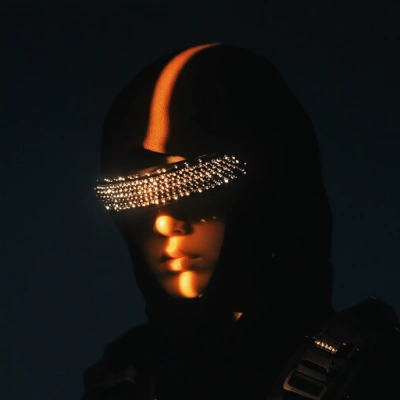
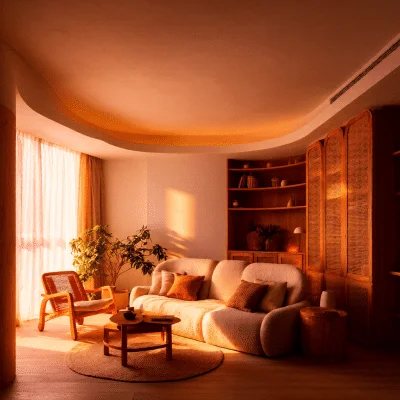
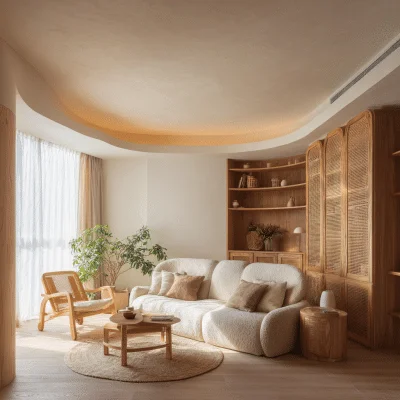
Portrait Relight - After
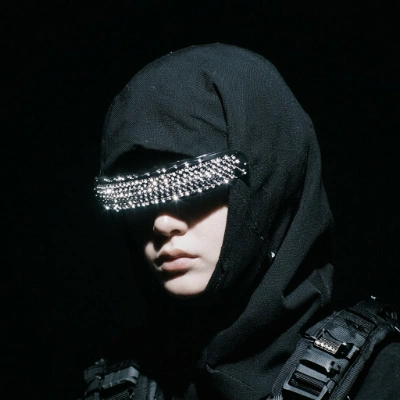
Portrait Relight - Before

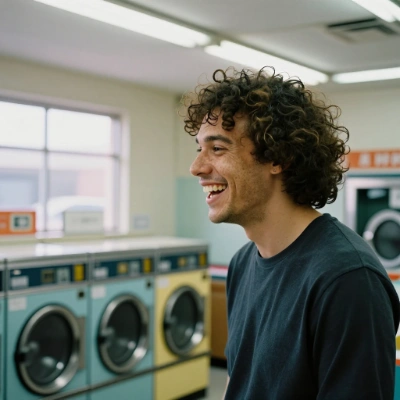
Portrait Relight

ComfyUIComfyUI

Single Image to 3D model
HunyuanHunyuan

Single Image to 3D model

ComfyUIComfyUI
1 input and multiple editing model comparison
GoogleGoogle

1 input and multiple editing model comparison

ComfyUIComfyUI
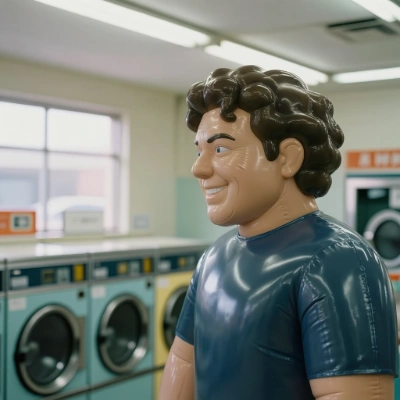
Image Inflation Effect with INFL8 LoRA - After
Image Inflation Effect with INFL8 LoRA - Before

Image Inflation Effect with INFL8 LoRA

ComfyUIComfyUI
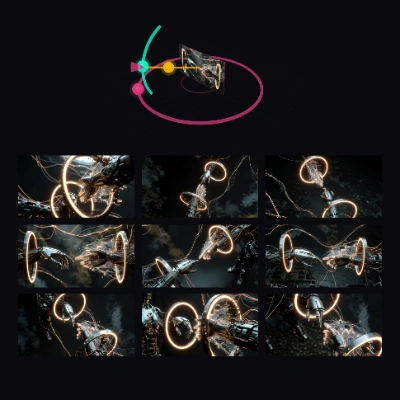
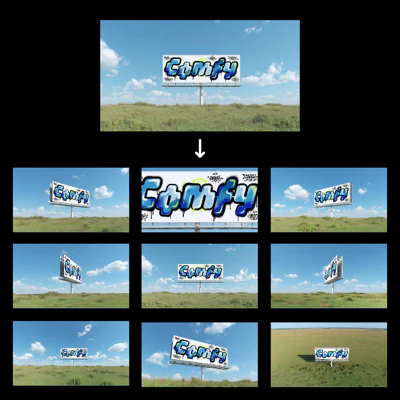
Generate Multiple Angles with 3D Camera Node

Generate Multiple Angles with 3D Camera Node

ComfyUIComfyUI
Light Migration for Character Portrait

Light Migration for Character Portrait

ComfyUIComfyUI
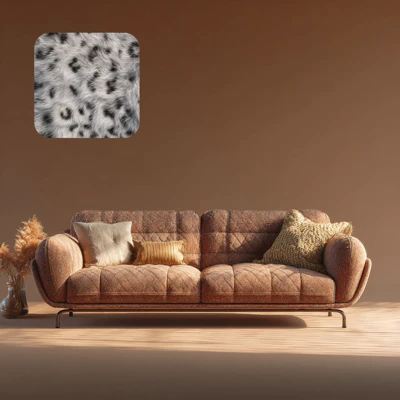
Qwen Image Edit 2511 - Material Replacement - After
Qwen Image Edit 2511 - Material Replacement - Before

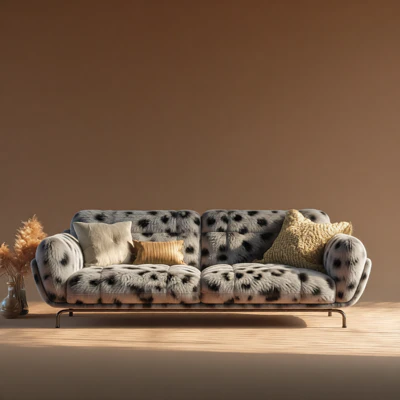
Qwen Image Edit 2511 - Material Replacement

ComfyUIComfyUI
Illustration to Realism - After
Illustration to Realism - Before

Illustration to Realism

ComfyUIComfyUI
Relight Composited Product - After
Relight Composited Product - Before

Relight Composited Product

ComfyUIComfyUI
1 click Multiple Scene Angles

1 click Multiple Scene Angles

ComfyUIComfyUI
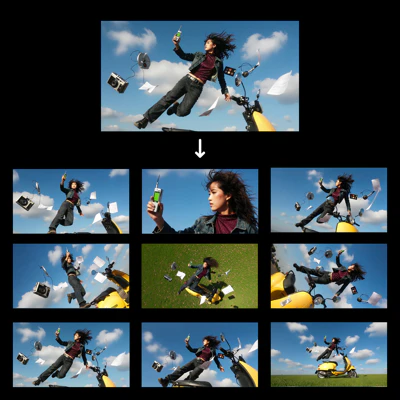
1 Click Multiple Character Angles

1 Click Multiple Character Angles

ComfyUIComfyUI

Image Editing (New) - After
Image Editing (New) - Before

Image Editing (New)

ComfyUIComfyUI
Qwen Image Edit - After
Qwen Image Edit - Before

Qwen Image Edit

ComfyUIComfyUI
Showing 15 of 15 templates