
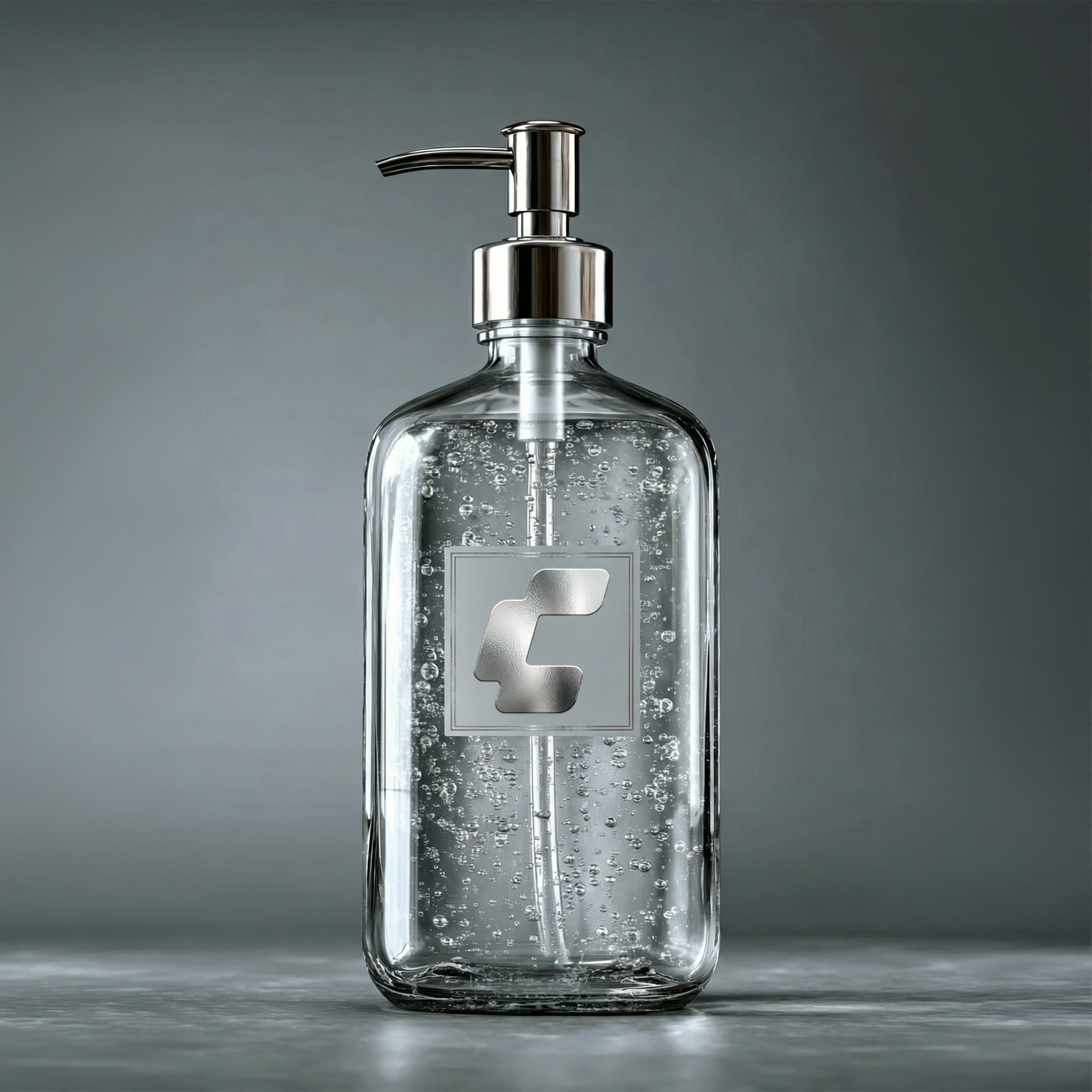
このComfyUIワークフローは、商品画像を背景シーンに自然に合成し、AIによるリアルなリライティングを適用します。LoadImageノードで商品画像と背景画像を読み込み、RegexReplaceノードで合成準備を行います。ワークフローの中心はByteDanceSeedreamNodeで、Seedream 4.5モデルを活用し、合成画像のライティングや影を自然に調整します。複雑な撮影や手作業編集なしでプロ品質の商品画像を作成でき、合成・リライティング工程を自動化することで作業効率とビジュアル品質を向上します。
API
このワークフローをコードから利用
すべてのComfyワークフローはJSONグラフです。以下のペイロードは、このワークフローそのものであり、ComfyUIが実行する内容と同じです — このURLから取得し、バージョン管理に保存したり、ComfyUIで読み込んでノードごとに実行できます。
Comfy SDKを使ってTypeScriptまたはPythonから実行できます。同じコードでComfy Cloudや自身でホストしたComfyUIのどちらにも対応 — ベースURLだけが異なります。
// Install (beta)
npm i @comfyorg/sdk

// Run "商品と背景の合成&再照明" (TypeScript)
import { Comfy } from "@comfyorg/sdk";

const client = new Comfy({ apiKey: "comfyui-..." });

// This workflow, exported in API format (see note below)
const wf = await client.workflows.fromFile("templates-product_scene_relight_api.json");

const asset = client.assets.fromFile("input.png");
wf.setInput("1", "image", asset);  // LoadImage

const job = await client.run(wf);
await job.getOutputs("23")[0].toFile("output.png");  // SaveImage
SDKはAPI形式のワークフローを受け取ります:このワークフローをComfyUIで開き、「ファイル → ワークフローをエクスポート(API)」を使用してください。
FAQ
よくある質問



















Showing 30 of 30 templates