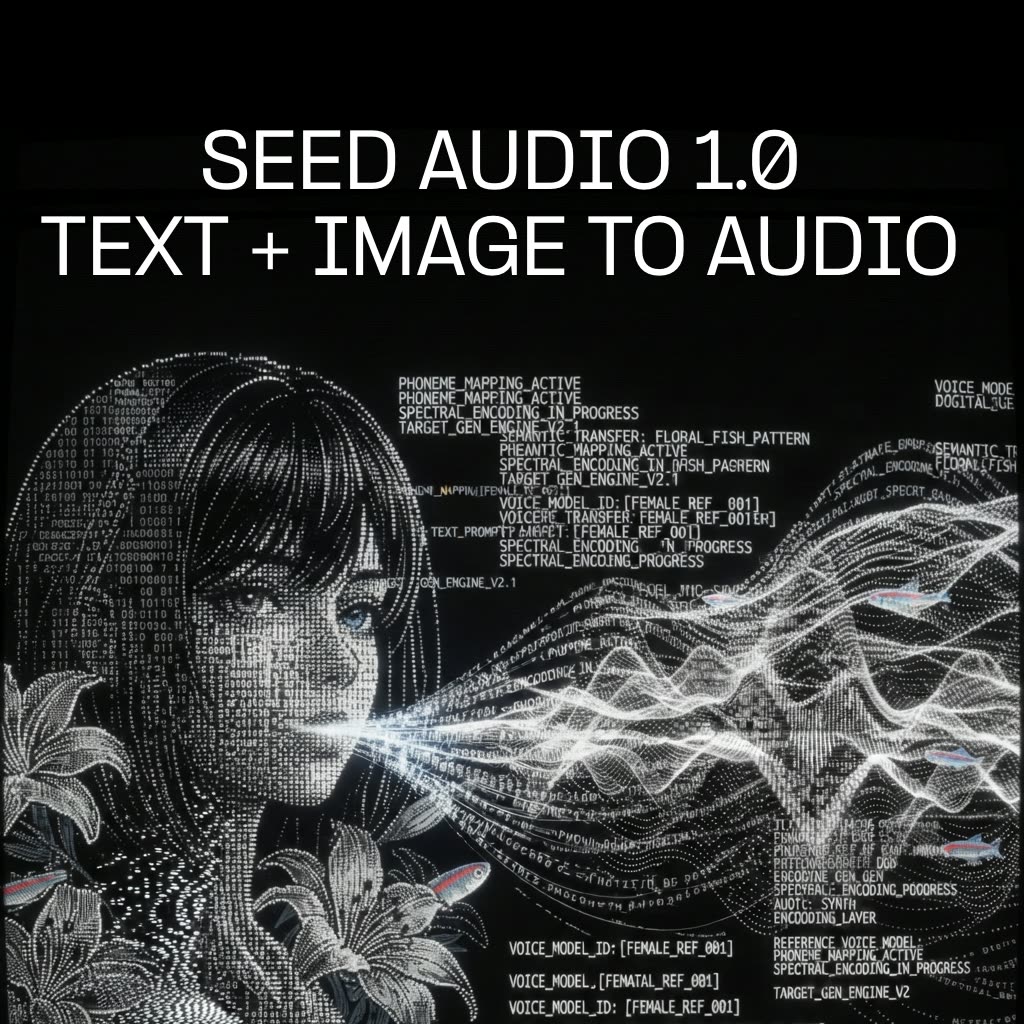
Este fluxo transforma uma imagem de personagem e um prompt de texto em um clipe de áudio completo com fala, ambiência, música de fundo e efeitos sonoros. O núcleo é o ByteDanceSeedAudio (Seed Audio 1.0), que recebe sua imagem do LoadImage como referência visual para derivar uma identidade vocal correspondente e sintetiza o roteiro falado e as camadas de suporte descritas no prompt. A saída é salva com SaveAudioAdvanced, permitindo sair do ComfyUI com um arquivo de áudio pronto para compartilhar.
Tecnicamente, a imagem condiciona as características vocais do modelo (cor vocal, estilo) enquanto o prompt serve como roteiro e direção sonora para ambiência, música e SFX. O nó MarkdownNote está incluído para instruções ou notas de prompt dentro do grafo. Como tudo roda em uma cadeia simples—LoadImage → ByteDanceSeedAudio → SaveAudioAdvanced—você pode iterar rapidamente: troque imagens para mudar o personagem, refine o prompt para ajustar a performance e o design sonoro, e reexecute para comparar variações. Isso torna prático para ideação rápida de vozes, construção de cenas e mockups de áudio sem sair do ComfyUI.
API
Use este workflow a partir do código
Todo workflow Comfy é um grafo JSON. O payload abaixo é este workflow, exatamente como o ComfyUI executa — obtenha-o pela URL, mantenha-o no controle de versão ou carregue-o no ComfyUI e execute nó por nó.
Execute a partir de TypeScript ou Python com o Comfy SDK. O mesmo código serve para o Comfy Cloud ou um ComfyUI hospedado por você — apenas a URL base muda.
// Install (beta)
npm i @comfyorg/sdk

// Run this workflow (TypeScript)
import { Comfy } from "@comfyorg/sdk";

const client = new Comfy({ apiKey: "comfyui-..." });
const wf = await client.workflows.fromFile("workflow_api.json");
const job = await client.run(wf);
await job.getOutputs("<output-node-id>")[0].toFile("output.png");
O SDK utiliza um workflow no formato API: abra este workflow no ComfyUI e use Arquivo → Exportar Workflow (API).
O acesso à API do Comfy Cloud requer um plano com chave de API.
FAQ


















