
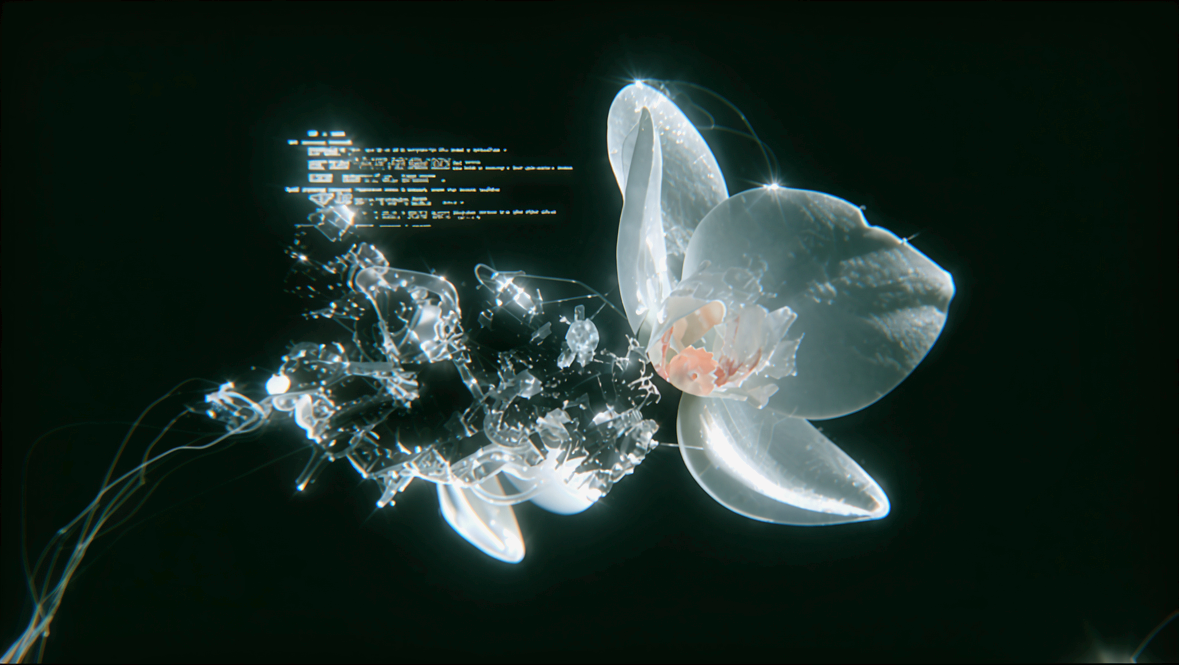
This ComfyUI workflow uses the Topaz Bloom 2 model inside the TopazImageEnhanceV2 node to upscale and creatively enhance a single image. Starting with a LoadImage node, your source is passed to Bloom 2 where you control how interpretive the enhancement is using the Creativity slider (1–9). Lower values refine existing detail; higher values allow Bloom 2 to add new textures and visual elements. Optional toggles for Face Recovery and Color Preservation give you fine control over fidelity: recover subtle facial structure without over-smoothing, or lock in original hues to prevent unwanted color shifts. A Grain control can reintroduce texture to avoid a plastic look after upscaling.
For transparency and iteration, the ImageCompare node provides a quick before/after view, making it easy to gauge whether your Creativity level and preservation settings are hitting the mark. When you’re satisfied, SaveImageAdvanced handles export with your preferred file details. The workflow is streamlined—LoadImage → TopazImageEnhanceV2 (Bloom 2) → ImageCompare → SaveImageAdvanced—making it ideal for improving AI artwork and illustrations, adding realism to CG renders, and refining facial detail in generated portraits. If the prompt field in TopazImageEnhanceV2 is left empty, the model will automatically generate one for you, letting you move quickly while still benefiting from stylistic guidance when desired.
API
Bu iş akışını koddan kullan
Her Comfy iş akışı bir JSON grafiğidir. Aşağıdaki veri, bu iş akışının tam olarak ComfyUI'da çalıştırıldığı halidir — URL'den alın, sürüm kontrolünde saklayın veya ComfyUI'da yükleyip düğüm düğüm çalıştırın.
Comfy SDK ile TypeScript veya Python'dan çalıştırın. Aynı kod Comfy Cloud veya kendi barındırdığınız bir ComfyUI'ı hedefler — sadece temel URL değişir.
// Install (beta)
npm i @comfyorg/sdk

// Run this workflow (TypeScript)
import { Comfy } from "@comfyorg/sdk";

const client = new Comfy({ apiKey: "comfyui-..." });
const wf = await client.workflows.fromFile("workflow_api.json");
const job = await client.run(wf);
await job.getOutputs("<output-node-id>")[0].toFile("output.png");
SDK, API formatında bir iş akışı alır: bu iş akışını ComfyUI'da açın ve Dosya → İş Akışını Dışa Aktar (API) seçeneğini kullanın.
Comfy Cloud API erişimi, API anahtarı içeren bir plan gerektirir.



















