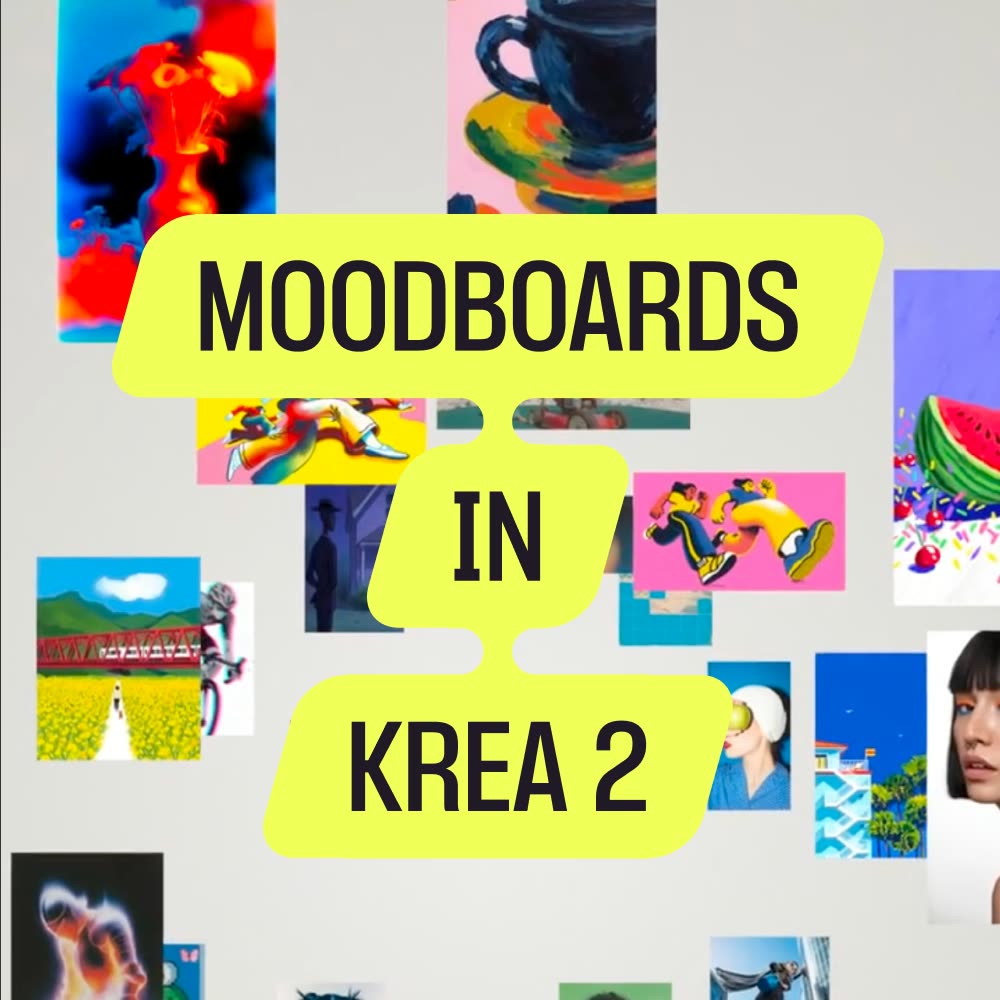
Krea 2 Moodboards is a compact ComfyUI workflow designed to A/B test style directions using Krea's moodboard–conditioned text-to-image generation. Each of the six labeled sections (Ethereal Romanticism, Digitally Broken Realism, Neon Dreams, Technicolor Madhouse, Country Club Surrealism, Liminal Nightmare) runs the same pipeline: PrimitiveNode inputs feed a Krea2ImageNode, and results are written by a dedicated SaveImage node. MarkdownNote nodes annotate each group so you can navigate quickly. Because each section has its own prompt, moodboard_id, moodboard_strength, and save target, you can compare multiple visual directions from one run without cross‑contamination.
Technically, the PrimitiveNode instances hold strings and numbers (prompt text, moodboard ID UUIDs, strength values, optional seed/size if exposed). Those values flow into Krea2ImageNode, which sends a generation request to the Krea 2 image API conditioned by the provided moodboard_id. The SaveImage at the end of each branch writes clean, labeled outputs using per‑section filename prefixes. ComfyUI’s bypass toggle lets you disable inactive sections for faster iteration. The workflow ships with example prompts and moodboard IDs in the Author Notes (e.g., 7947e7b8-750e-4dbd-877a-d554d86f85d1, 176345d7-b1e0-4b44-bf06-ce4d7b8b8062, aa2178a3-36f1-47f6-8d2a-c3578d5329af), making it easy to drop in a style and start testing immediately.
API
Use this workflow from code
Every Comfy workflow is a JSON graph. The payload below is this workflow, exactly as ComfyUI runs it — fetch it from the URL, keep it in version control, or load it in ComfyUI and run it node by node.
Run it from TypeScript or Python with the Comfy SDK. The same code targets Comfy Cloud or a ComfyUI you host yourself — only the base URL changes.
// Install (beta)
npm i @comfyorg/sdk

// Run this workflow (TypeScript)
import { Comfy } from "@comfyorg/sdk";

const client = new Comfy({ apiKey: "comfyui-..." });
const wf = await client.workflows.fromFile("workflow_api.json");
const job = await client.run(wf);
await job.getOutputs("<output-node-id>")[0].toFile("output.png");
The SDK takes a workflow in API format: open this workflow in ComfyUI and use File → Export Workflow (API).
Comfy Cloud API access requires a plan with an API key.
FAQ


















