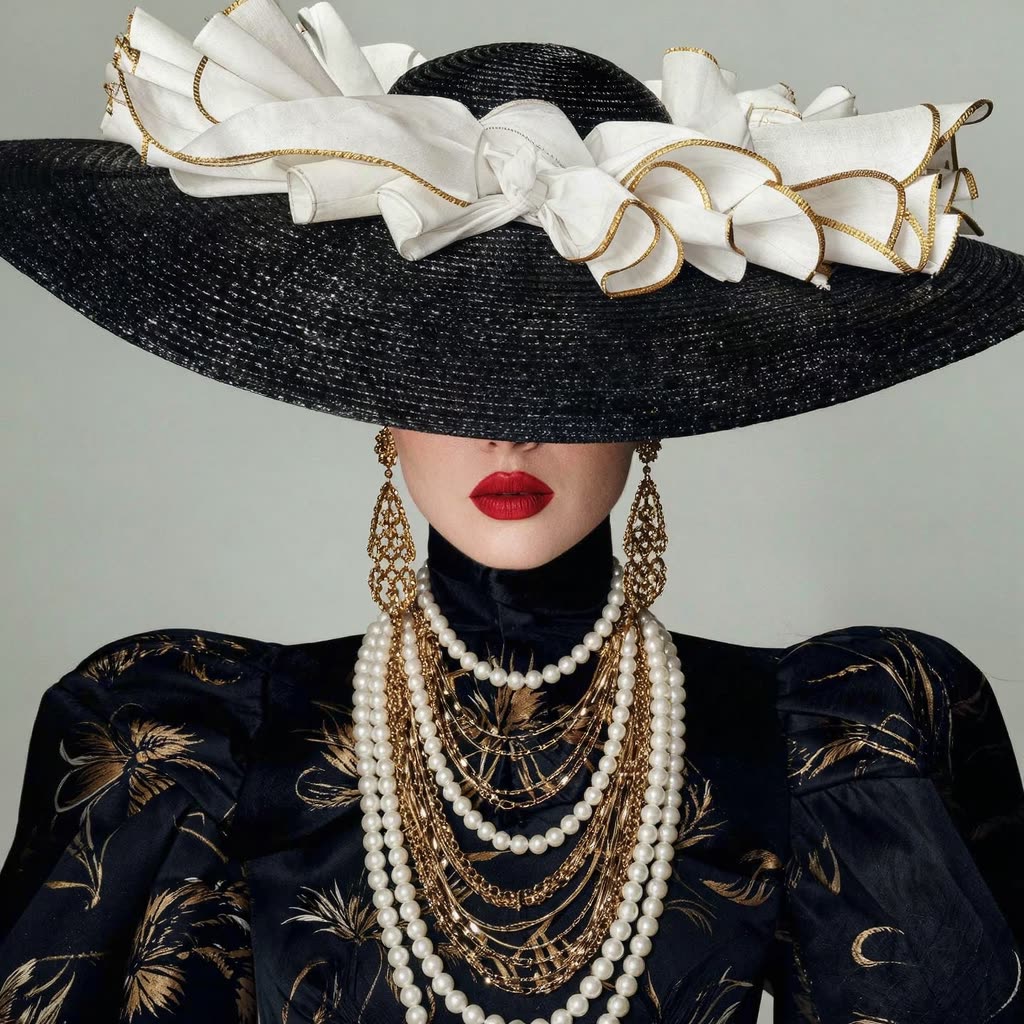
The Kling O1: Image workflow is designed to transform text prompts into high-quality images, leveraging the power of the Kling O1 model. This workflow is particularly adept at incorporating up to 10 reference images, allowing users to guide both the style and content of the generated images. This feature is particularly useful for artists and designers who need to maintain consistency with existing visual assets. The workflow supports flexible aspect ratios and offers resolution options of 1K and 2K, making it suitable for a variety of professional applications.
Technically, the workflow utilizes the KlingOmniProImageNode to process the input text and reference images, translating them into a coherent visual output. The SaveImage node is used to store the generated images efficiently, ensuring that users can easily access and utilize the results. This combination of nodes provides a robust framework for generating detailed and stylistically consistent images, making it an invaluable tool for creative professionals looking to streamline their image generation process.
API
Use this workflow from code
Every Comfy workflow is a JSON graph. The payload below is this workflow, exactly as ComfyUI runs it — fetch it from the URL, keep it in version control, or load it in ComfyUI and run it node by node.
Run it from TypeScript or Python with the Comfy SDK. The same code targets Comfy Cloud or a ComfyUI you host yourself — only the base URL changes.
// Install (beta)
npm i @comfyorg/sdk

// Run "Kling O1: Image" (TypeScript)
import { Comfy } from "@comfyorg/sdk";

const client = new Comfy({ apiKey: "comfyui-..." });

// This workflow, exported in API format (see note below)
const wf = await client.workflows.fromFile("api_kling_omni_image_api.json");

const job = await client.run(wf);
await job.getOutputs("5")[0].toFile("output.png");  // SaveImage
The SDK takes a workflow in API format: open this workflow in ComfyUI and use File → Export Workflow (API).
Comfy Cloud API access requires a plan with an API key.
FAQ


















