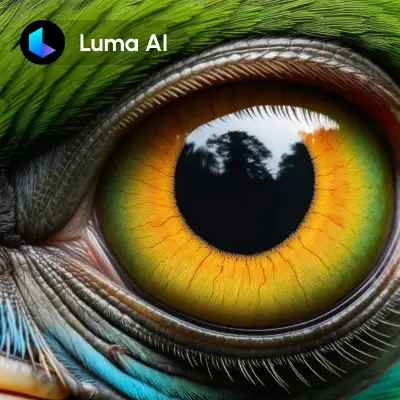

The Luma Photon: Image to Image workflow is designed to enhance and transform images by leveraging both visual input and textual prompts. At its core, this workflow employs the LumaImageModifyNode, which is responsible for processing the input image based on specified parameters. The workflow begins with the LoadImage node, which allows users to input a single image that will serve as the base for modification. By adjusting the 'image_weight' parameter, users can control the degree of transformation applied to the image, with higher values granting more creative freedom to the output.
This workflow is particularly useful for users looking to guide image generation with precision, combining the strengths of visual cues and descriptive prompts. The SaveImage node ensures that the final product is easily stored and accessible for further use. Additionally, the MarkdownNote node provides an integrated space for users to document their process and insights, making it a valuable tool for iterative design and experimentation. By utilizing these nodes, users can achieve a balance between guided creativity and technical control, making it ideal for artistic projects, marketing visuals, and more.
API
Use this workflow from code
Every Comfy workflow is a JSON graph. The payload below is this workflow, exactly as ComfyUI runs it — fetch it from the URL, keep it in version control, or load it in ComfyUI and run it node by node.
Run it from TypeScript or Python with the Comfy SDK. The same code targets Comfy Cloud or a ComfyUI you host yourself — only the base URL changes.
// Install (beta)
npm i @comfyorg/sdk

// Run "Luma Photon: Image to Image" (TypeScript)
import { Comfy } from "@comfyorg/sdk";

const client = new Comfy({ apiKey: "comfyui-..." });

// This workflow, exported in API format (see note below)
const wf = await client.workflows.fromFile("api_luma_photon_i2i_api.json");

const asset = client.assets.fromFile("input.png");
wf.setInput("3", "image", asset);  // LoadImage

const job = await client.run(wf);
await job.getOutputs("5")[0].toFile("output.png");  // SaveImage
The SDK takes a workflow in API format: open this workflow in ComfyUI and use File → Export Workflow (API).
Comfy Cloud API access requires a plan with an API key.
FAQ













