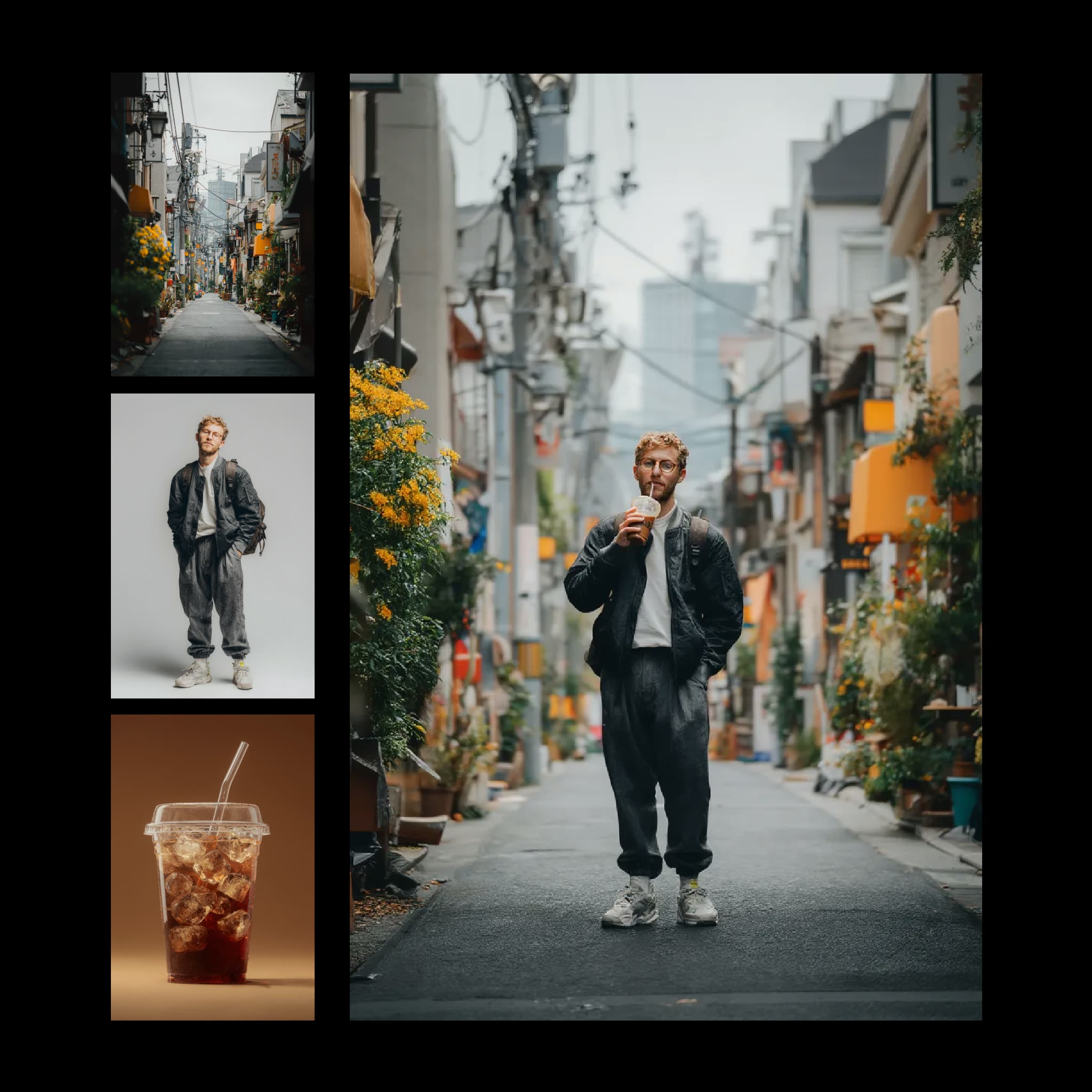
The 'Reve: Image Remix And Edit' workflow is designed to empower users with the ability to creatively remix and edit images by leveraging the advanced capabilities of the Reve model. This workflow allows you to combine multiple reference images into a single cohesive output, making it an invaluable tool for artists and designers looking to experiment with visual styles and compositions. At the core of this workflow is the ReveImageRemixNode, which intelligently blends the visual elements of the input images, preserving key features while generating a harmonious final image.
Technically, this workflow begins with the LoadImage node, which imports your chosen reference images into the system. These images are then processed by the ReveImageRemixNode, where the model's sophisticated algorithms analyze and merge the images based on their visual characteristics. Finally, the SaveImage node is used to output the remixed image, allowing you to save your creative work for further use or sharing. This workflow is particularly useful for those in creative industries, as it provides a seamless way to explore new visual ideas and edit images in a novel manner.
API
Use this workflow from code
Every Comfy workflow is a JSON graph. The payload below is this workflow, exactly as ComfyUI runs it — fetch it from the URL, keep it in version control, or load it in ComfyUI and run it node by node.
Run it from TypeScript or Python with the Comfy SDK. The same code targets Comfy Cloud or a ComfyUI you host yourself — only the base URL changes.
// Install (beta)
npm i @comfyorg/sdk

// Run this workflow (TypeScript)
import { Comfy } from "@comfyorg/sdk";

const client = new Comfy({ apiKey: "comfyui-..." });
const wf = await client.workflows.fromFile("workflow_api.json");
const job = await client.run(wf);
await job.getOutputs("<output-node-id>")[0].toFile("output.png");
The SDK takes a workflow in API format: open this workflow in ComfyUI and use File → Export Workflow (API).
Comfy Cloud API access requires a plan with an API key.
FAQ













