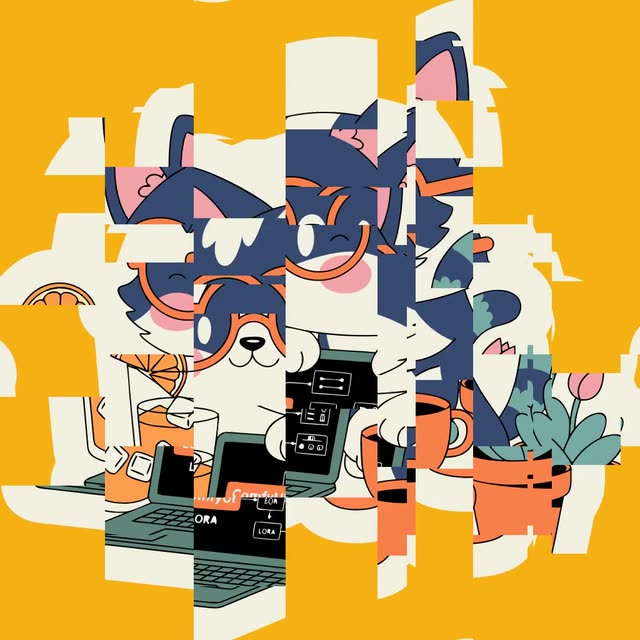
This ComfyUI workflow is designed to apply glitch and distortion effects to images, offering a creative way to transform visuals with a unique style. At the core of this workflow is the FL_Glitch node, which applies a range of customizable effects such as distortion intensity, chromatic aberration, and pattern randomness. These effects are particularly useful for artists and designers looking to add a dynamic, digital aesthetic to their images. The workflow begins with the LoadImage node, which imports the image you wish to modify. After the glitch effects are applied, the SaveImage node allows you to export the final result. The inclusion of a MarkdownNote node provides documentation and guidance directly within the workflow.
API
Use this workflow from code
Every Comfy workflow is a JSON graph. The payload below is this workflow, exactly as ComfyUI runs it — fetch it from the URL, keep it in version control, or load it in ComfyUI and run it node by node.
Run it from TypeScript or Python with the Comfy SDK. The same code targets Comfy Cloud or a ComfyUI you host yourself — only the base URL changes.
// Install (beta)
npm i @comfyorg/sdk

// Run "Apply Glitch And Distortion Effects" (TypeScript)
import { Comfy } from "@comfyorg/sdk";

const client = new Comfy({ apiKey: "comfyui-..." });

// This workflow, exported in API format (see note below)
const wf = await client.workflows.fromFile("templates_purz_image_glitch_api.json");

const asset = client.assets.fromFile("input.png");
wf.setInput("2", "image", asset);  // LoadImage

const job = await client.run(wf);
await job.getOutputs("3")[0].toFile("output.png");  // SaveImage
The SDK takes a workflow in API format: open this workflow in ComfyUI and use File → Export Workflow (API).
Comfy Cloud API access requires a plan with an API key.
FAQ


















