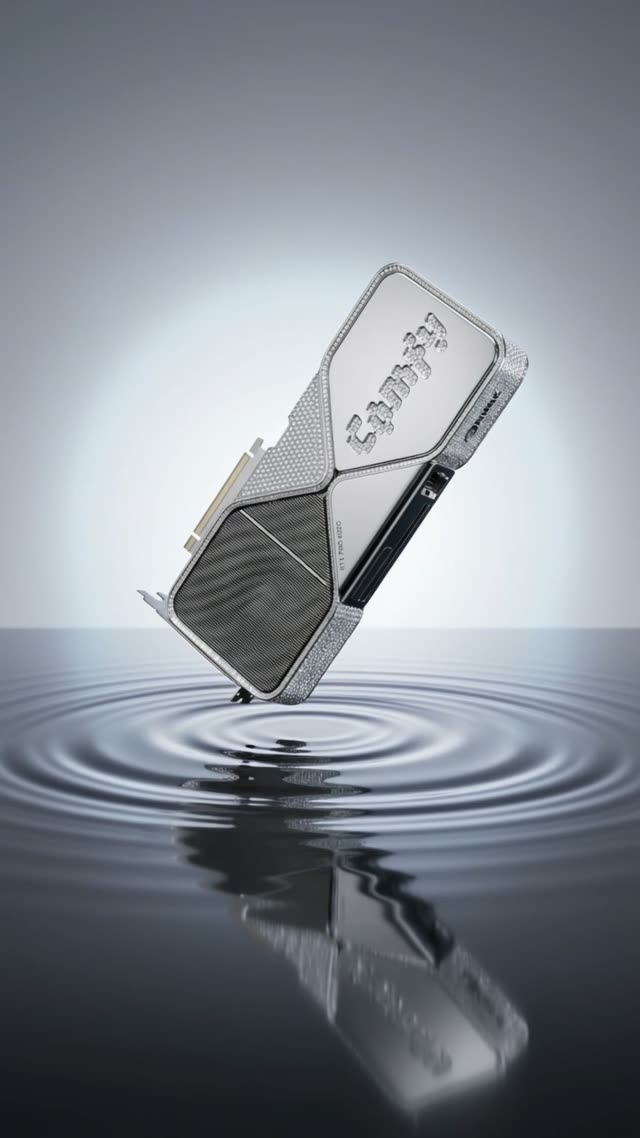
The 'Kling 3.0: 1 Click Multishot' workflow is designed to streamline the process of creating dynamic video content from static images. By leveraging the Kling 3.0 model, this workflow allows users to upload a starting frame along with reference images of a product, then automatically generates a series of prompts for each shot based on the specified duration and number of shots. The workflow utilizes several specialized nodes, including the KlingOmniProImageToVideoNode for transforming images into video sequences and the comfyui-string-converter for managing prompt data. This setup is particularly useful for content creators and marketers looking to produce engaging video content quickly and efficiently, without the need for extensive manual input.
API
Use this workflow from code
Every Comfy workflow is a JSON graph. The payload below is this workflow, exactly as ComfyUI runs it — fetch it from the URL, keep it in version control, or load it in ComfyUI and run it node by node.
Run it from TypeScript or Python with the Comfy SDK. The same code targets Comfy Cloud or a ComfyUI you host yourself — only the base URL changes.
// Install (beta)
npm i @comfyorg/sdk

// Run "Kling 3.0: 1 Click Multishot" (TypeScript)
import { Comfy } from "@comfyorg/sdk";

const client = new Comfy({ apiKey: "comfyui-..." });

// This workflow, exported in API format (see note below)
const wf = await client.workflows.fromFile("templates_rob_kling3_0_multishot_llm_product_api.json");

const asset = client.assets.fromFile("input.png");
wf.setInput("4", "image", asset);  // LoadImage

const job = await client.run(wf);
await job.getOutputs("89")[0].toFile("output.png");  // SaveVideo
The SDK takes a workflow in API format: open this workflow in ComfyUI and use File → Export Workflow (API).
Comfy Cloud API access requires a plan with an API key.
FAQ


















