
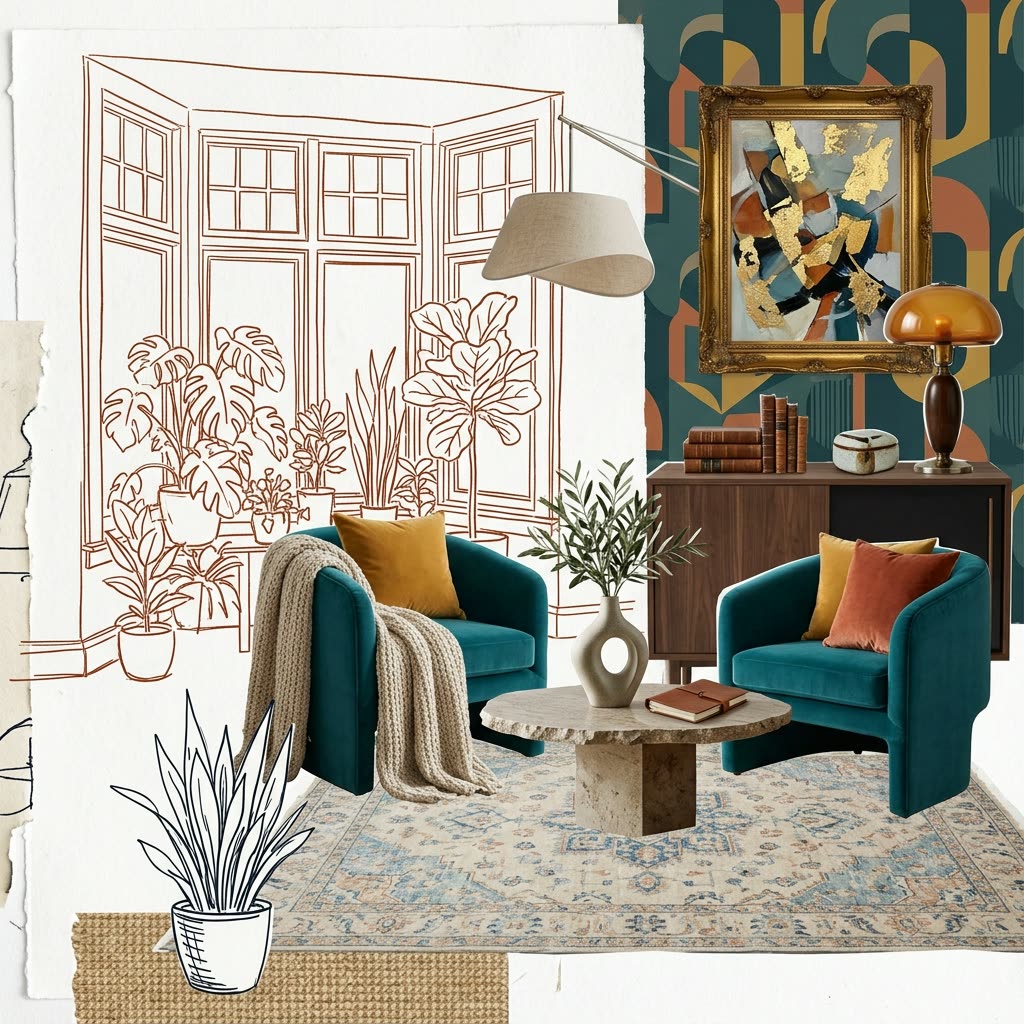
Seedream 5.0 Pro: Image Edit is a precision image-to-image and inpainting workflow that lets you change exactly what you want while keeping the original lighting, depth, and texture intact. It starts with LoadImage to bring in your source photo, then optionally uses Painter to create a clean mask for targeted edits. The core transformation happens in ByteDanceSeedreamNodeV2, which conditions on your input image (and mask if provided) to apply prompt-driven changes without destroying structure. Finally, SaveImageAdvanced writes out clean results with controllable filenames and folders.
Technically, the mask from Painter constrains edits to specific regions, while the input image conditioning helps Seedream preserve scene geometry and materials. You’ll get two outputs: a main edited image from ByteDanceSeedreamNodeV2 and a second preview that reflects the Painter-guided variant—useful for quick QA and before/after comparisons. Tuning typical parameters like prompt/negative prompt, denoise strength (how much to change vs. preserve), steps, guidance (CFG), and seed lets you dial in subtle retouches for product shots, keep consistent faces across a series, or lay out multilingual text in a structured composition.
常見問題
It’s the core image-to-image/inpainting model node. It conditions on your input image (and optional mask) plus your prompt to apply localized, structure-preserving edits.
Use the Painter node to create a mask: paint white where edits should occur and black where they should not. Feed this mask into ByteDanceSeedreamNodeV2 so only the painted region is modified.
Use the same prompt, negative prompt, seed, steps, guidance/CFG, and keep denoise strength low to moderate. Consistent framing and lighting in your source images also help Seedream preserve structure.
The first is the main edited result from ByteDanceSeedreamNodeV2. The second is a Painter-guided preview that mirrors the masked edit for quick comparison. Use the main edited image for final delivery, and the preview for QA.
Seedance 2.0: Reference to Video


Nano Banana 2 Lite: Text to Image

Krea-2: Text to Image
4K Seedance 2.0 - Reference to Video

Z-Image-Turbo Text to Image
Grok: Image Edit
Nano Banana 2 Lite: Image Edit
Grok: Video generation
Seedance2.0 4K: Reference to Video

Grok Imagine Image Quality: Generation
LTX 2.3 - Lipdub LoRA + Voice Clone
Seedance 2.0 Mini: Reference to Video
SCAIL-2: Character Replacement

Ideogram v4: Text to Image
Googly Eyes
Seedance 2.0 - Viral Videos Character Swap
Gemini Omni Flash: Image to Video

Nano Banana 2: Image Edit


cinematic_annotate_video
HappyHorse 1.1: Text to Video
HappyHorse 1.1: Image to Video
Beeble SwitchX: Video Edit

3x3 Contact Sheet
Restore Archival Footage - LTX 2.3 Dearchive LoRA




















