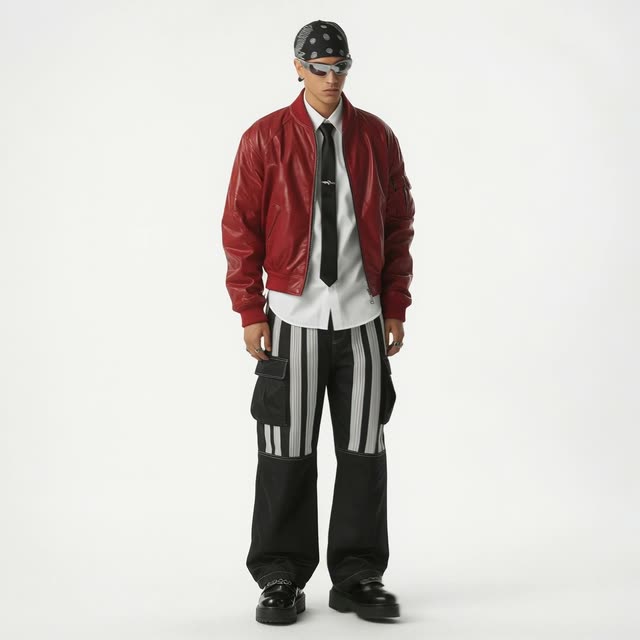
This ComfyUI workflow, titled 'Isometric Miniatures from a Selfie,' enables users to transform a simple selfie or character image into a 2x2 grid of isometric figurines. Leveraging models such as Nano Banana Pro and Gemini3 Pro Image Preview, the workflow allows for creative customization of outfits and scenes. The process begins with uploading an image using the LoadImage node. The GeminiImage2Node then processes the image, integrating it with user-defined prompts for outfits and scenes. The workflow utilizes custom nodes like comfyui-kjnodes and comfyui_essentials to enhance the image transformation process, ensuring high-quality outputs. This workflow is particularly useful for artists and designers looking to create unique isometric art from personal photos or character designs.
API
從程式碼使用此工作流
每個 Comfy 工作流都是一個 JSON 圖。下方的 payload 就是此工作流,與 ComfyUI 執行時完全相同 — 你可以從此 URL 取得、放入版本控制,或在 ComfyUI 載入並逐節點執行。
使用 Comfy SDK 以 TypeScript 或 Python 執行。相同程式碼可用於 Comfy Cloud 或你自架的 ComfyUI — 只需更改 base URL。
// Install (beta)
npm i @comfyorg/sdk

// Run "自拍產生的等距微縮模型" (TypeScript)
import { Comfy } from "@comfyorg/sdk";

const client = new Comfy({ apiKey: "comfyui-..." });

// This workflow, exported in API format (see note below)
const wf = await client.workflows.fromFile("templates-2x2_grid-iso_miniatures_api.json");

const asset = client.assets.fromFile("input.png");
wf.setInput("1", "image", asset);  // LoadImage

const job = await client.run(wf);
await job.getOutputs("54")[0].toFile("output.png");  // SaveImage
SDK 需使用 API 格式的工作流:請在 ComfyUI 開啟此工作流,並使用 檔案 → 匯出工作流(API)。
常見問題


















