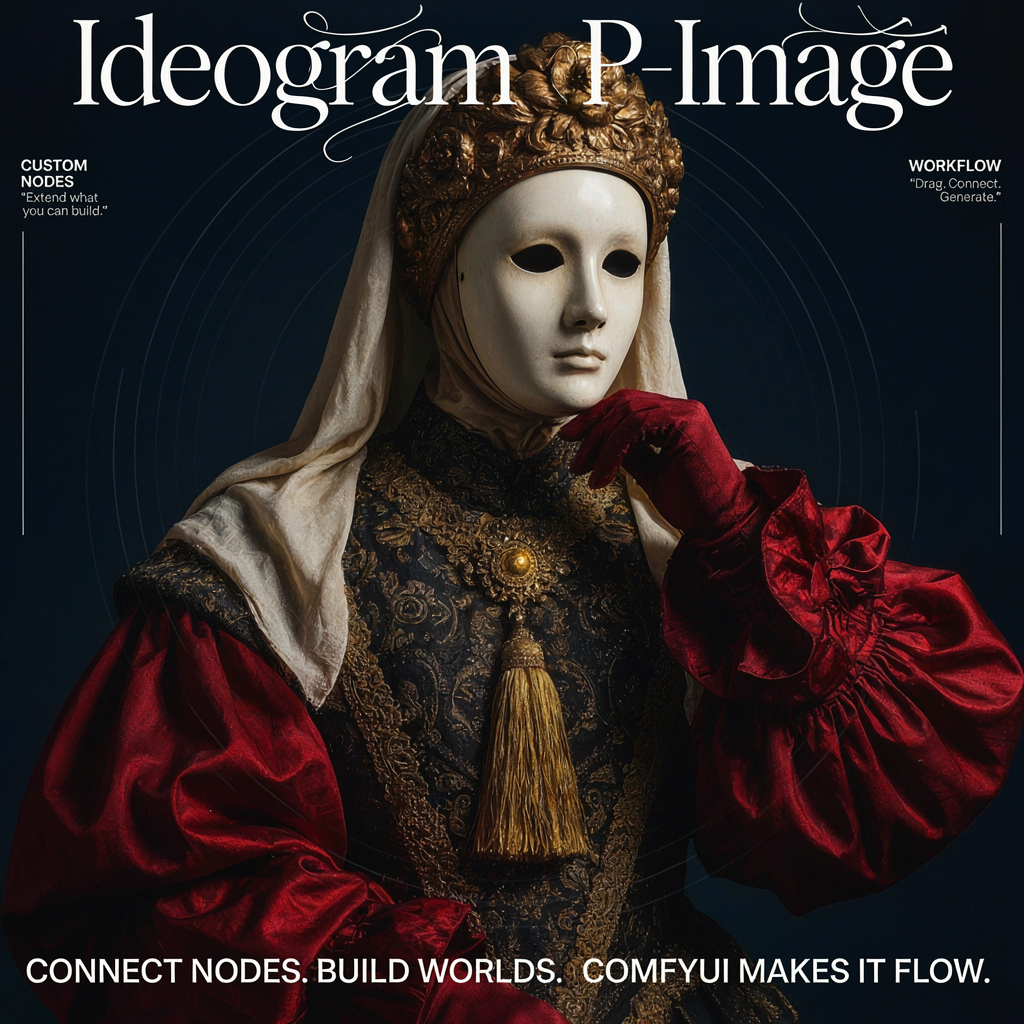
This workflow turns a single text prompt into a finished image by calling Ideogram’s P-Image model through ComfyUI. It assembles your request with BuildJsonPromptIdeogram, sends it to the IdeogramPImage node (the API caller for the P-Image model), and returns the generated image for immediate viewing and export. You get simple controls for quality level and resolution so you can balance fidelity, speed, and cost per render.
PreviewAny provides live feedback at two key points: you can inspect the structured JSON payload before it’s sent, and you can review the returned image. CreateBoundingBoxes adds optional composition guides in the preview to help you plan framing or safe areas—useful when iterating on layouts—without constraining the actual generation. When you’re happy with the output, SaveImageAdvanced writes images to disk with flexible file naming, making it easy to archive versions and run batch iterations for design reviews or A/B testing.
API
Use this workflow from code
Every Comfy workflow is a JSON graph. The payload below is this workflow, exactly as ComfyUI runs it — fetch it from the URL, keep it in version control, or load it in ComfyUI and run it node by node.
Run it from TypeScript or Python with the Comfy SDK. The same code targets Comfy Cloud or a ComfyUI you host yourself — only the base URL changes.
// Install (beta)
npm i @comfyorg/sdk

// Run this workflow (TypeScript)
import { Comfy } from "@comfyorg/sdk";

const client = new Comfy({ apiKey: "comfyui-..." });
const wf = await client.workflows.fromFile("workflow_api.json");
const job = await client.run(wf);
await job.getOutputs("<output-node-id>")[0].toFile("output.png");
The SDK takes a workflow in API format: open this workflow in ComfyUI and use File → Export Workflow (API).
Comfy Cloud API access requires a plan with an API key.
常见问题














