LongCat Image: Text to Image

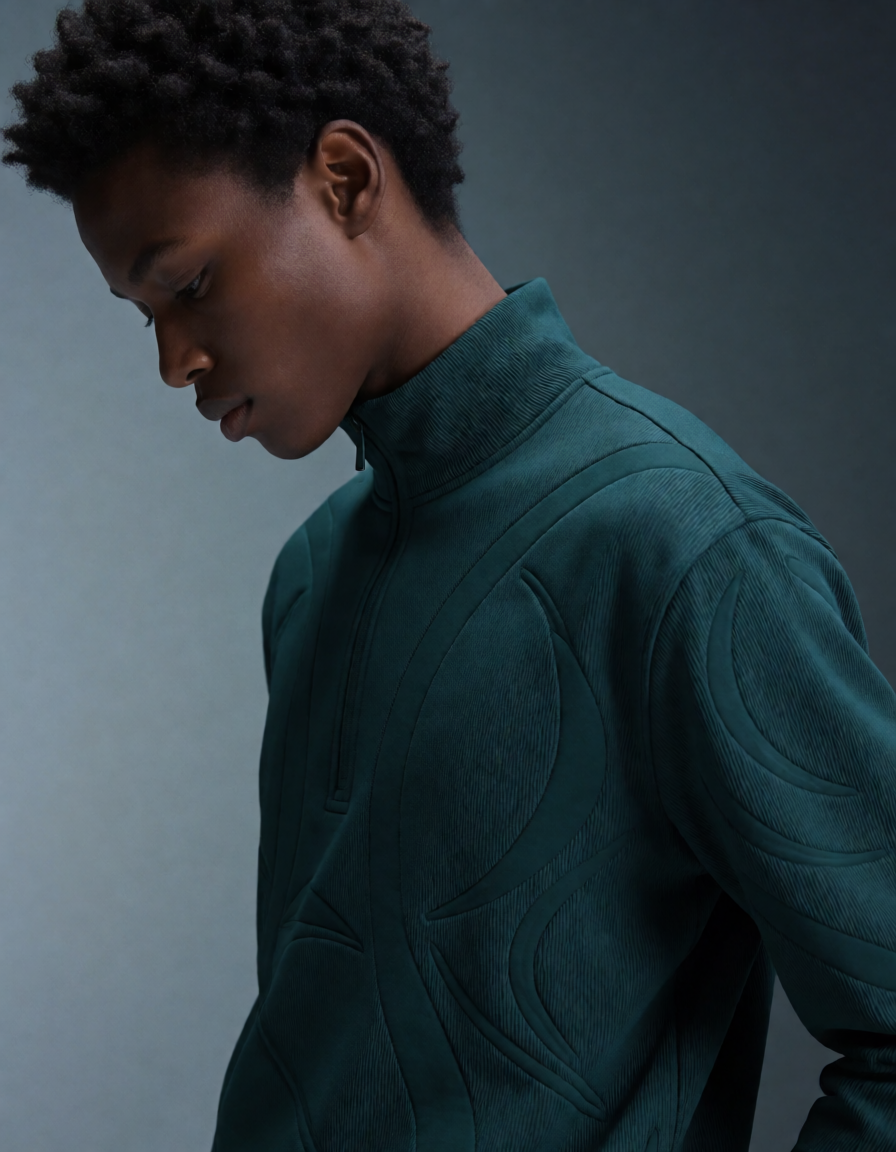
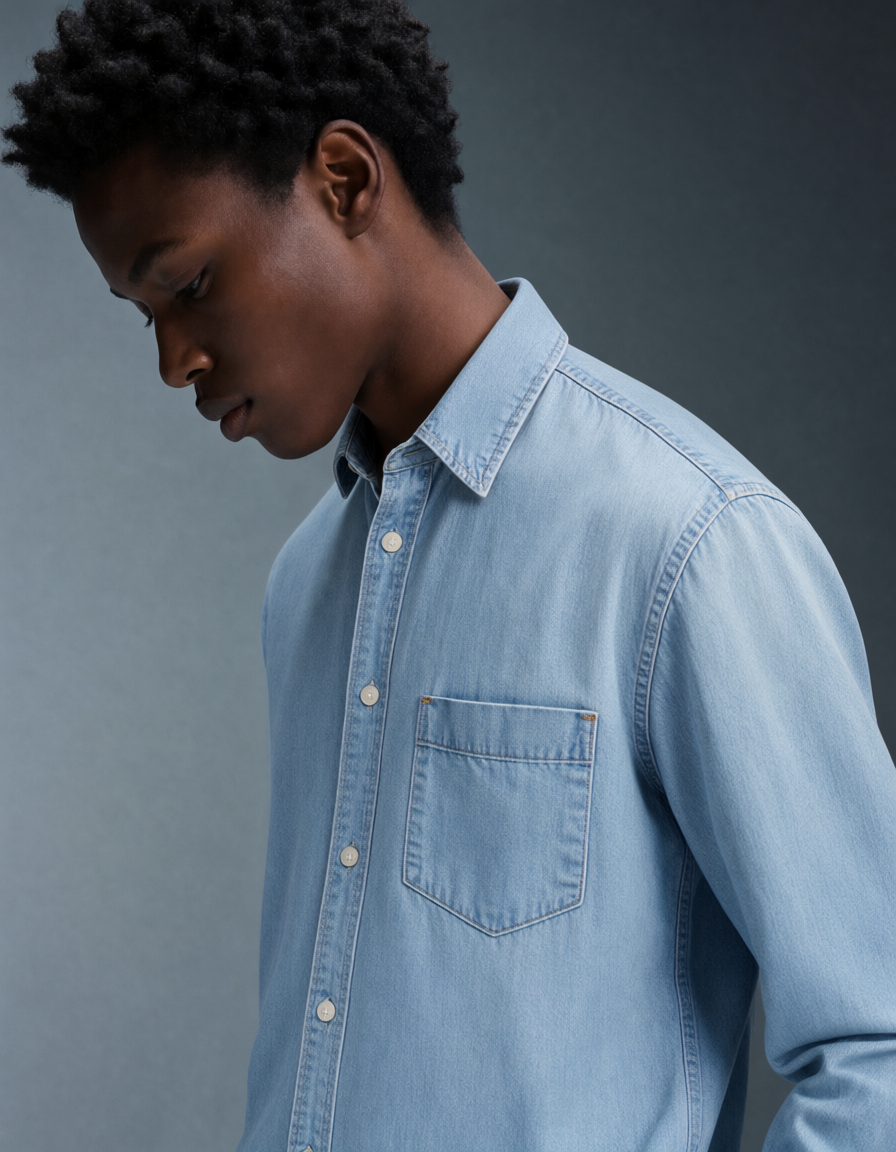
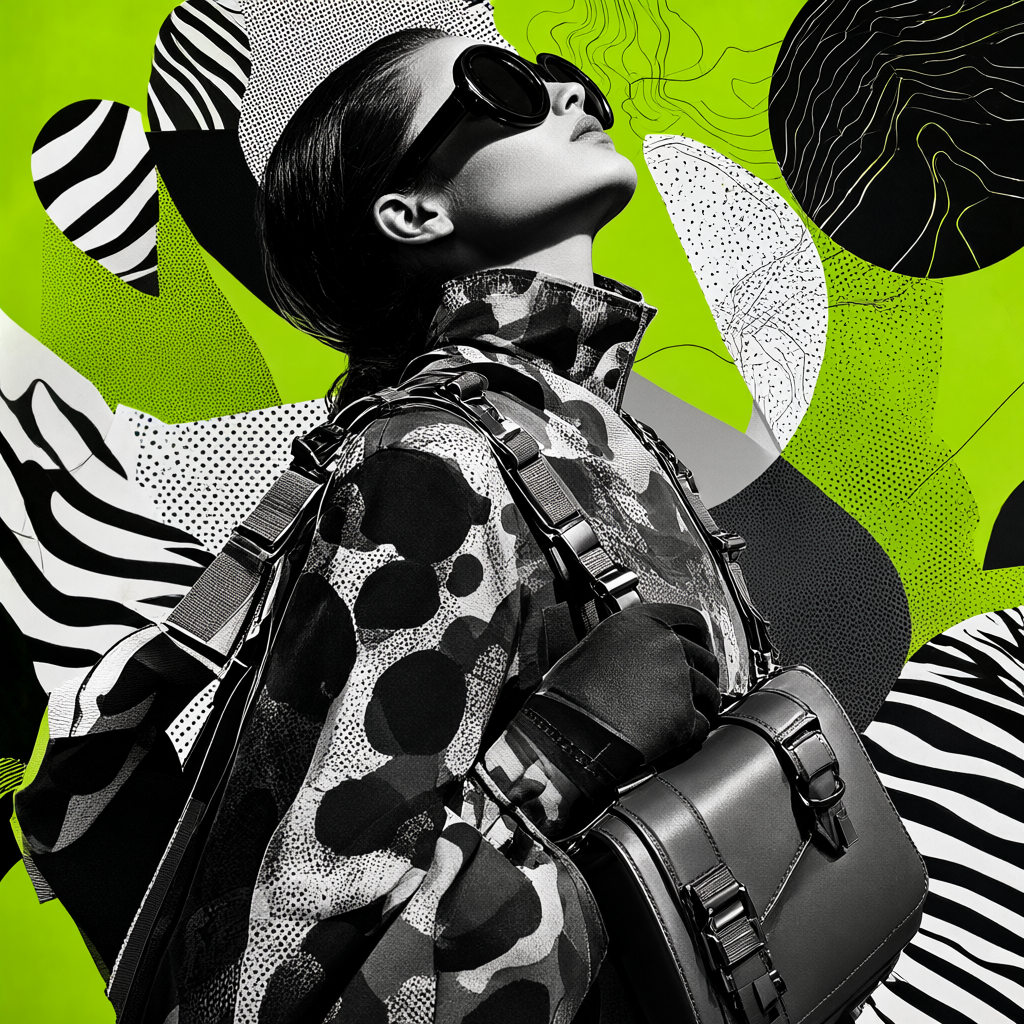
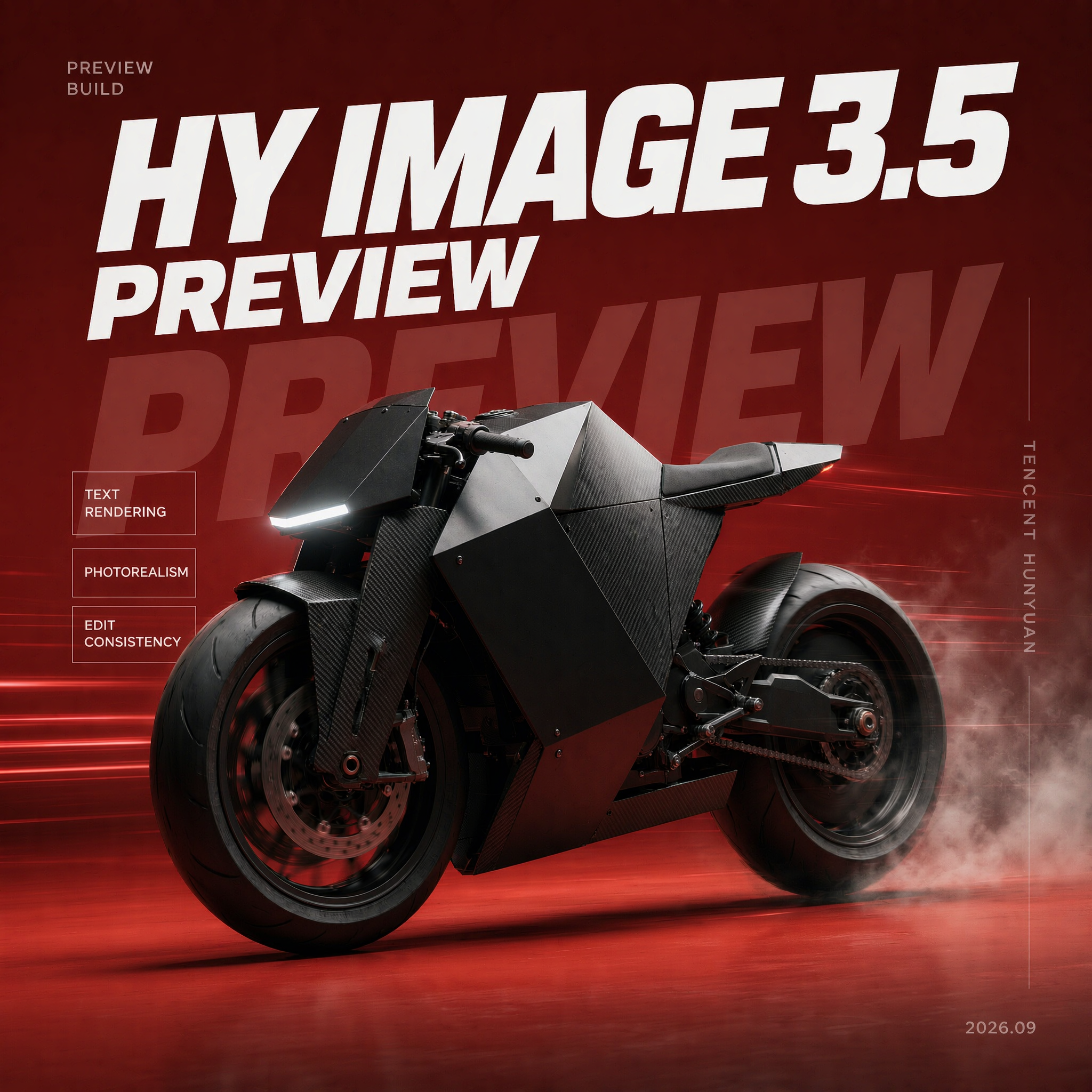
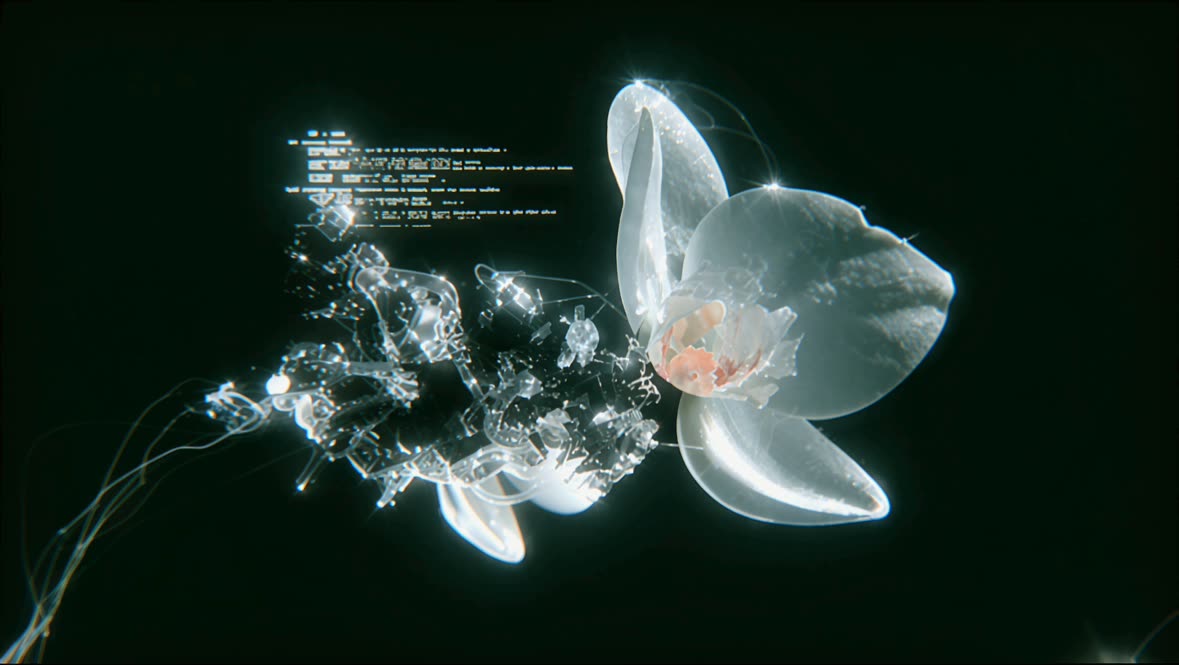
The LongCat Image: Text to Image workflow in ComfyUI is designed to transform textual descriptions into photorealistic images. By leveraging the LongCat model, this workflow can interpret both English and Chinese text prompts to generate visually accurate and detailed images. The process begins with the '4cdb8c8f-7b15-4921-a2b1-383d5c2d9105' node, which is responsible for interpreting the text input and converting it into a format suitable for image generation. The 'ResolutionSelector' node allows users to specify the desired output resolution, ensuring flexibility in the final image quality. The 'SaveImage' node then captures and stores the generated image, completing the workflow.

This workflow is particularly useful for users who need to create images based on specific textual descriptions, such as content creators, marketers, or educators. The integration of the LongCat model ensures that the generated images are not only photorealistic but also accurately reflect the nuances of the input text. Additionally, the workflow's support for both English and Chinese text makes it versatile for a wide range of applications. The use of subgraphs within ComfyUI enhances the modularity and efficiency of this workflow, allowing for easy customization and scalability.

الأسئلة الشائعة

Currently, the LongCat model supports text prompts in English and Chinese. For other languages, translation may be required.

You can adjust the image quality by selecting a higher resolution in the 'ResolutionSelector' node, which may increase processing time.

While the workflow focuses on initial image generation, you can use additional image editing tools to modify the output as needed.

Try rephrasing your text prompt or providing more detailed descriptions to improve the accuracy of the generated image.

عرض جميع سير العمل
Seedance 2.0: Reference to Video

Seedance 2.0: Reference to Video

ByteDance
ComfyUIComfyUI
Partner Nodes
Image to Video
Video

4K Seedance 2.0 - Reference to Video

PurzPurz
Character
Cinematic
Image to Video
Lip Sync
Multiple Angles
Portrait
Style Reference
Style Transfer
Text to Video
Video Generation
Video
Z-Image-Turbo Text to Image

Z-Image-Turbo Text to Image

ComfyUIComfyUI
Image
Text to Image
Grok: Image Edit - After
Grok: Image Edit - Before

Grok: Image Edit

ComfyUIComfyUI
Partner Nodes
Image Edit

Grok: Video generation

ComfyUIComfyUI
Video
Image to Video
Text to Video
Partner Nodes
Grok Imagine Image Quality: Generation

Grok Imagine Image Quality: Generation

ComfyUIComfyUI
Text to Image
Partner Nodes

LTX 2.3 - Lipdub LoRA + Voice Clone

RobRob
Audio Editing
Character
Video Edit
Video to Video
Voice Cloning
Text to Audio

1 image input Split Stack - Qwen Multiangle + Wan 2.2

RobRob
Video

Seedance 2.0 Mini: Reference to Video

ComfyUIComfyUI
Partner Nodes
Image to Video

SCAIL-2: Character Replacement

ComfyUIComfyUI
Video Edit
Ideogram v4: Text to Image

Ideogram v4: Text to Image

ComfyUIComfyUI
Text to Image

Googly Eyes

PurzPurz
Video to Video
Video
Video Edit
LoRA

Seedance 2.0 - Viral Videos Character Swap

RobRob
Character Reference
Image to Video
Video to Video
Video Generation
Text Generation

Seedance 2.0 Reference to Video - Concept Art + Stop Motion Style

MintaMinta
Video
Nano Banana 2: Image Edit

Nano Banana 2: Image Edit

Google
ComfyUIComfyUI
Partner Nodes
Image Edit
cinematic_annotate_video

cinematic_annotate_video

SirolimSirolim
Video
Video Generation
Image to Video

HappyHorse 1.1: Text to Video

ComfyUIComfyUI
Partner Nodes
Text to Video
Video

HappyHorse 1.1: Image to Video

ComfyUIComfyUI
Image to Video
Video
Partner Nodes

Beeble SwitchX: Video Edit

ComfyUIComfyUI
Image Edit
3x3 Contact Sheet

3x3 Contact Sheet

enigmatic_eenigmatic_e
Image

Restore Archival Footage - LTX 2.3 Dearchive LoRA

RobRob
Video Edit
Video
Video Generation
Video to Video

Remove Object from Video - LTX 2.3 Obscura Remova LoRA

RobRob
Video Edit
Video
Video to Video

Stylize Video - Frame by Frame - Flux.2 Klein 4b

RobRob
Video Edit
Video to Video
Image Edit
Seedream 5.0 Lite: Image Edit - After
Seedream 5.0 Lite: Image Edit - Before

Seedream 5.0 Lite: Image Edit

ByteDance
ComfyUIComfyUI
Partner Nodes
Image Edit
Utility Video Upscale - After
Utility Video Upscale - Before

Utility Video Upscale

SirolimSirolim
Video Upscale
Video Edit
Video
Video to Video
Video Generation
Visual Effects
Cinematic

1 image input Split Stack - Nano Banana 2 + Kling 3.0

RobRob
Partner Nodes
Image to Video
Multiple Angles
Stable Audio 3.0 Medium Base

Stable Audio 3.0 Medium Base

ComfyUIComfyUI
Audio
SYSTMS ACTION: QWEN IMAGE EDIT 2511 - After
SYSTMS ACTION: QWEN IMAGE EDIT 2511 - Before

SYSTMS ACTION: QWEN IMAGE EDIT 2511

Image Edit
Image Enhancement
Ideogram v4: Text to Image (API)

Ideogram v4: Text to Image (API)

ComfyUIComfyUI
Text to Image
Krea 2 Moodboards

Krea 2 Moodboards

JMSJMS
Partner Nodes
Image
Text to Image
Showing 30 of 550 templates