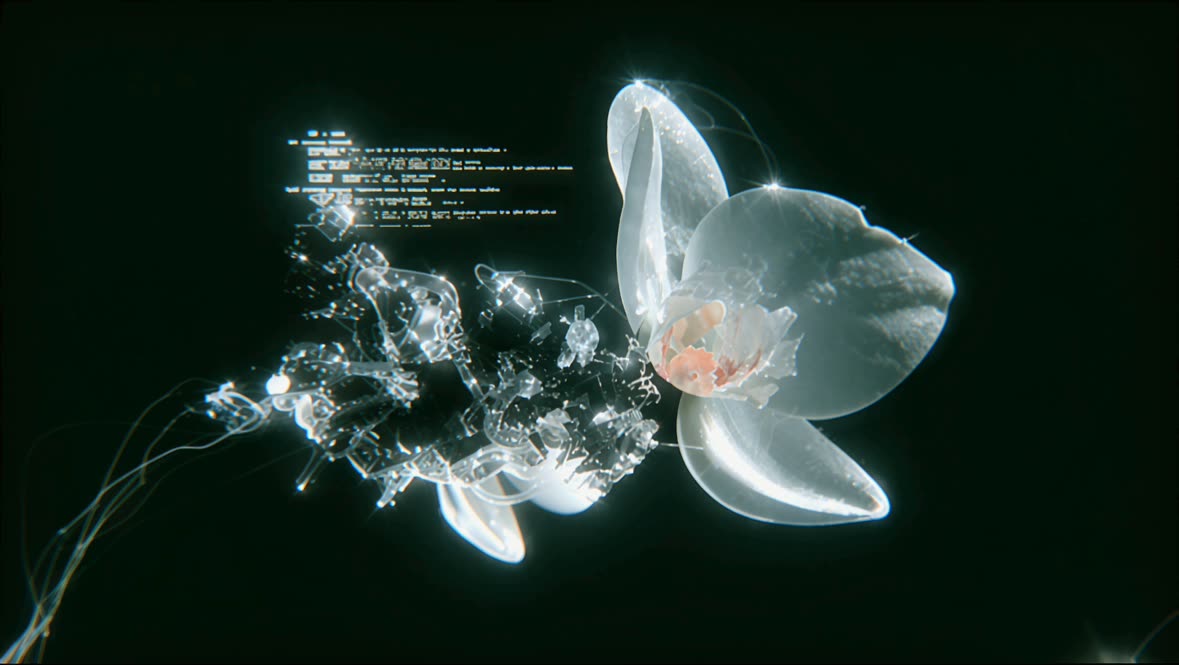
Рабочий процесс LongCat Image: Текст в изображение в ComfyUI предназначен для преобразования текстовых описаний в фотореалистичные изображения. Используя модель LongCat, этот рабочий процесс интерпретирует промпты на английском и китайском языках и генерирует визуально точные, детализированные изображения. Процесс начинается с ноды '4cdb8c8f-7b15-4921-a2b1-383d5c2d9105', которая отвечает за интерпретацию текстового ввода и преобразование его в формат, подходящий для генерации изображения. Нода 'ResolutionSelector' позволяет пользователям задать нужное выходное разрешение, обеспечивая гибкость в итоговом качестве изображения. Затем нода 'SaveImage' сохраняет сгенерированное изображение, завершая рабочий процесс.
Этот рабочий процесс особенно полезен тем, кому нужно создавать изображения по конкретным текстовым описаниям — например, создателям контента, маркетологам или преподавателям. Интеграция модели LongCat обеспечивает не только фотореалистичность, но и точное отражение нюансов исходного текста. Кроме того, поддержка английского и китайского делает его универсальным для широкого круга задач. Использование подграфов в ComfyUI повышает модульность и эффективность, упрощая настройку и масштабирование.
API
Использовать этот рабочий процесс из кода
Каждый рабочий процесс Comfy — это JSON-граф. Ниже представлен payload этого процесса, точно так же, как его запускает ComfyUI: получите его по ссылке, храните в системе контроля версий или загрузите в ComfyUI и выполняйте по узлам.
Запустите его на TypeScript или Python с помощью Comfy SDK. Один и тот же код работает с Comfy Cloud или вашим собственным ComfyUI — меняется только базовый URL.
// Install (beta)
npm i @comfyorg/sdk

// Run "LongCat Изображение: текст в изображение" (TypeScript)
import { Comfy } from "@comfyorg/sdk";

const client = new Comfy({ apiKey: "comfyui-..." });

// This workflow, exported in API format (see note below)
const wf = await client.workflows.fromFile("image_longcat_text_to_image_api.json");

const job = await client.run(wf);
await job.getOutputs("9")[0].toFile("output.png");  // SaveImage
SDK принимает рабочий процесс в API-формате: откройте этот процесс в ComfyUI и используйте Файл → Экспортировать рабочий процесс (API).
Доступ к API Comfy Cloud требует плана с API-ключом.
FAQ