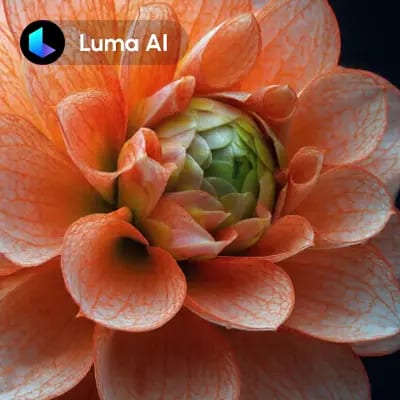
The 'Luma: Image to Video' workflow in ComfyUI is designed to transform static images into dynamic, high-quality animations effortlessly. This workflow leverages the power of the LumaImageToVideoNode, which is specifically tailored to convert images into video format by applying advanced image processing techniques. It utilizes the Luma model, renowned for its ability to maintain image fidelity and create seamless transitions, ensuring that the resulting animations are both visually appealing and smooth.
Technically, the workflow begins with the LoadImage node, which imports the static image you wish to animate. The LumaConceptsNode can be used to apply specific animation concepts or themes to your video, enhancing the creative possibilities. Once the image is processed through the LumaImageToVideoNode, the SaveVideo node ensures that the output is stored in a usable format. This workflow is particularly useful for creators looking to add motion to digital art, enhance social media content, or create engaging marketing materials without extensive video editing skills.
API
このワークフローをコードから利用
すべてのComfyワークフローはJSONグラフです。以下のペイロードは、このワークフローそのものであり、ComfyUIが実行する内容と同じです — このURLから取得し、バージョン管理に保存したり、ComfyUIで読み込んでノードごとに実行できます。
Comfy SDKを使ってTypeScriptまたはPythonから実行できます。同じコードでComfy Cloudや自身でホストしたComfyUIのどちらにも対応 — ベースURLだけが異なります。
// Install (beta)
npm i @comfyorg/sdk

// Run "Luma: 画像から動画へ" (TypeScript)
import { Comfy } from "@comfyorg/sdk";

const client = new Comfy({ apiKey: "comfyui-..." });

// This workflow, exported in API format (see note below)
const wf = await client.workflows.fromFile("api_luma_i2v_api.json");

const asset = client.assets.fromFile("input.png");
wf.setInput("9", "image", asset);  // LoadImage

const job = await client.run(wf);
await job.getOutputs("8")[0].toFile("output.png");  // SaveVideo
SDKはAPI形式のワークフローを受け取ります:このワークフローをComfyUIで開き、「ファイル → ワークフローをエクスポート(API)」を使用してください。
FAQ













