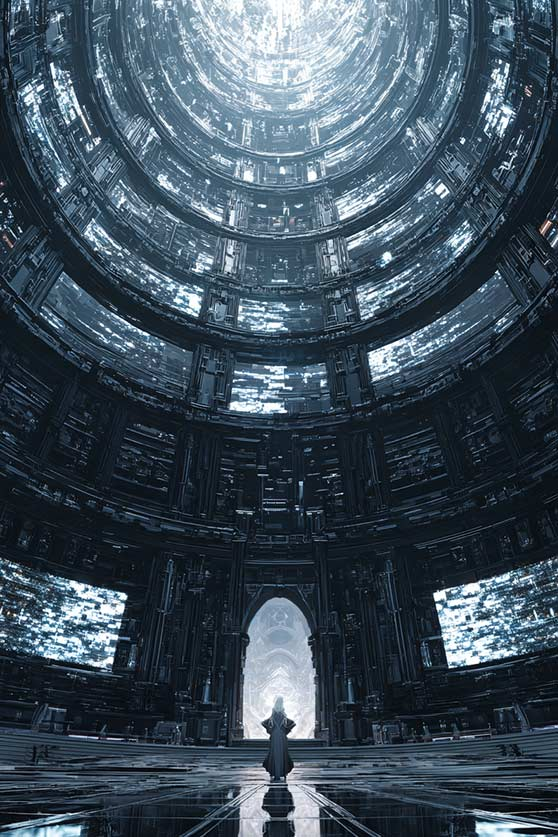

This workflow upscales raster illustrations while preserving smooth color regions and clean linework using a Topaz-based enhancement pass. It starts by loading your source image with LoadImage and reading its original dimensions via GetImageSize. A PrimitiveNode controls the scale multiplier (for example, 2x or 4x). ImageScaleBy resizes the image to the target resolution, ensuring predictable output size. The upscaled image is then refined by TopazImageEnhanceV2, which applies learned enhancement tuned for illustrations to smooth gradients, reduce artifacts, and crisp up edges while aiming to preserve color accuracy.
For review and output, ImageCompare (available under Nodes 2.0) places the original and enhanced versions side-by-side so you can quickly judge improvements and spot any artifacts that may appear at aggressive scales. Finally, SaveImage writes the enhanced result to disk. The included MarkdownNote provides inline guidance, and the example input (silent_sanctuary.jpg) helps you test settings before applying the process to your own art. This workflow is practical when you need high-resolution, print- or delivery-ready illustrations from small web images with minimal manual cleanup.
API
코드에서 이 워크플로우 사용하기
모든 Comfy 워크플로우는 JSON 그래프입니다. 아래 페이로드는 이 워크플로우 그 자체로, ComfyUI에서 실행되는 것과 동일합니다 — URL에서 가져오거나, 버전 관리에 보관하거나, ComfyUI에서 불러와 노드별로 실행할 수 있습니다.
Comfy SDK로 TypeScript 또는 Python에서 실행하세요. 동일한 코드는 Comfy Cloud 또는 직접 호스팅하는 ComfyUI 모두에 적용됩니다 — 기본 URL만 다릅니다.
// Install (beta)
npm i @comfyorg/sdk

// Run this workflow (TypeScript)
import { Comfy } from "@comfyorg/sdk";

const client = new Comfy({ apiKey: "comfyui-..." });
const wf = await client.workflows.fromFile("workflow_api.json");
const job = await client.run(wf);
await job.getOutputs("<output-node-id>")[0].toFile("output.png");
SDK는 API 형식의 워크플로우를 사용합니다: 이 워크플로우를 ComfyUI에서 열고 파일 → 워크플로우 내보내기(API)를 사용하세요.



















