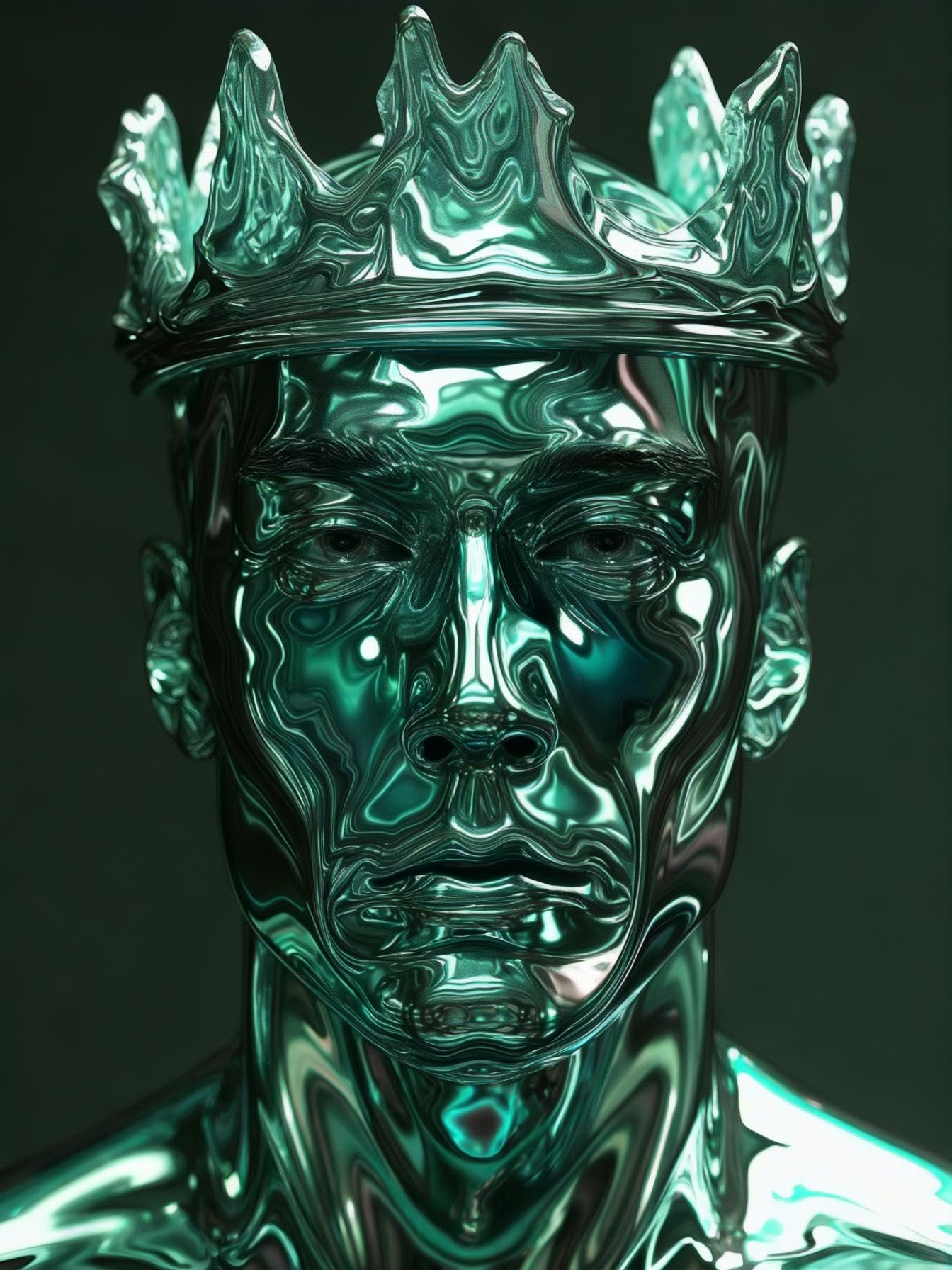

The Luma Photon: Style Reference workflow in ComfyUI is a sophisticated tool designed to generate images by blending multiple style references with precise control. This workflow leverages the power of the Luma model, which excels in creating visually compelling images by integrating various style elements. The core components of this workflow include nodes such as LumaImageNode, LoadImage, and LumaReferenceNode, which work in tandem to process and apply style references to the generated images. By using these nodes, users can input up to four reference images for both 'image_luma_ref' and 'charater_image' groups, allowing for a rich and diverse stylistic influence.
Technically, this workflow operates by first loading the reference images using the LoadImage node, which are then processed by the LumaReferenceNode to extract stylistic features. These features are blended into the final image through the LumaImageNode, where users can adjust parameters like 'style_image_weight' to control the prominence of the style. The workflow also includes the SaveImage node to store the results and the BatchImagesNode for processing multiple images efficiently. This setup is particularly useful for artists and designers who need to generate images with specific stylistic attributes, offering a high degree of customization and control over the final output.
API
코드에서 이 워크플로우 사용하기
모든 Comfy 워크플로우는 JSON 그래프입니다. 아래 페이로드는 이 워크플로우 그 자체로, ComfyUI에서 실행되는 것과 동일합니다 — URL에서 가져오거나, 버전 관리에 보관하거나, ComfyUI에서 불러와 노드별로 실행할 수 있습니다.
Comfy SDK로 TypeScript 또는 Python에서 실행하세요. 동일한 코드는 Comfy Cloud 또는 직접 호스팅하는 ComfyUI 모두에 적용됩니다 — 기본 URL만 다릅니다.
// Install (beta)
npm i @comfyorg/sdk

// Run "Luma Photon: 스타일 참조" (TypeScript)
import { Comfy } from "@comfyorg/sdk";

const client = new Comfy({ apiKey: "comfyui-..." });

// This workflow, exported in API format (see note below)
const wf = await client.workflows.fromFile("api_luma_photon_style_ref_api.json");

const asset = client.assets.fromFile("input.png");
wf.setInput("41", "image", asset);  // LoadImage

const job = await client.run(wf);
await job.getOutputs("32")[0].toFile("output.png");  // SaveImage
SDK는 API 형식의 워크플로우를 사용합니다: 이 워크플로우를 ComfyUI에서 열고 파일 → 워크플로우 내보내기(API)를 사용하세요.
FAQ













