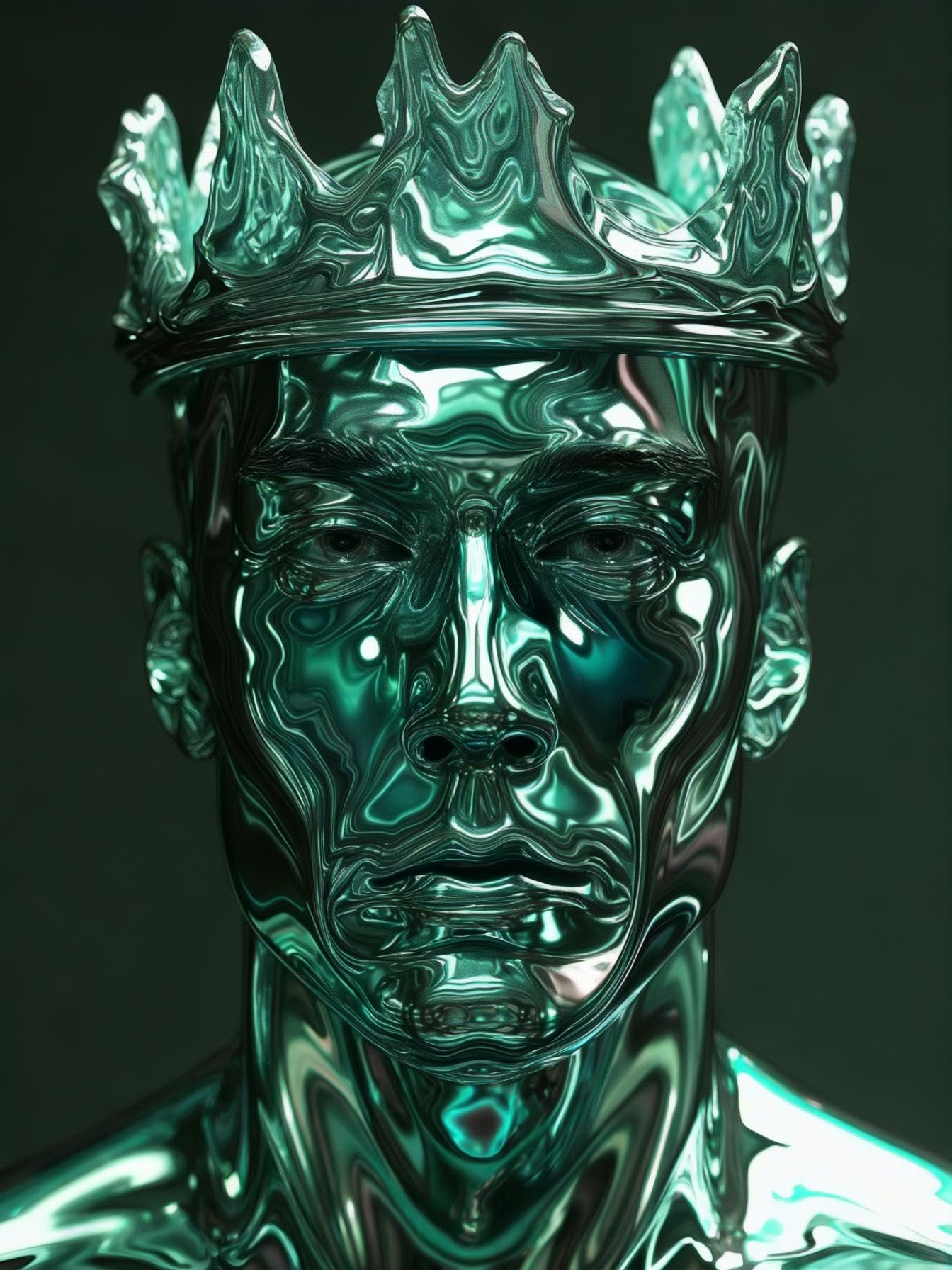

The Luma Photon: Style Reference workflow in ComfyUI is a sophisticated tool designed to generate images by blending multiple style references with precise control. This workflow leverages the power of the Luma model, which excels in creating visually compelling images by integrating various style elements. The core components of this workflow include nodes such as LumaImageNode, LoadImage, and LumaReferenceNode, which work in tandem to process and apply style references to the generated images. By using these nodes, users can input up to four reference images for both 'image_luma_ref' and 'charater_image' groups, allowing for a rich and diverse stylistic influence.
Technically, this workflow operates by first loading the reference images using the LoadImage node, which are then processed by the LumaReferenceNode to extract stylistic features. These features are blended into the final image through the LumaImageNode, where users can adjust parameters like 'style_image_weight' to control the prominence of the style. The workflow also includes the SaveImage node to store the results and the BatchImagesNode for processing multiple images efficiently. This setup is particularly useful for artists and designers who need to generate images with specific stylistic attributes, offering a high degree of customization and control over the final output.
API
Use this workflow from code
Every Comfy workflow is a JSON graph. The payload below is this workflow, exactly as ComfyUI runs it — fetch it from the URL, keep it in version control, or load it in ComfyUI and run it node by node.
Run it from TypeScript or Python with the Comfy SDK. The same code targets Comfy Cloud or a ComfyUI you host yourself — only the base URL changes.
// Install (beta)
npm i @comfyorg/sdk

// Run "Luma Photon: Style Reference" (TypeScript)
import { Comfy } from "@comfyorg/sdk";

const client = new Comfy({ apiKey: "comfyui-..." });

// This workflow, exported in API format (see note below)
const wf = await client.workflows.fromFile("api_luma_photon_style_ref_api.json");

const asset = client.assets.fromFile("input.png");
wf.setInput("41", "image", asset);  // LoadImage

const job = await client.run(wf);
await job.getOutputs("32")[0].toFile("output.png");  // SaveImage
The SDK takes a workflow in API format: open this workflow in ComfyUI and use File → Export Workflow (API).
Comfy Cloud API access requires a plan with an API key.
FAQ













