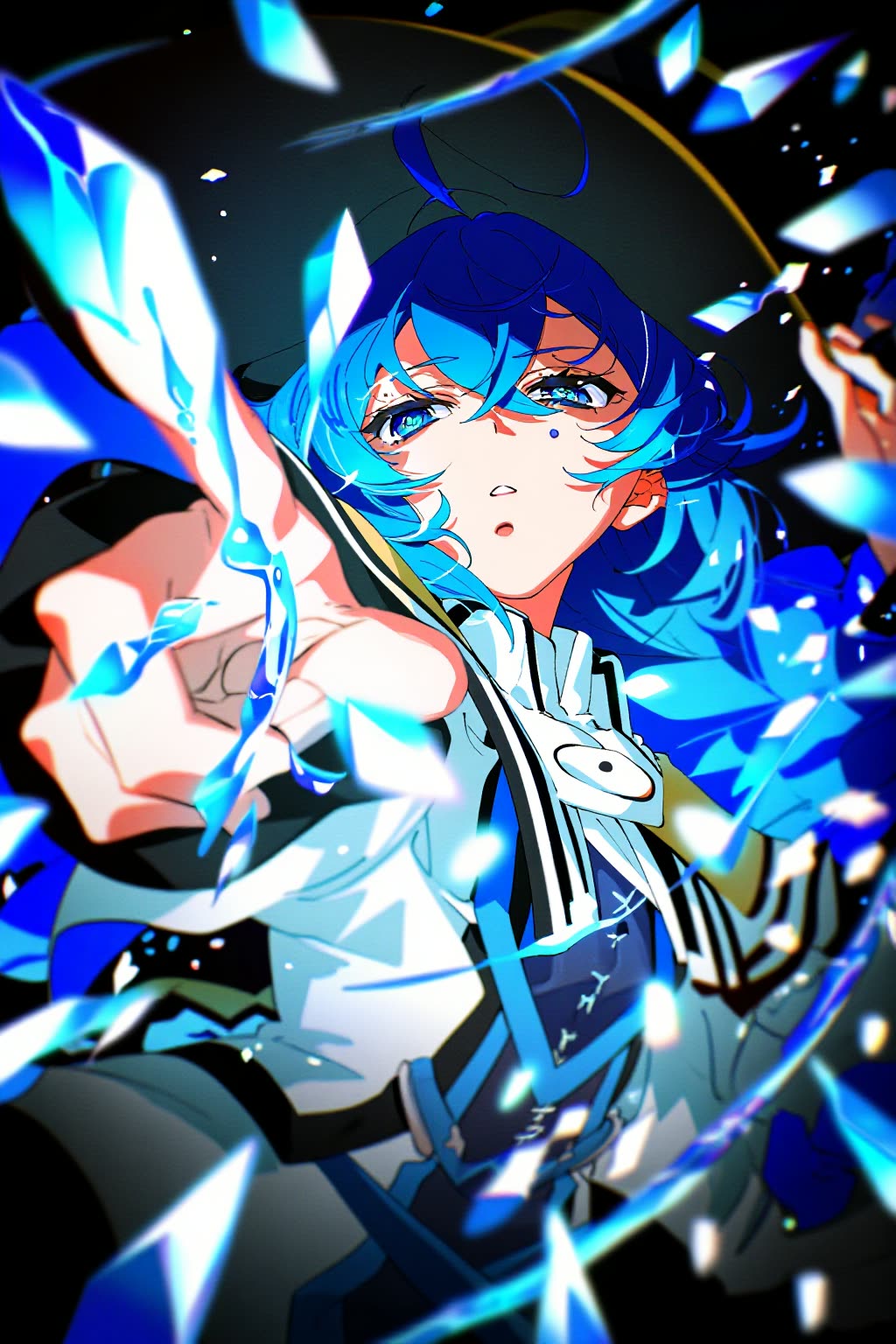
The NewBie Exp0.1 workflow introduces a groundbreaking approach to anime-style image generation through its innovative Next-DiT architecture. This new model, developed by NewBieAI Lab, leverages structured XML prompts to enhance the generation of multi-character scenes and precise attribute control. By incorporating XML, users can define complex scenes with multiple characters, each with distinct attributes, without losing coherence or detail. This advancement marks a significant leap from traditional text-to-image models, which often struggle with maintaining clarity and detail in complex scenes.
What sets NewBie Exp0.1 apart is its ability to seamlessly integrate detailed prompt structures with cutting-edge image synthesis. The Next-DiT architecture is designed to interpret structured data more effectively, resulting in images that are not only visually appealing but also rich in narrative depth. This makes it an invaluable tool for creators looking to push the boundaries of anime art, offering unprecedented control over the creative process while ensuring high-quality output.
API
코드에서 이 워크플로우 사용하기
모든 Comfy 워크플로우는 JSON 그래프입니다. 아래 페이로드는 이 워크플로우 그 자체로, ComfyUI에서 실행되는 것과 동일합니다 — URL에서 가져오거나, 버전 관리에 보관하거나, ComfyUI에서 불러와 노드별로 실행할 수 있습니다.
Comfy SDK로 TypeScript 또는 Python에서 실행하세요. 동일한 코드는 Comfy Cloud 또는 직접 호스팅하는 ComfyUI 모두에 적용됩니다 — 기본 URL만 다릅니다.
// Install (beta)
npm i @comfyorg/sdk

// Run "NewBie Exp0.1: 애니메이션 생성" (TypeScript)
import { Comfy } from "@comfyorg/sdk";

const client = new Comfy({ apiKey: "comfyui-..." });

// This workflow, exported in API format (see note below)
const wf = await client.workflows.fromFile("image_newbieimage_exp0_1-t2i_api.json");

const job = await client.run(wf);
await job.getOutputs("9")[0].toFile("output.png");  // SaveImage
SDK는 API 형식의 워크플로우를 사용합니다: 이 워크플로우를 ComfyUI에서 열고 파일 → 워크플로우 내보내기(API)를 사용하세요.
FAQ


















