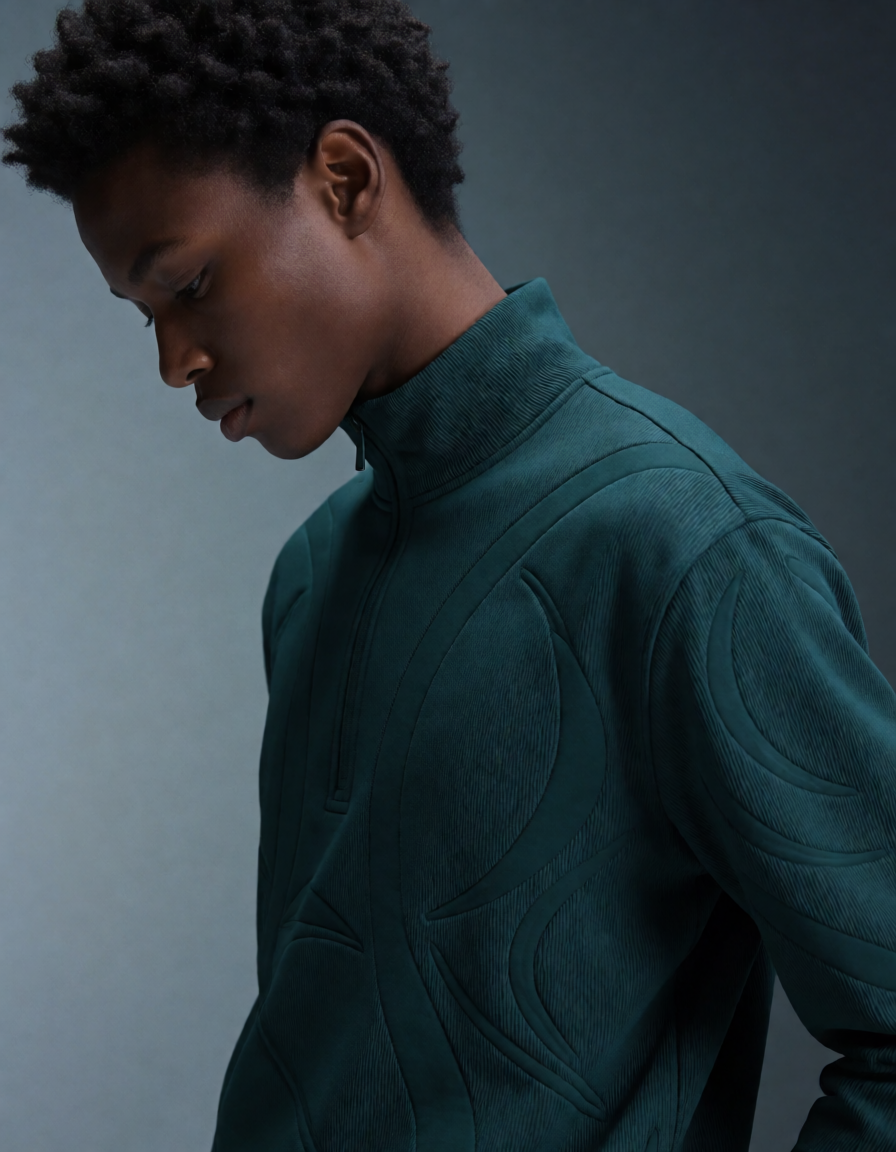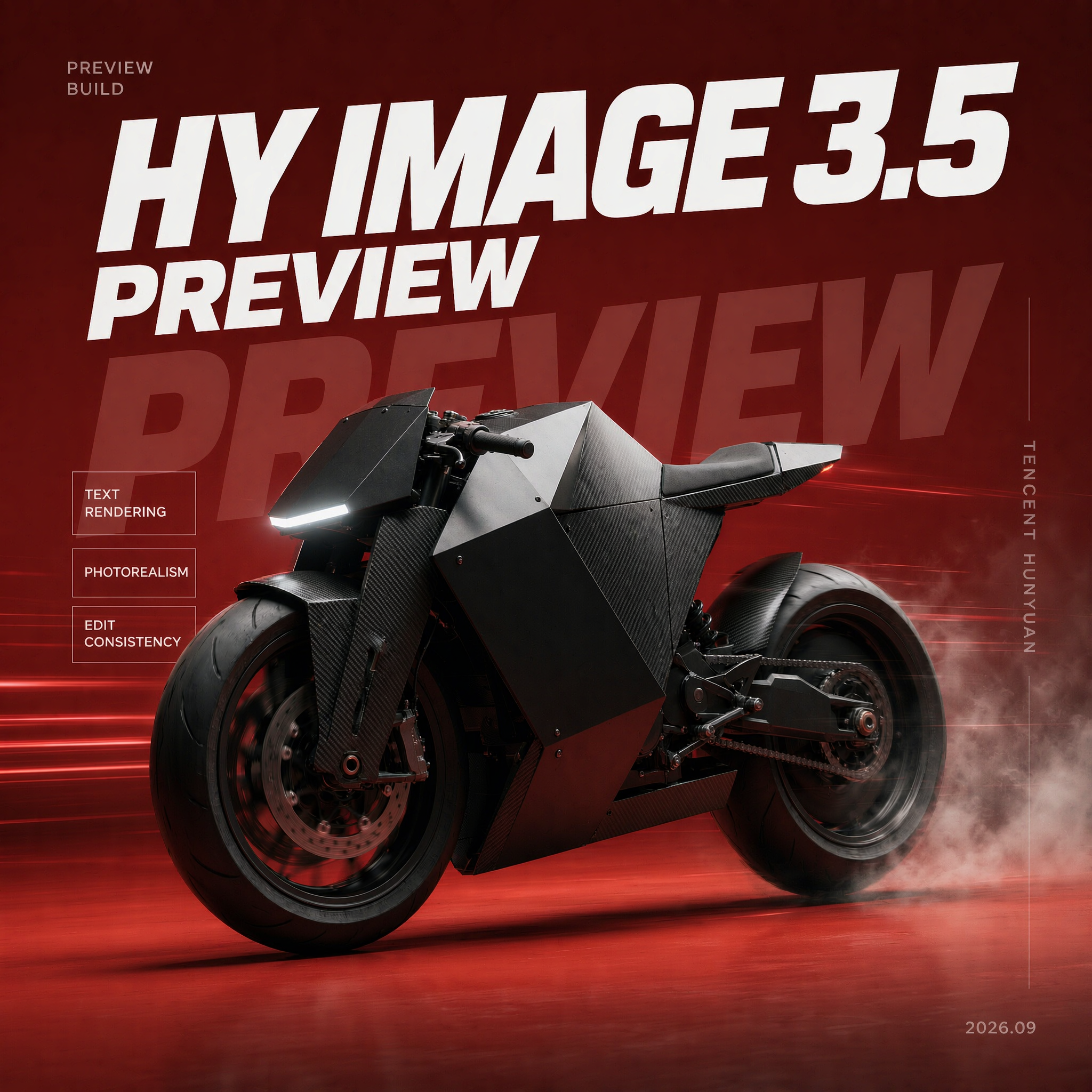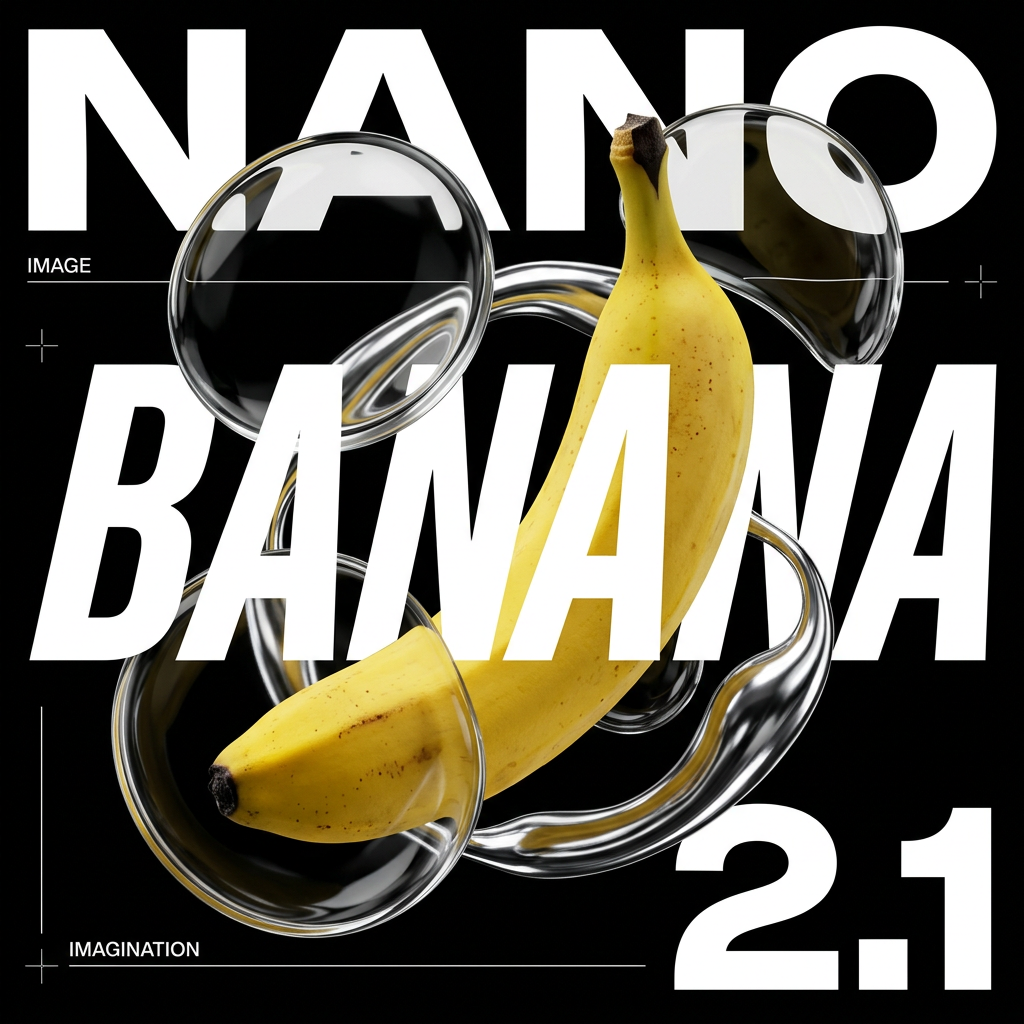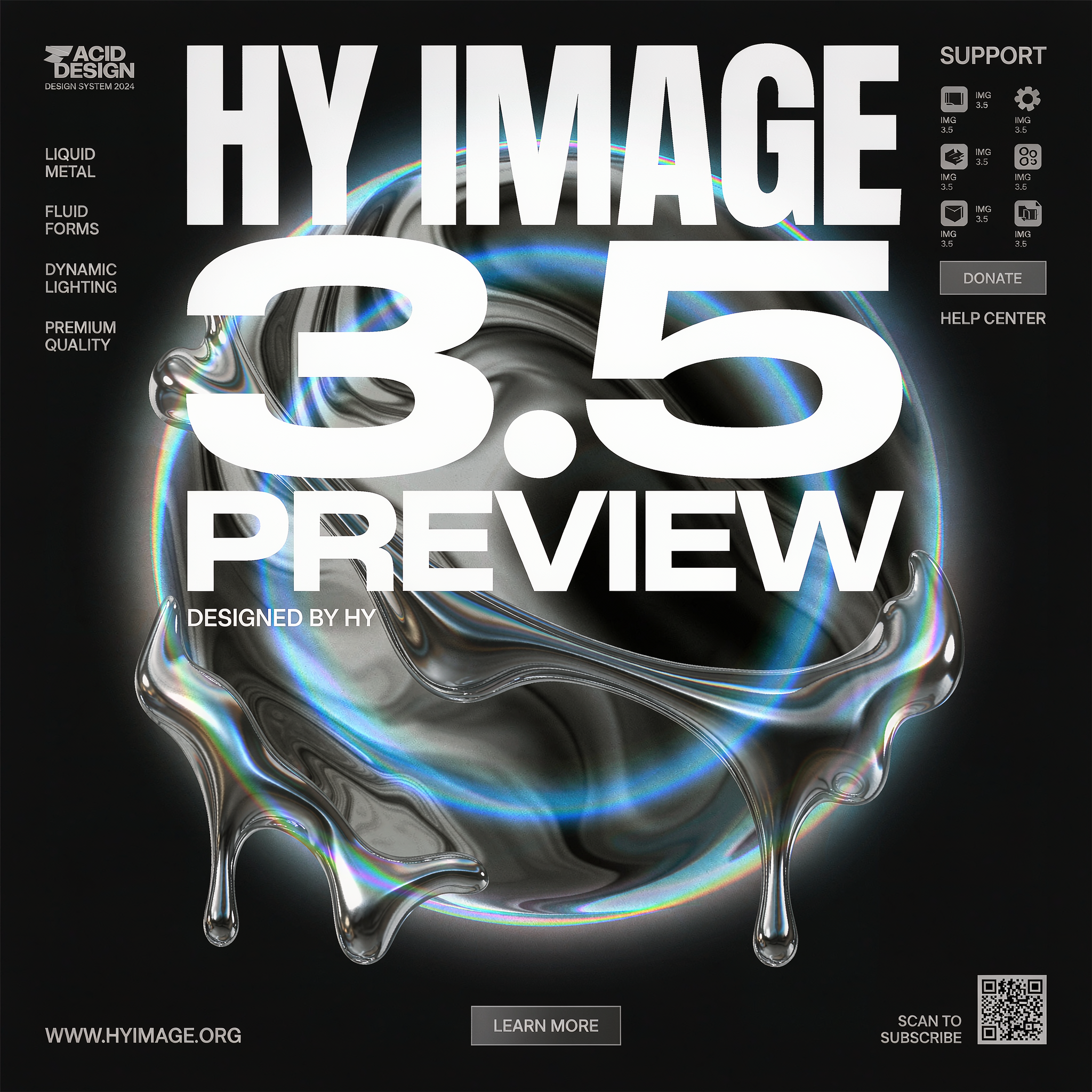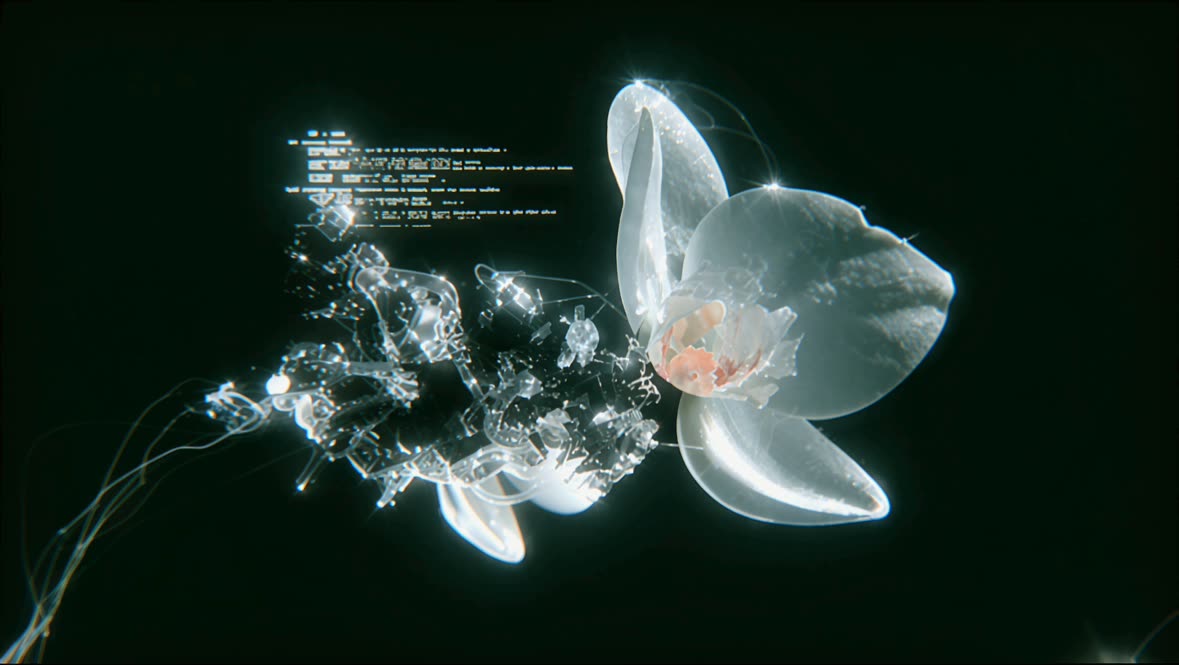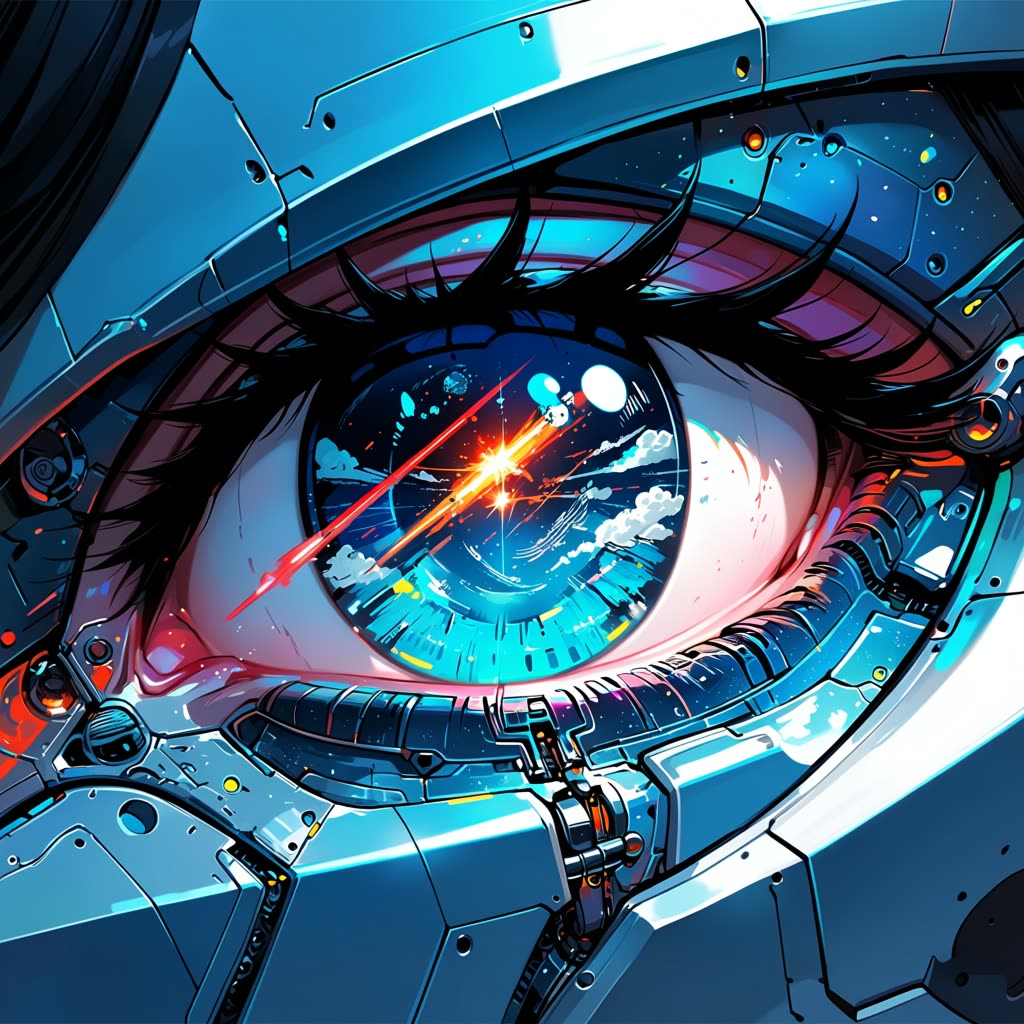
O fluxo de trabalho Anima Anime: Geração de Imagem por Texto no ComfyUI foi desenvolvido para transformar prompts de texto em imagens cativantes no estilo anime. Este fluxo utiliza o modelo Anima, um modelo especializado em texto para imagem treinado em estilos de arte anime e não fotorrealistas, garantindo que as imagens geradas mantenham a estética distinta do anime. O fluxo envolve vários nós-chave, incluindo CLIPTextEncode para processar o prompt de texto e VAEDecode para decodificar o espaço latente em uma saída visual. Ajustando parâmetros como steps e escala CFG dentro do nó KSampler, o usuário pode refinar o estilo artístico e o nível de detalhe da imagem gerada.
Tecnicamente, este fluxo é estruturado em três etapas principais: carregamento dos modelos necessários, definição do tamanho da imagem e inserção do prompt. Os nós VAELoader e UNETLoader são essenciais para preparar os componentes do modelo, enquanto o nó EmptyLatentImage inicializa o espaço latente para a geração da imagem. O nó SaveImage garante que a saída final seja armazenada para acesso do usuário. Este fluxo é especialmente útil para artistas e criadores de conteúdo que desejam gerar rapidamente visuais em estilo anime a partir de descrições textuais, servindo como uma ferramenta criativa para concept art, storyboard e ilustração digital.
API
Use este workflow a partir do código
Todo workflow Comfy é um grafo JSON. O payload abaixo é este workflow, exatamente como o ComfyUI executa — obtenha-o pela URL, mantenha-o no controle de versão ou carregue-o no ComfyUI e execute nó por nó.
Execute a partir de TypeScript ou Python com o Comfy SDK. O mesmo código serve para o Comfy Cloud ou um ComfyUI hospedado por você — apenas a URL base muda.
// Install (beta)
npm i @comfyorg/sdk

// Run "Geração de texto para imagem do Anima Anime" (TypeScript)
import { Comfy } from "@comfyorg/sdk";

const client = new Comfy({ apiKey: "comfyui-..." });

// This workflow, exported in API format (see note below)
const wf = await client.workflows.fromFile("image_anima_preview_api.json");

const job = await client.run(wf);
await job.getOutputs("46")[0].toFile("output.png");  // SaveImage
O SDK utiliza um workflow no formato API: abra este workflow no ComfyUI e use Arquivo → Exportar Workflow (API).
O acesso à API do Comfy Cloud requer um plano com chave de API.
FAQ