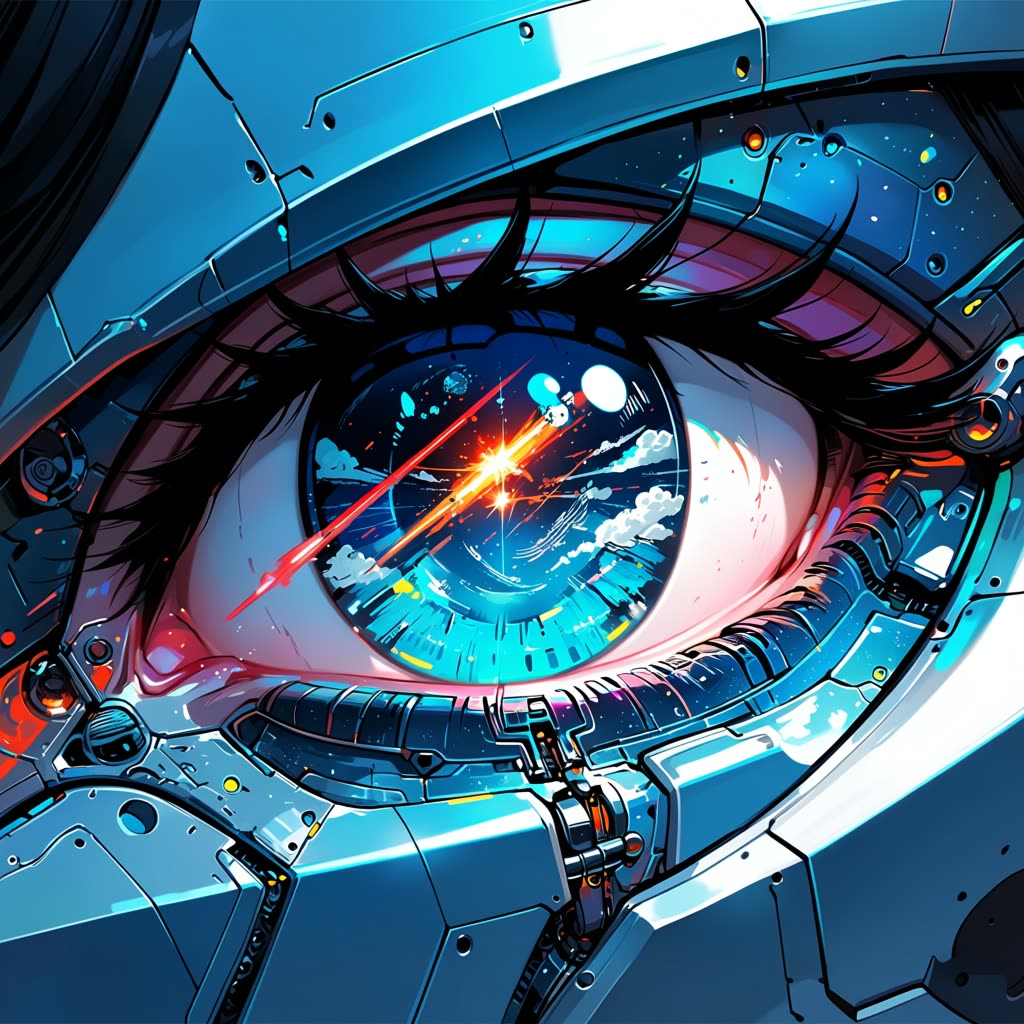
ComfyUI 的 Anima 动漫风格文生图生成工作流,旨在将文本提示转化为引人注目的动漫风格图像。该工作流基于 Anima 模型——专为动漫及非写实艺术风格训练的文生图模型,确保生成的图像具有鲜明的动漫美学。流程包含多个关键节点,如 CLIPTextEncode 处理文本提示,VAEDecode 将潜空间解码为可视化输出。通过在 KSampler 节点调整步数和 CFG scale 等参数,可细致调控生成图像的艺术风格和细节。
技术上,工作流分为三步:加载所需模型、设置图像尺寸、输入提示词。VAELoader 和 UNETLoader 节点用于准备模型组件,EmptyLatentImage 节点初始化图像生成的潜空间,SaveImage 节点保存最终输出。该工作流特别适合希望快速将文本描述转为动漫风格视觉内容的艺术家和内容创作者,可用于概念设计、分镜、数字插画等创作场景。
API
通过代码使用此工作流
每个 Comfy 工作流都是一个 JSON 图。下面的内容就是此工作流的完整数据,ComfyUI 运行时也是如此——你可以从该 URL 获取、放入版本控制,或在 ComfyUI 中加载并逐节点运行。
使用 Comfy SDK 从 TypeScript 或 Python 运行。相同代码可用于 Comfy Cloud 或你自托管的 ComfyUI——只需更改基础 URL。
// Install (beta)
npm i @comfyorg/sdk

// Run "Anima Anime 文生图生成" (TypeScript)
import { Comfy } from "@comfyorg/sdk";

const client = new Comfy({ apiKey: "comfyui-..." });

// This workflow, exported in API format (see note below)
const wf = await client.workflows.fromFile("image_anima_preview_api.json");

const job = await client.run(wf);
await job.getOutputs("46")[0].toFile("output.png");  // SaveImage
SDK 需要 API 格式的工作流:在 ComfyUI 中打开此工作流,使用 文件 → 导出工作流(API)。
常见问题
常见问题



















Showing 30 of 30 templates