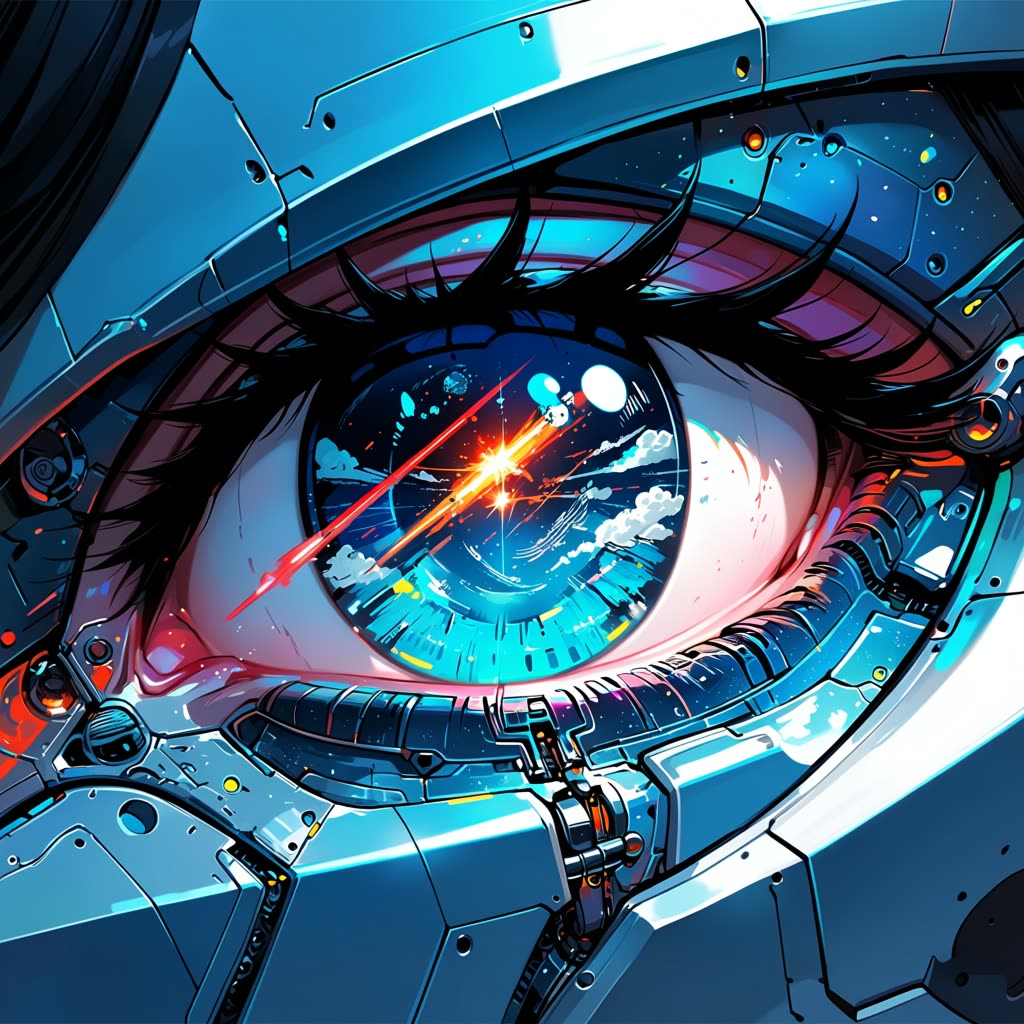
Anima Anime Text-to-Image Generation

The Anima Anime Text-to-Image Generation workflow in ComfyUI is designed to transform text prompts into captivating anime-style images. This workflow leverages the Anima model, a specialized text-to-image model trained on anime and non-photorealistic art styles, ensuring that the generated images maintain the distinct aesthetics of anime. The workflow involves several key nodes, including CLIPTextEncode for processing the text prompt, and VAEDecode for decoding the latent space into a visual output. By adjusting parameters such as steps and CFG scale within the KSampler node, users can fine-tune the artistic style and detail of the generated image.

Technically, this workflow is structured into three main steps: loading the necessary models, setting the image size, and inputting the prompt. The VAELoader and UNETLoader nodes are crucial for preparing the model components, while the EmptyLatentImage node initializes the latent space for image generation. The SaveImage node ensures that the final output is stored for user access. This workflow is particularly useful for artists and content creators who wish to quickly generate anime-style visuals from textual descriptions, providing a creative tool for concept art, storyboarding, and digital illustration.

자주 묻는 질문

The Anima model is a text-to-image generation model specifically trained on anime and non-photorealistic styles, designed to create images that reflect the unique aesthetics of anime art.

You can improve image quality by adjusting the steps and CFG scale in the KSampler node. Increasing these values can enhance detail and artistic style, but may also increase processing time.

The Anima model is intentionally designed to produce non-realistic, anime-style images. It is not optimized for photorealism, focusing instead on the distinct visual characteristics of anime art.

While the workflow can handle higher resolutions, it is optimized for images around 1MP. Larger sizes may require additional computational resources and may not significantly enhance the anime style.

모든 워크플로우 보기
Seedance 2.0: Reference to Video

Seedance 2.0: Reference to Video

ByteDance
ComfyUIComfyUI
Partner Nodes
Image to Video
Video

4K Seedance 2.0 - Reference to Video

PurzPurz
Character
Cinematic
Image to Video
Lip Sync
Multiple Angles
Portrait
Style Reference
Style Transfer
Text to Video
Video Generation
Video
Z-Image-Turbo Text to Image

Z-Image-Turbo Text to Image

ComfyUIComfyUI
Image
Text to Image
Grok: Image Edit - After
Grok: Image Edit - Before

Grok: Image Edit

ComfyUIComfyUI
Partner Nodes
Image Edit

Grok: Video generation

ComfyUIComfyUI
Video
Image to Video
Text to Video
Partner Nodes
Grok Imagine Image Quality: Generation

Grok Imagine Image Quality: Generation

ComfyUIComfyUI
Text to Image
Partner Nodes

LTX 2.3 - Lipdub LoRA + Voice Clone

RobRob
Audio Editing
Character
Video Edit
Video to Video
Voice Cloning
Text to Audio

1 image input Split Stack - Qwen Multiangle + Wan 2.2

RobRob
Video

SCAIL-2: Character Replacement

ComfyUIComfyUI
Video Edit
Ideogram v4: Text to Image

Ideogram v4: Text to Image

ComfyUIComfyUI
Text to Image

Googly Eyes

PurzPurz
Video to Video
Video
Video Edit
LoRA

Seedance 2.0 - Viral Videos Character Swap

RobRob
Character Reference
Image to Video
Video to Video
Video Generation
Text Generation

Seedance 2.0 Reference to Video - Concept Art + Stop Motion Style

MintaMinta
Video
Nano Banana 2: Image Edit

Nano Banana 2: Image Edit

Google
ComfyUIComfyUI
Partner Nodes
Image Edit
cinematic_annotate_video

cinematic_annotate_video

SirolimSirolim
Video
Video Generation
Image to Video

Beeble SwitchX: Video Edit

ComfyUIComfyUI
Image Edit
3x3 Contact Sheet

3x3 Contact Sheet

enigmatic_eenigmatic_e
Image

Restore Archival Footage - LTX 2.3 Dearchive LoRA

RobRob
Video Edit
Video
Video Generation
Video to Video

Remove Object from Video - LTX 2.3 Obscura Remova LoRA

RobRob
Video Edit
Video
Video to Video

Stylize Video - Frame by Frame - Flux.2 Klein 4b

RobRob
Video Edit
Video to Video
Image Edit
Seedream 5.0 Lite: Image Edit - After
Seedream 5.0 Lite: Image Edit - Before

Seedream 5.0 Lite: Image Edit

ByteDance
ComfyUIComfyUI
Partner Nodes
Image Edit
Utility Video Upscale - After
Utility Video Upscale - Before

Utility Video Upscale

SirolimSirolim
Video Upscale
Video Edit
Video
Video to Video
Video Generation
Visual Effects
Cinematic

1 image input Split Stack - Nano Banana 2 + Kling 3.0

RobRob
Partner Nodes
Image to Video
Multiple Angles
Stable Audio 3.0 Medium Base

Stable Audio 3.0 Medium Base

ComfyUIComfyUI
Audio
SYSTMS ACTION: QWEN IMAGE EDIT 2511 - After
SYSTMS ACTION: QWEN IMAGE EDIT 2511 - Before

SYSTMS ACTION: QWEN IMAGE EDIT 2511

Image Edit
Image Enhancement
Ideogram v4: Text to Image (API)

Ideogram v4: Text to Image (API)

ComfyUIComfyUI
Text to Image
Krea 2 Moodboards

Krea 2 Moodboards

JMSJMS
Partner Nodes
Image
Text to Image
Grok Imagine Image Quality: Edit - After
Grok Imagine Image Quality: Edit - Before

Grok Imagine Image Quality: Edit

ComfyUIComfyUI
Partner Nodes
Image Edit

Video Outpainting

PurzPurz
Video
Video Generation
Video to Video
Outpainting

VFX - Bullet Time Effect

SirolimSirolim
Visual Effects
Image to Video
Video
Showing 30 of 547 templates