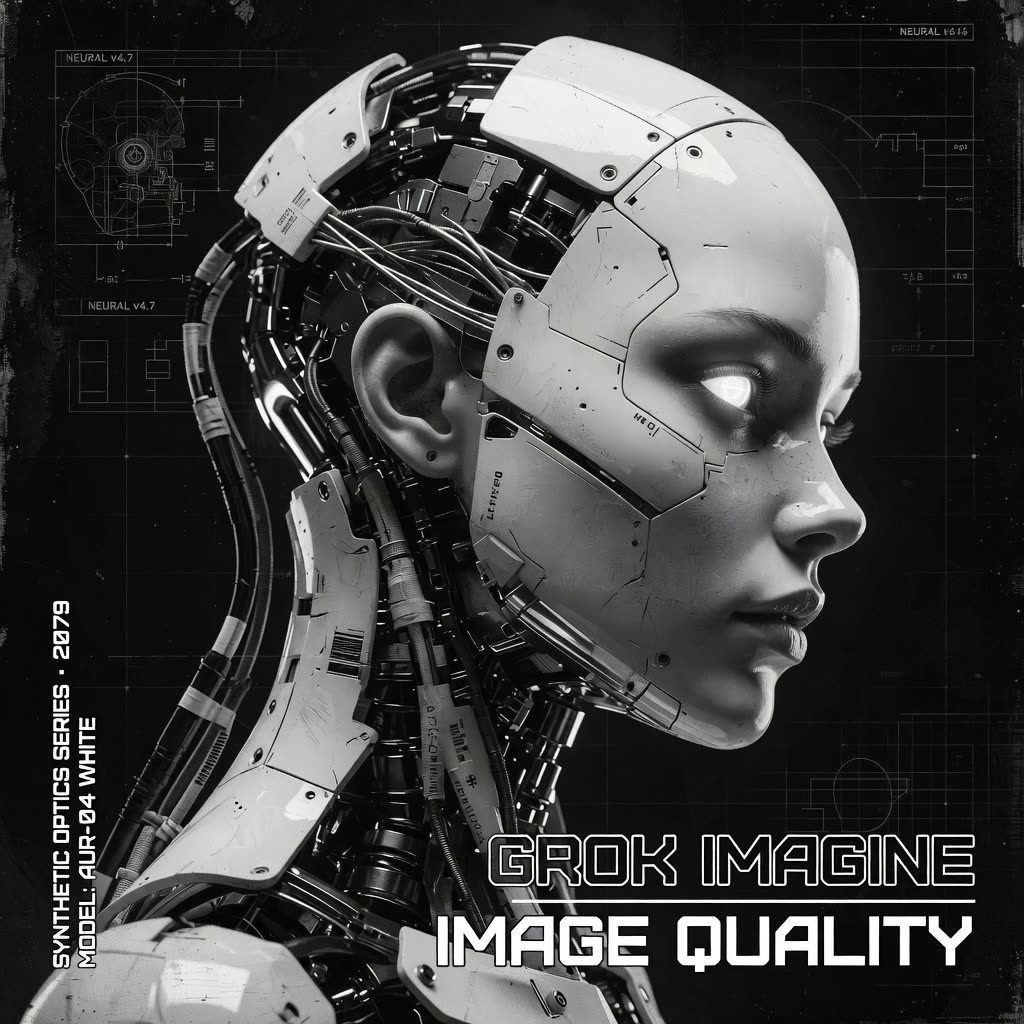
Этот рабочий процесс ComfyUI использует GrokImageNode для генерации изображений по текстовым промптам через Grok Imagine API, а затем сохраняет результаты с помощью SaveImage. Он рассчитан на случаи, когда нужен чистый, читаемый текст внутри изображений (вывески, постеры, UI-мокапы) вместе с хорошей визуальной детализацией. Конвейер намеренно минималистичный — промпт на вход, изображение на выход — чтобы вы могли сосредоточиться на формулировке промпта и быстрых итерациях.
Технически GrokImageNode отправляет ваш промпт и любые параметры, доступные в ноде (например, соотношение сторон/размеры, seed или количество изображений — в зависимости от сборки), в удалённую модель Grok Imagine и возвращает сгенерированный тензор изображения в ComfyUI. Затем нода SaveImage записывает изображение в выходной каталог ComfyUI с выбранным префиксом имени файла. В итоге получается простой и надёжный поток «текст-в-изображение», который использует внешний API для качества и лучшего рендеринга текста, сохраняя удобство нодного рабочего пространства ComfyUI.
API
Использовать этот рабочий процесс из кода
Каждый рабочий процесс Comfy — это JSON-граф. Ниже представлен payload этого процесса, точно так же, как его запускает ComfyUI: получите его по ссылке, храните в системе контроля версий или загрузите в ComfyUI и выполняйте по узлам.
Запустите его на TypeScript или Python с помощью Comfy SDK. Один и тот же код работает с Comfy Cloud или вашим собственным ComfyUI — меняется только базовый URL.
// Install (beta)
npm i @comfyorg/sdk

// Run this workflow (TypeScript)
import { Comfy } from "@comfyorg/sdk";

const client = new Comfy({ apiKey: "comfyui-..." });
const wf = await client.workflows.fromFile("workflow_api.json");
const job = await client.run(wf);
await job.getOutputs("<output-node-id>")[0].toFile("output.png");
SDK принимает рабочий процесс в API-формате: откройте этот процесс в ComfyUI и используйте Файл → Экспортировать рабочий процесс (API).
Доступ к API Comfy Cloud требует плана с API-ключом.
FAQ


















