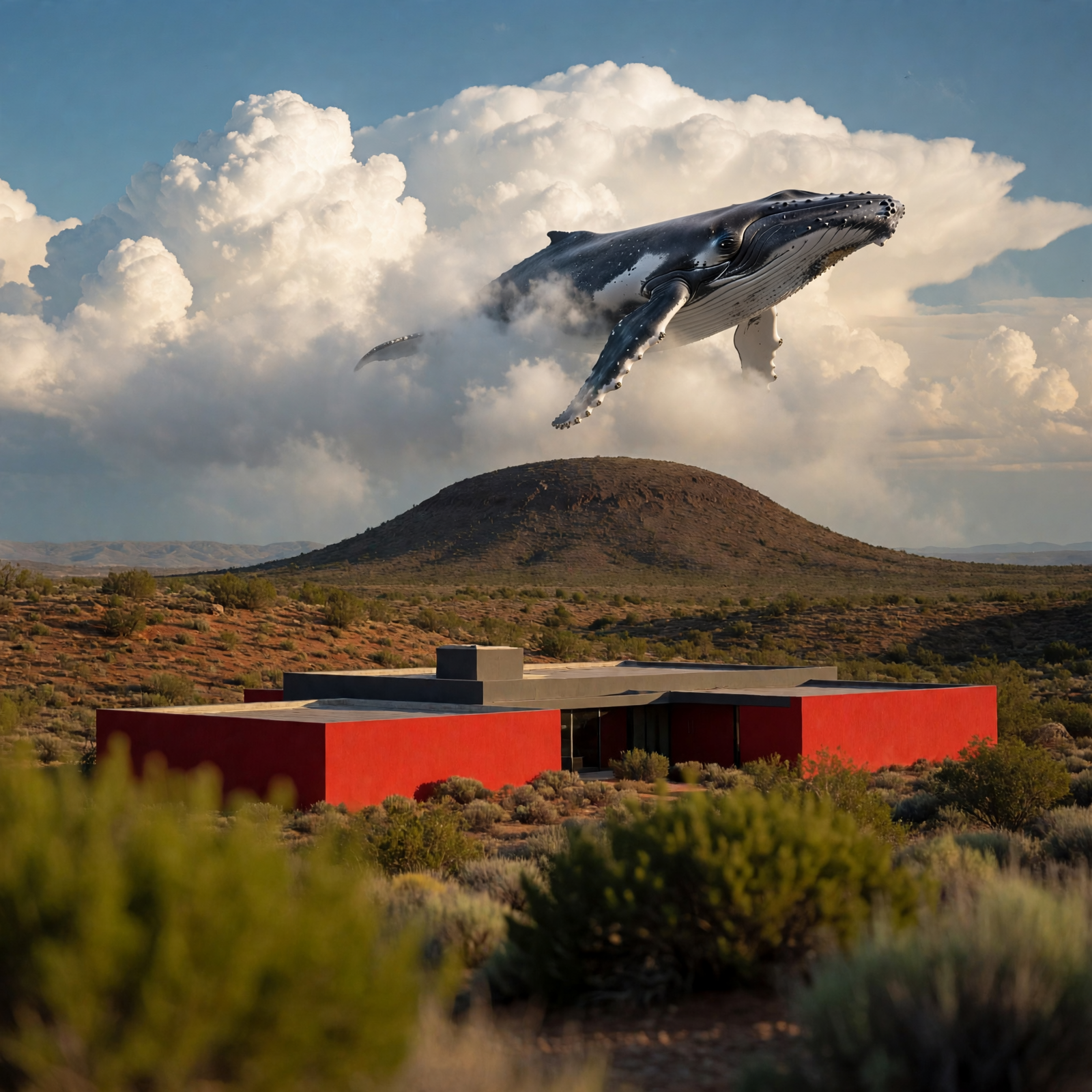
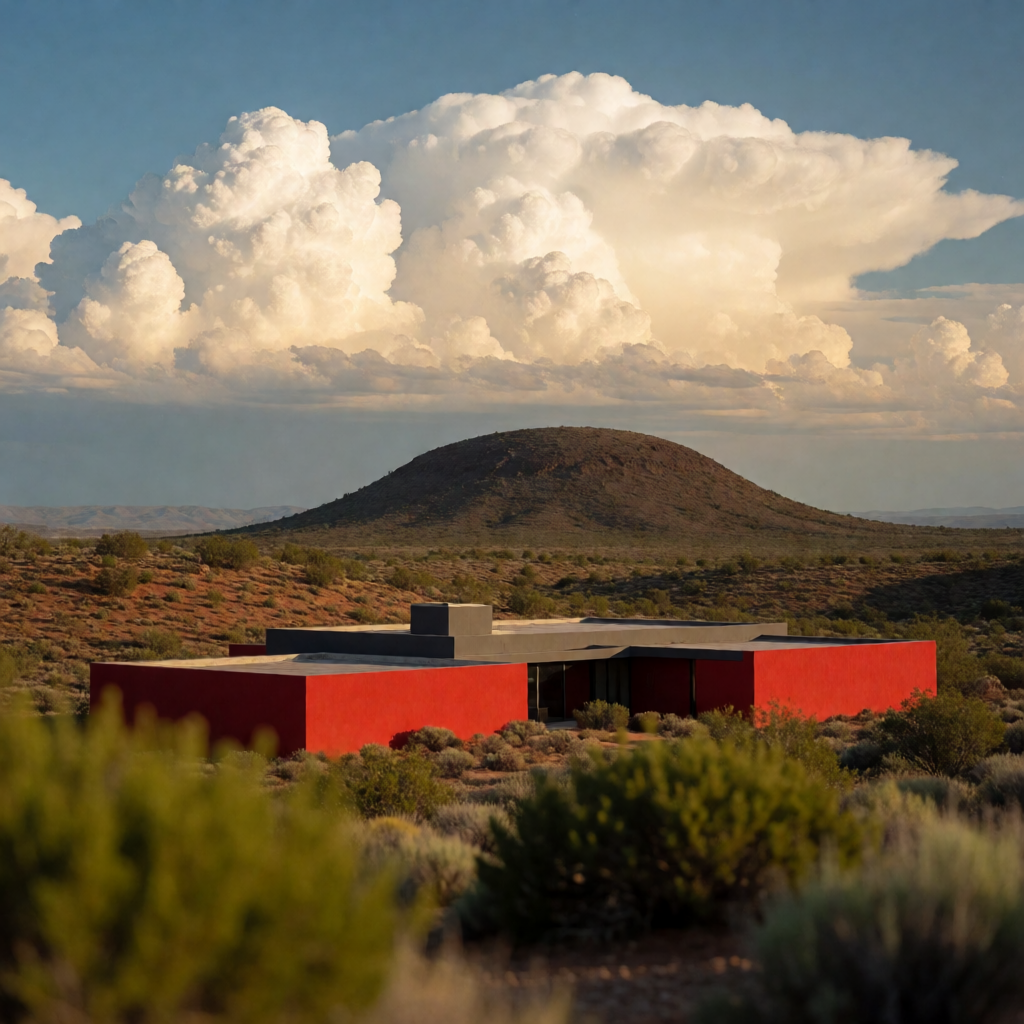
This workflow uses Muse Image 1.0 to edit an image with natural-language instructions while preserving the rest of the scene. Two LoadImage nodes supply inputs: one is the primary image you want to edit, and the second is a visual reference that guides the look (style, color palette, material cues) of the edit. The MetaMuseImageEditApi node sends both images plus your instruction to the hosted Muse Image 1.0 service and returns a single edited image. SaveImageAdvanced then writes the result to disk with your chosen filename and subfolder.
Technically, the graph is simple and reliable: LoadImage → MetaMuseImageEditApi → SaveImageAdvanced, with a MarkdownNote included to summarize usage. The API node interprets your instruction (e.g., "make the house red while keeping the desert sky unchanged") and applies targeted changes while maintaining scene layout and context. Example inputs included with the template—deep_blue_whale_swim_scene.png and desert_red_modern_house.png—let you try style- or color-guided edits immediately.
API
Bu iş akışını koddan kullan
Her Comfy iş akışı bir JSON grafiğidir. Aşağıdaki veri, bu iş akışının tam olarak ComfyUI'da çalıştırıldığı halidir — URL'den alın, sürüm kontrolünde saklayın veya ComfyUI'da yükleyip düğüm düğüm çalıştırın.
Comfy SDK ile TypeScript veya Python'dan çalıştırın. Aynı kod Comfy Cloud veya kendi barındırdığınız bir ComfyUI'ı hedefler — sadece temel URL değişir.
// Install (beta)
npm i @comfyorg/sdk

// Run this workflow (TypeScript)
import { Comfy } from "@comfyorg/sdk";

const client = new Comfy({ apiKey: "comfyui-..." });
const wf = await client.workflows.fromFile("workflow_api.json");
const job = await client.run(wf);
await job.getOutputs("<output-node-id>")[0].toFile("output.png");
SDK, API formatında bir iş akışı alır: bu iş akışını ComfyUI'da açın ve Dosya → İş Akışını Dışa Aktar (API) seçeneğini kullanın.
Comfy Cloud API erişimi, API anahtarı içeren bir plan gerektirir.


















