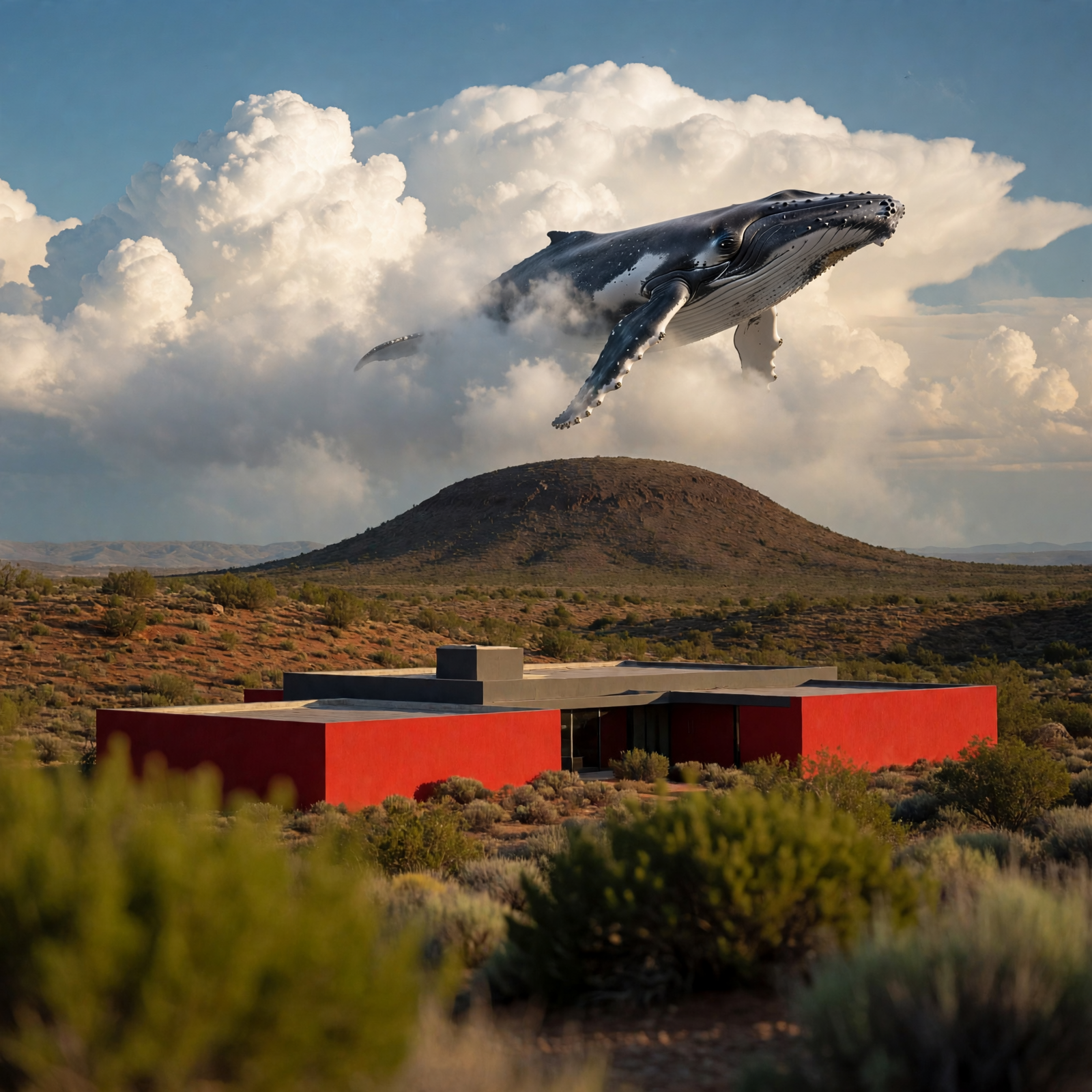
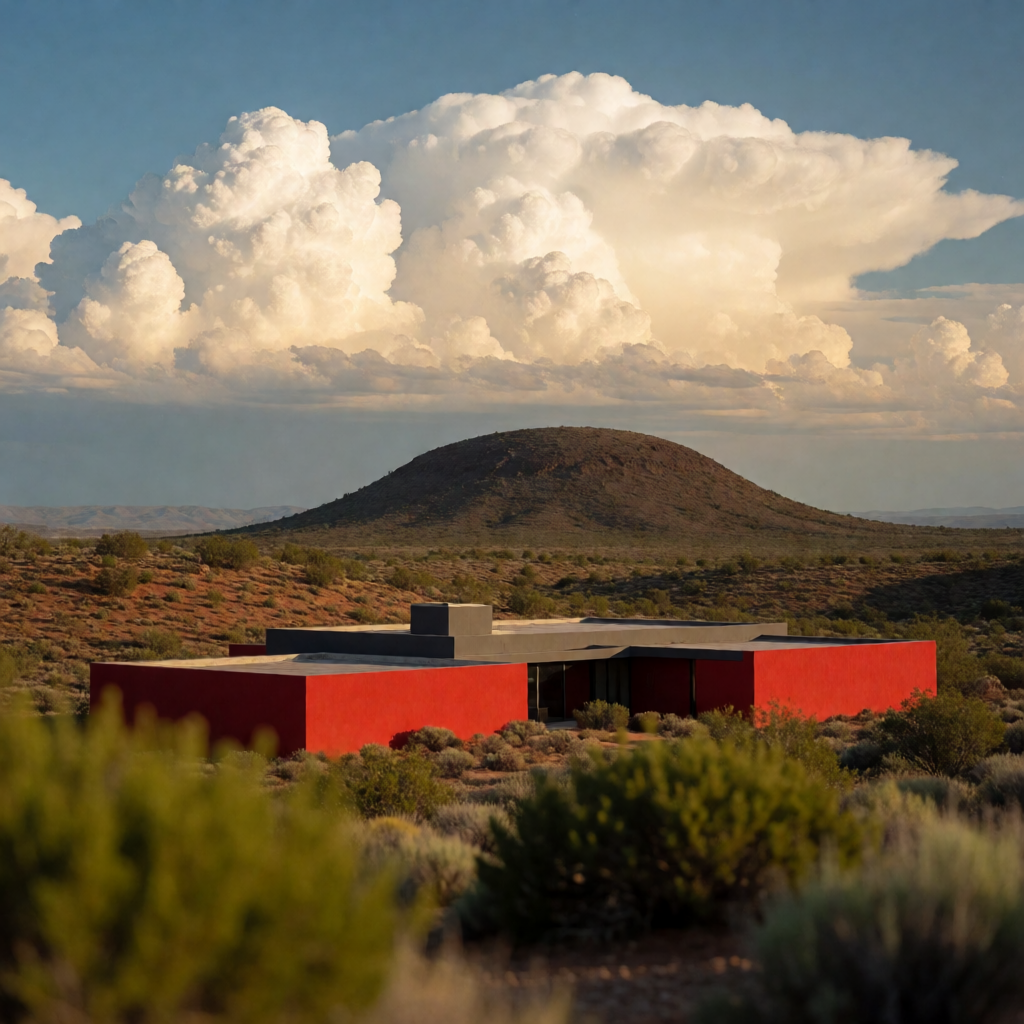
This workflow uses Muse Image 1.0 to edit an image with natural-language instructions while preserving the rest of the scene. Two LoadImage nodes supply inputs: one is the primary image you want to edit, and the second is a visual reference that guides the look (style, color palette, material cues) of the edit. The MetaMuseImageEditApi node sends both images plus your instruction to the hosted Muse Image 1.0 service and returns a single edited image. SaveImageAdvanced then writes the result to disk with your chosen filename and subfolder.
Technically, the graph is simple and reliable: LoadImage → MetaMuseImageEditApi → SaveImageAdvanced, with a MarkdownNote included to summarize usage. The API node interprets your instruction (e.g., "make the house red while keeping the desert sky unchanged") and applies targeted changes while maintaining scene layout and context. Example inputs included with the template—deep_blue_whale_swim_scene.png and desert_red_modern_house.png—let you try style- or color-guided edits immediately.
API
このワークフローをコードから利用
すべてのComfyワークフローはJSONグラフです。以下のペイロードは、このワークフローそのものであり、ComfyUIが実行する内容と同じです — このURLから取得し、バージョン管理に保存したり、ComfyUIで読み込んでノードごとに実行できます。
Comfy SDKを使ってTypeScriptまたはPythonから実行できます。同じコードでComfy Cloudや自身でホストしたComfyUIのどちらにも対応 — ベースURLだけが異なります。
// Install (beta)
npm i @comfyorg/sdk

// Run this workflow (TypeScript)
import { Comfy } from "@comfyorg/sdk";

const client = new Comfy({ apiKey: "comfyui-..." });
const wf = await client.workflows.fromFile("workflow_api.json");
const job = await client.run(wf);
await job.getOutputs("<output-node-id>")[0].toFile("output.png");
SDKはAPI形式のワークフローを受け取ります:このワークフローをComfyUIで開き、「ファイル → ワークフローをエクスポート(API)」を使用してください。


















