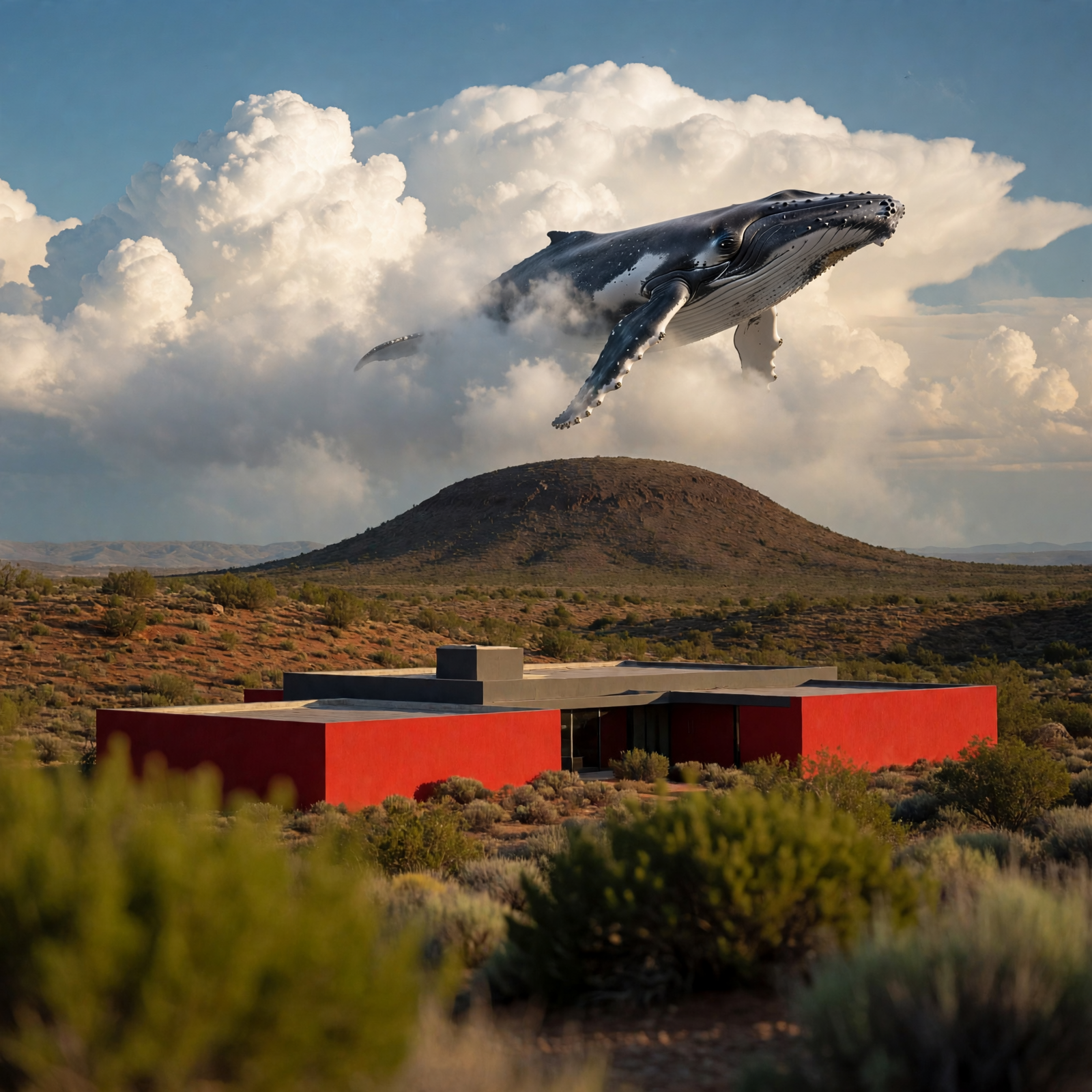
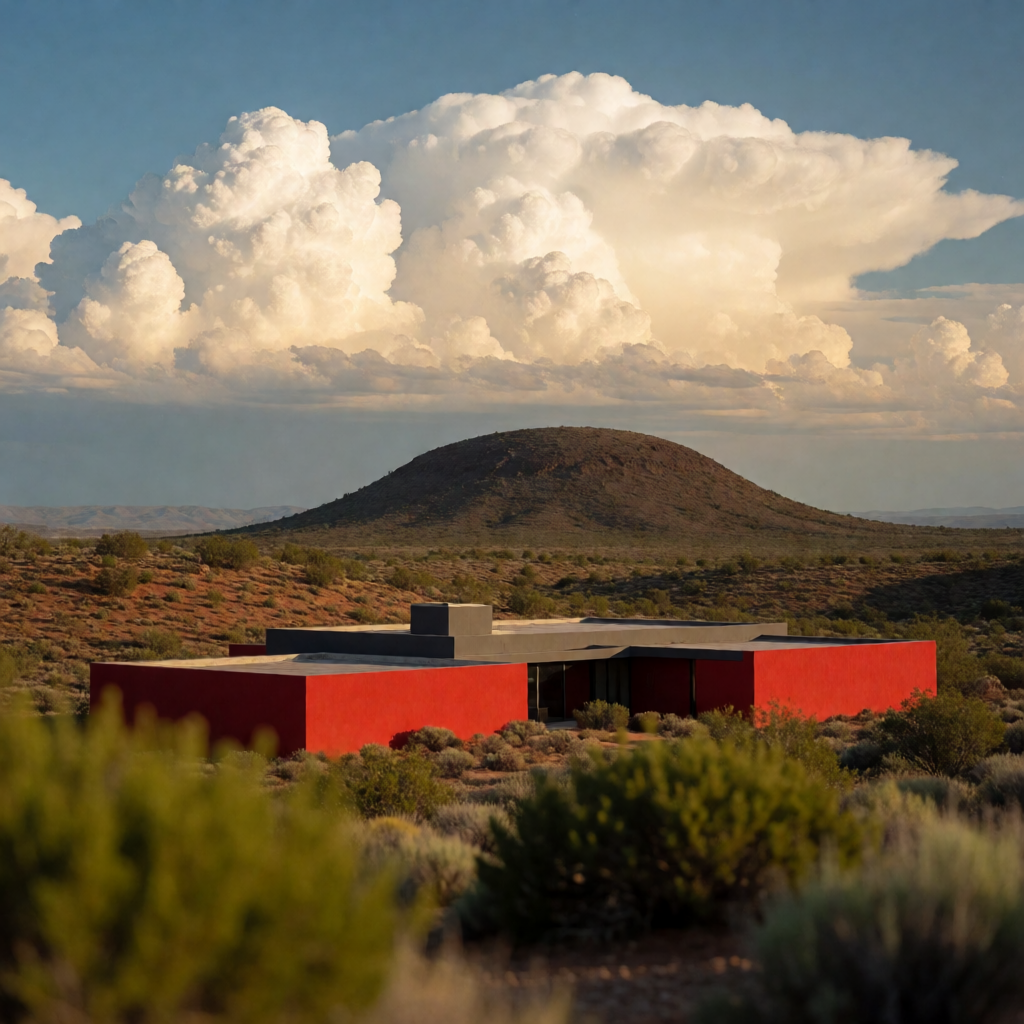
This workflow uses Muse Image 1.0 to edit an image with natural-language instructions while preserving the rest of the scene. Two LoadImage nodes supply inputs: one is the primary image you want to edit, and the second is a visual reference that guides the look (style, color palette, material cues) of the edit. The MetaMuseImageEditApi node sends both images plus your instruction to the hosted Muse Image 1.0 service and returns a single edited image. SaveImageAdvanced then writes the result to disk with your chosen filename and subfolder.
Technically, the graph is simple and reliable: LoadImage → MetaMuseImageEditApi → SaveImageAdvanced, with a MarkdownNote included to summarize usage. The API node interprets your instruction (e.g., "make the house red while keeping the desert sky unchanged") and applies targeted changes while maintaining scene layout and context. Example inputs included with the template—deep_blue_whale_swim_scene.png and desert_red_modern_house.png—let you try style- or color-guided edits immediately.
API
코드에서 이 워크플로우 사용하기
모든 Comfy 워크플로우는 JSON 그래프입니다. 아래 페이로드는 이 워크플로우 그 자체로, ComfyUI에서 실행되는 것과 동일합니다 — URL에서 가져오거나, 버전 관리에 보관하거나, ComfyUI에서 불러와 노드별로 실행할 수 있습니다.
Comfy SDK로 TypeScript 또는 Python에서 실행하세요. 동일한 코드는 Comfy Cloud 또는 직접 호스팅하는 ComfyUI 모두에 적용됩니다 — 기본 URL만 다릅니다.
// Install (beta)
npm i @comfyorg/sdk

// Run this workflow (TypeScript)
import { Comfy } from "@comfyorg/sdk";

const client = new Comfy({ apiKey: "comfyui-..." });
const wf = await client.workflows.fromFile("workflow_api.json");
const job = await client.run(wf);
await job.getOutputs("<output-node-id>")[0].toFile("output.png");
SDK는 API 형식의 워크플로우를 사용합니다: 이 워크플로우를 ComfyUI에서 열고 파일 → 워크플로우 내보내기(API)를 사용하세요.


















