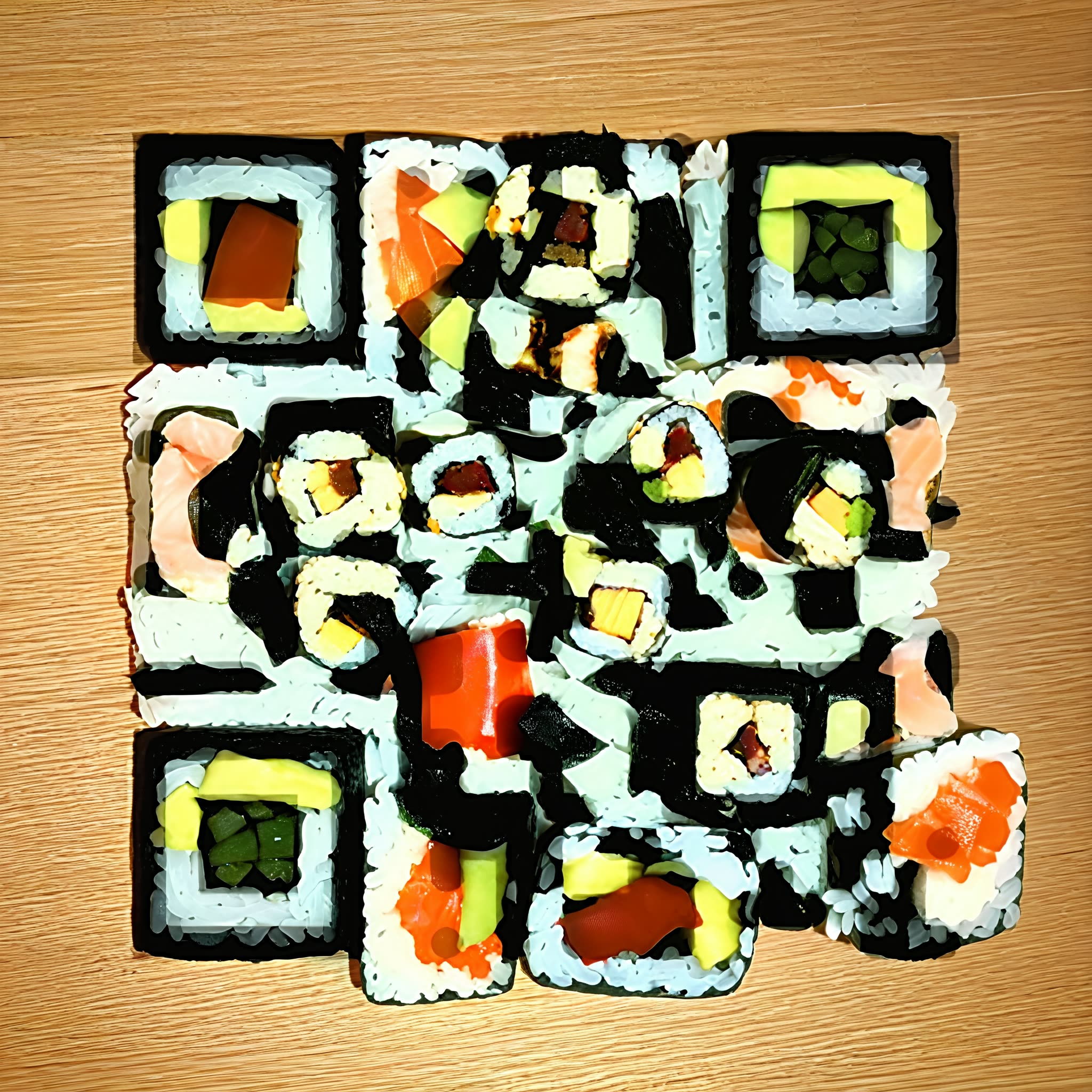
This workflow turns a plain QR code into a stylized image where the code pattern is blended into textures, shadows, and shapes rather than overlaid on top. You provide a link (or any QR payload) and either a text prompt or a reference image to describe the look you want. The system produces an artwork that still scans reliably with a phone camera while looking polished enough for posters, album covers, business cards, or product labels.
Technically, the heavy lifting happens in a single custom node (UUID: 323b0c6a-e2f0-42c3-93b4-36b7878136fd). This node encodes your URL into a QR matrix, then synthesizes or stylizes an image so local contrast and edges align with the QR modules, preserving a readable pattern inside the composition. You can balance aesthetics and readability by adjusting style strength and QR visibility. The final image is written to disk by the SaveImage node as a PNG in ComfyUI's output folder.
API
Use this workflow from code
Every Comfy workflow is a JSON graph. The payload below is this workflow, exactly as ComfyUI runs it — fetch it from the URL, keep it in version control, or load it in ComfyUI and run it node by node.
Run it from TypeScript or Python with the Comfy SDK. The same code targets Comfy Cloud or a ComfyUI you host yourself — only the base URL changes.
// Install (beta)
npm i @comfyorg/sdk

// Run this workflow (TypeScript)
import { Comfy } from "@comfyorg/sdk";

const client = new Comfy({ apiKey: "comfyui-..." });
const wf = await client.workflows.fromFile("workflow_api.json");
const job = await client.run(wf);
await job.getOutputs("<output-node-id>")[0].toFile("output.png");
The SDK takes a workflow in API format: open this workflow in ComfyUI and use File → Export Workflow (API).
Comfy Cloud API access requires a plan with an API key.
FAQ


















