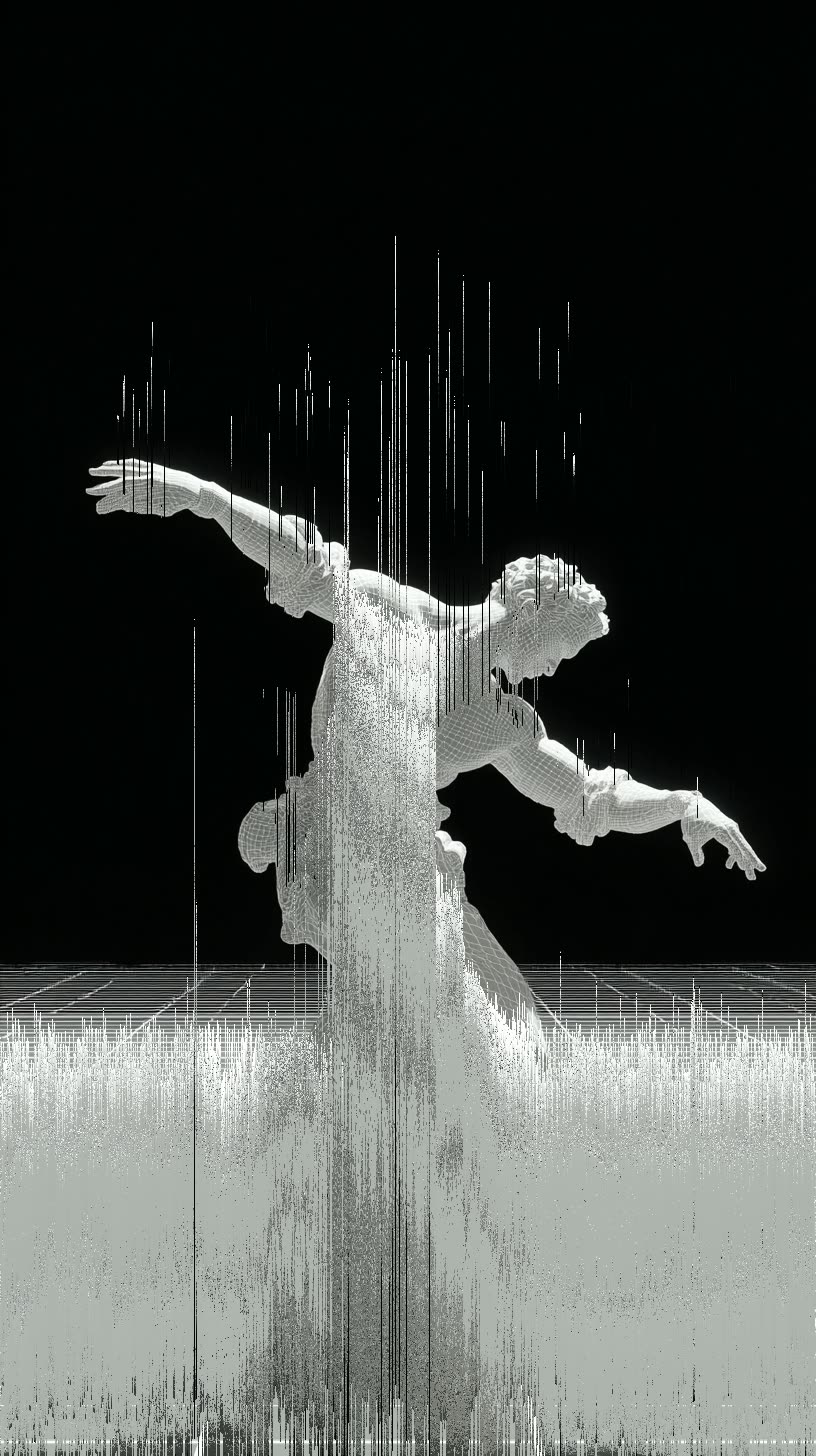
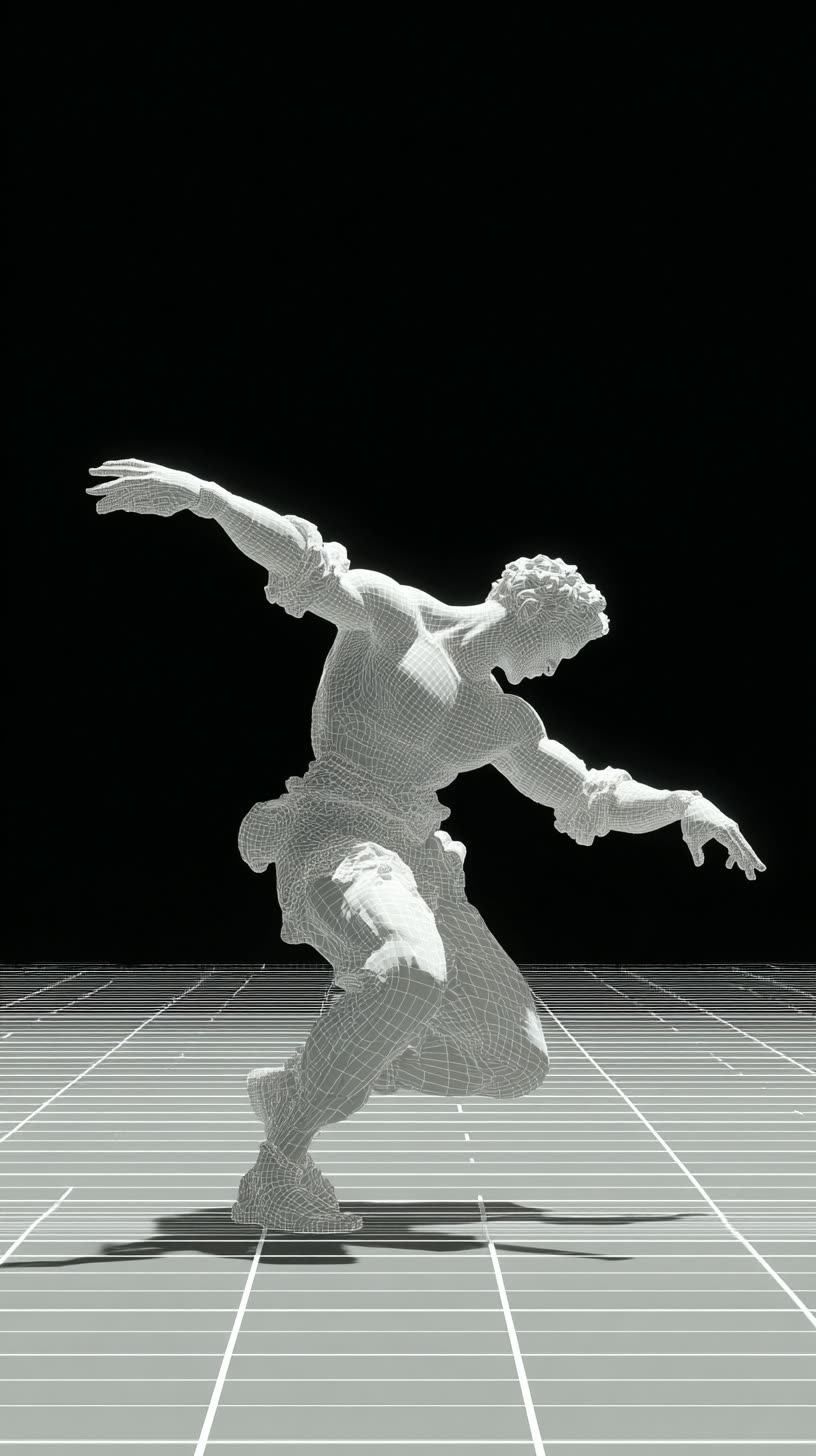
The Pixel Sort Glitch Effect Image Transformation workflow in ComfyUI is designed to transform ordinary images into visually striking glitch art using a pixel sorting algorithm. This technique rearranges pixels based on their brightness, creating a smeared, glitch-like appearance. The workflow leverages the FL_PixelSort node, which allows users to control the direction and intensity of the effect by adjusting parameters such as rotation and threshold. The LoadImage node is used to import the image to be transformed, and the SaveImage node is employed to export the final stylized image. This workflow is particularly useful for artists and designers looking to add a unique, abstract aesthetic to their digital artwork without requiring specific models, making it versatile and easy to use.
API
Use this workflow from code
Every Comfy workflow is a JSON graph. The payload below is this workflow, exactly as ComfyUI runs it — fetch it from the URL, keep it in version control, or load it in ComfyUI and run it node by node.
Run it from TypeScript or Python with the Comfy SDK. The same code targets Comfy Cloud or a ComfyUI you host yourself — only the base URL changes.
// Install (beta)
npm i @comfyorg/sdk

// Run "Pixel Sort Glitch Effect Image Transformation" (TypeScript)
import { Comfy } from "@comfyorg/sdk";

const client = new Comfy({ apiKey: "comfyui-..." });

// This workflow, exported in API format (see note below)
const wf = await client.workflows.fromFile("templates_purz_pixel_sort_image_api.json");

const asset = client.assets.fromFile("input.png");
wf.setInput("2", "image", asset);  // LoadImage

const job = await client.run(wf);
await job.getOutputs("3")[0].toFile("output.png");  // SaveImage
The SDK takes a workflow in API format: open this workflow in ComfyUI and use File → Export Workflow (API).
Comfy Cloud API access requires a plan with an API key.
FAQ


















