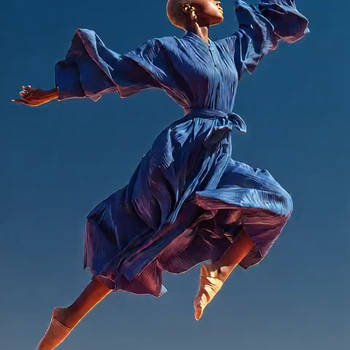
Wan Dancer: Music to Dance is a ComfyUI workflow that turns a music clip and a single reference image into a coherent, short dance video. It uses the Wan Dancer model inside a Subgraph (node ID f7467834-35a6-42fe-b525-7f17383beb4f) to generate all frames in one pass, preserving global structure and temporal continuity. You provide a portrait or full-body image in LoadImage and an audio file in LoadAudio; the subgraph handles conditioning and sampling, and SaveVideo assembles the output clip.
Technically, the subgraph packs the full Wan Dancer pipeline: it encodes your reference image as appearance/style conditioning, derives audio conditioning from the waveform, and samples a fixed-length video (149 frames by default) with long-range temporal attention so poses and motion stay consistent across time. The default configuration produces a ~5 second clip. Because the model samples many frames at once, it is VRAM-intensive and benefits from a high-memory GPU. SaveVideo then writes the frames to a video file at an appropriate frame rate for smooth playback.
API
從程式碼使用此工作流
每個 Comfy 工作流都是一個 JSON 圖。下方的 payload 就是此工作流,與 ComfyUI 執行時完全相同 — 你可以從此 URL 取得、放入版本控制,或在 ComfyUI 載入並逐節點執行。
使用 Comfy SDK 以 TypeScript 或 Python 執行。相同程式碼可用於 Comfy Cloud 或你自架的 ComfyUI — 只需更改 base URL。
// Install (beta)
npm i @comfyorg/sdk

// Run this workflow (TypeScript)
import { Comfy } from "@comfyorg/sdk";

const client = new Comfy({ apiKey: "comfyui-..." });
const wf = await client.workflows.fromFile("workflow_api.json");
const job = await client.run(wf);
await job.getOutputs("<output-node-id>")[0].toFile("output.png");
SDK 需使用 API 格式的工作流:請在 ComfyUI 開啟此工作流,並使用 檔案 → 匯出工作流(API)。



















