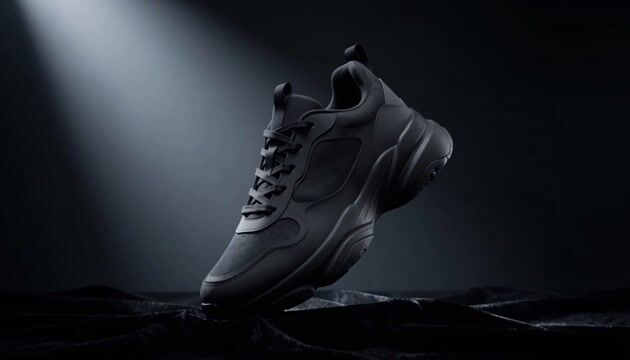
This ComfyUI template turns a single still image into a short, cinematic video using MiniMax H3 Max. The core path wires LoadImage and your prompt (PrimitiveStringMultiline) into MinimaxHailuo03ContextIRNode to package parameters like aspect ratio, duration, and guidance, then drives MinimaxHailuo03FirstLastFrameNode for image-to-video generation with first/last frame consistency. That first/last frame constraint helps preserve the source image’s composition and visual identity from the opening to the closing frame. The final clip is written with SaveVideo, while SaveText can log run metadata for reproducibility.
Two optional stages are provided and start off: a Prompt Enhancer path and a 2K upscale path. ComfySwitchNode routes either your base prompt or an enhanced prompt (if you choose to use it) into the core generator. For higher resolution delivery, the MinimaxHailuo03RegenerateNode can request a 2K version from a 768p base. A PrimitiveBoolean in the Feature Flags group controls this. Important: the 2K upscale only accepts a 768p source; generate the base at 768p before enabling Upscale to 2K, otherwise the upscale path will be skipped or fail.
API
從程式碼使用此工作流
每個 Comfy 工作流都是一個 JSON 圖。下方的 payload 就是此工作流,與 ComfyUI 執行時完全相同 — 你可以從此 URL 取得、放入版本控制,或在 ComfyUI 載入並逐節點執行。
使用 Comfy SDK 以 TypeScript 或 Python 執行。相同程式碼可用於 Comfy Cloud 或你自架的 ComfyUI — 只需更改 base URL。
// Install (beta)
npm i @comfyorg/sdk

// Run this workflow (TypeScript)
import { Comfy } from "@comfyorg/sdk";

const client = new Comfy({ apiKey: "comfyui-..." });
const wf = await client.workflows.fromFile("workflow_api.json");
const job = await client.run(wf);
await job.getOutputs("<output-node-id>")[0].toFile("output.png");
SDK 需使用 API 格式的工作流:請在 ComfyUI 開啟此工作流,並使用 檔案 → 匯出工作流(API)。


















