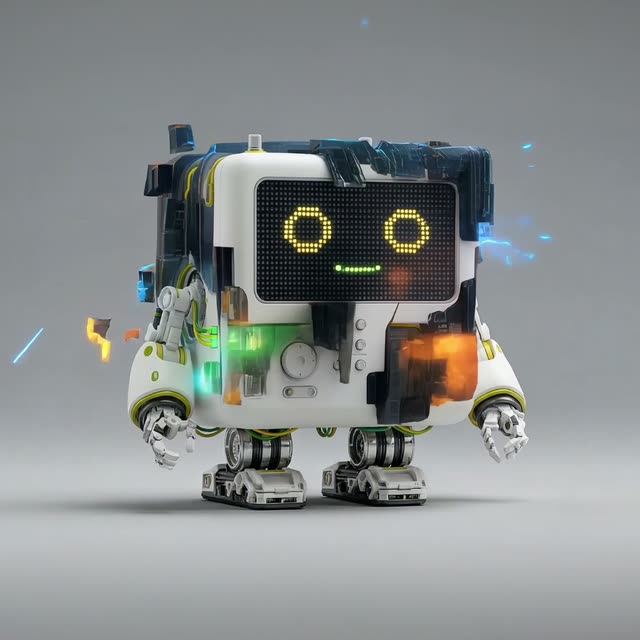
The 'Character × 4 Scene Explorer' workflow is designed to help users generate a variety of character images based on a single reference image. This workflow leverages the power of Google Gemini Image and Nano Banana Pro models to create a 1x4 grid of character variations. By using nodes such as LoadImage and GeminiImage2Node, the workflow first processes the input image to produce four distinct character scenes. Once generated, users can select their preferred image for further refinement and upscaling using the Nano Banana Pro model, ensuring high-quality output.
Technically, this workflow utilizes several custom nodes, including those from comfyui-kjnodes and comfyui_essentials, which streamline the image processing and refinement tasks. Nodes like Reroute, PrimitiveInt, and RegexReplace are employed to manage data flow and transform inputs efficiently. This workflow is particularly useful for artists and designers looking to explore multiple character design options quickly, as it automates the generation and refinement process, saving time and enhancing creativity.
API
從程式碼使用此工作流
每個 Comfy 工作流都是一個 JSON 圖。下方的 payload 就是此工作流,與 ComfyUI 執行時完全相同 — 你可以從此 URL 取得、放入版本控制,或在 ComfyUI 載入並逐節點執行。
使用 Comfy SDK 以 TypeScript 或 Python 執行。相同程式碼可用於 Comfy Cloud 或你自架的 ComfyUI — 只需更改 base URL。
// Install (beta)
npm i @comfyorg/sdk

// Run "角色 ×4 場景探索" (TypeScript)
import { Comfy } from "@comfyorg/sdk";

const client = new Comfy({ apiKey: "comfyui-..." });

// This workflow, exported in API format (see note below)
const wf = await client.workflows.fromFile("templates-split_stack_api.json");

const asset = client.assets.fromFile("input.png");
wf.setInput("1", "image", asset);  // LoadImage

const job = await client.run(wf);
await job.getOutputs("18")[0].toFile("output.png");  // SaveImage
SDK 需使用 API 格式的工作流:請在 ComfyUI 開啟此工作流,並使用 檔案 → 匯出工作流(API)。
常見問題


















