
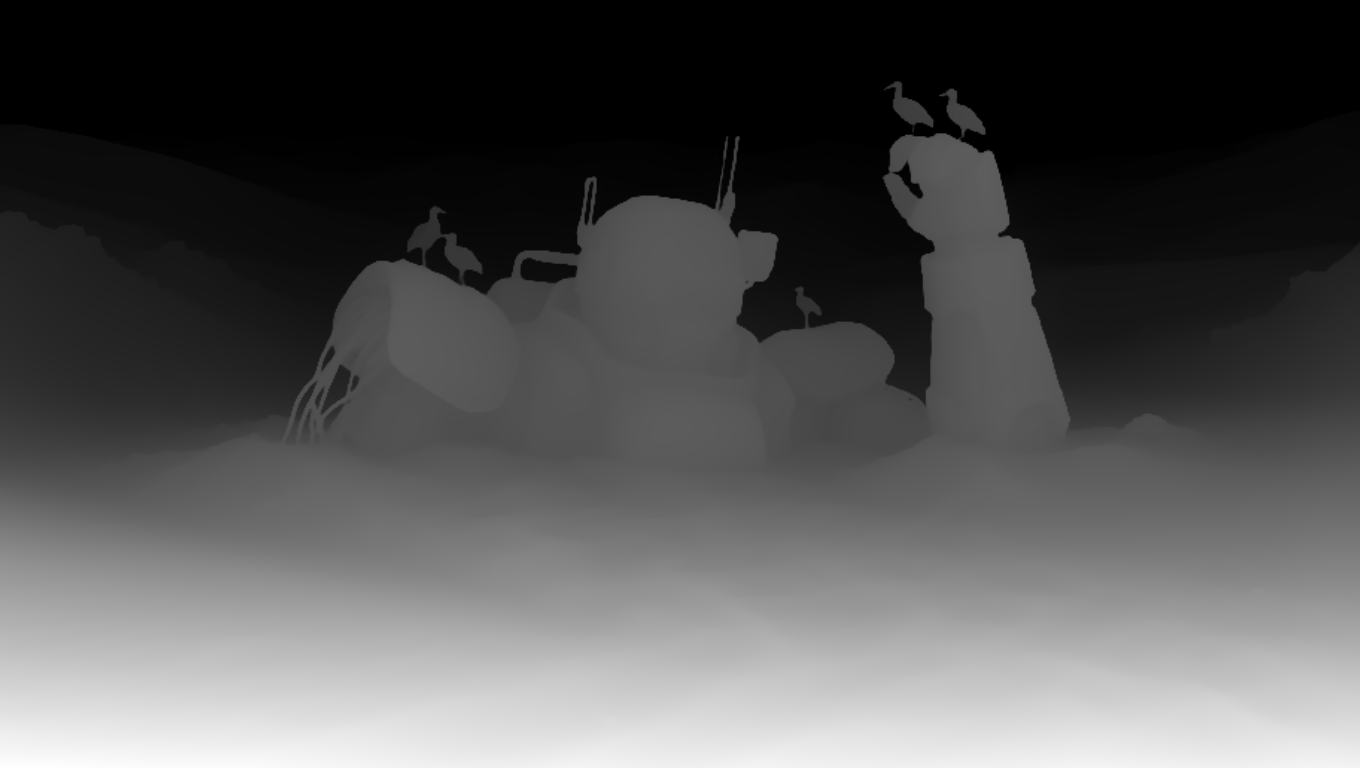
This ComfyUI workflow demonstrates how to guide MOSS Image generation with a Color-Depth Control LoRA trained by darask0. It lets you steer structure with a depth map while preserving or modulating color from a reference image, making it easy to create style variations that keep geometry intact. At its core, LoadImage brings in your RGB reference and (optionally) a precomputed depth map, while PreviewImage and ImageCompare help you iterate quickly and check differences across runs. SaveImageAdvanced handles clean, configurable exports.
The heavy lifting happens in two custom MOSS Image nodes (IDs: 3d58c0bd-7a87-40a7-bdb5-a209a27f10d7 and 882218ff-0ea7-4047-9b12-b79cdc4e9faa). Together, they wrap the MOSS Image base model and apply the Color-Depth Control LoRA at inference, injecting depth-aware conditioning so the output adheres to your scene layout and perspective. By pairing color information from the source image with structural cues from the depth map, the workflow produces edits and variations that maintain shape, scale, and composition—ideal for product shots, architecture, and concept iterations where consistency matters.
API
استخدم سير العمل هذا من الكود
كل سير عمل في Comfy هو رسم بياني بصيغة JSON. الحمولة أدناه هي هذا سير العمل بالضبط كما يشغله ComfyUI — يمكنك جلبه من الرابط، حفظه في نظام التحكم بالإصدارات، أو تحميله في ComfyUI وتشغيله عقدة تلو الأخرى.
شغّله من TypeScript أو Python باستخدام Comfy SDK. نفس الكود يعمل على Comfy Cloud أو ComfyUI الذي تستضيفه بنفسك — فقط عنوان URL الأساسي يتغير.
// Install (beta)
npm i @comfyorg/sdk

// Run this workflow (TypeScript)
import { Comfy } from "@comfyorg/sdk";

const client = new Comfy({ apiKey: "comfyui-..." });
const wf = await client.workflows.fromFile("workflow_api.json");
const job = await client.run(wf);
await job.getOutputs("<output-node-id>")[0].toFile("output.png");
يأخذ SDK سير العمل بصيغة API: افتح هذا سير العمل في ComfyUI واستخدم ملف → تصدير سير العمل (API).
يتطلب الوصول إلى Comfy Cloud API خطة تتضمن مفتاح API.


















