
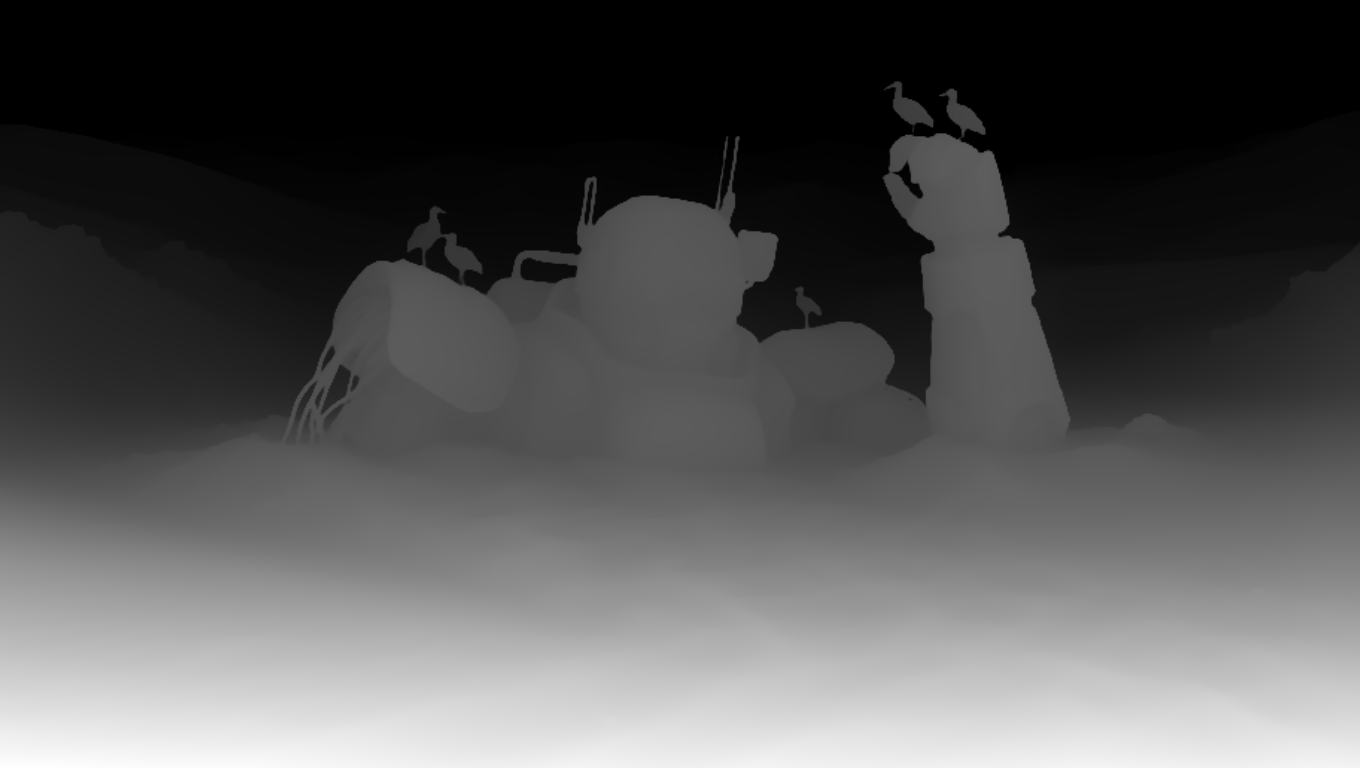
This ComfyUI workflow demonstrates how to guide MOSS Image generation with a Color-Depth Control LoRA trained by darask0. It lets you steer structure with a depth map while preserving or modulating color from a reference image, making it easy to create style variations that keep geometry intact. At its core, LoadImage brings in your RGB reference and (optionally) a precomputed depth map, while PreviewImage and ImageCompare help you iterate quickly and check differences across runs. SaveImageAdvanced handles clean, configurable exports.
The heavy lifting happens in two custom MOSS Image nodes (IDs: 3d58c0bd-7a87-40a7-bdb5-a209a27f10d7 and 882218ff-0ea7-4047-9b12-b79cdc4e9faa). Together, they wrap the MOSS Image base model and apply the Color-Depth Control LoRA at inference, injecting depth-aware conditioning so the output adheres to your scene layout and perspective. By pairing color information from the source image with structural cues from the depth map, the workflow produces edits and variations that maintain shape, scale, and composition—ideal for product shots, architecture, and concept iterations where consistency matters.
API
코드에서 이 워크플로우 사용하기
모든 Comfy 워크플로우는 JSON 그래프입니다. 아래 페이로드는 이 워크플로우 그 자체로, ComfyUI에서 실행되는 것과 동일합니다 — URL에서 가져오거나, 버전 관리에 보관하거나, ComfyUI에서 불러와 노드별로 실행할 수 있습니다.
Comfy SDK로 TypeScript 또는 Python에서 실행하세요. 동일한 코드는 Comfy Cloud 또는 직접 호스팅하는 ComfyUI 모두에 적용됩니다 — 기본 URL만 다릅니다.
// Install (beta)
npm i @comfyorg/sdk

// Run this workflow (TypeScript)
import { Comfy } from "@comfyorg/sdk";

const client = new Comfy({ apiKey: "comfyui-..." });
const wf = await client.workflows.fromFile("workflow_api.json");
const job = await client.run(wf);
await job.getOutputs("<output-node-id>")[0].toFile("output.png");
SDK는 API 형식의 워크플로우를 사용합니다: 이 워크플로우를 ComfyUI에서 열고 파일 → 워크플로우 내보내기(API)를 사용하세요.


















