
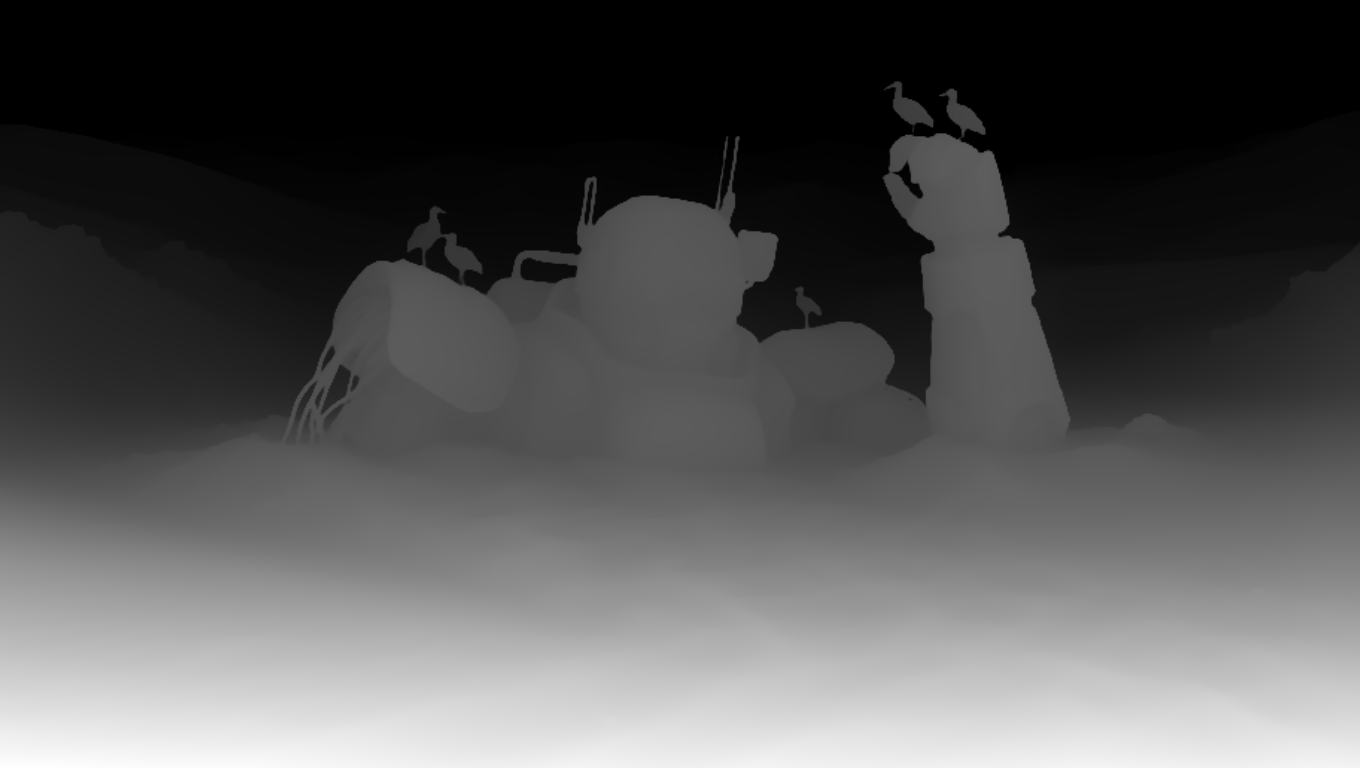
This ComfyUI workflow demonstrates how to guide MOSS Image generation with a Color-Depth Control LoRA trained by darask0. It lets you steer structure with a depth map while preserving or modulating color from a reference image, making it easy to create style variations that keep geometry intact. At its core, LoadImage brings in your RGB reference and (optionally) a precomputed depth map, while PreviewImage and ImageCompare help you iterate quickly and check differences across runs. SaveImageAdvanced handles clean, configurable exports.
The heavy lifting happens in two custom MOSS Image nodes (IDs: 3d58c0bd-7a87-40a7-bdb5-a209a27f10d7 and 882218ff-0ea7-4047-9b12-b79cdc4e9faa). Together, they wrap the MOSS Image base model and apply the Color-Depth Control LoRA at inference, injecting depth-aware conditioning so the output adheres to your scene layout and perspective. By pairing color information from the source image with structural cues from the depth map, the workflow produces edits and variations that maintain shape, scale, and composition—ideal for product shots, architecture, and concept iterations where consistency matters.
API
Bu iş akışını koddan kullan
Her Comfy iş akışı bir JSON grafiğidir. Aşağıdaki veri, bu iş akışının tam olarak ComfyUI'da çalıştırıldığı halidir — URL'den alın, sürüm kontrolünde saklayın veya ComfyUI'da yükleyip düğüm düğüm çalıştırın.
Comfy SDK ile TypeScript veya Python'dan çalıştırın. Aynı kod Comfy Cloud veya kendi barındırdığınız bir ComfyUI'ı hedefler — sadece temel URL değişir.
// Install (beta)
npm i @comfyorg/sdk

// Run this workflow (TypeScript)
import { Comfy } from "@comfyorg/sdk";

const client = new Comfy({ apiKey: "comfyui-..." });
const wf = await client.workflows.fromFile("workflow_api.json");
const job = await client.run(wf);
await job.getOutputs("<output-node-id>")[0].toFile("output.png");
SDK, API formatında bir iş akışı alır: bu iş akışını ComfyUI'da açın ve Dosya → İş Akışını Dışa Aktar (API) seçeneğini kullanın.
Comfy Cloud API erişimi, API anahtarı içeren bir plan gerektirir.


















