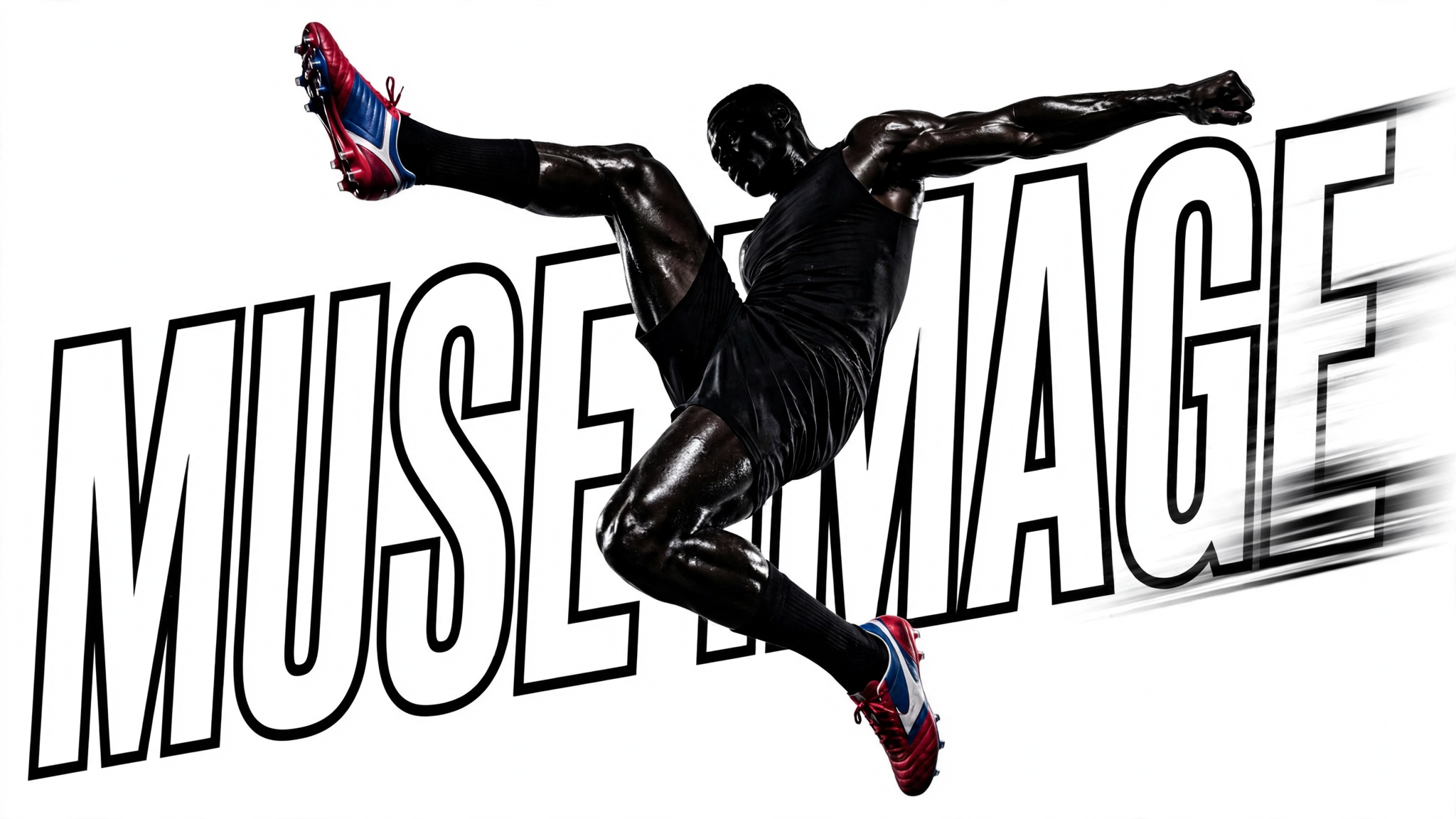
This ComfyUI workflow turns plain-language prompts into polished images using Meta’s Muse Image 1.0 model. The MetaMuseImageTextToImageApi node is the core of the pipeline: it takes your text prompt, sends it to the Muse Image 1.0 backend for inference, and returns a single generated image. Muse Image 1.0 is strong at following detailed instructions and composing multiple elements from text, making it well-suited for scenes with multiple subjects, specific styles, and clearly defined constraints—all without requiring any file inputs.
Once the image is generated, SaveImageAdvanced handles the final render to disk. You control where the file is written, how it’s named, and the output format, making it easy to organize iterations and compare variations. The minimal two-node design keeps the workflow fast and focused: edit the prompt in MetaMuseImageTextToImageApi, run, and collect results from SaveImageAdvanced. This is ideal for concept exploration, rapid prototyping, and producing on-brand visuals for marketing or social channels.
API
このワークフローをコードから利用
すべてのComfyワークフローはJSONグラフです。以下のペイロードは、このワークフローそのものであり、ComfyUIが実行する内容と同じです — このURLから取得し、バージョン管理に保存したり、ComfyUIで読み込んでノードごとに実行できます。
Comfy SDKを使ってTypeScriptまたはPythonから実行できます。同じコードでComfy Cloudや自身でホストしたComfyUIのどちらにも対応 — ベースURLだけが異なります。
// Install (beta)
npm i @comfyorg/sdk

// Run this workflow (TypeScript)
import { Comfy } from "@comfyorg/sdk";

const client = new Comfy({ apiKey: "comfyui-..." });
const wf = await client.workflows.fromFile("workflow_api.json");
const job = await client.run(wf);
await job.getOutputs("<output-node-id>")[0].toFile("output.png");
SDKはAPI形式のワークフローを受け取ります:このワークフローをComfyUIで開き、「ファイル → ワークフローをエクスポート(API)」を使用してください。


















