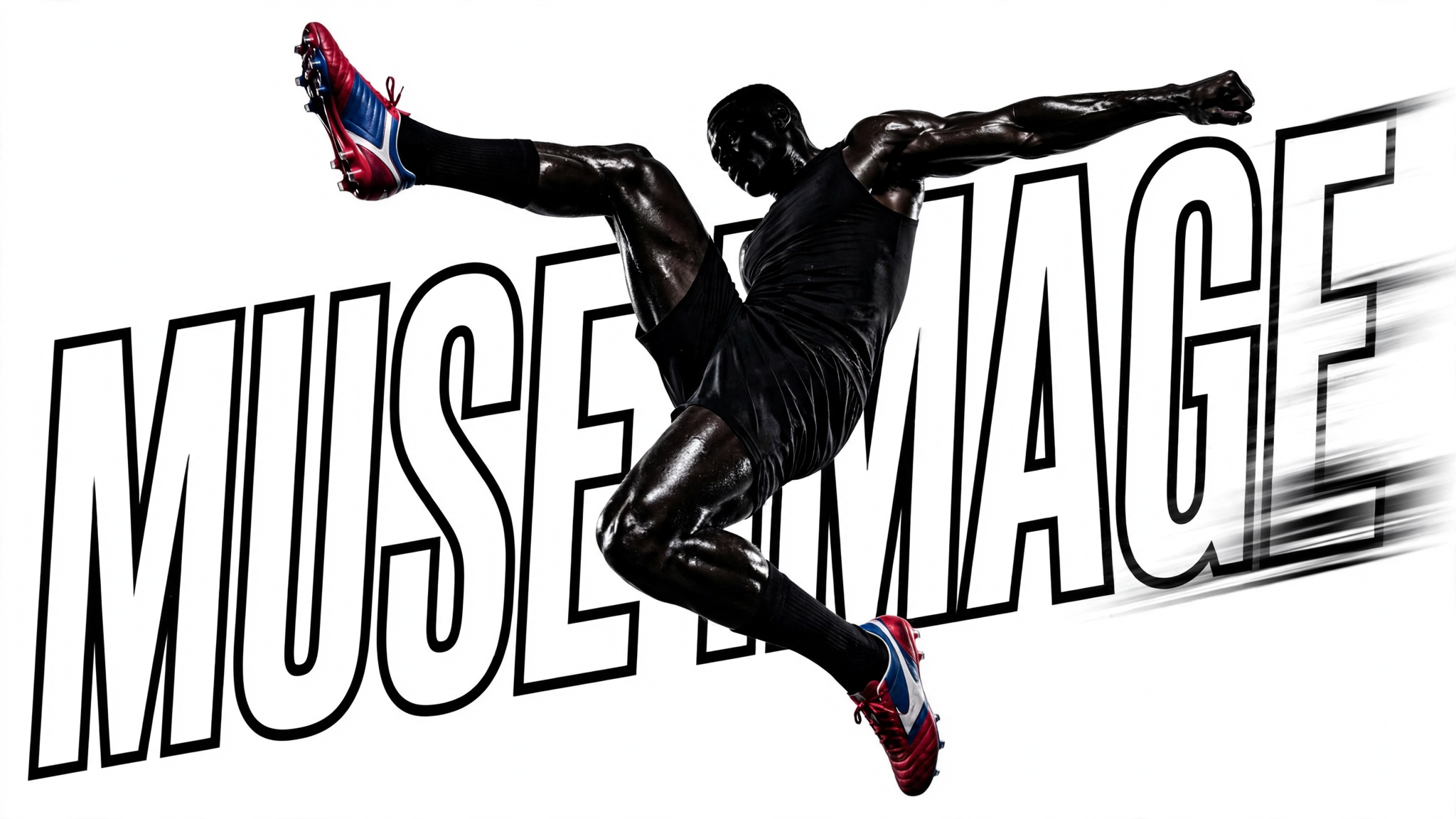
This ComfyUI workflow turns plain-language prompts into polished images using Meta’s Muse Image 1.0 model. The MetaMuseImageTextToImageApi node is the core of the pipeline: it takes your text prompt, sends it to the Muse Image 1.0 backend for inference, and returns a single generated image. Muse Image 1.0 is strong at following detailed instructions and composing multiple elements from text, making it well-suited for scenes with multiple subjects, specific styles, and clearly defined constraints—all without requiring any file inputs.
Once the image is generated, SaveImageAdvanced handles the final render to disk. You control where the file is written, how it’s named, and the output format, making it easy to organize iterations and compare variations. The minimal two-node design keeps the workflow fast and focused: edit the prompt in MetaMuseImageTextToImageApi, run, and collect results from SaveImageAdvanced. This is ideal for concept exploration, rapid prototyping, and producing on-brand visuals for marketing or social channels.
API
通过代码使用此工作流
每个 Comfy 工作流都是一个 JSON 图。下面的内容就是此工作流的完整数据,ComfyUI 运行时也是如此——你可以从该 URL 获取、放入版本控制,或在 ComfyUI 中加载并逐节点运行。
使用 Comfy SDK 从 TypeScript 或 Python 运行。相同代码可用于 Comfy Cloud 或你自托管的 ComfyUI——只需更改基础 URL。
// Install (beta)
npm i @comfyorg/sdk

// Run this workflow (TypeScript)
import { Comfy } from "@comfyorg/sdk";

const client = new Comfy({ apiKey: "comfyui-..." });
const wf = await client.workflows.fromFile("workflow_api.json");
const job = await client.run(wf);
await job.getOutputs("<output-node-id>")[0].toFile("output.png");
SDK 需要 API 格式的工作流:在 ComfyUI 中打开此工作流,使用 文件 → 导出工作流(API)。


















