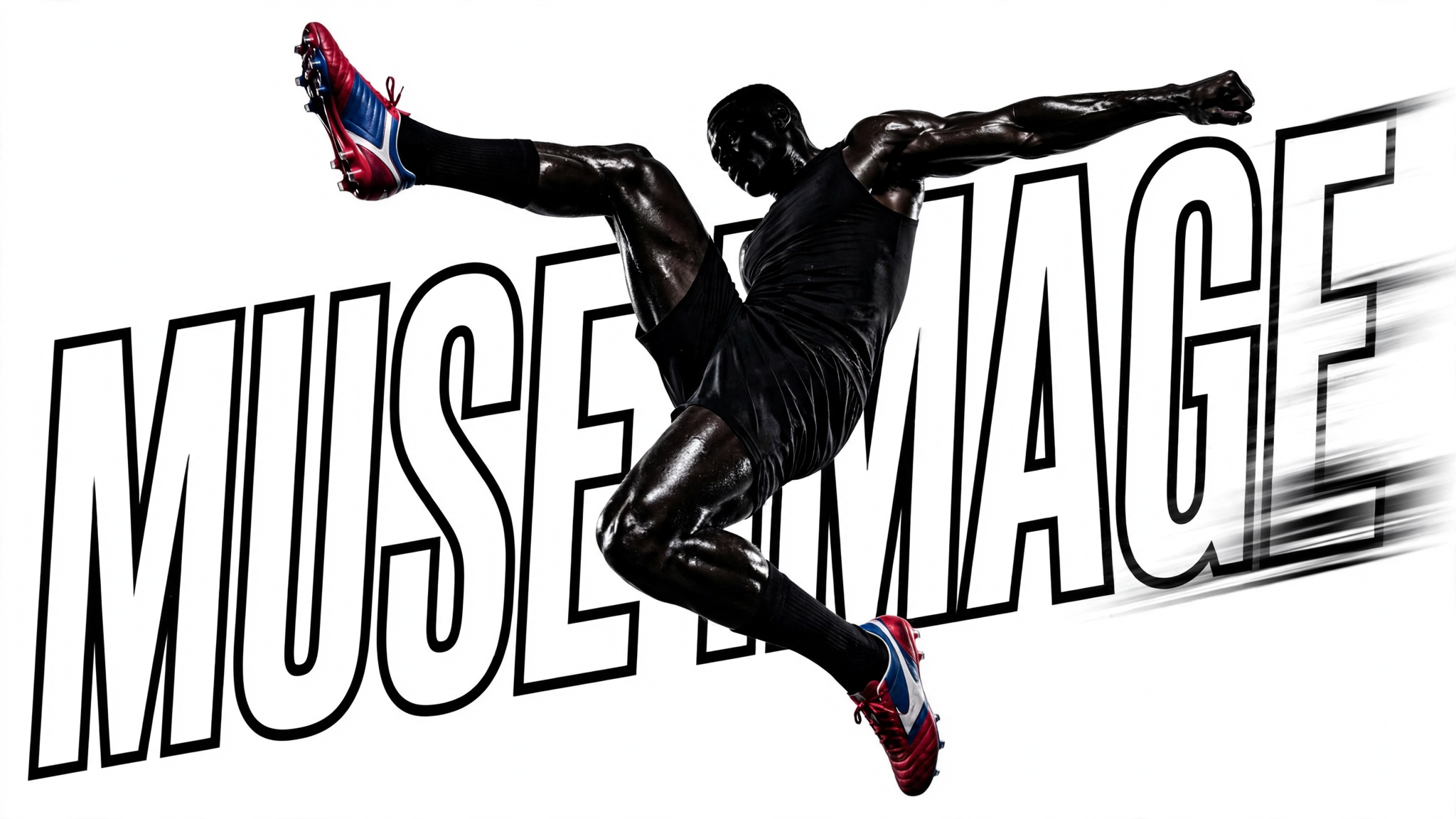
This ComfyUI workflow turns plain-language prompts into polished images using Meta’s Muse Image 1.0 model. The MetaMuseImageTextToImageApi node is the core of the pipeline: it takes your text prompt, sends it to the Muse Image 1.0 backend for inference, and returns a single generated image. Muse Image 1.0 is strong at following detailed instructions and composing multiple elements from text, making it well-suited for scenes with multiple subjects, specific styles, and clearly defined constraints—all without requiring any file inputs.
Once the image is generated, SaveImageAdvanced handles the final render to disk. You control where the file is written, how it’s named, and the output format, making it easy to organize iterations and compare variations. The minimal two-node design keeps the workflow fast and focused: edit the prompt in MetaMuseImageTextToImageApi, run, and collect results from SaveImageAdvanced. This is ideal for concept exploration, rapid prototyping, and producing on-brand visuals for marketing or social channels.
API
코드에서 이 워크플로우 사용하기
모든 Comfy 워크플로우는 JSON 그래프입니다. 아래 페이로드는 이 워크플로우 그 자체로, ComfyUI에서 실행되는 것과 동일합니다 — URL에서 가져오거나, 버전 관리에 보관하거나, ComfyUI에서 불러와 노드별로 실행할 수 있습니다.
Comfy SDK로 TypeScript 또는 Python에서 실행하세요. 동일한 코드는 Comfy Cloud 또는 직접 호스팅하는 ComfyUI 모두에 적용됩니다 — 기본 URL만 다릅니다.
// Install (beta)
npm i @comfyorg/sdk

// Run this workflow (TypeScript)
import { Comfy } from "@comfyorg/sdk";

const client = new Comfy({ apiKey: "comfyui-..." });
const wf = await client.workflows.fromFile("workflow_api.json");
const job = await client.run(wf);
await job.getOutputs("<output-node-id>")[0].toFile("output.png");
SDK는 API 형식의 워크플로우를 사용합니다: 이 워크플로우를 ComfyUI에서 열고 파일 → 워크플로우 내보내기(API)를 사용하세요.


















