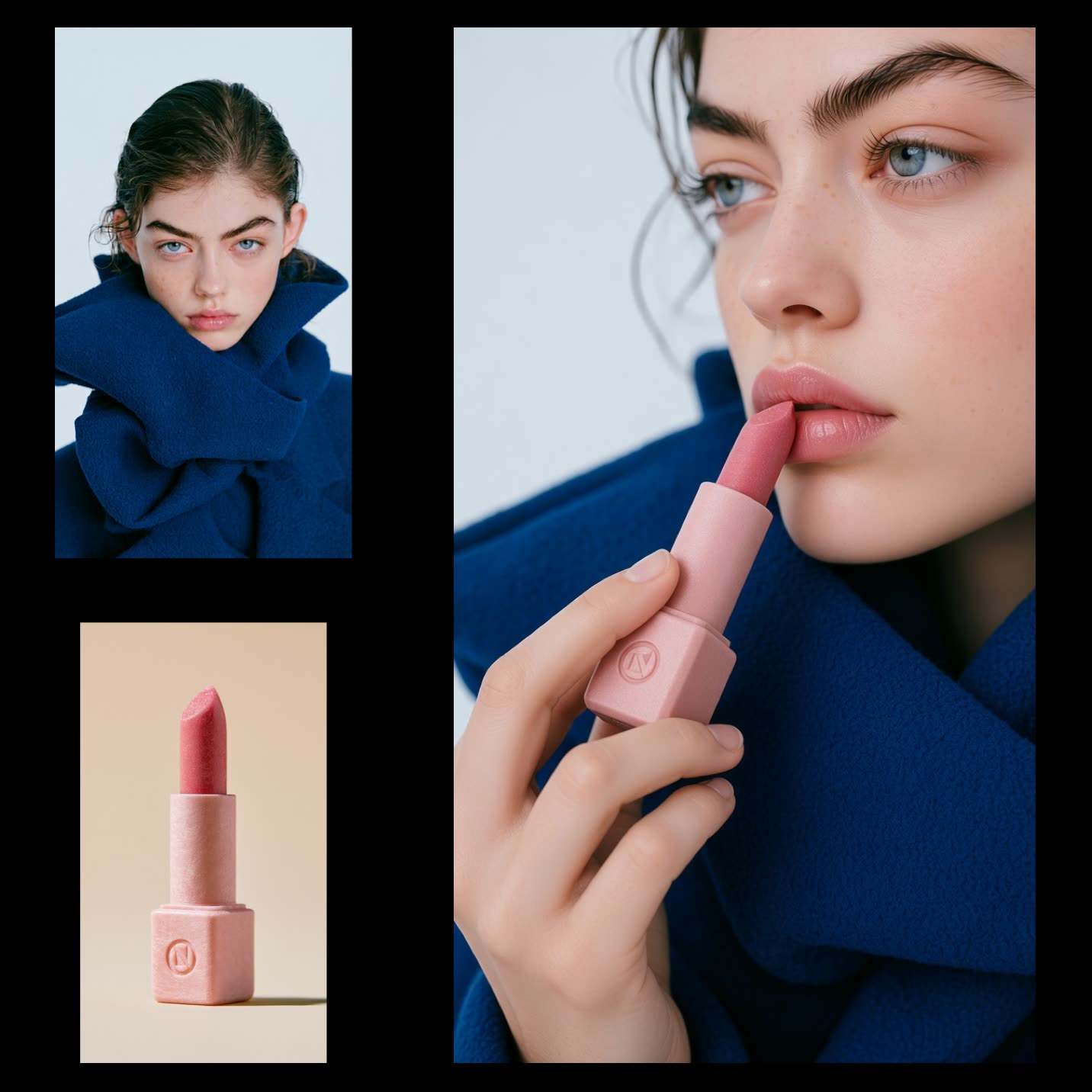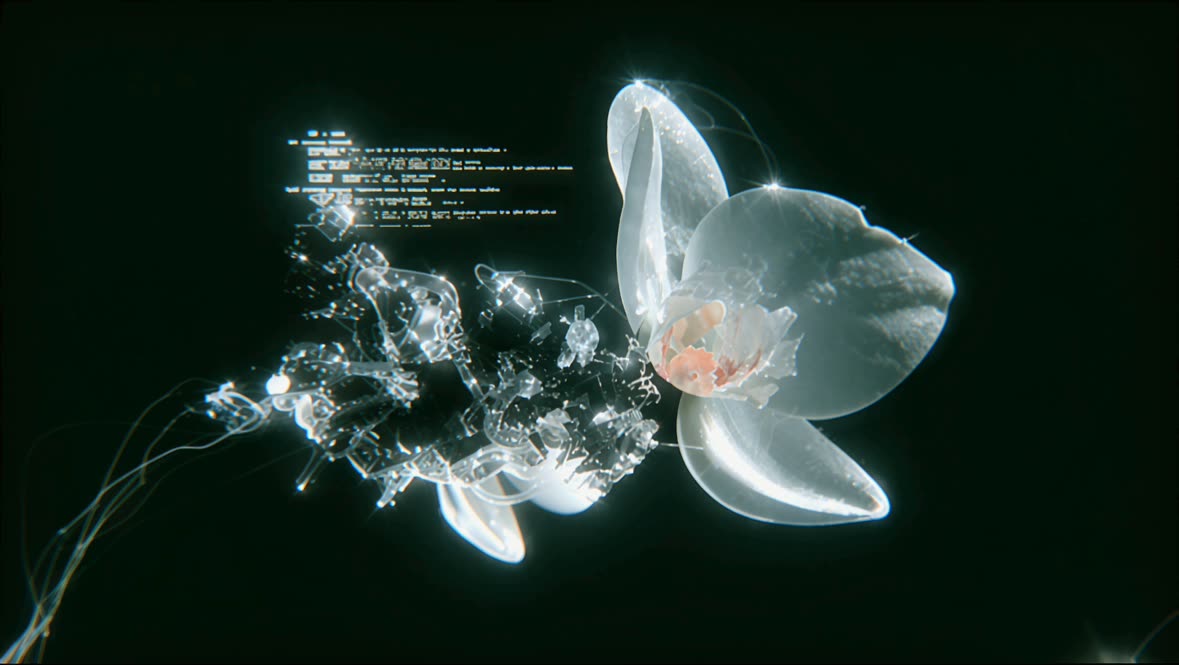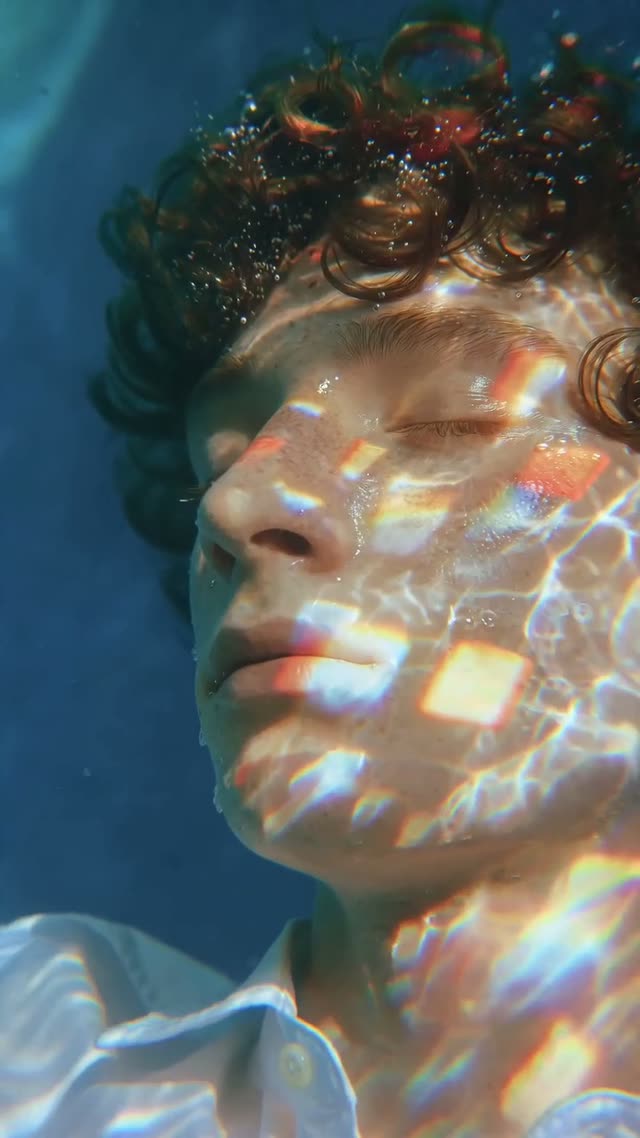
Seedance2.0 Real Human: Image to Video is a compliant, identity-verified image-to-video workflow built with ByteDance partner nodes in ComfyUI. It guides you through creating verified real-human assets first, then generating a personalized video that transfers motion from a reference video to your identity photo. The verification step is handled by ByteDanceCreateImageAsset and ByteDanceCreateVideoAsset, which turn your uploaded portrait and reference video into reusable asset IDs and a shared Group ID that ties same-person assets together for backend recognition.
Once assets are approved and IDs are available, ByteDance2ReferenceNode performs the image-to-video generation using those IDs (instead of raw media) to meet the provider’s legal requirements. PreviewAny lets you quickly check intermediate info or the final clip, and SaveVideo writes the result to disk. LoadImage and LoadVideo handle local file inputs, while the MarkdownNote provides in-graph guidance. The workflow also includes a Save IDs for future reuse section so you can store and reuse your Group ID and asset IDs, avoiding repeat uploads for the same person. Asset limits apply (images up to 9, videos up to 3, audio up to 3).
자주 묻는 질문
For real-human content, the provider requires verified assets. Use ByteDanceCreateImageAsset and ByteDanceCreateVideoAsset to upload and verify media first. Then, supply the resulting asset IDs (and Group ID) to ByteDance2ReferenceNode for generation.
The Group ID groups assets that belong to the same person. It’s auto-generated when you first verify an image or video via the Create Image/Video Asset nodes. Save it and reuse it when uploading additional assets of the same person to help backend recognition and keep your library organized.
Per the provider limits: up to 9 image assets, 3 video assets, and 3 audio assets per identity group. Stay within these limits when preparing your verified media.
No, not for the same assets. Save your Group ID and asset IDs in the Save IDs for future reuse section. You can reference them directly in ByteDance2ReferenceNode for subsequent generations without re-uploading.

Seedance 2.0: Reference to Video

4K Seedance 2.0 - Reference to Video

Z-Image-Turbo Text to Image
Grok: Image Edit
Grok: Video generation

Grok Imagine Image Quality: Generation
LTX 2.3 - Lipdub LoRA + Voice Clone
Seedance 2.0 Mini: Reference to Video
SCAIL-2: Character Replacement

Ideogram v4: Text to Image
Googly Eyes
Seedance 2.0 - Viral Videos Character Swap

Nano Banana 2: Image Edit


cinematic_annotate_video
HappyHorse 1.1: Text to Video
HappyHorse 1.1: Image to Video
Beeble SwitchX: Video Edit

3x3 Contact Sheet
Restore Archival Footage - LTX 2.3 Dearchive LoRA
Remove Object from Video - LTX 2.3 Obscura Remova LoRA
Stylize Video - Frame by Frame - Flux.2 Klein 4b
Seedream 5.0 Lite: Image Edit

Utility Video Upscale
1 image input Split Stack - Nano Banana 2 + Kling 3.0
SYSTMS ACTION: QWEN IMAGE EDIT 2511

Ideogram v4: Text to Image (API)