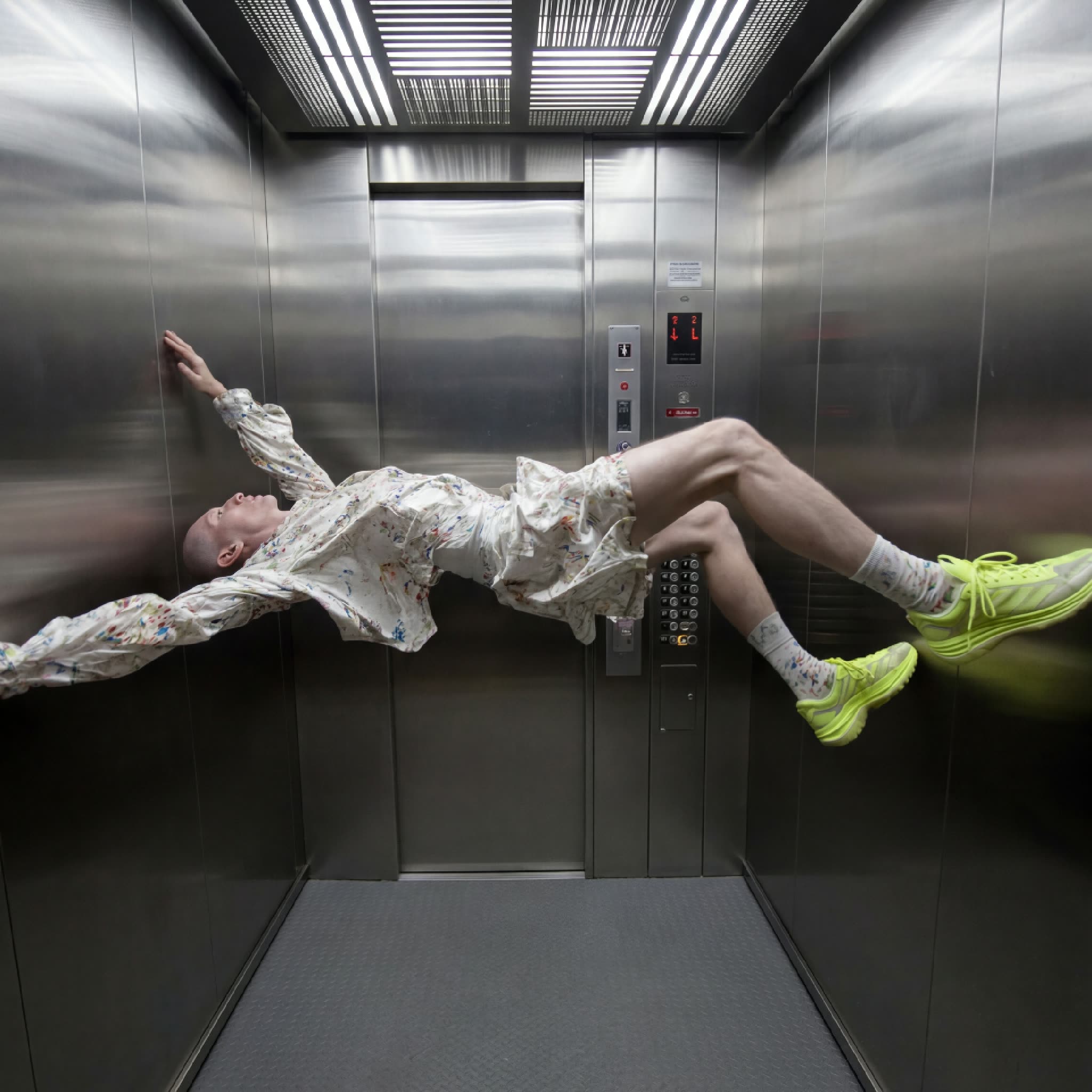
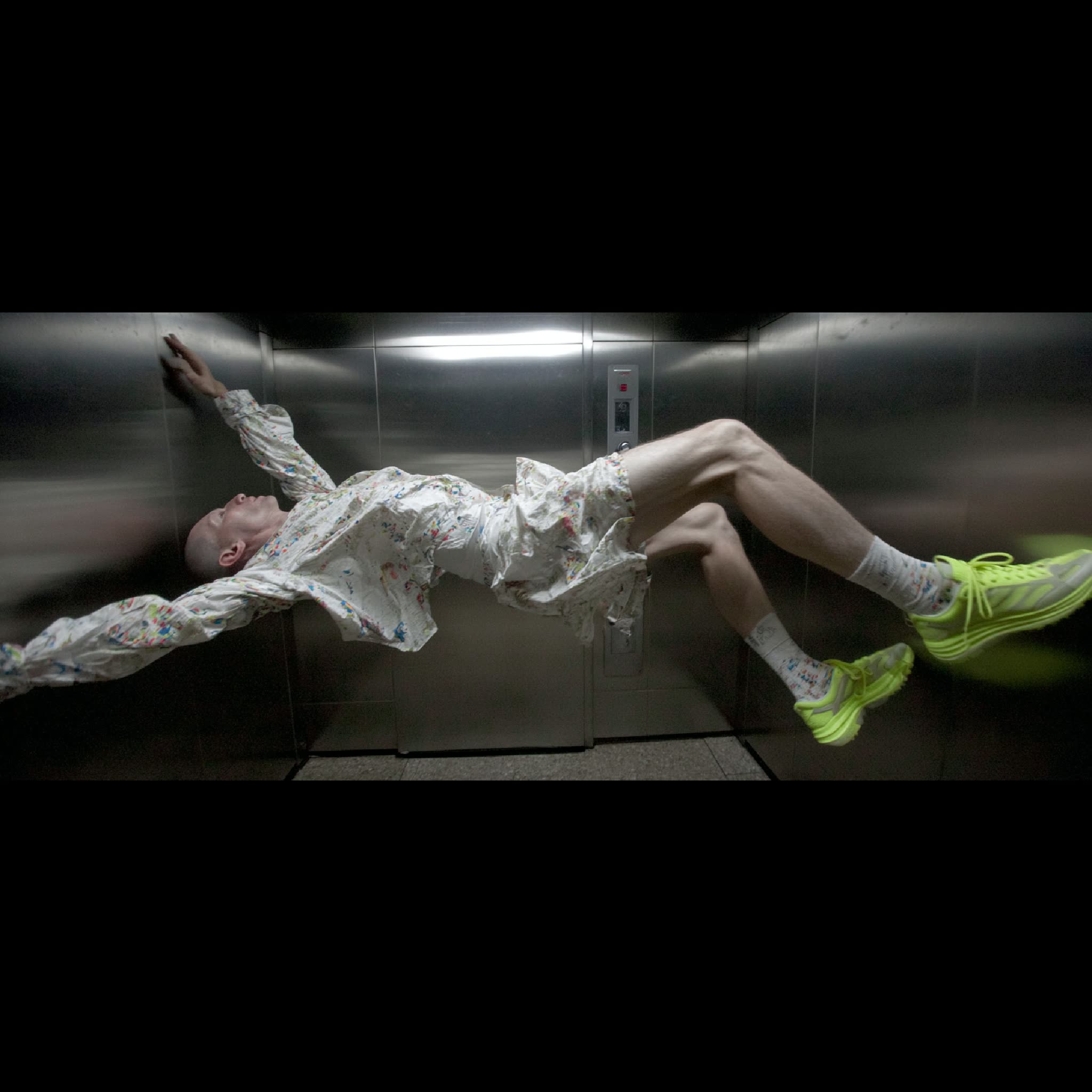
This ComfyUI workflow is designed to transform any image into a new aspect ratio by utilizing advanced outpainting techniques. At its core, the workflow leverages the Nano Banana 2 model, known for its robust image completion capabilities. The process begins by uploading an image and specifying the desired aspect ratio, such as 16:9, 9:16, 1:1, or 4:5. The workflow then adapts the original image to fit the new dimensions, filling in the additional space with content that seamlessly extends the image's natural environment. This is achieved through a series of nodes, including LoadImage for importing the image, ImageCompositeMasked for handling the outpainting, and PreviewImage for visualizing the results.
What makes this workflow particularly useful is its ability to maintain the visual integrity of the original image while expanding its dimensions. This is ideal for content creators who need to adapt images for various platforms with different aspect ratio requirements. The integration of custom nodes like comfyui_essentials, controlaltai-nodes, and masquerade-nodes-comfyui further enhances the workflow's flexibility and precision, ensuring high-quality outputs that are both aesthetically pleasing and contextually relevant.
API
코드에서 이 워크플로우 사용하기
모든 Comfy 워크플로우는 JSON 그래프입니다. 아래 페이로드는 이 워크플로우 그 자체로, ComfyUI에서 실행되는 것과 동일합니다 — URL에서 가져오거나, 버전 관리에 보관하거나, ComfyUI에서 불러와 노드별로 실행할 수 있습니다.
Comfy SDK로 TypeScript 또는 Python에서 실행하세요. 동일한 코드는 Comfy Cloud 또는 직접 호스팅하는 ComfyUI 모두에 적용됩니다 — 기본 URL만 다릅니다.
// Install (beta)
npm i @comfyorg/sdk

// Run this workflow (TypeScript)
import { Comfy } from "@comfyorg/sdk";

const client = new Comfy({ apiKey: "comfyui-..." });
const wf = await client.workflows.fromFile("workflow_api.json");
const job = await client.run(wf);
await job.getOutputs("<output-node-id>")[0].toFile("output.png");
SDK는 API 형식의 워크플로우를 사용합니다: 이 워크플로우를 ComfyUI에서 열고 파일 → 워크플로우 내보내기(API)를 사용하세요.
FAQ


















