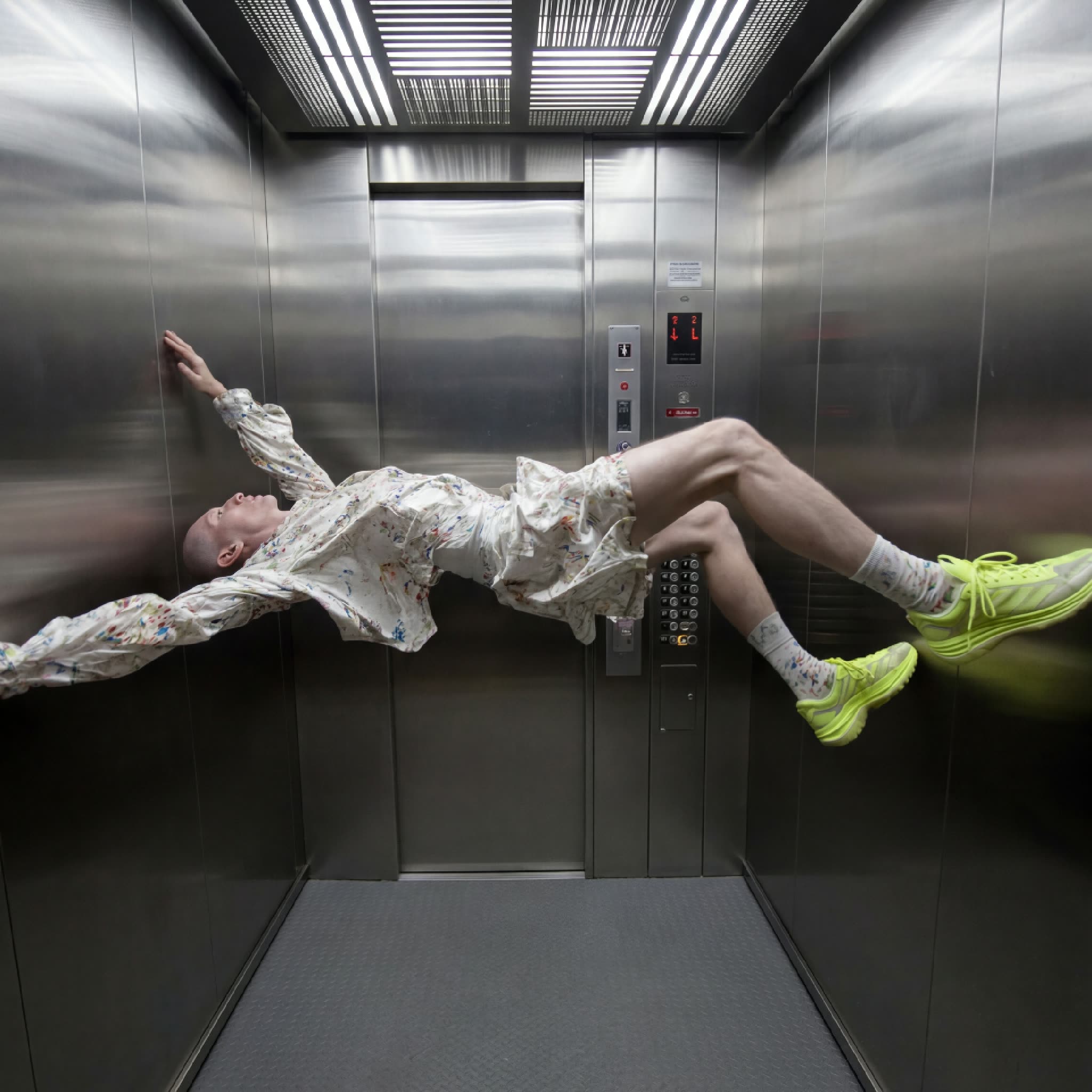
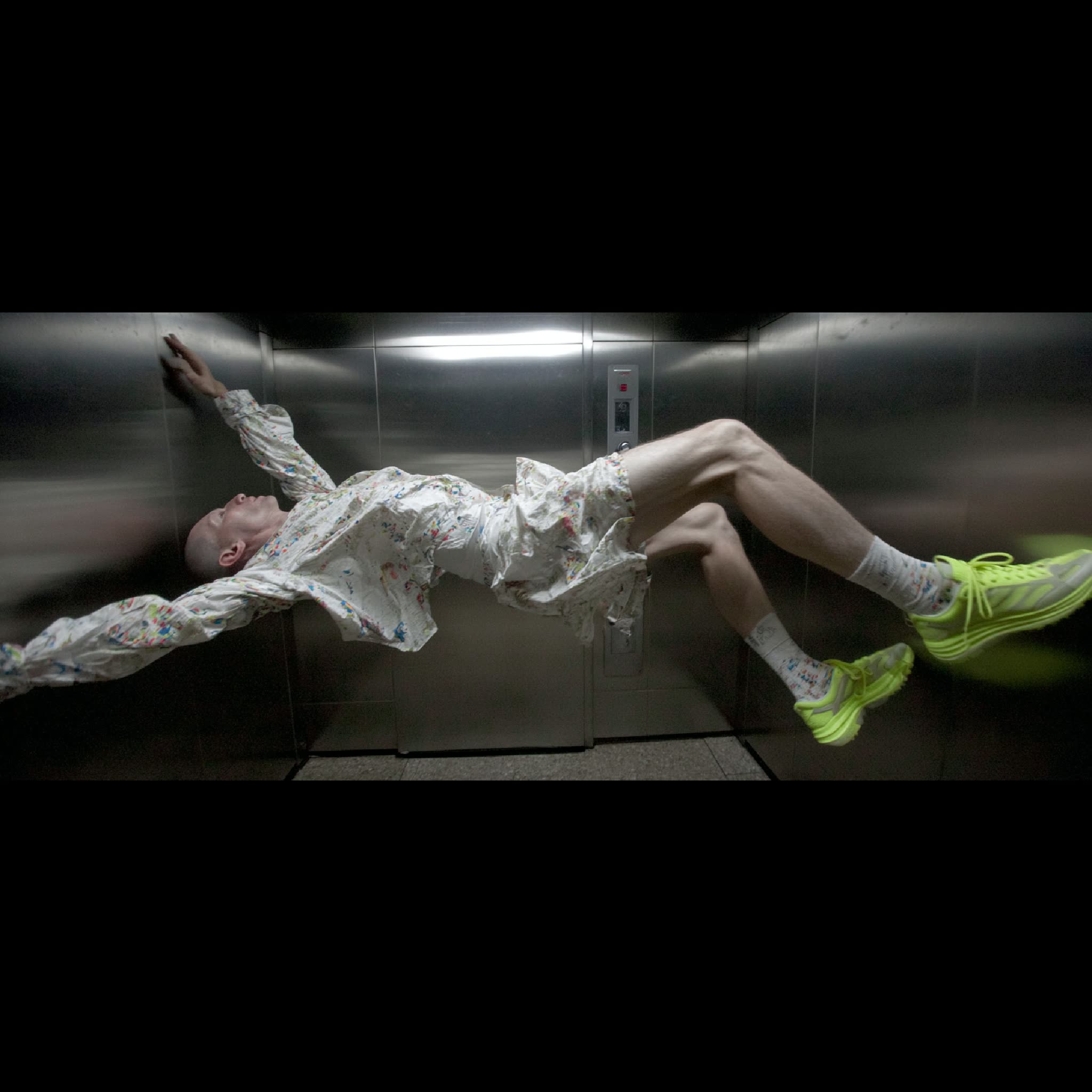
This ComfyUI workflow is designed to transform any image into a new aspect ratio by utilizing advanced outpainting techniques. At its core, the workflow leverages the Nano Banana 2 model, known for its robust image completion capabilities. The process begins by uploading an image and specifying the desired aspect ratio, such as 16:9, 9:16, 1:1, or 4:5. The workflow then adapts the original image to fit the new dimensions, filling in the additional space with content that seamlessly extends the image's natural environment. This is achieved through a series of nodes, including LoadImage for importing the image, ImageCompositeMasked for handling the outpainting, and PreviewImage for visualizing the results.
What makes this workflow particularly useful is its ability to maintain the visual integrity of the original image while expanding its dimensions. This is ideal for content creators who need to adapt images for various platforms with different aspect ratio requirements. The integration of custom nodes like comfyui_essentials, controlaltai-nodes, and masquerade-nodes-comfyui further enhances the workflow's flexibility and precision, ensuring high-quality outputs that are both aesthetically pleasing and contextually relevant.
API
通过代码使用此工作流
每个 Comfy 工作流都是一个 JSON 图。下面的内容就是此工作流的完整数据,ComfyUI 运行时也是如此——你可以从该 URL 获取、放入版本控制,或在 ComfyUI 中加载并逐节点运行。
使用 Comfy SDK 从 TypeScript 或 Python 运行。相同代码可用于 Comfy Cloud 或你自托管的 ComfyUI——只需更改基础 URL。
// Install (beta)
npm i @comfyorg/sdk

// Run this workflow (TypeScript)
import { Comfy } from "@comfyorg/sdk";

const client = new Comfy({ apiKey: "comfyui-..." });
const wf = await client.workflows.fromFile("workflow_api.json");
const job = await client.run(wf);
await job.getOutputs("<output-node-id>")[0].toFile("output.png");
SDK 需要 API 格式的工作流:在 ComfyUI 中打开此工作流,使用 文件 → 导出工作流(API)。
常见问题


















