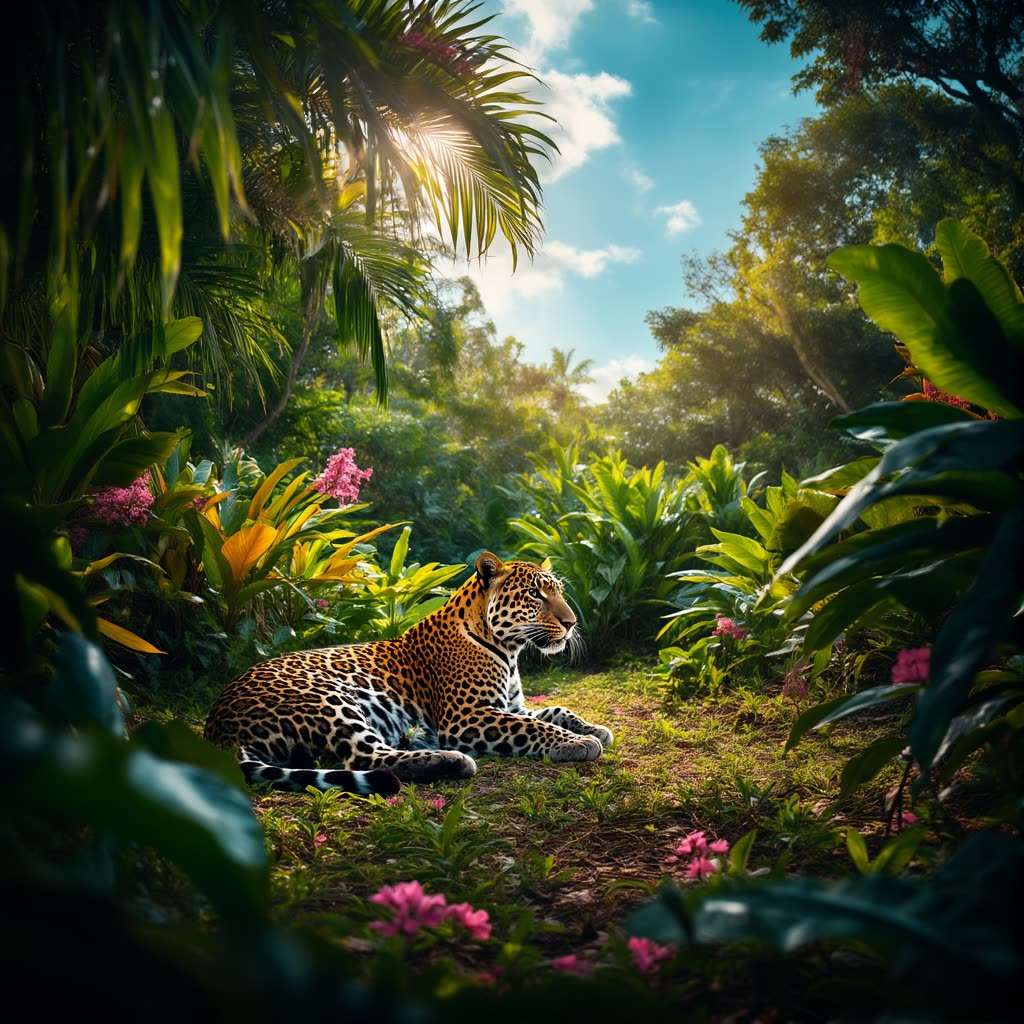
Рабочий процесс «Chroma: Text to Image» создан, чтобы использовать расширенные возможности модели Chroma, которая основана на модели Flux и генерирует качественные детализированные изображения по текстовым промптам. В нём используются ключевые ноды, включая VAEDecode, CFGGuider и ModelSamplingAuraFlow, чтобы сгенерированные изображения были визуально качественными и соответствовали входным промптам. Рабочий процесс начинается с загрузки нужных моделей через VAELoader и UNETLoader, что подготавливает базу для точной генерации. Нода CLIPTextEncode играет важную роль в интерпретации текста, помогая модели понимать нюансы запроса; затем CFGGuider задаёт баланс между креативностью и следованием промпту.
Технически Рабочий процесс использует RandomNoise для контролируемой случайности, необходимой для уникальных результатов. BasicScheduler и SamplerCustomAdvanced работают вместе, управляя выборкой, чтобы изображения генерировались эффективно и с высокой точностью. Нода T5TokenizerOptions добавляет гибкую настройку промпта, упрощая эксперименты с разными формулировками. Этот Рабочий процесс подходит художникам и создателям контента, которым нужно получать качественные изображения из текстовых описаний: он сочетает возможности модели и понятные настройки, чтобы выдавать сильные визуальные результаты.
API
Использовать этот рабочий процесс из кода
Каждый рабочий процесс Comfy — это JSON-граф. Ниже представлен payload этого процесса, точно так же, как его запускает ComfyUI: получите его по ссылке, храните в системе контроля версий или загрузите в ComfyUI и выполняйте по узлам.
Запустите его на TypeScript или Python с помощью Comfy SDK. Один и тот же код работает с Comfy Cloud или вашим собственным ComfyUI — меняется только базовый URL.
// Install (beta)
npm i @comfyorg/sdk

// Run "Chroma: текст в изображение" (TypeScript)
import { Comfy } from "@comfyorg/sdk";

const client = new Comfy({ apiKey: "comfyui-..." });

// This workflow, exported in API format (see note below)
const wf = await client.workflows.fromFile("image_chroma_text_to_image_api.json");

wf.setInput("748", "text", "your prompt here");  // CLIPTextEncode

const job = await client.run(wf);
await job.getOutputs("740")[0].toFile("output.png");  // SaveImage
SDK принимает рабочий процесс в API-формате: откройте этот процесс в ComfyUI и используйте Файл → Экспортировать рабочий процесс (API).
Доступ к API Comfy Cloud требует плана с API-ключом.
FAQ


















