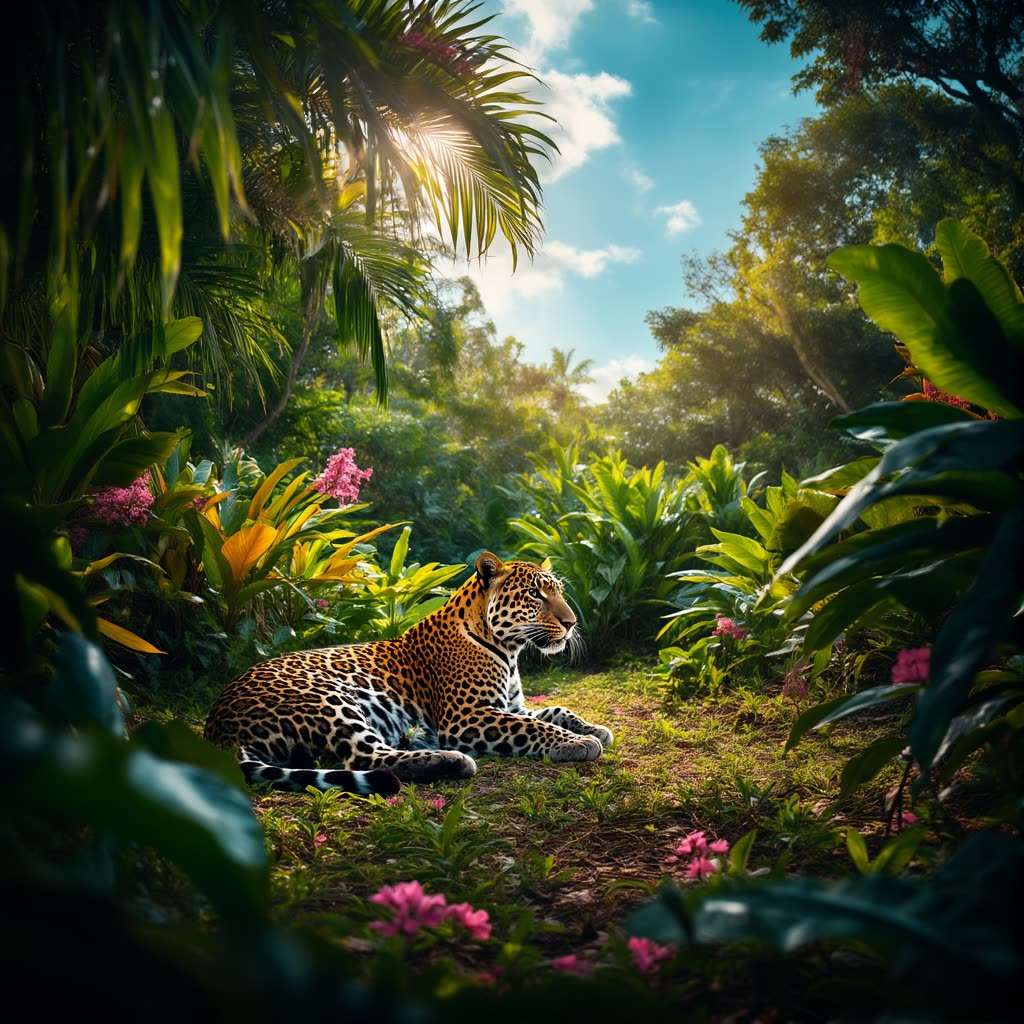
「Chroma: Text to Image」ワークフローは、Chromaモデルの強化機能を活用し、Fluxモデルをベースにテキストプロンプトから高品質・高詳細な画像を生成します。VAEDecode、CFGGuider、ModelSamplingAuraFlowなどの主要ノードを統合し、プロンプト内容を忠実に反映した魅力的な画像を実現。VAELoaderやUNETLoaderで必要なモデルをロードし、精密な画像生成の土台を作ります。CLIPTextEncodeノードがテキストプロンプトを解釈し、CFGGuiderノードで創造性とプロンプト忠実度を制御します。
技術的には、RandomNoiseノードで制御されたランダム性を導入し、ユニークな出力を実現。BasicSchedulerとSamplerCustomAdvancedノードがサンプリングプロセスを効率的かつ高精度に管理します。T5TokenizerOptionsノードでプロンプトカスタマイズも柔軟に行えます。テキスト記述から高品質画像を生成したいアーティストやコンテンツ制作者に最適なワークフローです。
API
このワークフローをコードから利用
すべてのComfyワークフローはJSONグラフです。以下のペイロードは、このワークフローそのものであり、ComfyUIが実行する内容と同じです — このURLから取得し、バージョン管理に保存したり、ComfyUIで読み込んでノードごとに実行できます。
Comfy SDKを使ってTypeScriptまたはPythonから実行できます。同じコードでComfy Cloudや自身でホストしたComfyUIのどちらにも対応 — ベースURLだけが異なります。
// Install (beta)
npm i @comfyorg/sdk

// Run "Chroma: テキストから画像へ" (TypeScript)
import { Comfy } from "@comfyorg/sdk";

const client = new Comfy({ apiKey: "comfyui-..." });

// This workflow, exported in API format (see note below)
const wf = await client.workflows.fromFile("image_chroma_text_to_image_api.json");

wf.setInput("748", "text", "your prompt here");  // CLIPTextEncode

const job = await client.run(wf);
await job.getOutputs("740")[0].toFile("output.png");  // SaveImage
SDKはAPI形式のワークフローを受け取ります:このワークフローをComfyUIで開き、「ファイル → ワークフローをエクスポート(API)」を使用してください。
FAQ


















