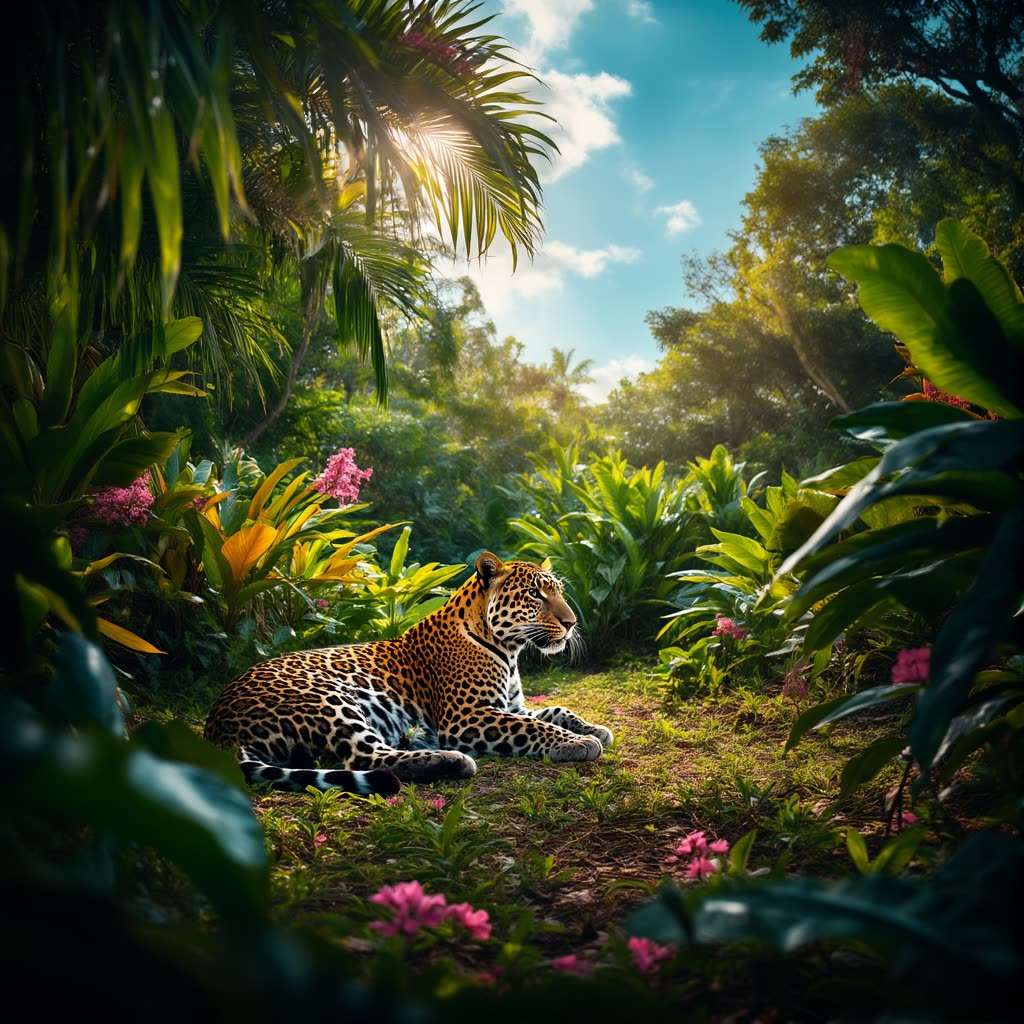
「Chroma:文字轉圖像」工作流程運用 Chroma 強化模型(基於 Flux),能從文字提示產生高品質、細節豐富的圖像。流程整合 VAEDecode、CFGGuider、ModelSamplingAuraFlow 等關鍵節點,確保生成圖像不僅視覺吸引,且能精確反映輸入提示。流程起始於 VAELoader 與 UNETLoader 載入必要模型,為精準生成打下基礎。CLIPTextEncode 節點負責解析文字提示,確保模型理解細節,CFGGuider 節點則進一步控制創意與提示遵循度。
技術上,流程運用 RandomNoise 節點引入可控隨機性,產生獨特輸出。BasicScheduler 與 SamplerCustomAdvanced 節點協同管理取樣流程,確保高效率與高保真度。T5TokenizerOptions 節點則提供彈性提示自訂,方便使用者嘗試不同文字輸入。此流程特別適合需從文字描述產生高品質圖像的藝術家與內容創作者,結合進階模型能力與友善設定,產出優異視覺成果。
API
從程式碼使用此工作流
每個 Comfy 工作流都是一個 JSON 圖。下方的 payload 就是此工作流,與 ComfyUI 執行時完全相同 — 你可以從此 URL 取得、放入版本控制,或在 ComfyUI 載入並逐節點執行。
使用 Comfy SDK 以 TypeScript 或 Python 執行。相同程式碼可用於 Comfy Cloud 或你自架的 ComfyUI — 只需更改 base URL。
// Install (beta)
npm i @comfyorg/sdk

// Run "Chroma: 文生圖" (TypeScript)
import { Comfy } from "@comfyorg/sdk";

const client = new Comfy({ apiKey: "comfyui-..." });

// This workflow, exported in API format (see note below)
const wf = await client.workflows.fromFile("image_chroma_text_to_image_api.json");

wf.setInput("748", "text", "your prompt here");  // CLIPTextEncode

const job = await client.run(wf);
await job.getOutputs("740")[0].toFile("output.png");  // SaveImage
SDK 需使用 API 格式的工作流:請在 ComfyUI 開啟此工作流,並使用 檔案 → 匯出工作流(API)。
常見問題
常見問題



















Showing 30 of 30 templates