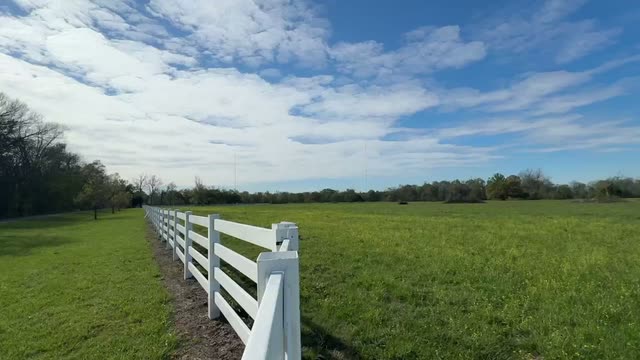
This ComfyUI workflow is designed for seamless sky replacement in videos, utilizing advanced AI models from Wan. By leveraging nodes such as WanVideoVAELoader and WanVideoModelLoader, the workflow efficiently loads and processes video data. The core of the technique involves using the WanVideoSampler and WanVideoDecode nodes to synthesize and integrate new sky visuals into existing video footage. What sets this workflow apart is its ability to maintain high production quality while ensuring that the new skies blend naturally with the original video content. The workflow also incorporates the CLIPVisionLoader and WanVideoClipVisionEncode nodes to enhance the semantic understanding of the footage, ensuring that the sky replacements are contextually appropriate. This makes the workflow particularly useful for filmmakers and content creators looking to enhance their video projects with dynamic sky changes without compromising on quality.
API
Use this workflow from code
Every Comfy workflow is a JSON graph. The payload below is this workflow, exactly as ComfyUI runs it — fetch it from the URL, keep it in version control, or load it in ComfyUI and run it node by node.
Run it from TypeScript or Python with the Comfy SDK. The same code targets Comfy Cloud or a ComfyUI you host yourself — only the base URL changes.
// Install (beta)
npm i @comfyorg/sdk

// Run this workflow (TypeScript)
import { Comfy } from "@comfyorg/sdk";

const client = new Comfy({ apiKey: "comfyui-..." });
const wf = await client.workflows.fromFile("workflow_api.json");
const job = await client.run(wf);
await job.getOutputs("<output-node-id>")[0].toFile("output.png");
The SDK takes a workflow in API format: open this workflow in ComfyUI and use File → Export Workflow (API).
Comfy Cloud API access requires a plan with an API key.
FAQ


















