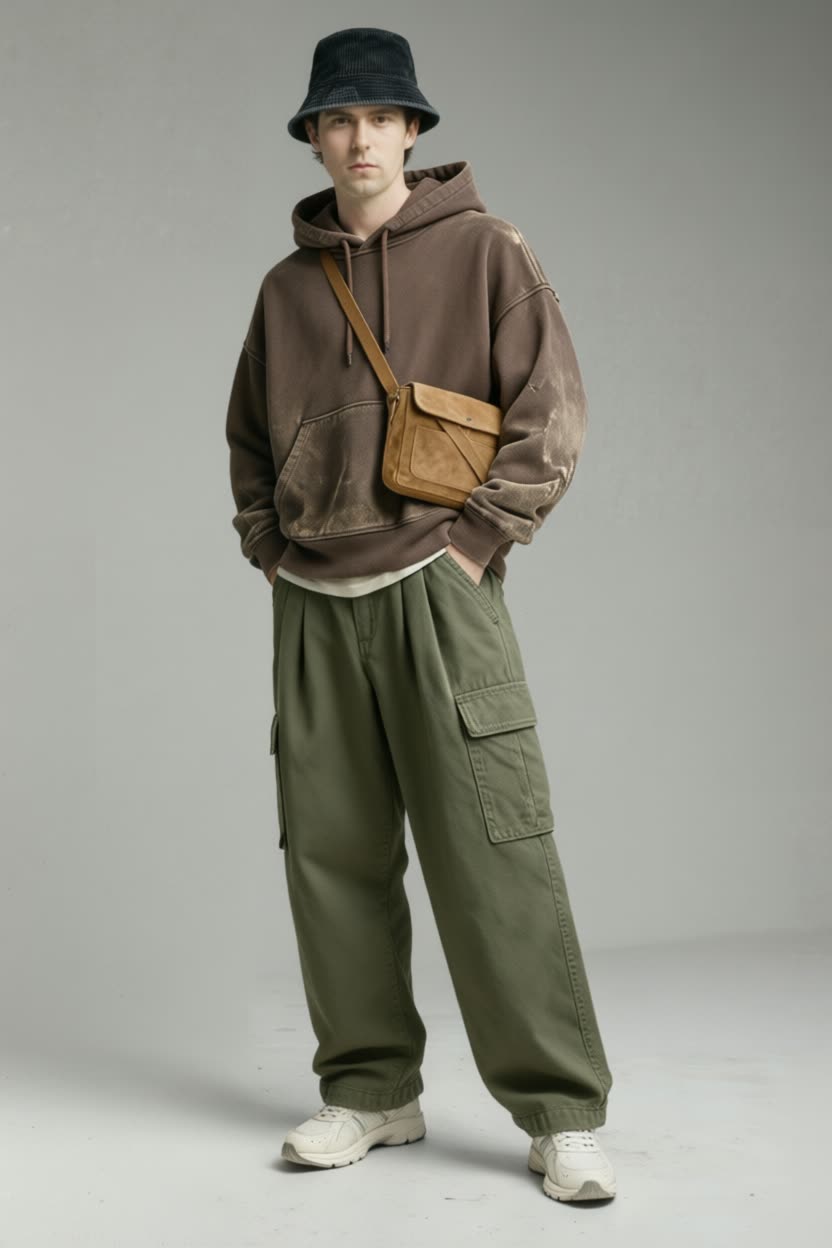

Clothes Changer is a virtual try-on workflow that swaps the clothing in a character photo with a reference outfit image. It connects two LoadImage nodes (one for your character, one for the outfit) into a custom Clothes Changer node (a41effc1-fe4c-4b79-a70d-9b7388ef6a23), then saves the result with a SaveImage node. The workflow is compact and direct: LoadImage → Clothes Changer (a41effc1-...) → SaveImage, so you can go from inputs to an output render in a single pass.
Technically, the Clothes Changer node takes the person/character image and the outfit reference, aligns the garment to the subject’s pose, and composites it while preserving facial features, hair, and body structure. Common steps inside this kind of node include detecting clothing regions, pose-aware alignment/warping, and clean blending to avoid artifacts around edges. Because everything runs inside ComfyUI, you can iterate quickly by swapping inputs, adjusting the node’s settings (if exposed in your build), and re-queuing to refine fit, coverage, and output size.
API
Use this workflow from code
Every Comfy workflow is a JSON graph. The payload below is this workflow, exactly as ComfyUI runs it — fetch it from the URL, keep it in version control, or load it in ComfyUI and run it node by node.
Run it from TypeScript or Python with the Comfy SDK. The same code targets Comfy Cloud or a ComfyUI you host yourself — only the base URL changes.
// Install (beta)
npm i @comfyorg/sdk

// Run this workflow (TypeScript)
import { Comfy } from "@comfyorg/sdk";

const client = new Comfy({ apiKey: "comfyui-..." });
const wf = await client.workflows.fromFile("workflow_api.json");
const job = await client.run(wf);
await job.getOutputs("<output-node-id>")[0].toFile("output.png");
The SDK takes a workflow in API format: open this workflow in ComfyUI and use File → Export Workflow (API).
Comfy Cloud API access requires a plan with an API key.
FAQ


















