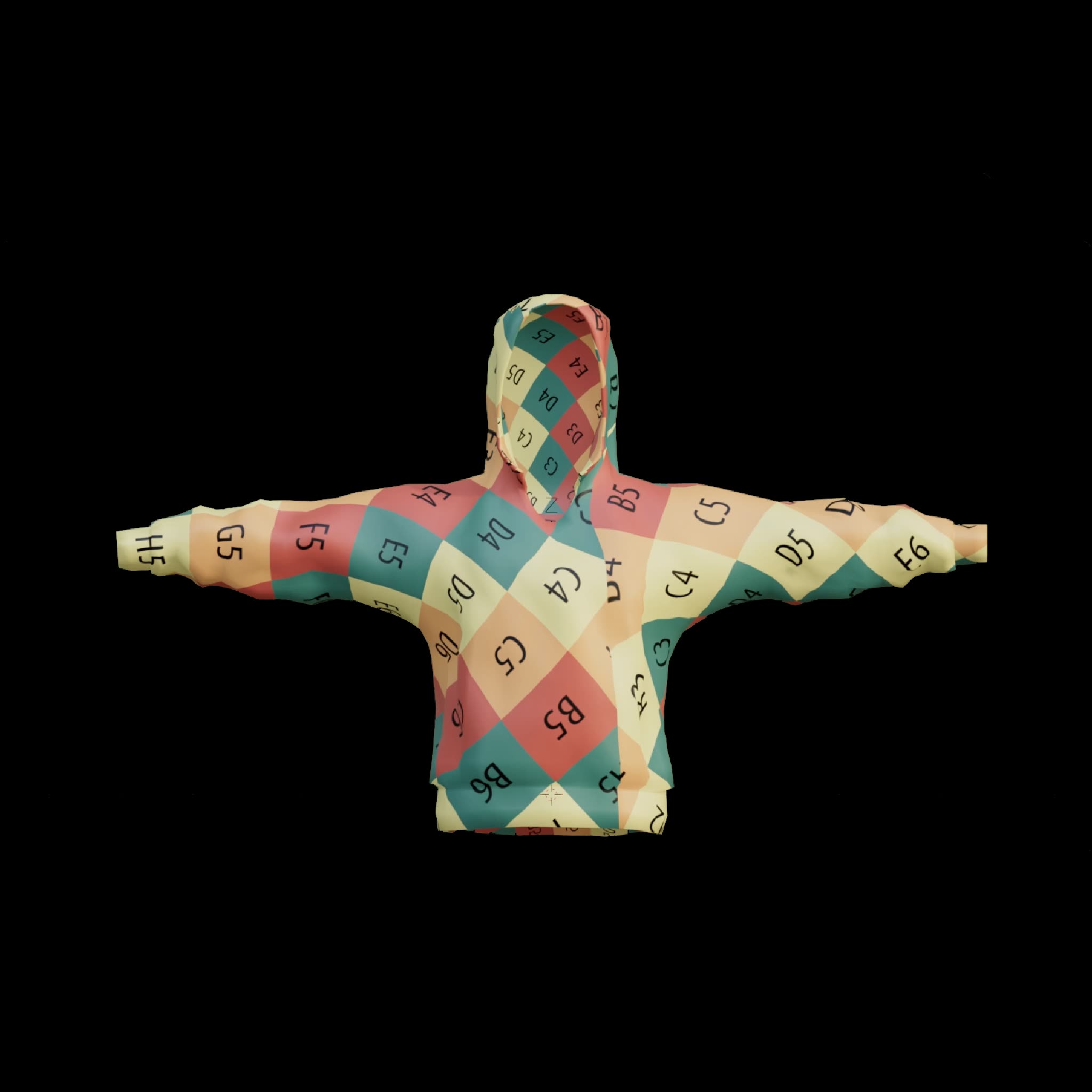
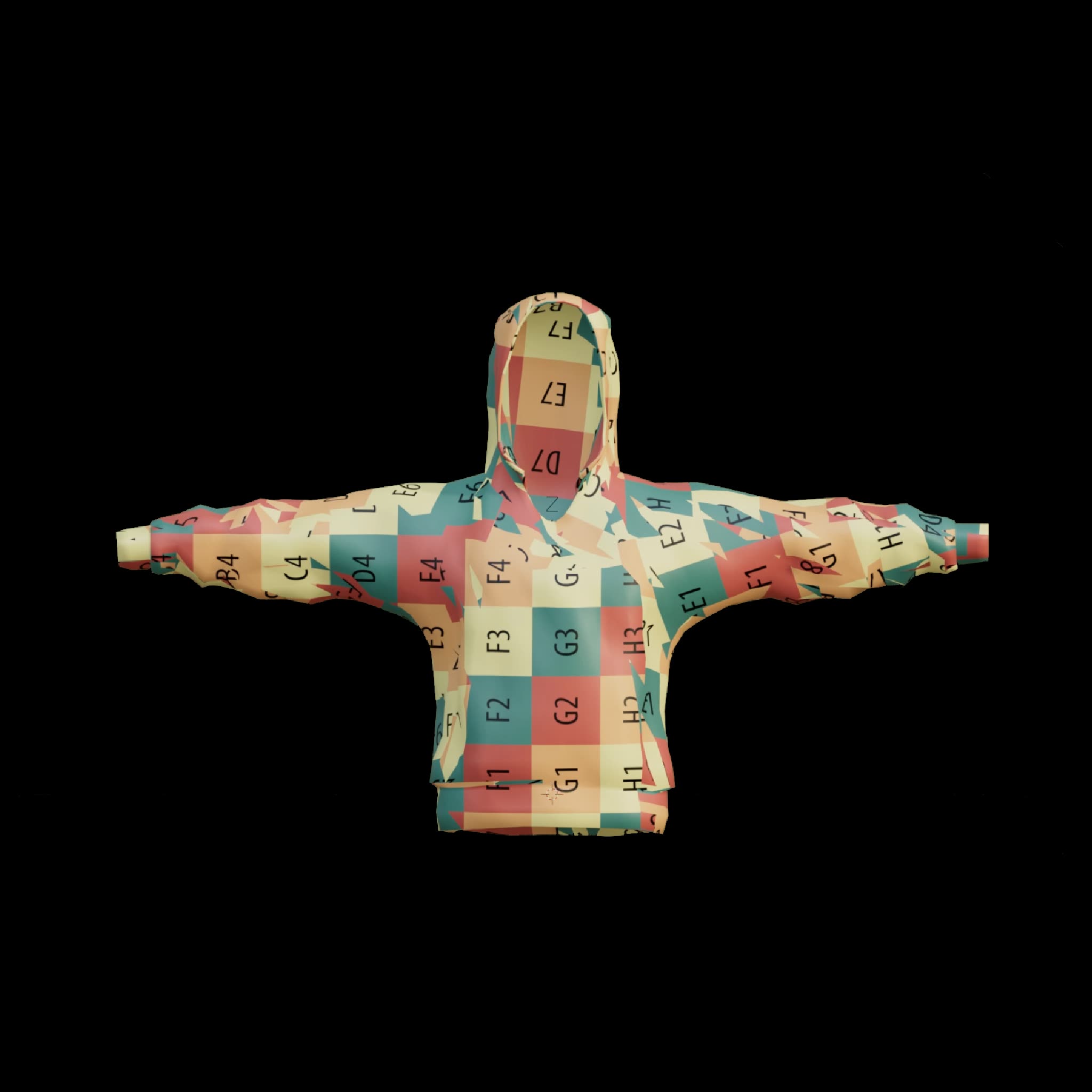
The HY 3D: UV Unwrapping workflow is designed to streamline the process of UV unwrapping for 3D models, making it easier for artists and developers to prepare models for texturing. This workflow leverages the Hunyuan3D model to efficiently generate an optimized UV layout, which is crucial for applying textures accurately and without distortion. By using a series of specialized nodes, including Load3D, TencentModelTo3DUVNode, and SaveGLB, the workflow ensures that the input model is processed and outputted with a clean and usable UV map.
Technically, the process begins with the Load3D node, which supports popular 3D formats such as FBX, OBJ, and GLB. The model is then passed through the TencentModelTo3DUVNode, where the UV unwrapping is performed using advanced algorithms provided by the Hunyuan3D model. Finally, the SaveGLB node outputs the processed model in GLB format, ready for further texturing or integration into 3D applications. This workflow is particularly useful for models with less than 30,000 faces, ensuring efficient processing and high-quality results.
API
Use this workflow from code
Every Comfy workflow is a JSON graph. The payload below is this workflow, exactly as ComfyUI runs it — fetch it from the URL, keep it in version control, or load it in ComfyUI and run it node by node.
Run it from TypeScript or Python with the Comfy SDK. The same code targets Comfy Cloud or a ComfyUI you host yourself — only the base URL changes.
// Install (beta)
npm i @comfyorg/sdk

// Run "HY 3D: UV Unwrapping" (TypeScript)
import { Comfy } from "@comfyorg/sdk";

const client = new Comfy({ apiKey: "comfyui-..." });

// This workflow, exported in API format (see note below)
const wf = await client.workflows.fromFile("api_hunyuan3d_model2uv_api.json");

const job = await client.run(wf);
await job.getOutputs("15")[0].toFile("output.png");  // SaveGLB
The SDK takes a workflow in API format: open this workflow in ComfyUI and use File → Export Workflow (API).
Comfy Cloud API access requires a plan with an API key.
FAQ


















